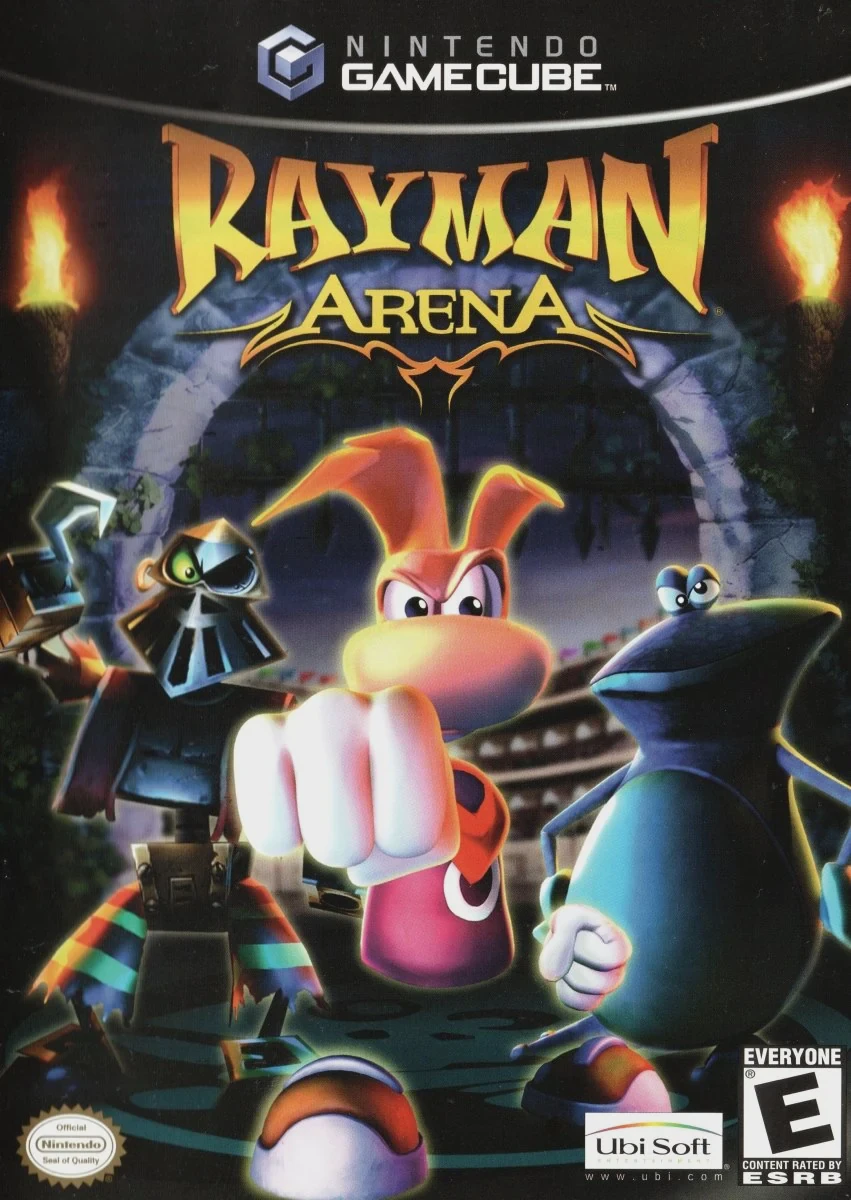
Rayman Arena
Rayman Arena (known as Rayman M in Europe) is a fast-pace...

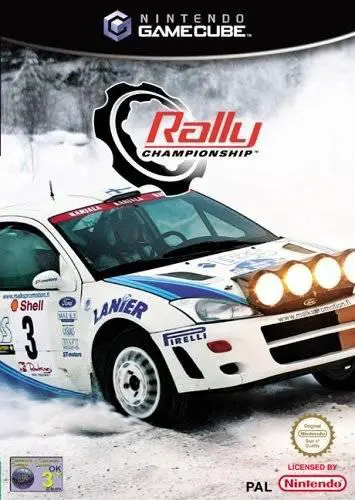
Rally Championship brings authentic, technical stage racing to the Nintendo GameCube. Released in early 2003, the title was developed by British studio Warthog Games, aiming to deliver a grounded driving simulator that emphasizes vehicle physics, surface grip, and co-driver pace notes over arcade-style mechanics.
The core experience revolves around the Championship Mode, where players compete across multi-stage rallies situated in diverse global environments, including the mud-slicked forests of Wales, frozen tracks of Finland, and dust-filled gravel roads of Kenya. Players must carefully listen to their co-driver's pace-note calls to navigate tight hairpins, blind crests, and narrow bridges. Between stages, players enter service parks to repair mechanical damage—such as broken suspension, engine overheating, or damaged transmission—within strict time limits before heading back onto the track.
The game features officially licensed rally vehicles from top manufacturers, including iconic cars like the Subaru Impreza WRC, Mitsubishi Lancer Evolution, Ford Focus RS WRC, and Peugeot 206 WRC. With realistic car deformation physics, dynamic weather cycles, night racing stages, and 4-player split-screen multiplayer modes, Rally Championship delivers a deep and rewarding simulation for simulation fans on the console.
Developer: Warthog Games
Publisher: BAM! Entertainment / Science Fiction Games
Platform: Nintendo GameCube
Genre: Racing / Rally Simulation
Release Date: February 11, 2003 (North America), May 16, 2003 (Europe)
Modes: Single-player, Up to 4-Player Local Multiplayer
Media: GameCube Optical Disc
Grounded Driving Physics: Experience realistic vehicle handling dynamics influenced by tire wear, surface conditions (snow, ice, gravel, tarmac), and weight distribution.
Licensed Real-World Cars: Drive iconic rally vehicles including the Subaru Impreza WRC, Mitsubishi Lancer Evo, Ford Focus WRC, and Peugeot 206 WRC.
Service Park Maintenance: Strategically repair engine, body, and suspension damage between racing stages within strict time allocations.
Dynamic Weather & Environments: Navigate hazardous weather conditions including heavy rain, dense fog, snowstorms, and night-time stages using headlights.
4-Player Local Multiplayer: Challenge friends in multi-car head-to-head split-screen races or traditional timed arcade challenge modes.
A: Yes, Rally Championship was released for the Nintendo GameCube in early 2003, offering both single-player championship campaigns and 4-player split-screen modes.
A: Yes, hearing and reacting to your co-driver’s audio calls for upcoming turns, crests, and hazards is essential for maintaining top speeds without crashing.
A: Yes, the game features realistic damage modeling affecting both cosmetic appearance and mechanical performance, requiring players to manage repairs in service parks between stages.
A: Yes, the Nintendo GameCube version runs smoothly on the Dolphin emulator, supporting 60 FPS performance, high-definition internal scaling, widescreen display options, and modern steering wheel or gamepad setups.
Click the links below to go to the cloud drive download page
⚠️ Download Tips:
Rayman Arena (known as Rayman M in Europe) is a fast-pace...
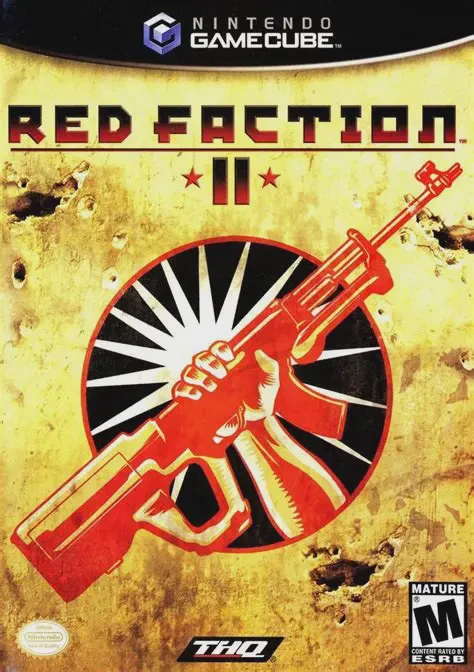
Red Faction II is an action-packed sci-fi first-person sh...
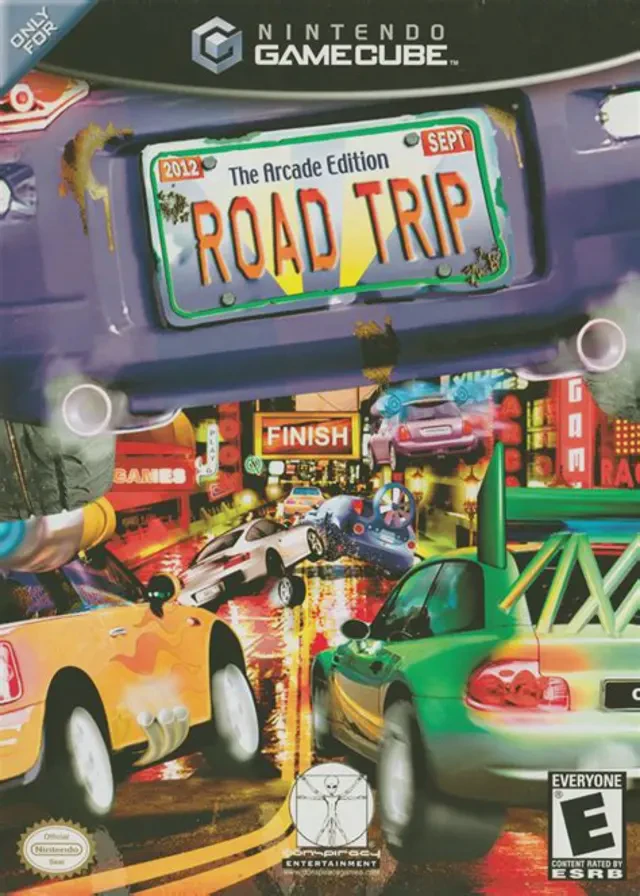
Road Trip: The Arcade Edition (known in Europe as Road Tr...
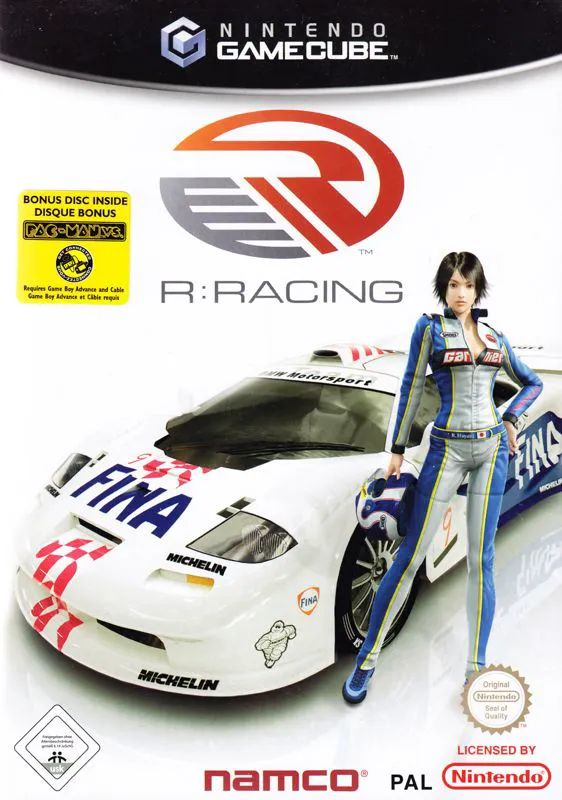
R-Racing Evolution is a realistic motorsport racing game ...
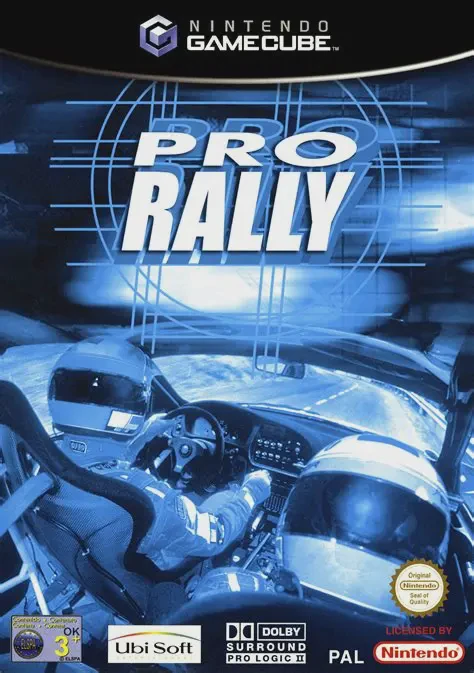
Pro Rally 2002 (known in Europe simply as Pro Rally) is a...