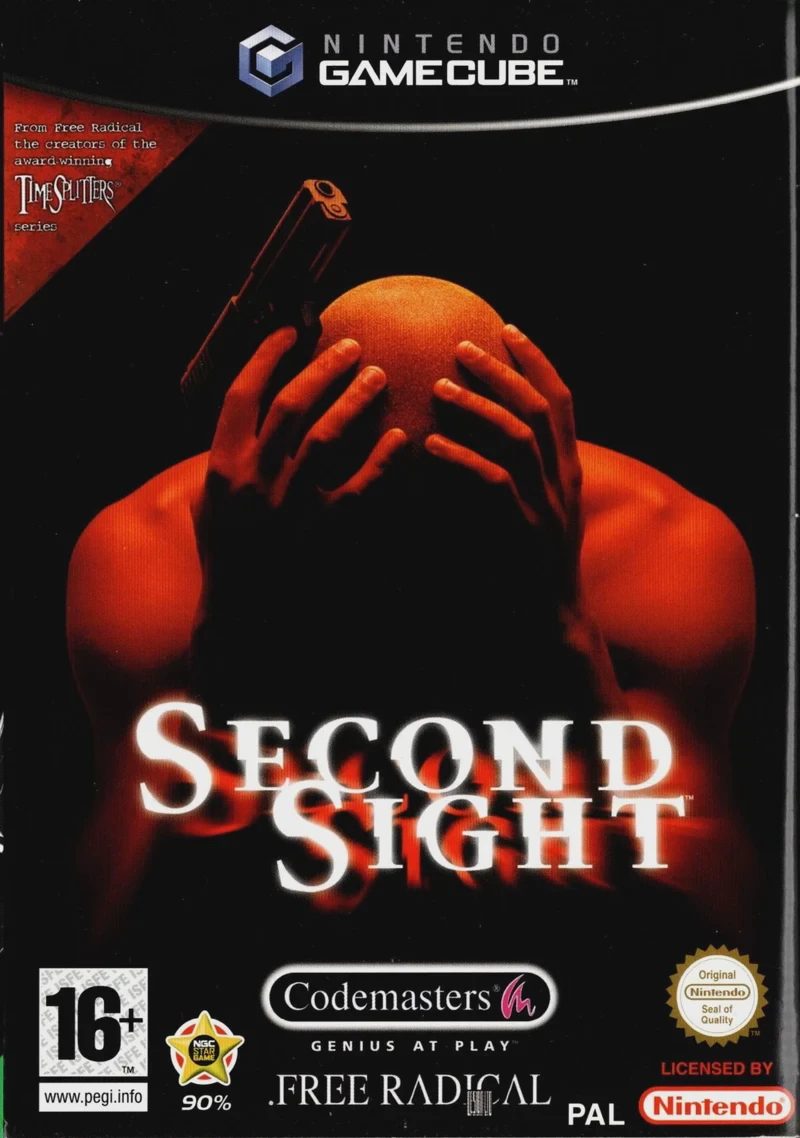
Second Sight
Second Sight is a gripping psychological action-adventure...

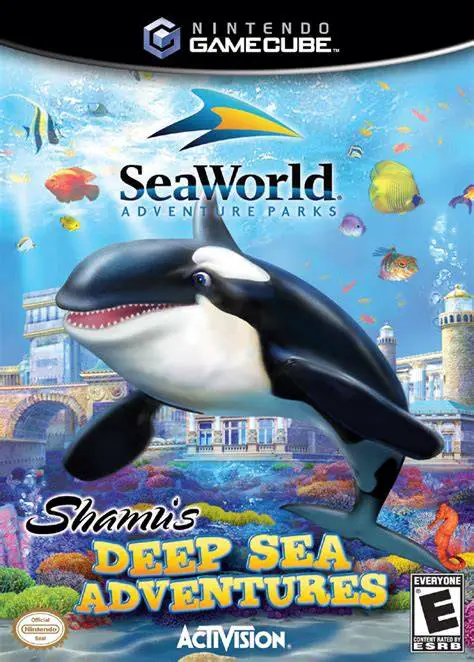
SeaWorld Adventure Parks: Shamu's Deep Sea Adventures brings the world's most famous killer whale to life in an aquatic action-adventure designed for young players and families. Released in late 2005 for the Nintendo GameCube, the title was developed by Fun Labs and published by Activision as an officially licensed SeaWorld video game.
The game's narrative follows Shamu and her manatee friend, Horacio, as they uncover a plot by Poseidon, the Greek god of the sea, to submerge and destroy the SeaWorld theme park in order to raise the lost city of Atlantis. To restore order and protect SeaWorld, players must guide Shamu across 20 diverse underwater levels spanning eight unique environments, including deep ocean trenches, volcanic vents, and ancient sunken ruins.
Gameplay revolves around 3D side-scrolling navigation, requiring players to monitor Shamu's oxygen and health meters while swimming through hazardous waters. Shamu can execute signature "Animal Behaviors"—special moves such as sonic waves, tail slaps, and heavy rams—to break obstacles, solve environmental puzzles, and battle sea monsters like the Kraken and giant octopus. Along the journey, collecting krill, oxygen bubbles, and ancient relics helps sustain Shamu, while hidden park collectibles unlock exclusive real-life photos of SeaWorld San Diego in the game's bonus menu.
Developer: Fun Labs
Publisher: Activision
Platform: Nintendo GameCube
Genre: Action-Adventure / Aquatic
Release Date: November 1, 2005 (North America), March 16, 2006 (Europe)
Modes: Single-player
Media: GameCube Optical Disc
Play as Shamu: Command the legendary SeaWorld orca as she swims, dives, and explores vast underwater environments to save her marine park home.
Story-Driven Campaign: Experience a 20-level adventure across 8 distinct oceanic settings, culminating in a showdown with Poseidon and the Kraken.
Unique Animal Behaviors: Unlock and utilize powerful orca abilities like sonic blasts, tail flips, and charge attacks to solve puzzles and defeat foes.
Resource Management Mechanics: Keep Shamu healthy and active by collecting krill bubbles to replenish health and air bubbles to maintain oxygen levels.
Unlockable Real-World Content: Discover hidden SeaWorld collectibles throughout levels to unlock real-life park photography and bonus media.
A: It is an aquatic action-adventure game where players control Shamu the killer whale, exploring underwater levels, solving puzzles, and battling sea creatures.
A: Yes, the game features an ESRB "E for Everyone" rating with bright visuals, straightforward mechanics, and family-friendly gameplay tailored for children and casual gamers.
A: The campaign contains 20 levels across 8 environments, featuring boss battles against mythic creatures such as the Kraken, a giant octopus, and Poseidon.
A: Yes, the Nintendo GameCube version runs smoothly on modern PCs using the Dolphin emulator, supporting full widescreen display, high-definition internal scaling, and custom gamepad configurations.
Click the links below to go to the cloud drive download page
⚠️ Download Tips:
Second Sight is a gripping psychological action-adventure...
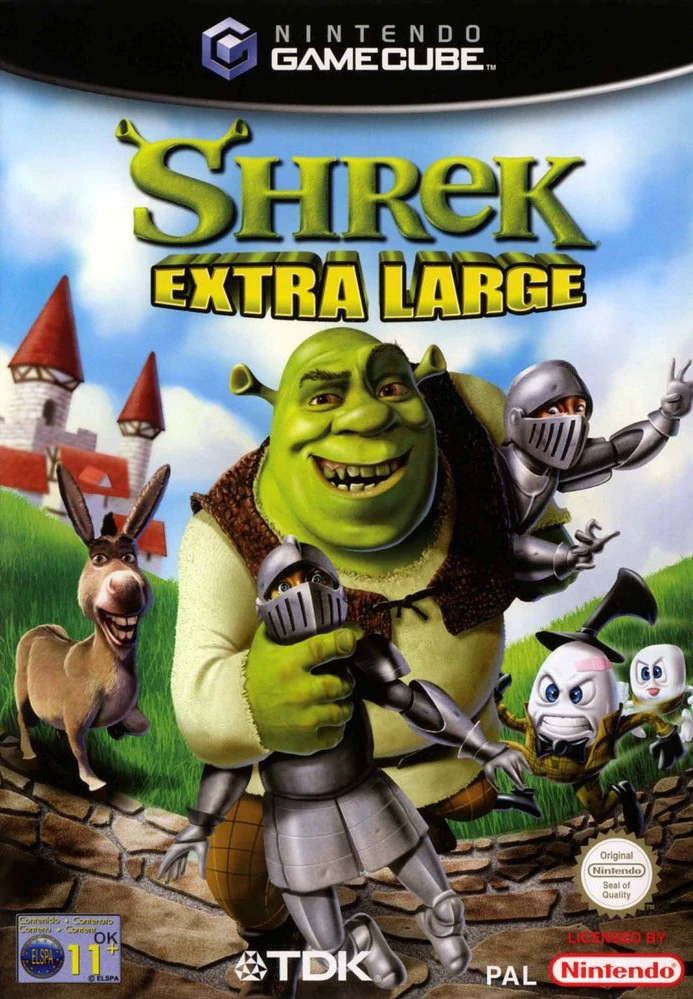
Shrek Extra Large is an action-adventure 3D platformer de...
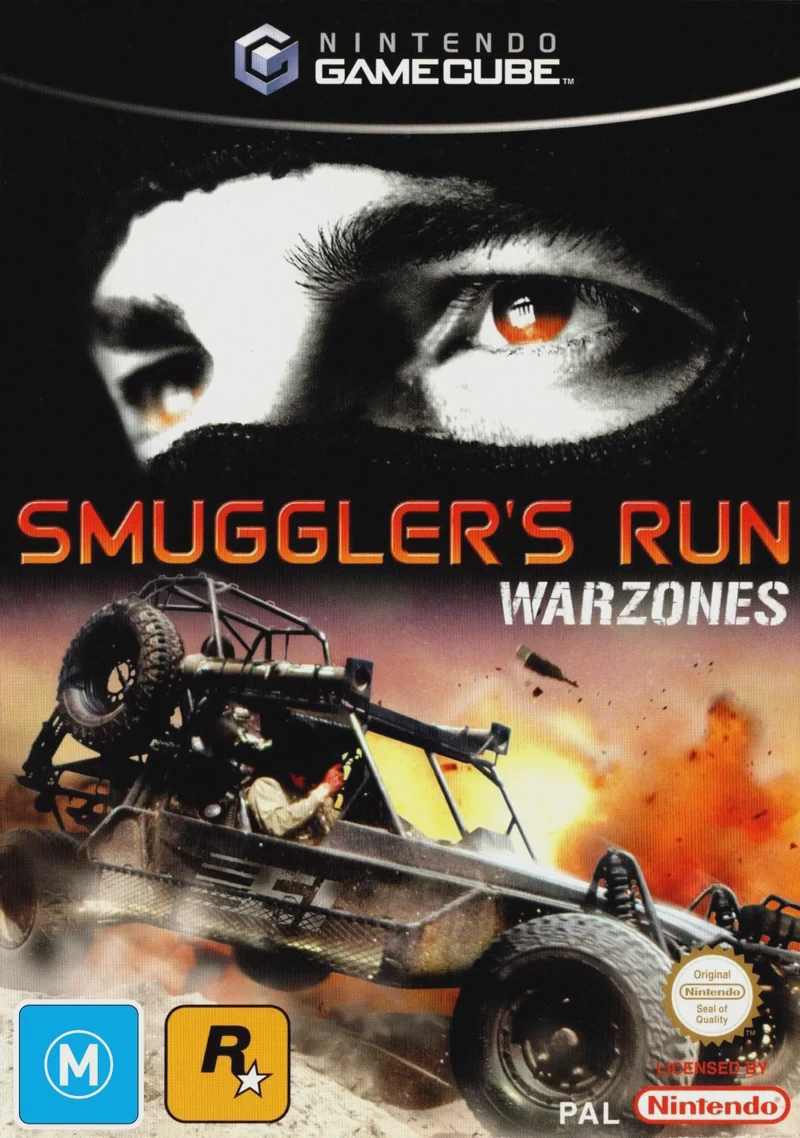
Smuggler's Run: Warzones is an open-world vehicular actio...
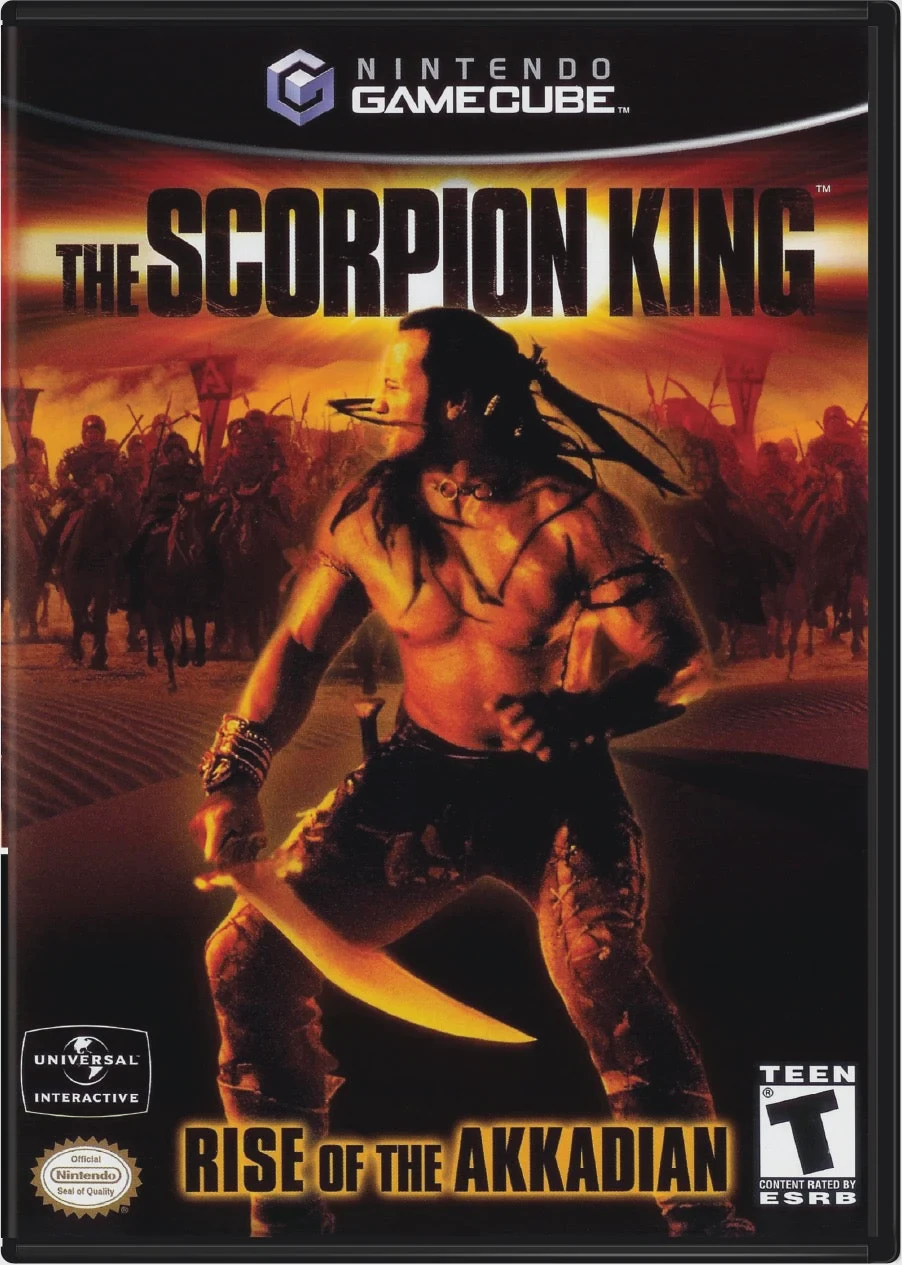
The Scorpion King: Rise of the Akkadian is an action-adve...
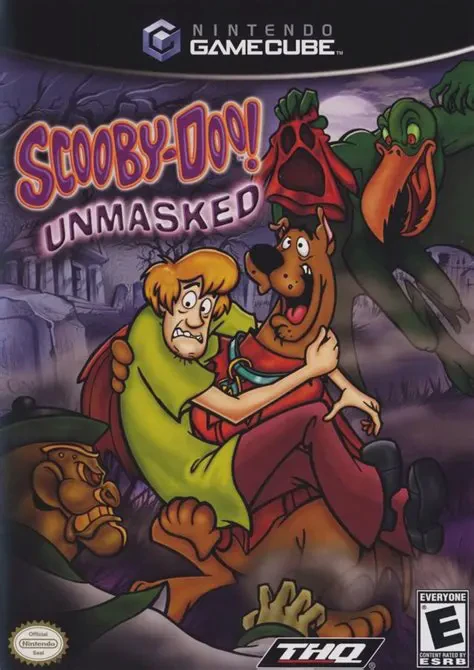
Scooby-Doo! Unmasked is a 3D platforming action-adventure...