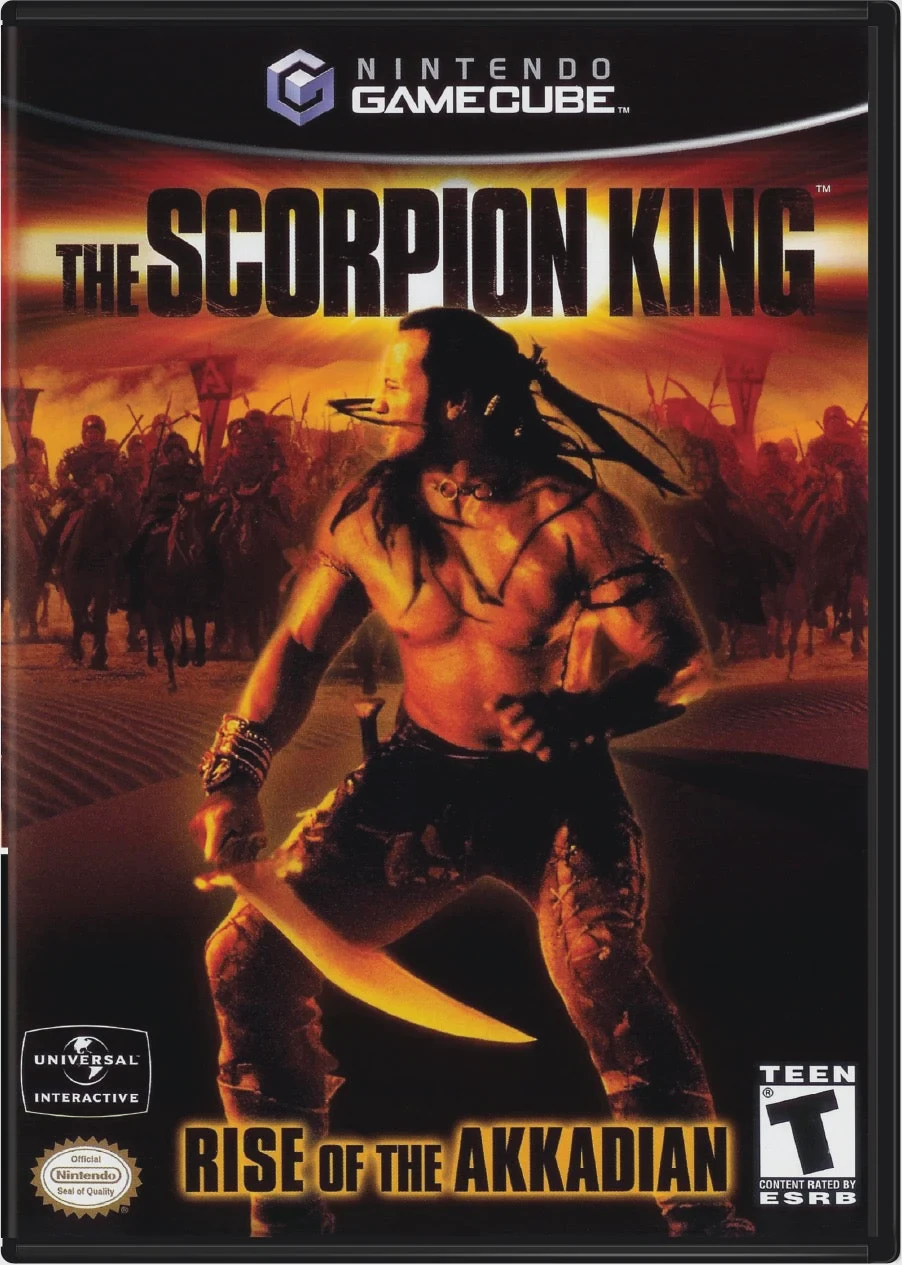
The Scorpion King: Rise o...
The Scorpion King: Rise of the Akkadian is an action-adve...

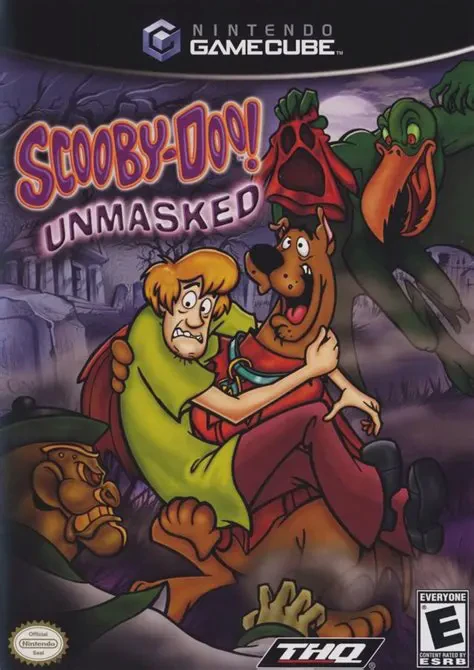
Scooby-Doo! Unmasked brings the beloved cartoon mystery-solving gang into a vibrant 3D platforming adventure. Released in late 2005 for the Nintendo GameCube, the game was developed by Artificial Mind and Movement and published by THQ, capturing the signature humor and spooky atmosphere of the classic Hanna-Barbera animated franchise.
The story revolves around Fred, Daphne, Velma, Shaggy, and Scooby-Doo as they visit their cousin Mike, a special effects master working at the prestigious J.P. Webster Museum in Chinatown, New York City. However, chaos ensues when the museum's prized exhibits—costumes based on ancient Japanese folklore—mysteriously spring to life, kidnapping Mike and terrorizing the city. The gang must split up to investigate clues, interview suspects, and track down the culprits behind the mask.
Gameplay primarily focuses on controlling Shaggy and Scooby as they explore sprawling 3D environments, collect clues, and solve platforming puzzles. Players can unlock and equip special magical costumes that grant unique abilities, such as a kung-fu suit for combat or a glider suit for traversing chasms. Combat involves taking on various ghost and monster minions using slapstick moves and environmental traps. Featuring voice acting from the original animated series cast and plenty of hidden collectibles, the game delivers an entertaining experience for fans of all ages.
Developer: Artificial Mind and Movement
Publisher: THQ
Platform: Nintendo GameCube
Genre: Action-Adventure / 3D Platformer
Release Date: September 13, 2005 (North America), September 30, 2005 (Europe)
Modes: Single-player
Media: GameCube Optical Disc
Authentic Voice Cast: Enjoy genuine voice performances from the classic cartoon series cast, bringing true-to-life charm and humor to the characters.
Costume Power-Ups: Unlock and equip unique supernatural costumes—such as the Kung-Fu suit, Copter suit, and Strength suit—to access new areas and defeat enemies.
Classic Mystery Investigation: Search through spooky environments, gather clues, and unmask classic-style monsters in true Mystery Inc. fashion.
Diverse 3D Environments: Explore multiple detailed worlds, including the New York City museum, Chinatown rooftops, a creepy theme park, and ancient theater sets.
Family-Friendly Platforming: Experience accessible, lighthearted gameplay packed with collectibles, puzzles, and slapstick comedy suitable for all ages.
A: It is a 3D platforming action-adventure game where players control Shaggy and Scooby to solve puzzles, defeat monsters, and collect clues.
A: While Shaggy and Scooby serve as the primary playable characters for exploration and combat, Fred, Daphne, and Velma play key roles in the story and help drive the investigation.
A: Yes, players can unlock special magical costumes throughout the game that grant abilities like martial arts combat, gliding, and super strength.
A: Yes, the Nintendo GameCube version runs exceptionally well on the Dolphin emulator, supporting modern enhancements like custom widescreen aspect ratios, HD texture scaling, and gamepad configuration.
Click the links below to go to the cloud drive download page
⚠️ Download Tips:
The Scorpion King: Rise of the Akkadian is an action-adve...

SeaWorld Adventure Parks: Shamu's Deep Sea Adventures is ...
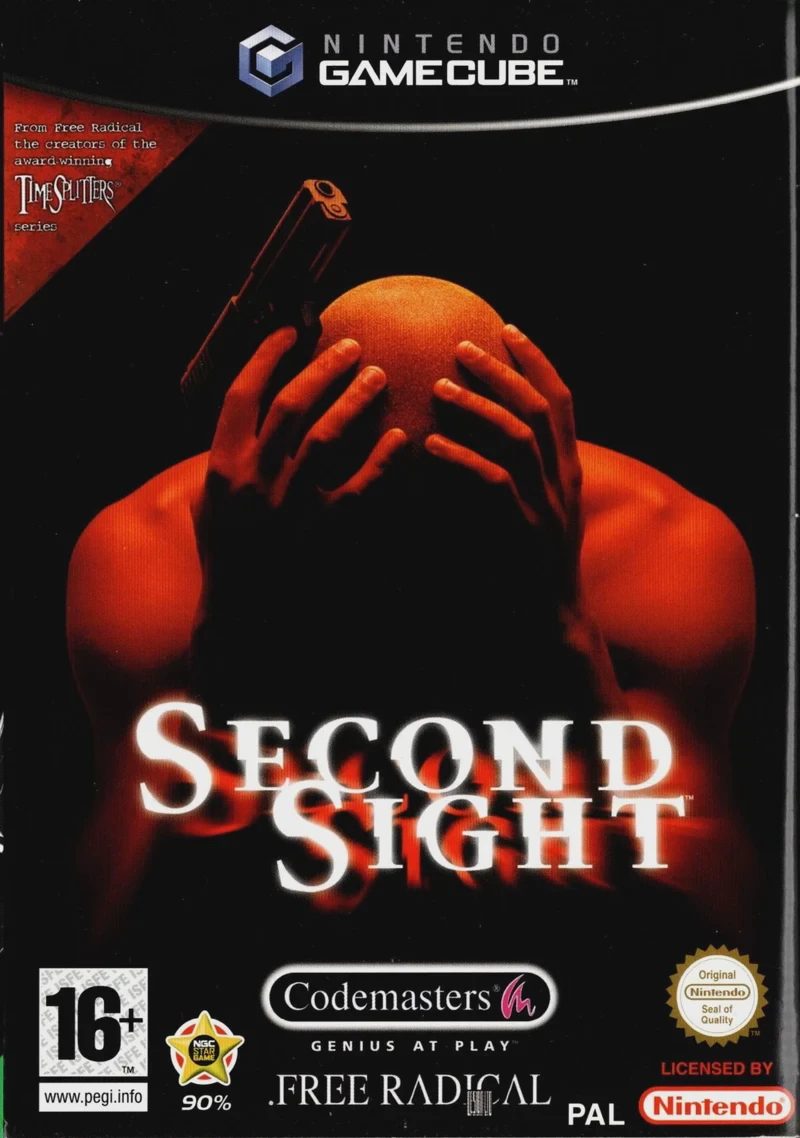
Second Sight is a gripping psychological action-adventure...
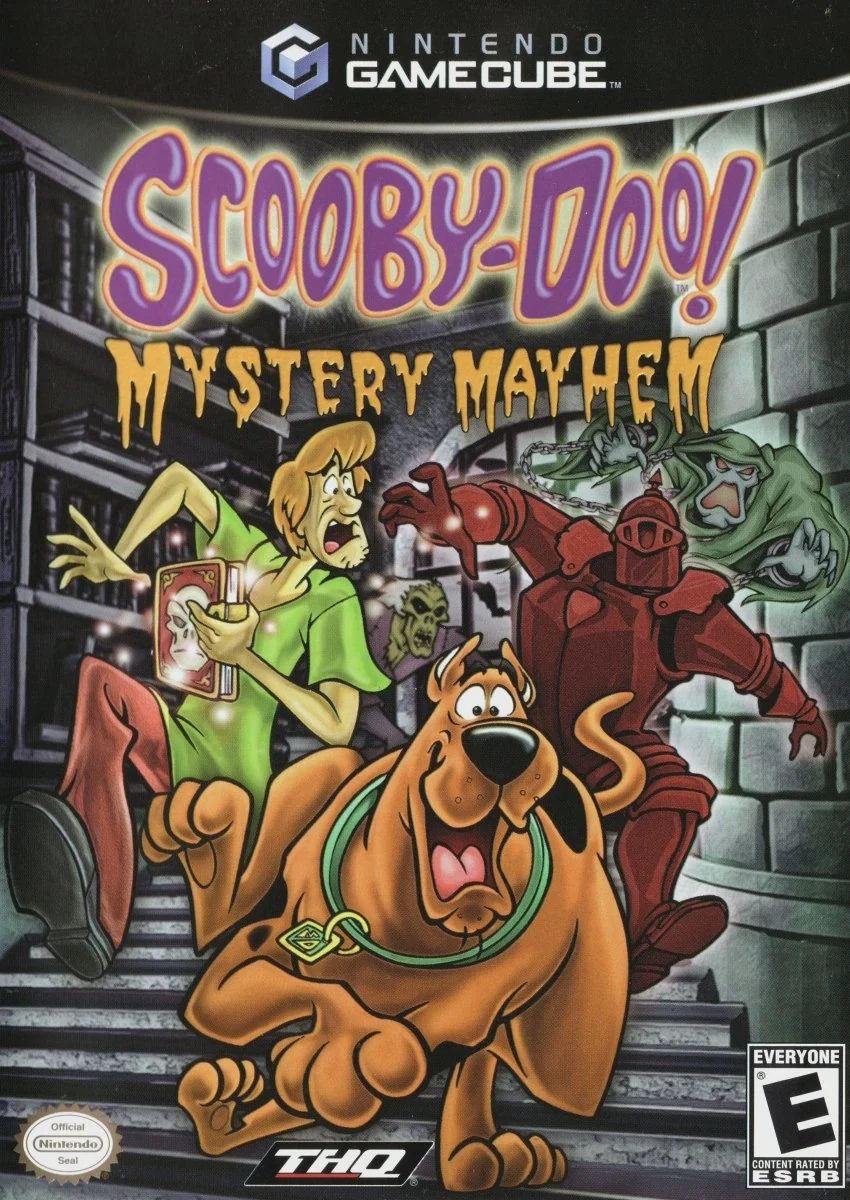
Scooby-Doo! Mystery Mayhem is an action-adventure platfor...
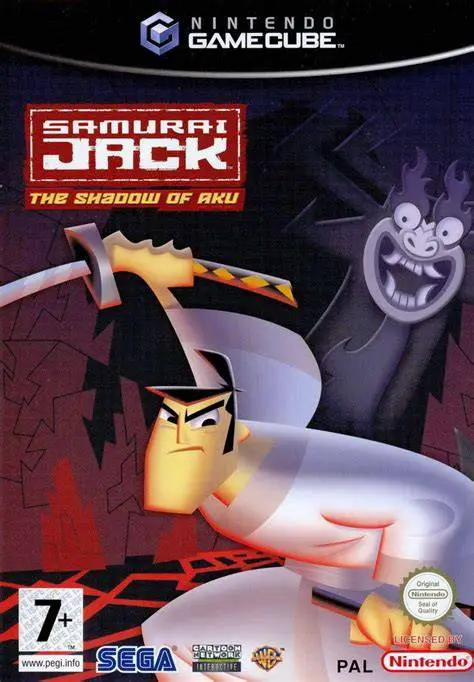
Samurai Jack: The Shadow of Aku is an action-adventure ha...