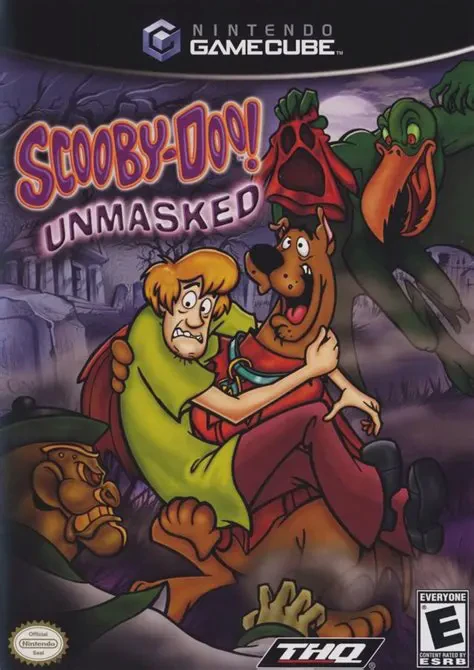
Scooby-Doo! Unmasked
Scooby-Doo! Unmasked is a 3D platforming action-adventure...

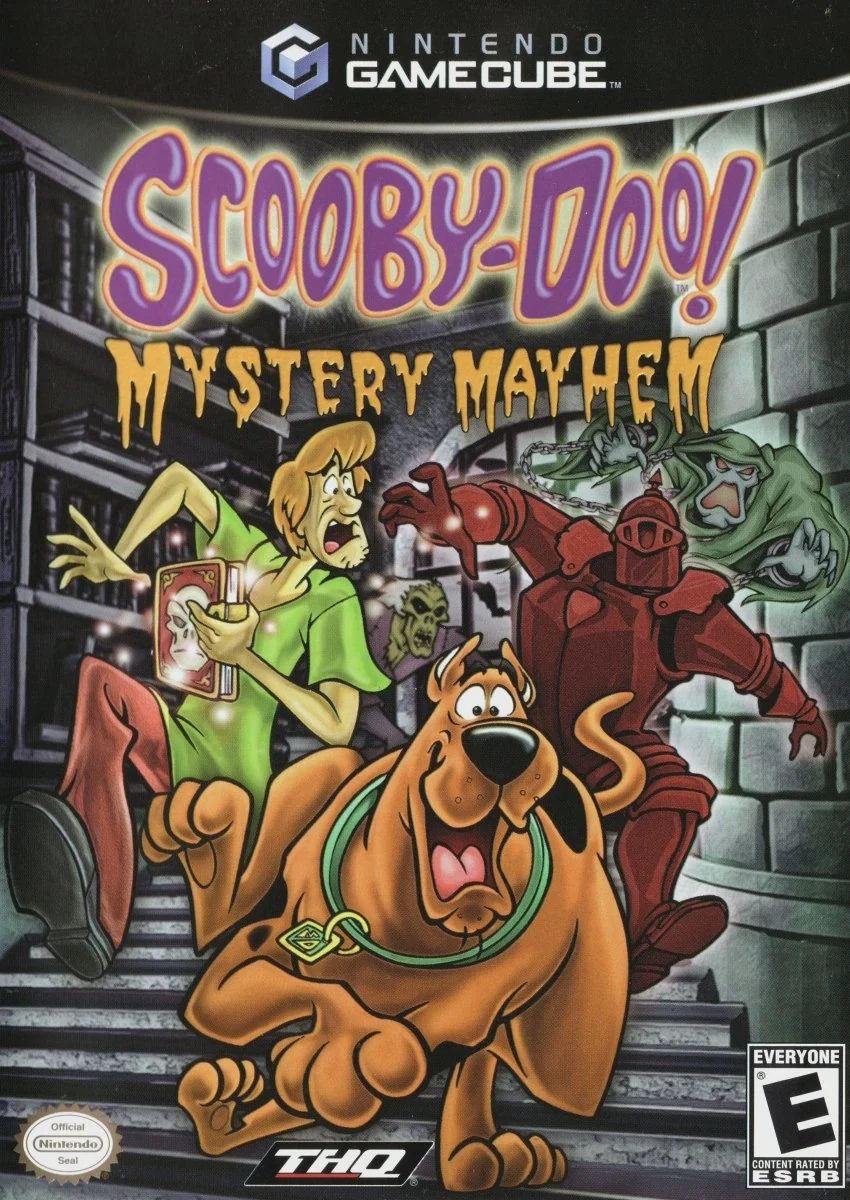
Scooby-Doo! Mystery Mayhem brings classic mystery-solving fun to the Nintendo GameCube in a story-driven 3D action-adventure. Released in early 2004, the game was developed by Artificial Mind and Movement (A2M) and published by THQ, continuing the popular series of console titles based on the legendary Hanna-Barbera cartoon franchise.
The story begins when Shaggy and Scooby inadvertently come across the "Tome of Doom," a mysterious magical book capable of trapping runaway ghosts and monsters. Meanwhile, a shadowy antagonist uses a duplicate book to unleash chaotic spirits across multiple locations. To rescue Fred, Velma, and Daphne, who continually fall into traps, Scooby and Shaggy must journey across five distinct episodic cases—ranging from a haunted film studio and a dusty ghost town to an eerie ocean liner and a high-tech science laboratory.
Gameplay revolves around swapping between Scooby and Shaggy to utilize their complementary skills. Players explore detailed levels, collect clues, solve environmental puzzles, and manage a "Cool Meter" that acts as the duo's sanity and health bar. When encountering ghosts, players use the Tome of Doom in a timing-based mini-game to trap spirits inside the book's pages. With authentic voice acting, humorous cutscenes, and accessible mechanics, Mystery Mayhem offers a delightful retro experience for players of all ages.
Developer: Artificial Mind and Movement (A2M)
Publisher: THQ
Platform: Nintendo GameCube
Genre: Action-Adventure / 3D Platformer
Release Date: March 2, 2004 (North America), March 26, 2004 (Europe)
Modes: Single-player
Media: GameCube Optical Disc
Dual-Character Gameplay: Switch between Scooby-Doo and Shaggy on the fly, utilizing each character's specific traits to solve puzzles and navigate hazards.
Tome of Doom Mechanics: Capture rogue ghosts and monsters by wielding the magical Tome of Doom through engaging, timing-based trapping mini-games.
Episodic Narrative Structure: Play through five distinct, TV episode-style chapters set in locations like haunted film sets, wild west ghost towns, and research labs.
Cool Meter Health System: Keep Shaggy and Scooby brave by avoiding frights, maintaining their "Cool Meter," and finding Scooby Snacks to restore health.
Authentic Series Audio: Enjoy official voice talents from the animated franchise along with classic sound effects and iconic slapstick humor.
A: Yes, the game was released on the Nintendo GameCube in March 2004 alongside PlayStation 2 and Xbox versions.
A: Players control both Scooby-Doo and Shaggy, switching between them to solve puzzles and capture ghosts throughout the levels.
A: Instead of using weapons, players capture ghosts by using the magical Tome of Doom, which initiates a button-matching mini-game to seal the spirits away.
A: Yes, the GameCube version runs seamlessly on modern systems via the Dolphin emulator, supporting native widescreen enhancements, custom gamepads, and high-definition rendering.
Click the links below to go to the cloud drive download page
⚠️ Download Tips:
Scooby-Doo! Unmasked is a 3D platforming action-adventure...
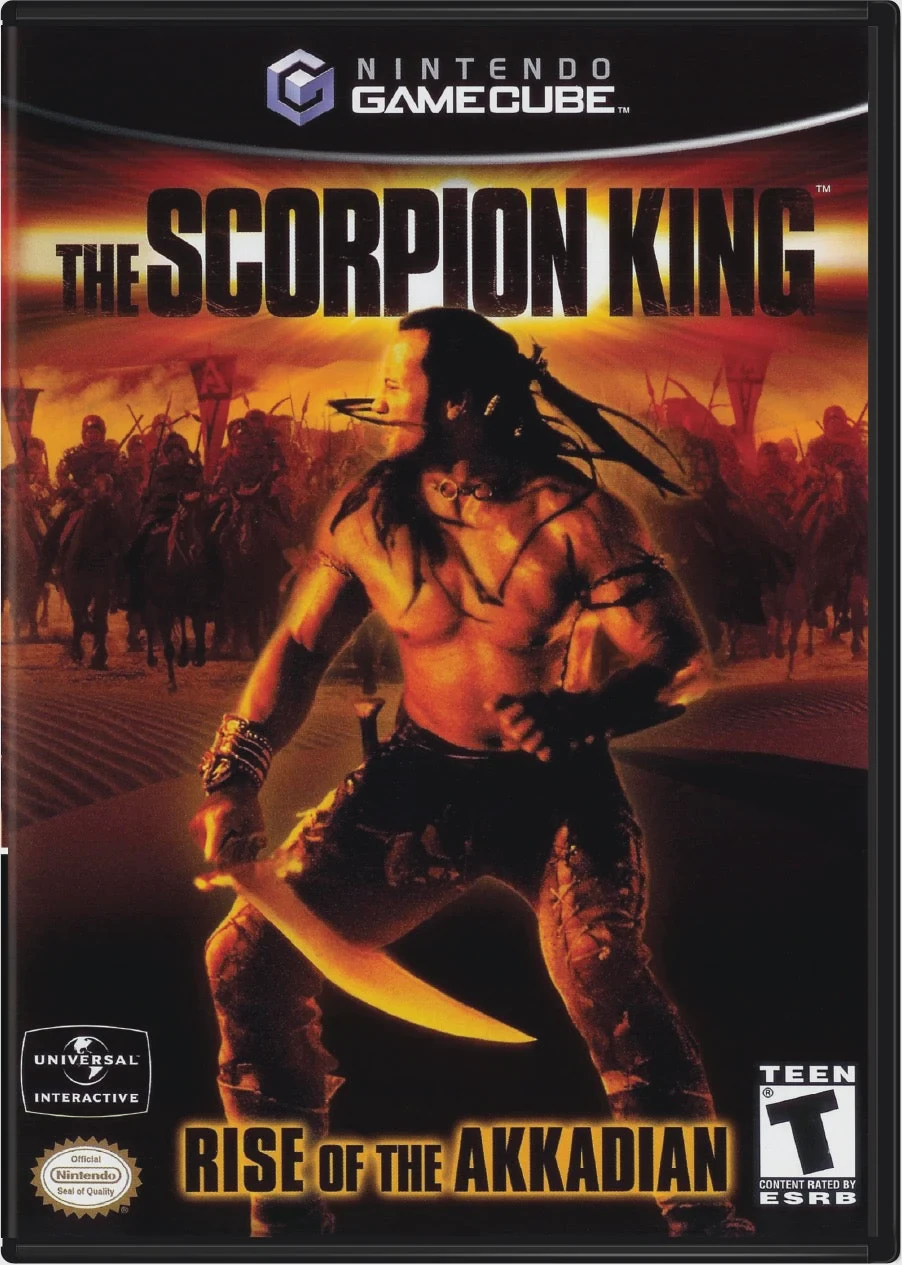
The Scorpion King: Rise of the Akkadian is an action-adve...

SeaWorld Adventure Parks: Shamu's Deep Sea Adventures is ...
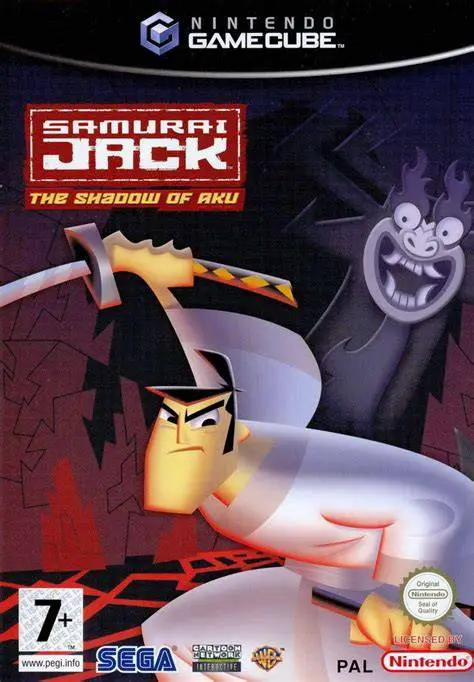
Samurai Jack: The Shadow of Aku is an action-adventure ha...
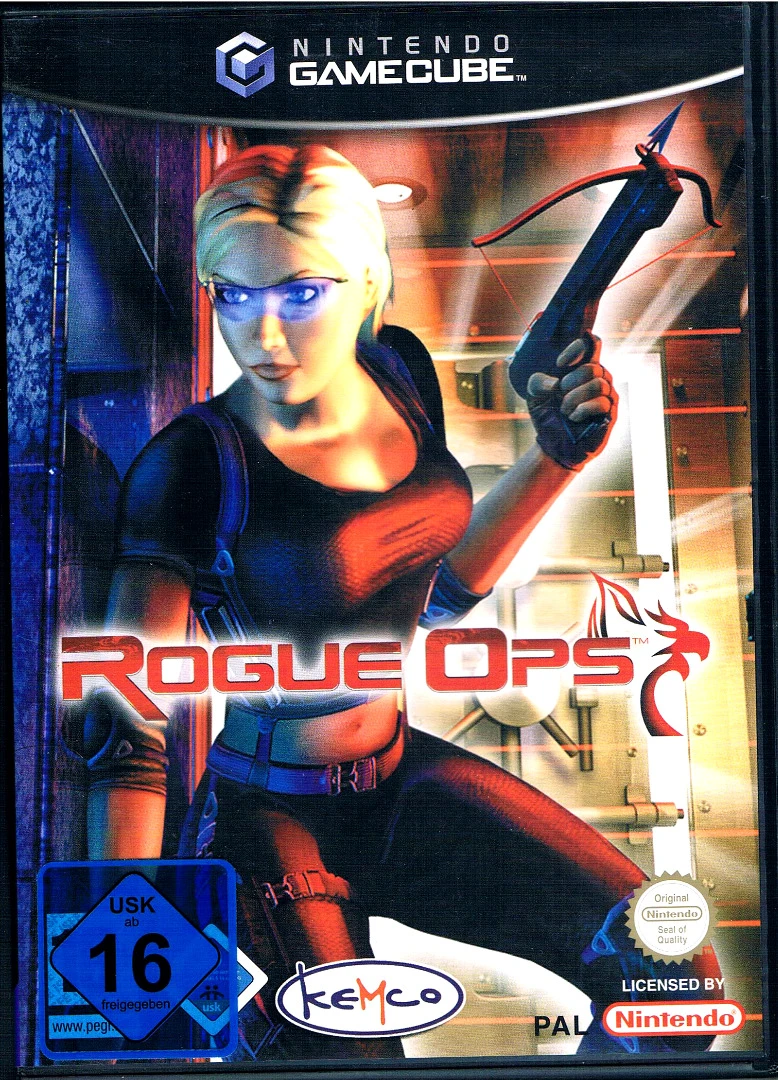
Rogue Ops is a stealth-action third-person shooter develo...