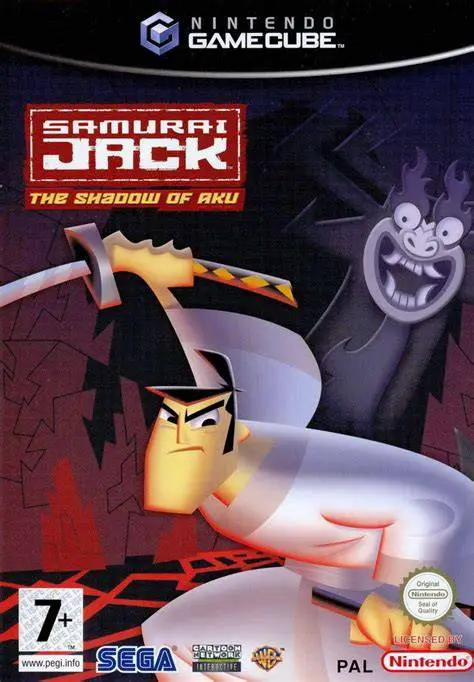
Samurai Jack: The Shadow ...
Samurai Jack: The Shadow of Aku is an action-adventure ha...

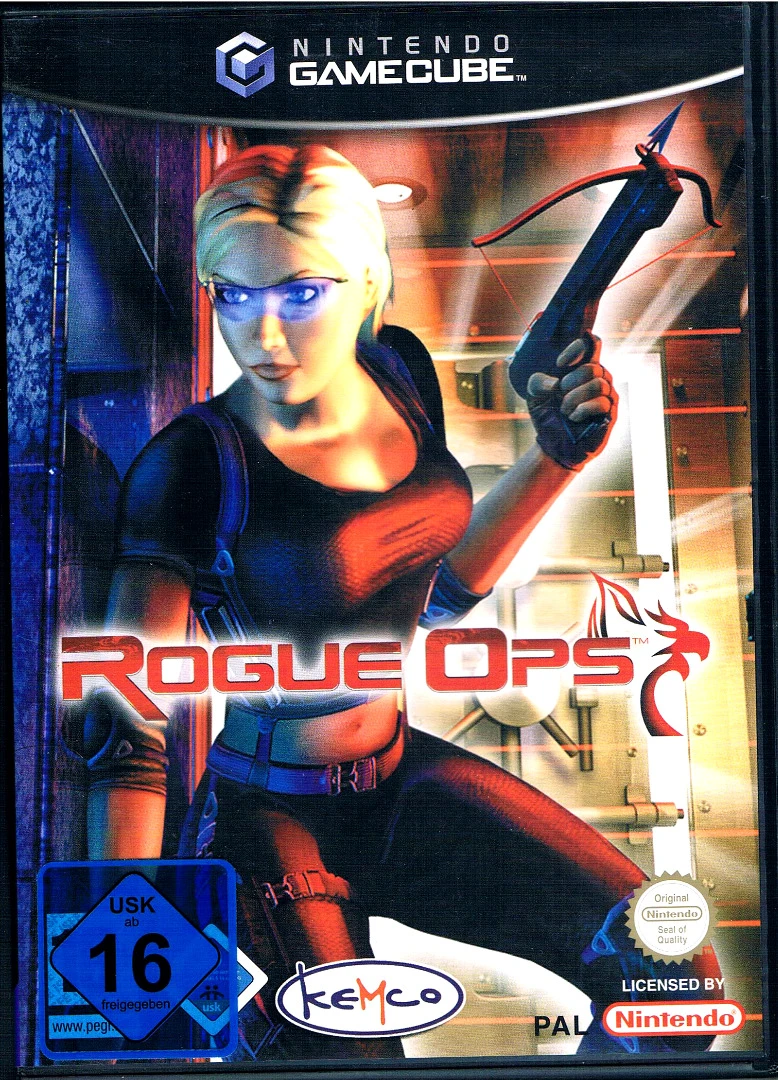
Rogue Ops is a tactical stealth-action game that combines espionage, martial arts, and gadget-based combat. Released for the Nintendo GameCube in late 2003, the title was developed by British studio Bits Studios and published by Kemco, aiming to deliver a mature, cinematic covert-operations story.
The narrative centers on Nikki Connors, a former Special Forces soldier who suffers a personal tragedy when her husband and daughter are killed in a terrorist bombing carried out by Omega, a secretive global mercenary organization. Recruited by Phoenix, an elite international counter-terrorism agency, Nikki undergoes rigorous training to become a lethal operative. Her mission takes her across international locations to sabotage Omega operations, collect intelligence, and exact vengeance on those responsible for destroying her life.
Gameplay places a heavy emphasis on covert movement, situational awareness, and stealthy takedowns. Players navigate complex environments using vision-enhancing thermal and night-vision goggles, adrenaline rushes for slow-motion precision targeting, and specialized tools like grappling hooks, remote sniper cameras, and adrenaline darts. While direct firefights are possible, stealth remains paramount; hiding bodies, avoiding surveillance systems, and executing silent hand-to-hand eliminations are essential to survival. With its atmospheric levels and focus on high-tech gadgetry, Rogue Ops delivers a solid stealth experience for GameCube enthusiasts.
Developer: Bits Studios
Publisher: Kemco
Platform: Nintendo GameCube
Genre: Stealth / Action / Third-Person Shooter
Release Date: October 28, 2003 (North America), November 14, 2003 (Europe)
Modes: Single-player
Media: GameCube Optical Disc
Gadget-Heavy Espionage: Equip a high-tech arsenal including thermal/night-vision goggles, grappling hooks, adrenaline darts, and remote spy cameras.
Stealth and Takedowns: Perform silent close-quarters combat eliminations, drag and hide unconscious or dead guards, and maneuver through dark corridors to avoid detection.
Adrenaline Mode: Trigger slow-motion precision targeting to execute rapid multi-target takedowns during high-risk firefights.
Globe-Trotting Campaign: Infiltrate heavily defended enemy facilities, military bases, and clandestine labs across multiple international locations.
Gripping Revenge Storyline: Experience a cinematic narrative following Nikki Connors' personal quest for justice against the Omega Syndicate.
A: Yes, Rogue Ops was released for the Nintendo GameCube in October 2003, alongside versions for the PlayStation 2 and Xbox.
A: Rogue Ops is a third-person stealth-action game that focuses on infiltration, gadget usage, silent eliminations, and tactical third-person shooting.
A: Yes, avoiding security alarms, staying in shadows, executing stealth takedowns, and dragging bodies to hidden locations are core components of the gameplay.
A: Yes, the GameCube version of Rogue Ops runs smoothly on modern systems using the Dolphin emulator, supporting HD resolution scaling, custom gamepad setups, and widescreen display tweaks.
Click the links below to go to the cloud drive download page
⚠️ Download Tips:
Samurai Jack: The Shadow of Aku is an action-adventure ha...
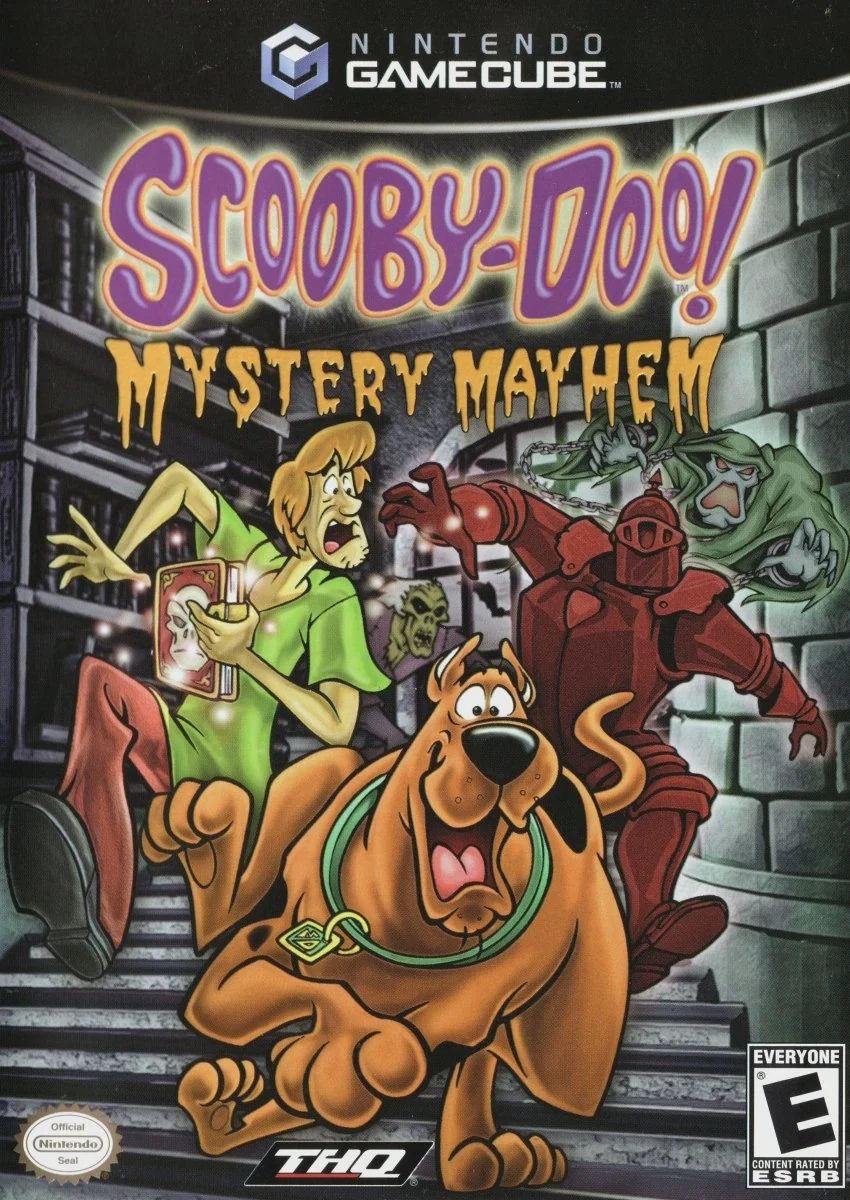
Scooby-Doo! Mystery Mayhem is an action-adventure platfor...
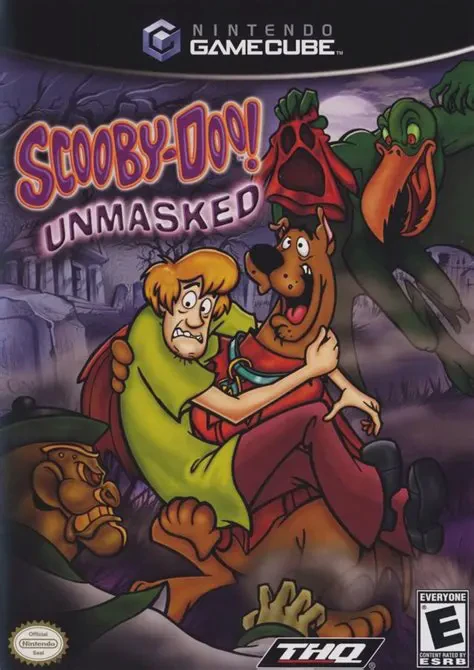
Scooby-Doo! Unmasked is a 3D platforming action-adventure...
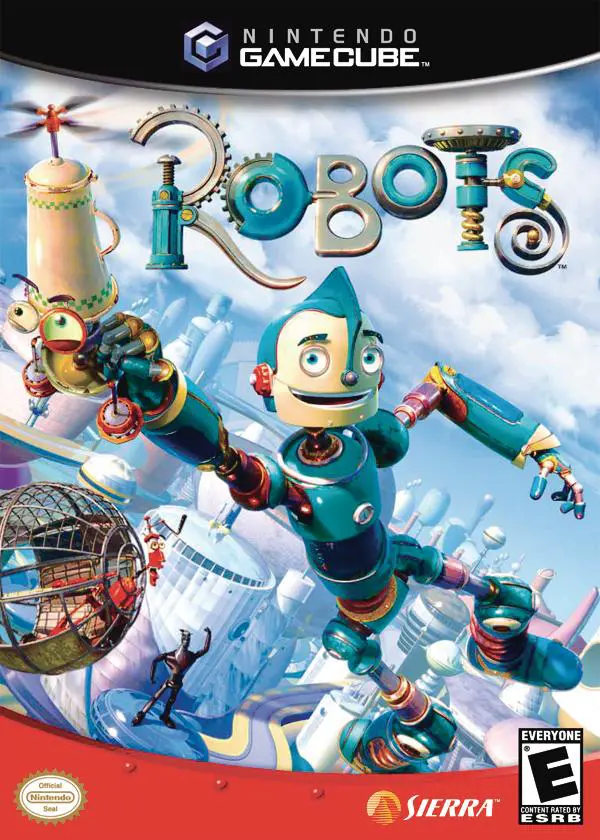
Robots is an action-adventure platformer developed by Eur...
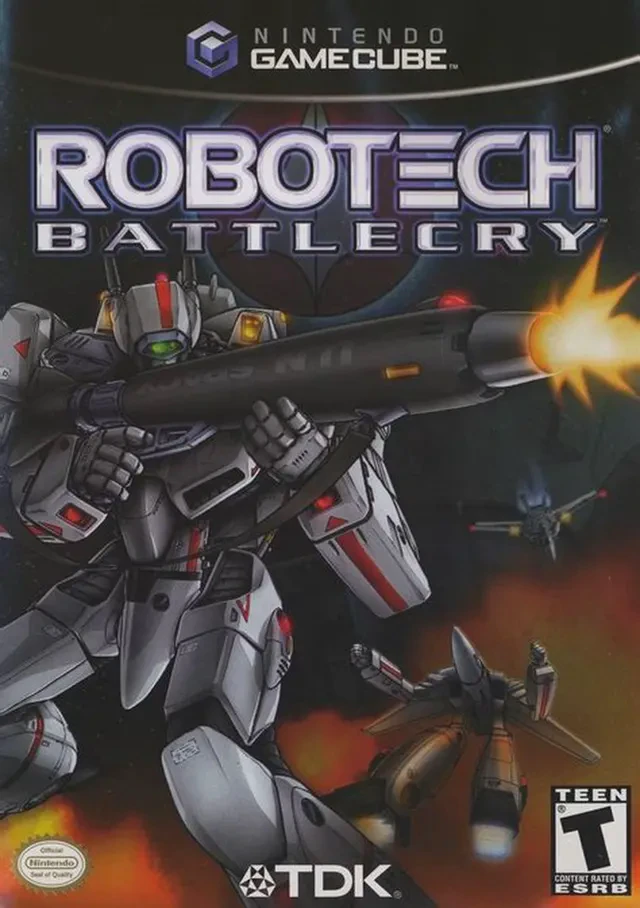
Robotech: Battlecry is a fast-paced mech action combat ga...