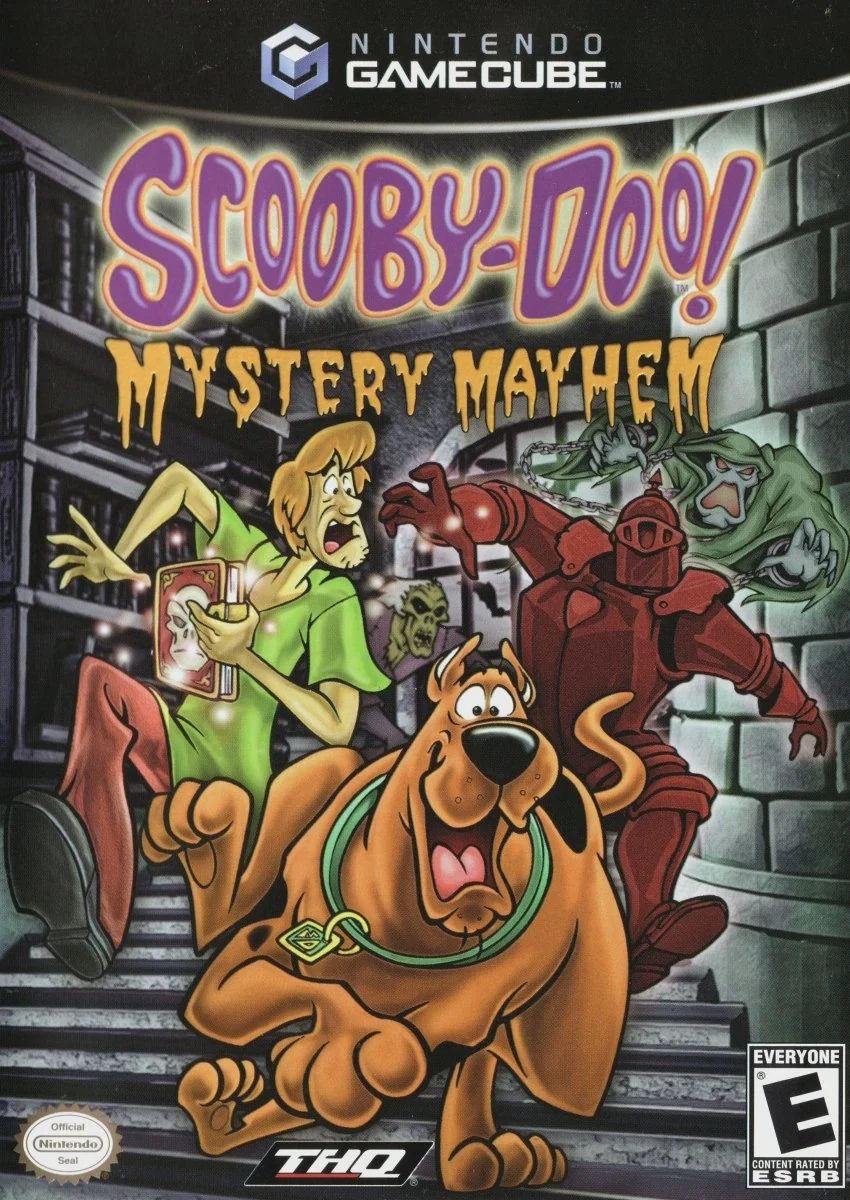
Scooby-Doo! Mystery Mayhem
Scooby-Doo! Mystery Mayhem is an action-adventure platfor...

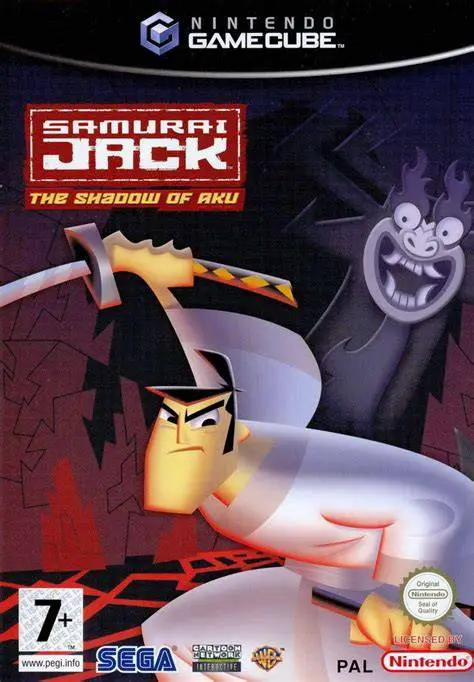
Samurai Jack: The Shadow of Aku brings the distinct artistic flair and high-energy martial arts action of Genndy Tartakovsky's iconic Cartoon Network animated series to the Nintendo GameCube. Released in 2004, the title was developed by Adrenium Games and published by Sega, delivering an original storyline written in close collaboration with the television show's creators.
The narrative follows Samurai Jack after Aku re-opens a series of time portals across the realm, trapping innocent villagers and sending armies of robotic henchmen to stop the heroic samurai. To stop Aku's tyrannical reign and find a path back to his own time period, Jack must travel across 24 expansive levels spanning four distinct worlds. Along his journey, Jack encounters familiar locations and fan-favorite characters from the show while battling through hordes of mechanical monsters, demonic spirits, and colossal boss guardians.
Gameplay combines third-person hack-and-slash combat with platforming and puzzle elements. Jack wields his legendary magical sword alongside secondary weapons such as a bow and thrown shurikens. Combat relies on fast-paced combos, blocking, and dodging, while a specialized "Sakai Meter" allows Jack to unleash devastating sword slashes and slow-motion Zen focus techniques to decapitate and dismantle robotic foes. With authentic voice talent from the original TV series—including Phil LaMarr as Jack and Mako as Aku—the game faithfully recreates the cinematic atmosphere, minimalist sound design, and sharp visual presentation of the TV show.
Developer: Adrenium Games
Publisher: Sega
Platform: Nintendo GameCube
Genre: Action-Adventure / Hack-and-Slash
Release Date: March 24, 2004 (North America), August 6, 2004 (Europe)
Modes: Single-player
Media: GameCube Optical Disc
Authentic TV Series Style: Experience visuals, environments, and cinematic camera angles meticulously designed to replicate the distinctive art style of the Cartoon Network series.
Original Voice Cast: Features authentic voice acting from the show's original cast, including Phil LaMarr as Samurai Jack and Mako as the evil Aku.
Fluid Sword Combat: Execute light and heavy sword combos, air juggles, and special Zen focus moves to dismember and destroy Aku's robotic drone armies.
Versatile Weaponry: Master multiple combat tools including Jack's enchanted katana, fire and ice elemental arrows, shurikens, and ancient spears.
Sprawling Campaign Levels: Explore 24 detailed levels across four distinct worlds, filled with hidden collectibles, platforming obstacles, and boss battles.
A: Yes, the game was officially released for the Nintendo GameCube in March 2004 alongside PlayStation 2 and Xbox versions.
A: The game features original voice actors from the television show, with Phil LaMarr voicing Samurai Jack and Mako voicing the shapeshifting demon Aku.
A: The game features an original standalone storyline created in collaboration with the show's production team, designed as an extended episode spanning four distinct worlds.
A: Yes, the Nintendo GameCube version runs smoothly on modern systems using the Dolphin emulator, supporting full widescreen fixes, high-definition internal scaling, and custom controller mappings.
Click the links below to go to the cloud drive download page
⚠️ Download Tips:
Scooby-Doo! Mystery Mayhem is an action-adventure platfor...
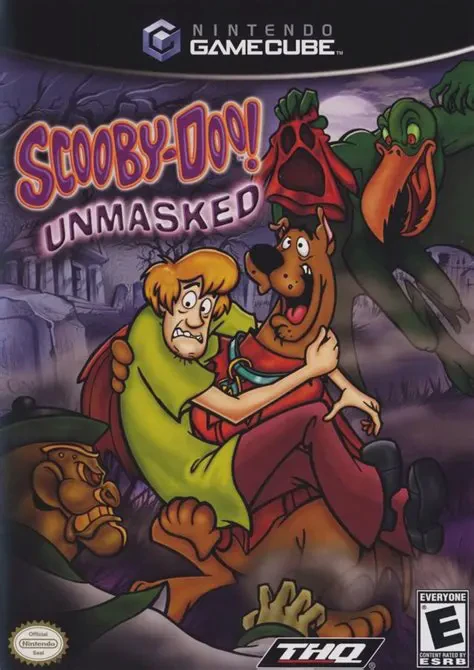
Scooby-Doo! Unmasked is a 3D platforming action-adventure...
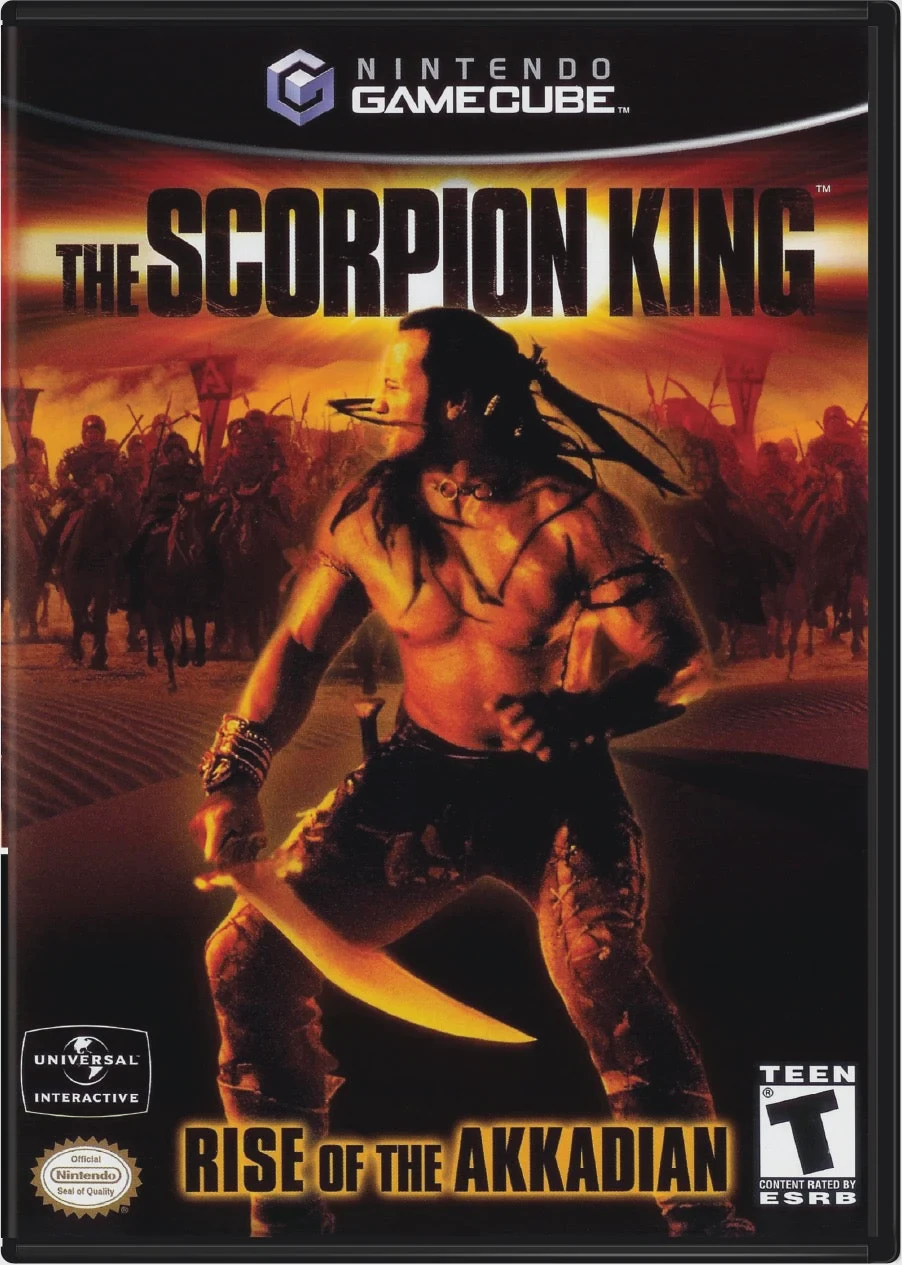
The Scorpion King: Rise of the Akkadian is an action-adve...
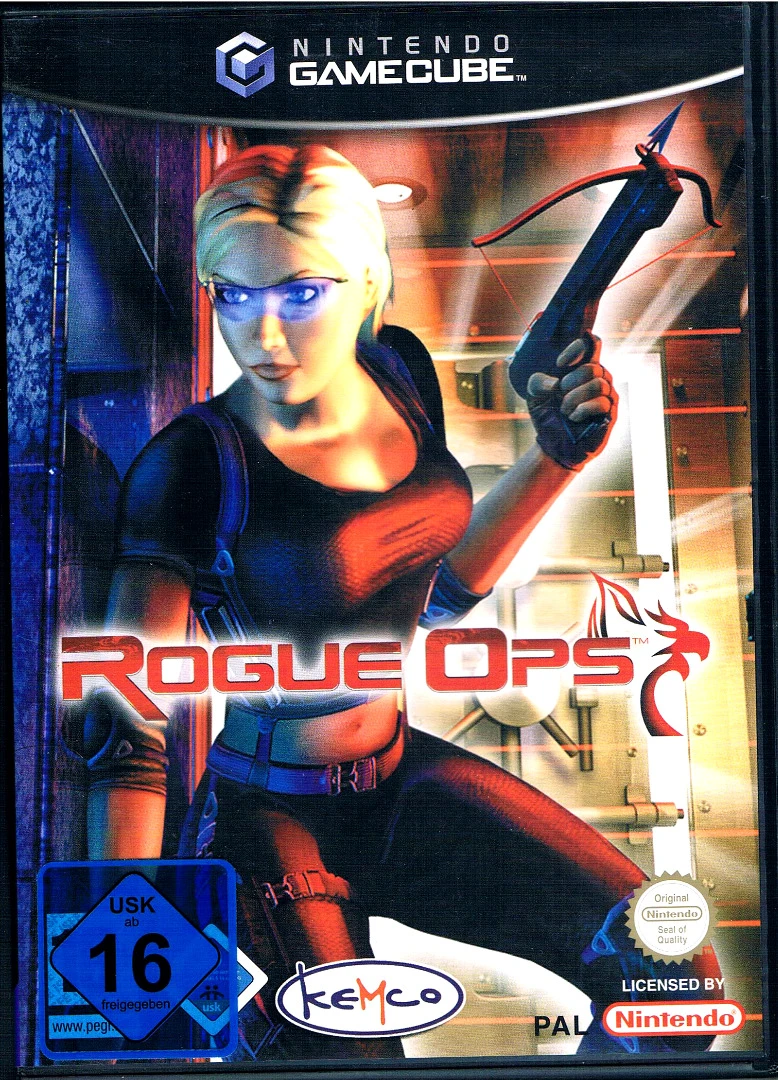
Rogue Ops is a stealth-action third-person shooter develo...
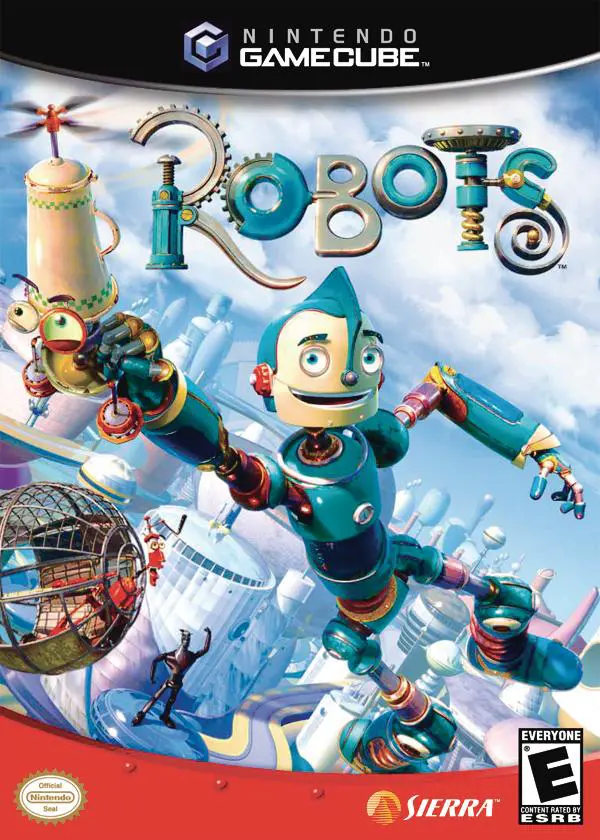
Robots is an action-adventure platformer developed by Eur...