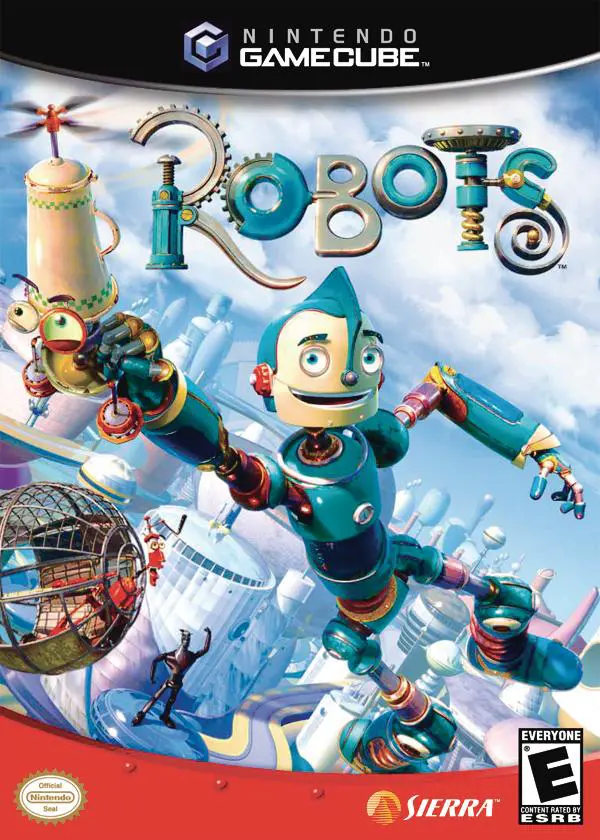
Robots
Robots is an action-adventure platformer developed by Eur...

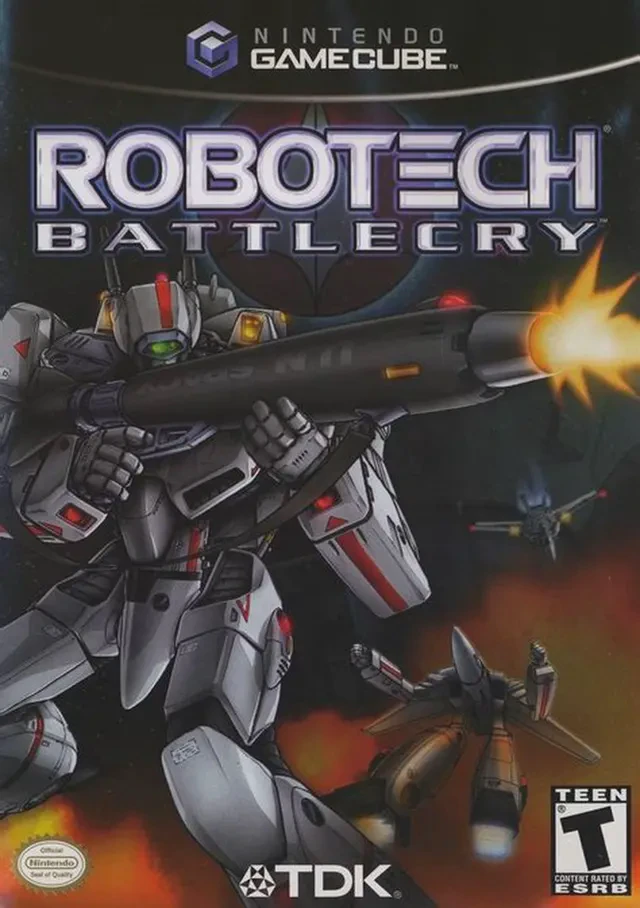
Robotech: Battlecry brings the high-flying mecha drama and intergalactic warfare of the classic Robotech anime series to life in an immersive third-person action game. Released for the Nintendo GameCube in late 2002, the title was developed by Vicious Cycle Software and published by TDK Mediactive, offering a faithful interactive adaptation of the iconic Macross Saga.
The narrative follows Jack Archer, a talented mercenary turned Robotech Defense Force (RDF) pilot fighting during the First Robotech War. Operating alongside fan-favorite characters like Rick Hunter and Lisa Hayes, Jack is tasked with defending Earth and human colonies against the overwhelming military forces of the Zentraedi Empire. The story spans over 40 action-packed missions across Earth's cities, desert ruins, orbital space battlefields, and massive alien starships.
Gameplay centers around the dynamic transformation capabilities of the VF-1 Veritech Fighter. Players can switch fluidly between three distinct forms: the high-speed Fighter mode for long-range jet dogfighting, the versatile Guardian hybrid mode for precision hovering, and the heavily armored Battroid robot mode for ground-based assault and targeting lock-ons. With authentic cell-shaded graphics replicating the classic 1980s anime style, original voice cast performances, and split-screen local multiplayer modes, Robotech: Battlecry offers an unforgettable experience for sci-fi and retro action enthusiasts.
Developer: Vicious Cycle Software
Publisher: TDK Mediactive
Platform: Nintendo GameCube
Genre: Mech / Space Combat / Action
Release Date: September 23, 2002 (North America), October 25, 2002 (Europe)
Modes: Single-player, 2-Player Local Versus
Media: GameCube Optical Disc
Transformable Veritech Fighter: Morph seamlessly between Fighter (Jet), Guardian (Hybrid), and Battroid (Robot) modes to adapt to evolving tactical situations.
Authentic Anime Cell-Shading: Enjoy vibrant, cartoon-style cell-shaded graphics that accurately capture the look and feel of the original 1980s animated show.
40+ Mission Campaign: Fight across diverse theaters of war, including terrestrial urban defense, planetary surface assaults, and zero-gravity space battles.
Original Voice Cast & Soundtrack: Features voice acting from original series stars Cam Clarke (Jack Archer/Max Sterling) and Rebecca Forstadt, accompanied by classic orchestral music.
Head-to-Head Multiplayer: Battle a friend in 2-player local split-screen dogfights utilizing various unlocked mechs and paint schemes.
A: Yes, the game takes place during the Macross Saga of the Robotech television series, featuring original storyline events that run parallel to the main show.
A: Players can transform their VF-1 Veritech at any time with the press of a button, switching between Fighter mode for speed, Guardian mode for hovering maneuverability, and Battroid mode for ground combat.
A: Yes, the GameCube version supports a 2-player local split-screen versus mode where players can dogfight using custom mechs.
A: Yes, the Nintendo GameCube version runs exceptionally well on the Dolphin emulator, supporting native 60 FPS performance, high-definition internal scaling, and modern controller customization.
Click the links below to go to the cloud drive download page
⚠️ Download Tips:
Robots is an action-adventure platformer developed by Eur...
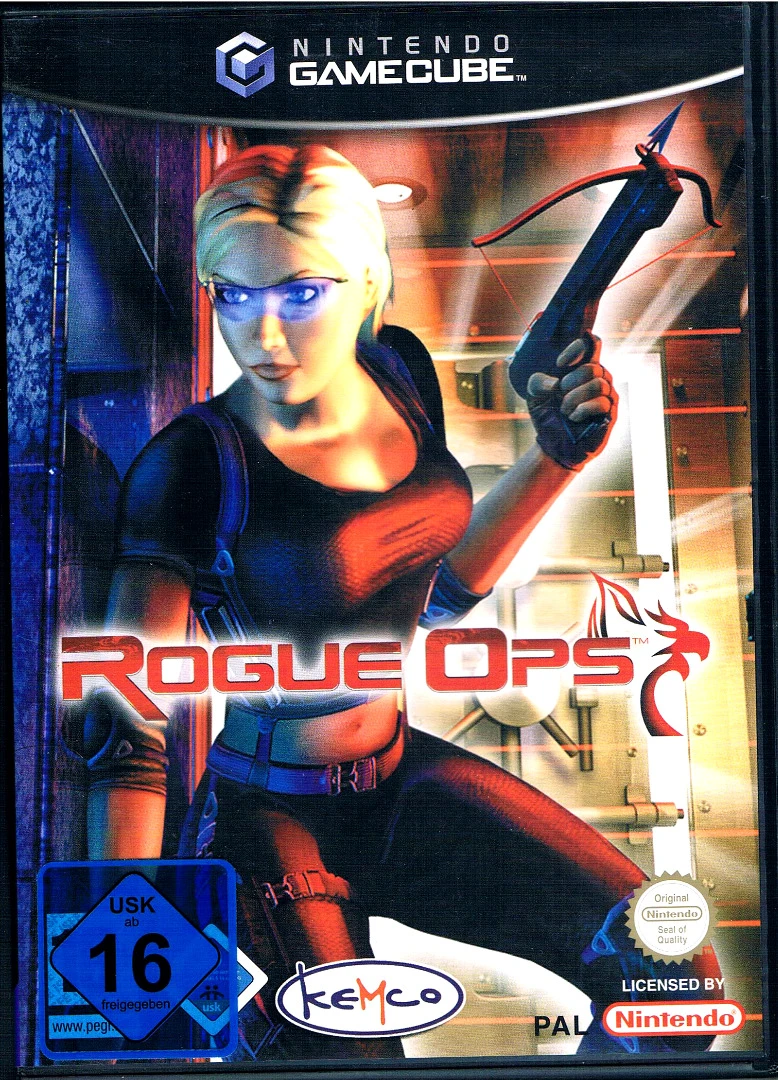
Rogue Ops is a stealth-action third-person shooter develo...
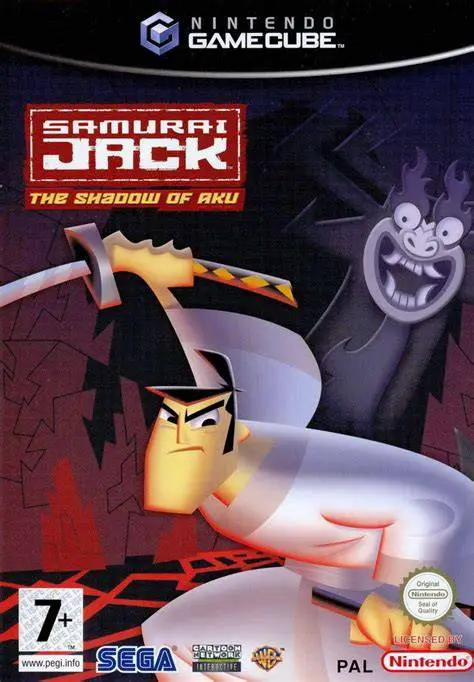
Samurai Jack: The Shadow of Aku is an action-adventure ha...
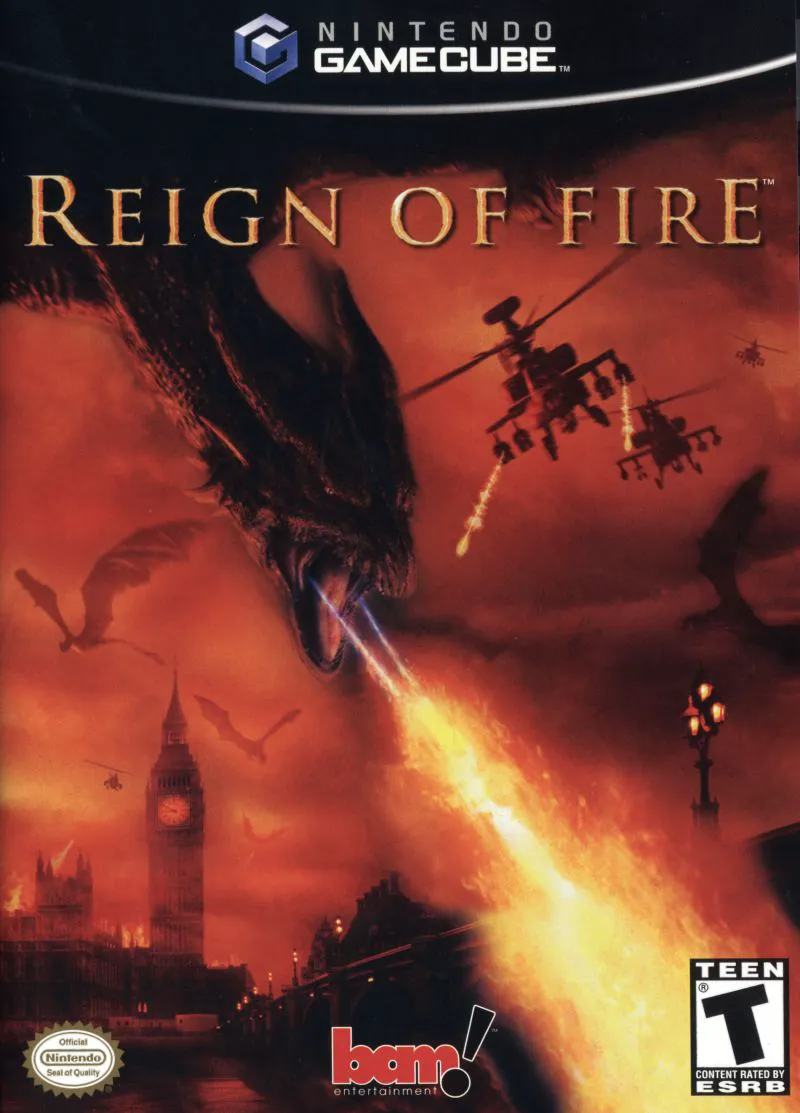
Reign of Fire is an intense action-adventure shooter deve...
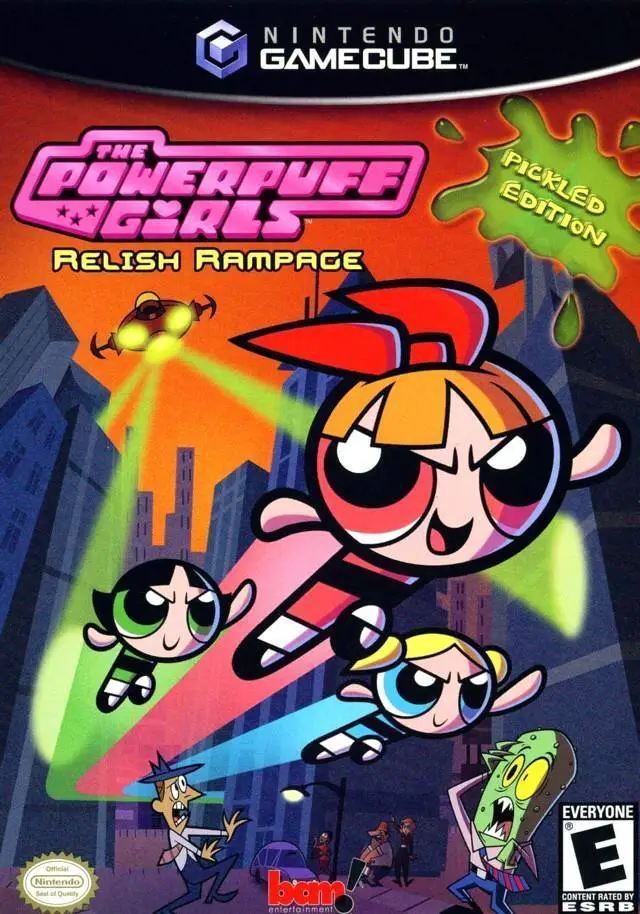
The Powerpuff Girls: Relish Rampage – Pickled Edition is ...