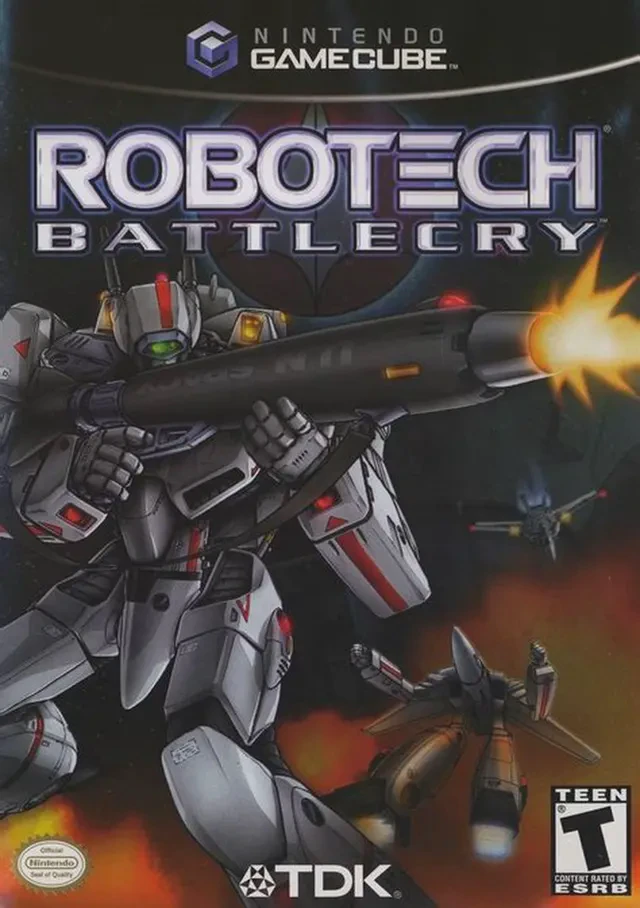
Robotech: Battlecry
Robotech: Battlecry is a fast-paced mech action combat ga...

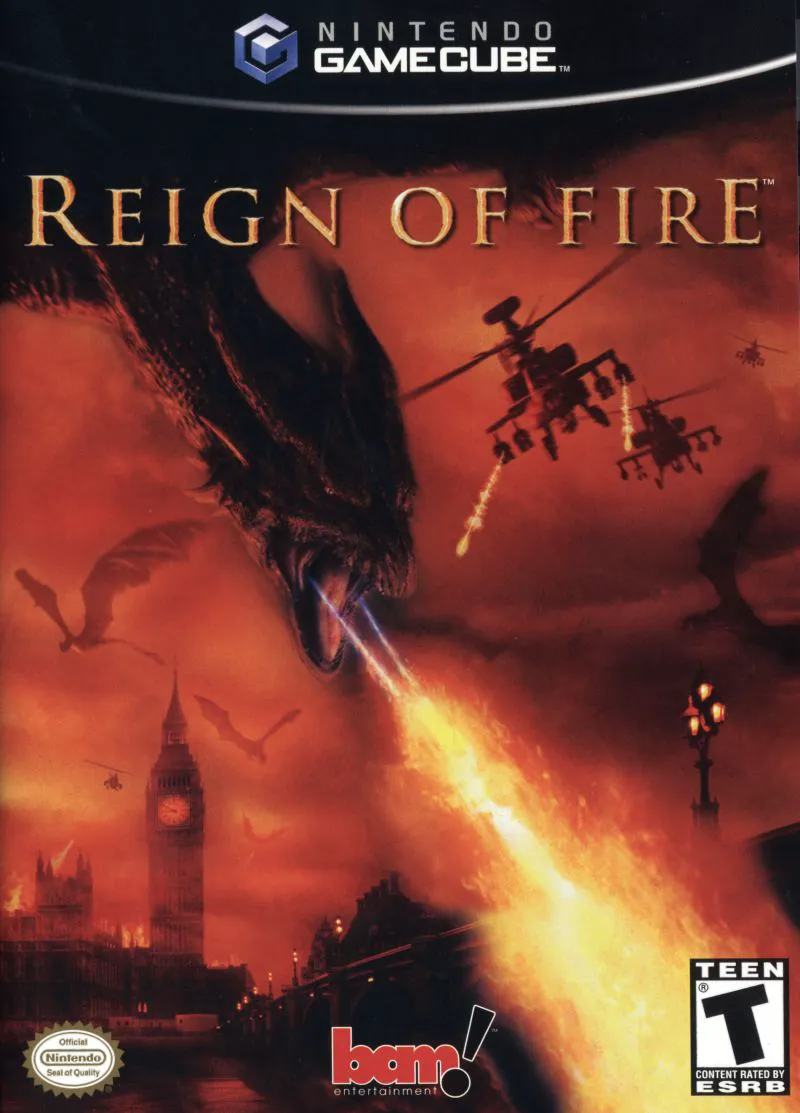
Reign of Fire adapts the dark post-apocalyptic atmosphere of the 2002 feature film directly to the Nintendo GameCube. Developed by Kuju Entertainment and published by BAM! Entertainment, the game offers a rare, dual-sided approach to campaign design, giving players the opportunity to experience both sides of a desperate war for global survival.
The story unfolds in a scorched, ruined United Kingdom after an underground construction crew accidentally unearths a nest of dormant, fire-breathing dragons. In the Human Campaign, players assume the role of Jackson, a resistance fighter battling alongside Quinn Abercromby's survivors. Utilizing heavily armored buggies, missile trucks, and handheld military weaponry, players engage in high-speed vehicular skirmishes and tactical defense missions to protect human outposts and rescue survivors from the dragon horde.
In a compelling twist, completing key human missions unlocks the Dragon Campaign. Here, players take control of a colossal dragon, flying over ruined cities, scorching military convoys, and destroying human fortifications with searing breath attacks and lethal diving swoops. With its gritty visual tone, responsive flight and driving mechanics, and varied mission structure, Reign of Fire captures the cinematic chaos of the film on retro console hardware.
Developer: Kuju Entertainment
Publisher: BAM! Entertainment
Platform: Nintendo GameCube
Genre: Action-Adventure / Vehicular Combat / Flight Simulation
Release Date: October 28, 2002 (North America), November 22, 2002 (Europe)
Modes: Single-player
Media: GameCube Optical Disc
Dual Playable Campaigns: Experience the apocalyptic conflict from two unique perspectives—battle as a human resistance driver or hunt as a fire-breathing dragon.
Heavy Military Arsenal: Drive and gun from heavily armored buggies, anti-air missile trucks, and tanks equipped with rocket launchers and heavy machine guns.
Dynamic Aerial Flight: Soar across scorched landscapes as a fully grown dragon, unleashing firestorms, picking up military vehicles, and executing dive-bomb attacks.
Film-Inspired Narrative: Fight through 16 mission-driven chapters set across ruined landmarks and burnt-out outposts throughout post-apocalyptic Britain.
Scorched Earth Environments: Battle across atmospheric, fire-ravaged landscapes designed with particle effects, ash-filled skies, and destructive structures.
A: Yes, the game is officially licensed and directly based on the 2002 Touchstone Pictures action film Reign of Fire.
A: Yes, the game features a full Dragon Campaign where players control a fire-breathing dragon, complete with aerial combat, dive attacks, and breath-weapon mechanics.
A: The Human Campaign primarily focuses on third-person vehicular combat and turret shooting, where players drive armored buggies and military vehicles to fight off dragon swarms.
A: Yes, the Nintendo GameCube version runs smoothly on modern systems using the Dolphin emulator, supporting full HD resolutions, widescreen patches, and custom gamepad mappings.
Click the links below to go to the cloud drive download page
⚠️ Download Tips:
Robotech: Battlecry is a fast-paced mech action combat ga...
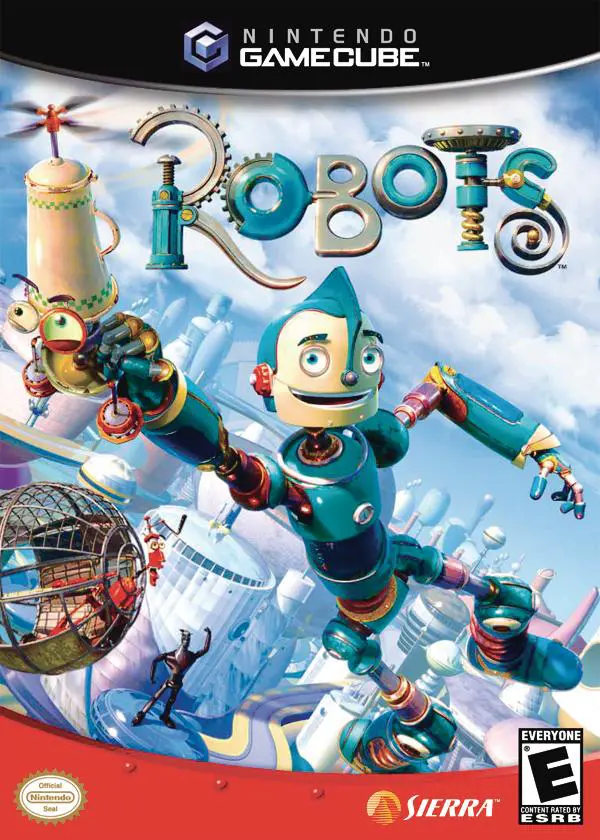
Robots is an action-adventure platformer developed by Eur...
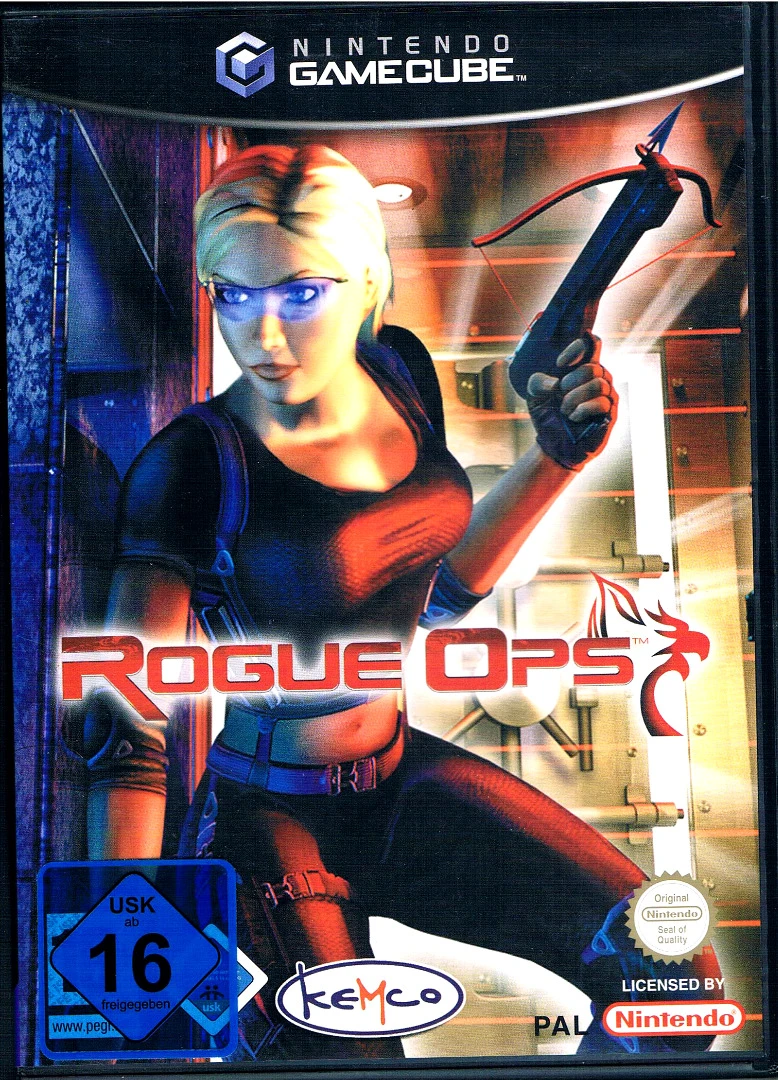
Rogue Ops is a stealth-action third-person shooter develo...
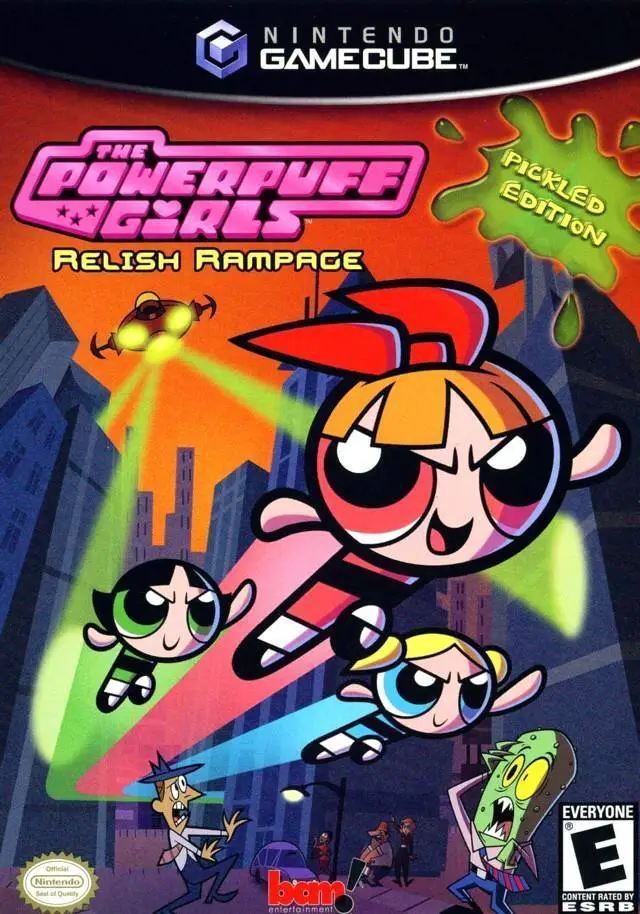
The Powerpuff Girls: Relish Rampage – Pickled Edition is ...
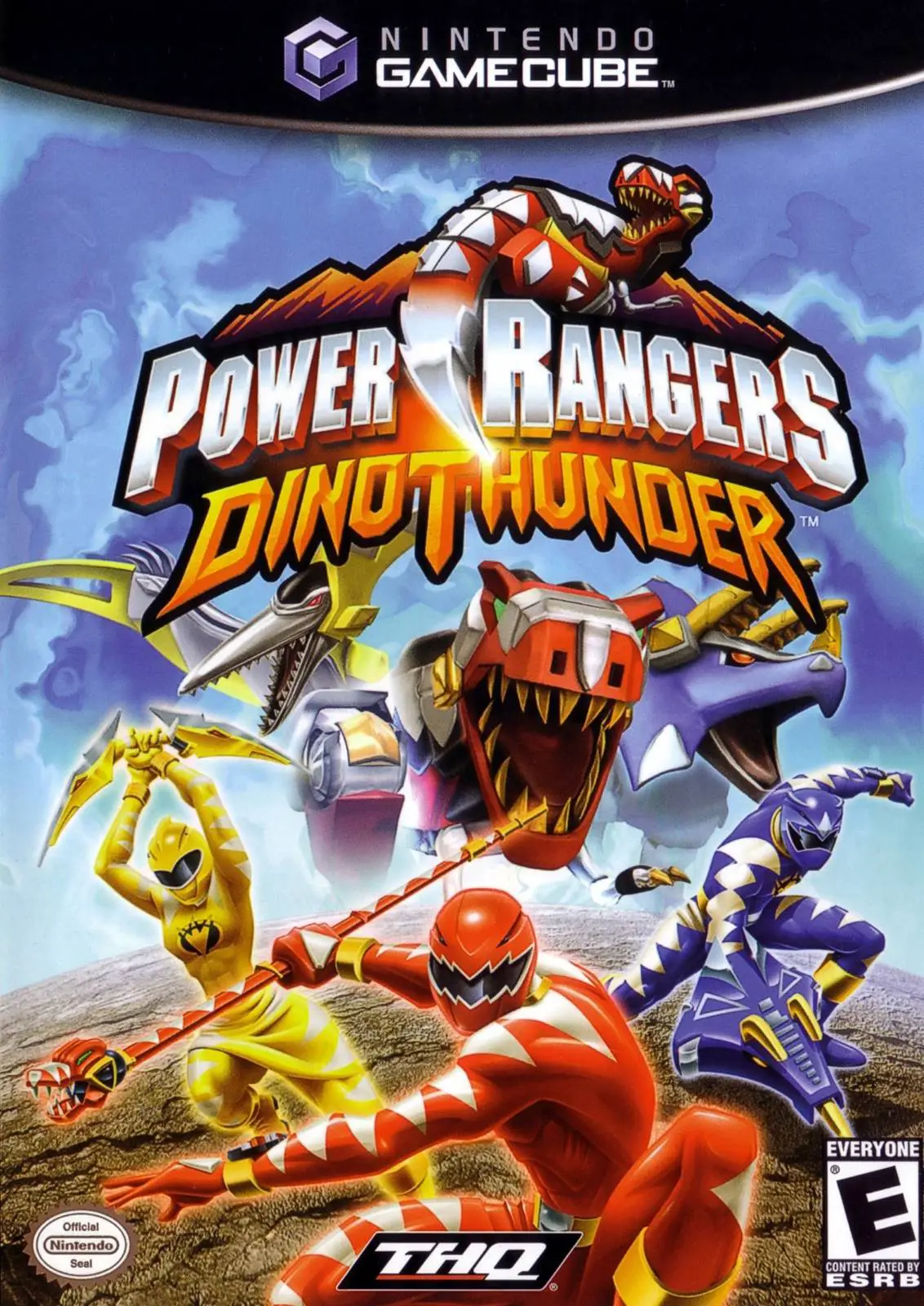
Power Rangers: Dino Thunder is an action-packed 3D beat '...