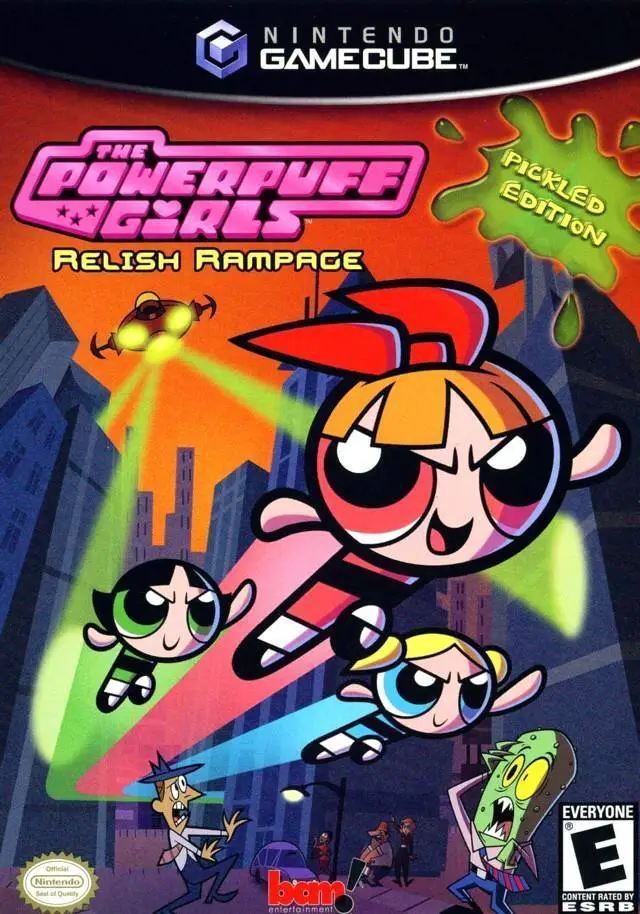
The Powerpuff Girls: Reli...
The Powerpuff Girls: Relish Rampage – Pickled Edition is ...

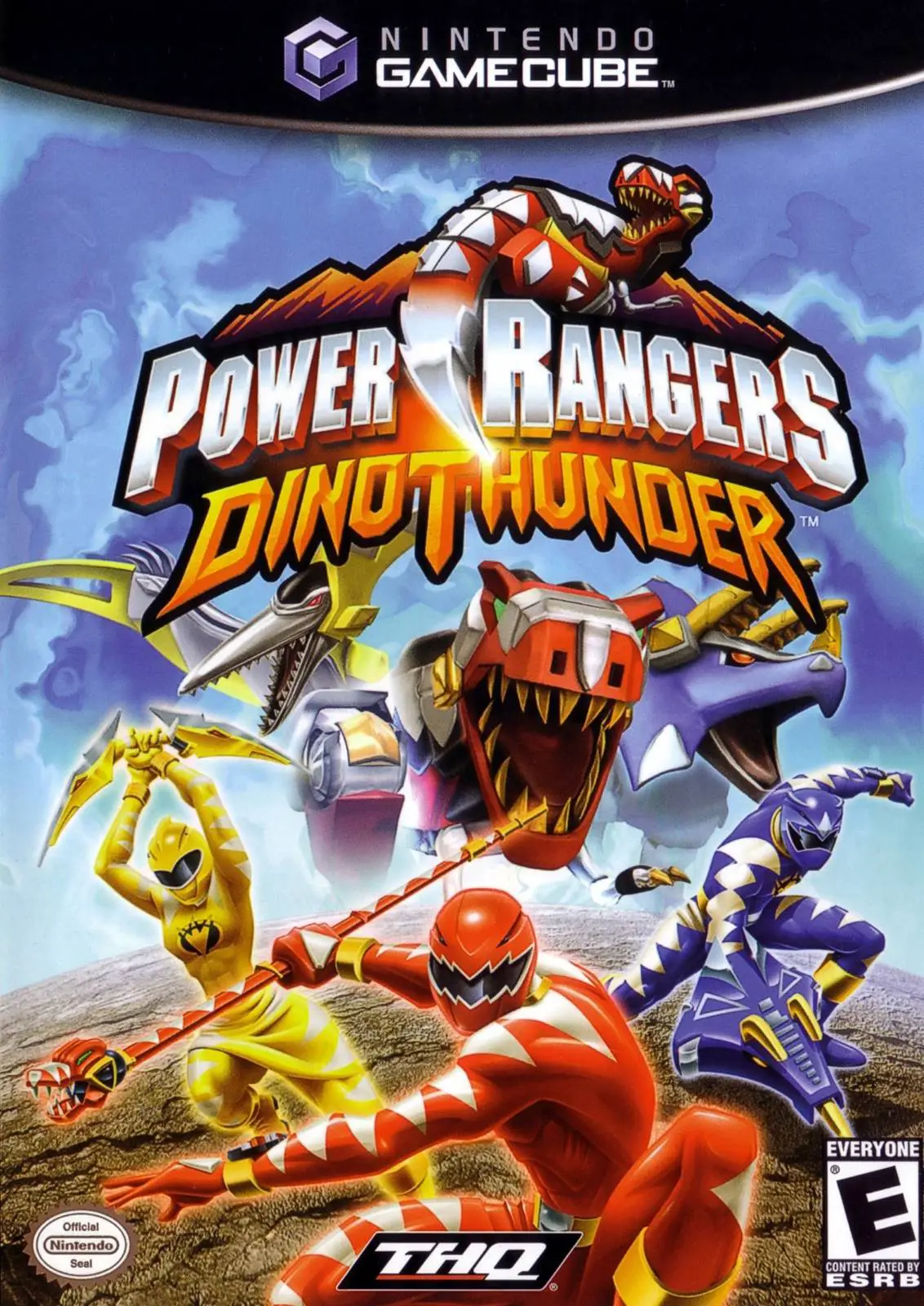
Power Rangers: Dino Thunder captures the explosive action and campy fun of the hit Jetix/Fox Kids television series on the Nintendo GameCube. Developed by Pacific Coast Power & Light and published by THQ in late 2004, the title combines classic beat-'em-up combat with mission-based puzzle objectives and high-octane Megazord combat sequences.
The story centers around the evil scientist Mesogog, who seeks to revert the planet back to prehistoric times using mutagenic technology and an army of Tyrannodrones. To protect Reefside and save the planet, Dr. Tommy Oliver (the legendary Black Ranger) recruits high school students Conner (Red Ranger), Ethan (Blue Ranger), and Kira (Yellow Ranger). Utilizing the power of ancient Dino Gems, the team must battle Mesogog’s mutated monster generals across 20 action-packed missions.
Gameplay is split into two distinct modes. On foot, players freely swap between the Rangers, utilizing their unique martial arts combos and elemental abilities (such as Conner's super speed or Kira's sonic scream) to clear levels and solve environmental puzzles. When Mesogog's monsters grow to giant proportions, the game transitions into high-stakes Megazord battles, allowing players to pilot the Thundersaurus Megazord to land heavy punch-and-kick combinations, execute defensive blocks, and unleash spectacular finisher attacks.
Developer: Pacific Coast Power & Light
Publisher: THQ
Platform: Nintendo GameCube
Genre: Action / Beat 'Em Up / 3D Platformer
Release Date: September 8, 2004 (North America), November 26, 2004 (Europe)
Modes: Single-player
Media: GameCube Optical Disc
Playable Dino Rangers: Switch between the Red, Blue, Yellow, and Black Rangers, each equipped with signature weapons and special Dino Gem powers.
Giant Megazord Battles: Pilot the mighty Thundersaurus Megazord and Dino Stegzord in intense third-person boss encounters against giant monsters.
Dino Zord Missions: Control individual Bio-Zords—such as the Tyranno, Tricera, and Ptera Zords—in objective-based tactical sequences.
Show-Accurate Storyline: Experience an original campaign featuring storyline events, enemy designs, and locations directly inspired by the TV show.
Unlockable Bonus Content: Collect hidden Dino Gem tokens throughout stages to unlock concept art, character profiles, and special gallery items.
A: The GameCube version shares the same 3D action gameplay and story campaign as the PlayStation 2 release, whereas the Game Boy Advance version is a completely different 2D side-scrolling beat 'em up.
A: Yes, the game features dedicated giant boss battle levels where players control the Thundersaurus Megazord to fight Mesogog's oversized monsters.
A: Yes, Dr. Tommy Oliver is a fully playable character alongside the Red, Blue, and Yellow Dino Rangers.
A: Yes, the Nintendo GameCube version runs smoothly on the Dolphin emulator, supporting native 60 FPS performance, high-definition internal resolution scaling, widescreen aspect ratio patches, and modern controller button mappings.
Click the links below to go to the cloud drive download page
⚠️ Download Tips:
The Powerpuff Girls: Relish Rampage – Pickled Edition is ...
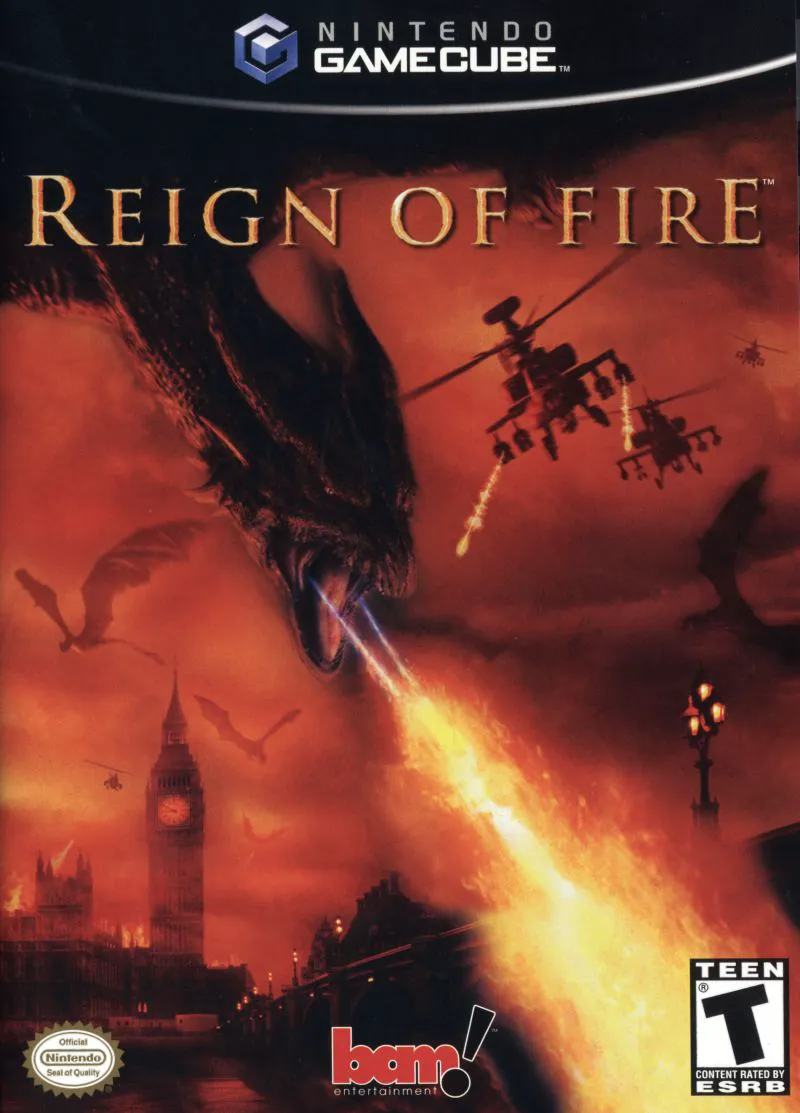
Reign of Fire is an intense action-adventure shooter deve...
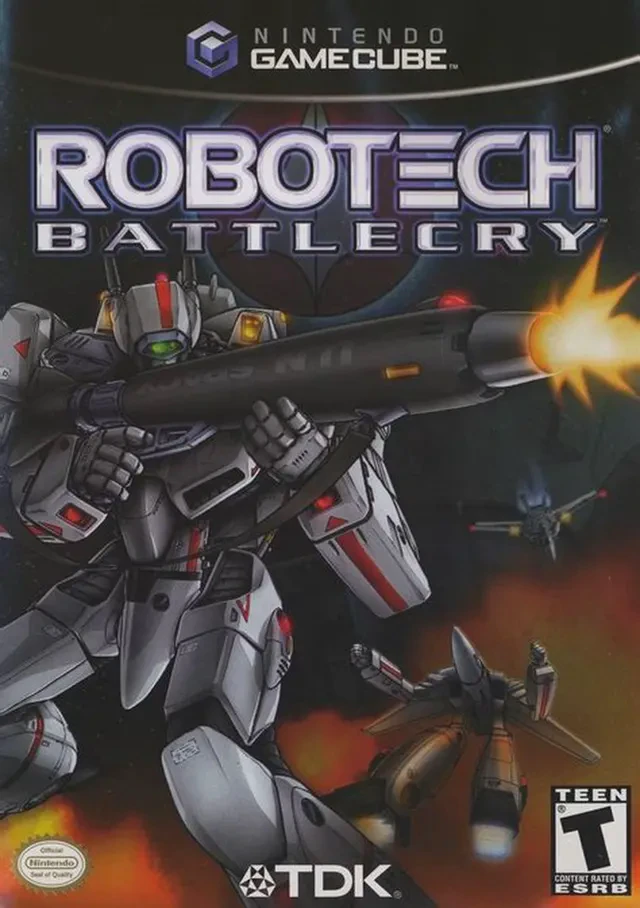
Robotech: Battlecry is a fast-paced mech action combat ga...
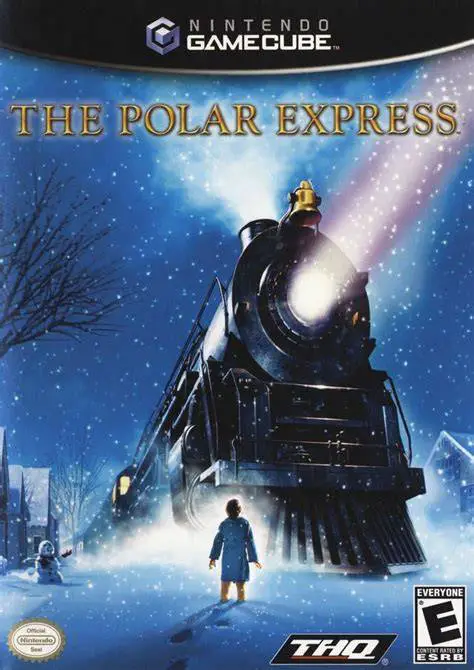
The Polar Express is a festive action-adventure game deve...
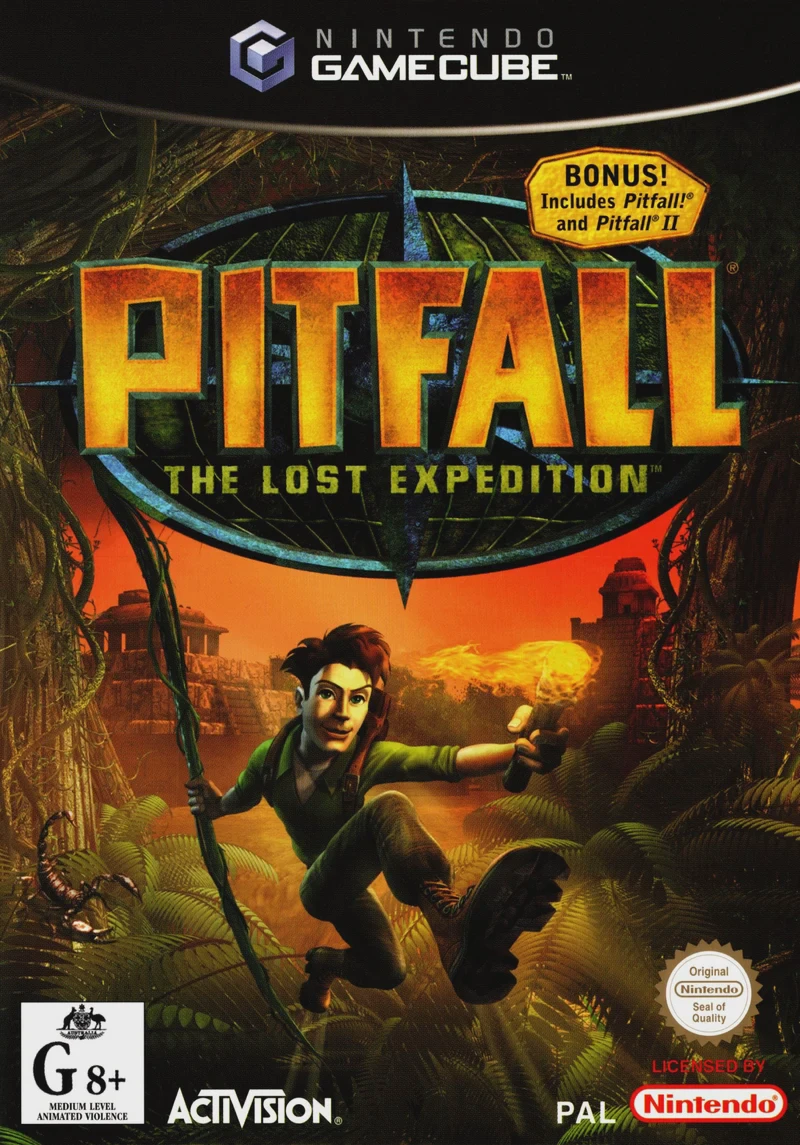
Pitfall: The Lost Expedition is an energetic 3D action-ad...