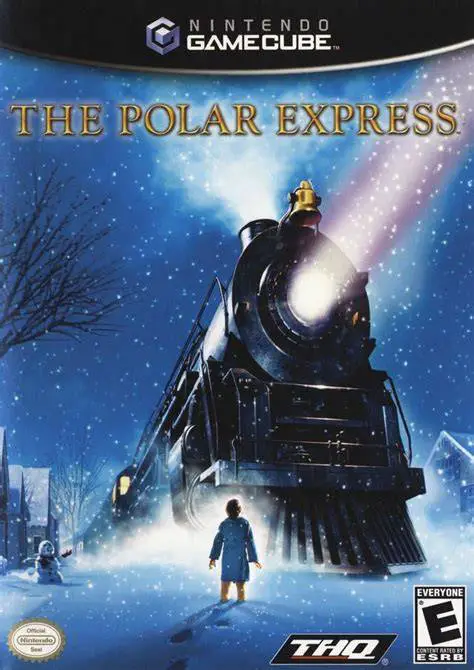
The Polar Express
The Polar Express is a festive action-adventure game deve...

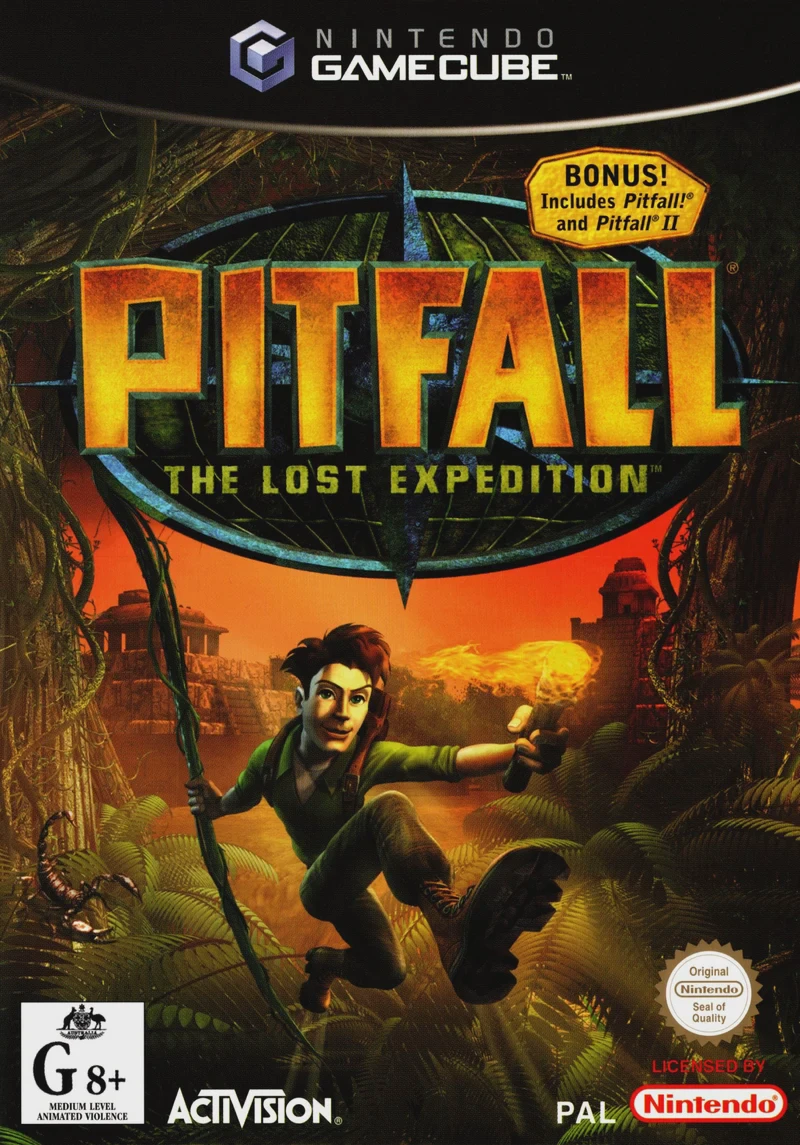
Pitfall: The Lost Expedition brings the legendary video game hero Pitfall Harry into a vibrant, comic-book-inspired 3D adventure on the Nintendo GameCube. Released in early 2004, the title was developed by Edge of Reality to modernize the classic side-scrolling roots of the franchise into an expansive action-adventure sandbox.
The story begins in 1935 when an expedition plane crashes deep in the uncharted Amazonian jungle. Separated from his companions, Pitfall Harry Jr. must trek across interconnected jungle biomes, subterranean caves, and lost temples to rescue his crew—including the beautiful archaeologist Nicole and the quirky Dr. Oppenheim. Along the way, Harry faces off against dangerous wildlife, rival treasure hunter Harry Croft, and the ruthless mercenary leader Pusca, who seeks to plunder the mystical heart of El Dorado.
Gameplay combines free-flowing 3D platforming with versatile tool-based traversal and melee combat. Harry utilizes an array of classic equipment—such as swinging vines, canteen water, fire torches, pickaxes for wall climbing, and tethers—to overcome environmental hazards and defeat wild beasts like crocodiles, jaguars, and scorpions. With hidden collectibles, comic humor, and unlockable ports of the original 1980s retro games, Pitfall: The Lost Expedition delivers a complete adventure package.
Developer: Edge of Reality
Publisher: Activision
Platform: Nintendo GameCube
Genre: Action-Adventure / 3D Platformer
Release Date: February 18, 2004 (North America), February 20, 2004 (Europe)
Modes: Single-player
Media: GameCube Optical Disc
Exploration-Driven 3D World: Traverse interconnected jungle biomes, volcanic caverns, ancient ruins, and snow-capped peaks filled with hidden paths and treasures.
Versatile Explorer Toolkit: Wield dynamic tools including climbing axes, swinging vines, slinging rocks, raft paddles, and TNT to solve puzzles and clear paths.
Wilderness Combat & Reflexes: Fight dangerous wildlife and mercenaries using punch combos, dodge rolls, shield blocks, and environmental traps.
Classic Atari Retro Games Included: Unlock and play fully emulated ports of the original 1982 Pitfall! and 1984 Pitfall II: Lost Caverns arcade games.
Humorous Narrative Tone: Enjoy comedic story cutscenes with fully voiced characters, lighthearted slapstick animations, and heroic hero tropes.
A: The game features an interconnected Metroidvania-style world structure where Harry can backtrack through previously visited jungle regions using newly acquired tools to reach previously inaccessible areas.
A: Yes, players can unlock full, emulated versions of both Pitfall! and Pitfall II: Lost Caverns directly inside the GameCube menu by entering secret cheat codes or finding hidden idols in the main story.
A: The Nintendo GameCube version offers smooth 60 FPS performance, crisp visual textures, fast loading times, and responsive control mapping via the GameCube controller's analog stick.
A: Yes, the Nintendo GameCube version runs exceptionally well on the Dolphin emulator, supporting native widescreen aspect ratio tweaks, high-definition internal resolution scaling (1080p/4K), and custom gamepad button configurations.
Click the links below to go to the cloud drive download page
⚠️ Download Tips:
The Polar Express is a festive action-adventure game deve...
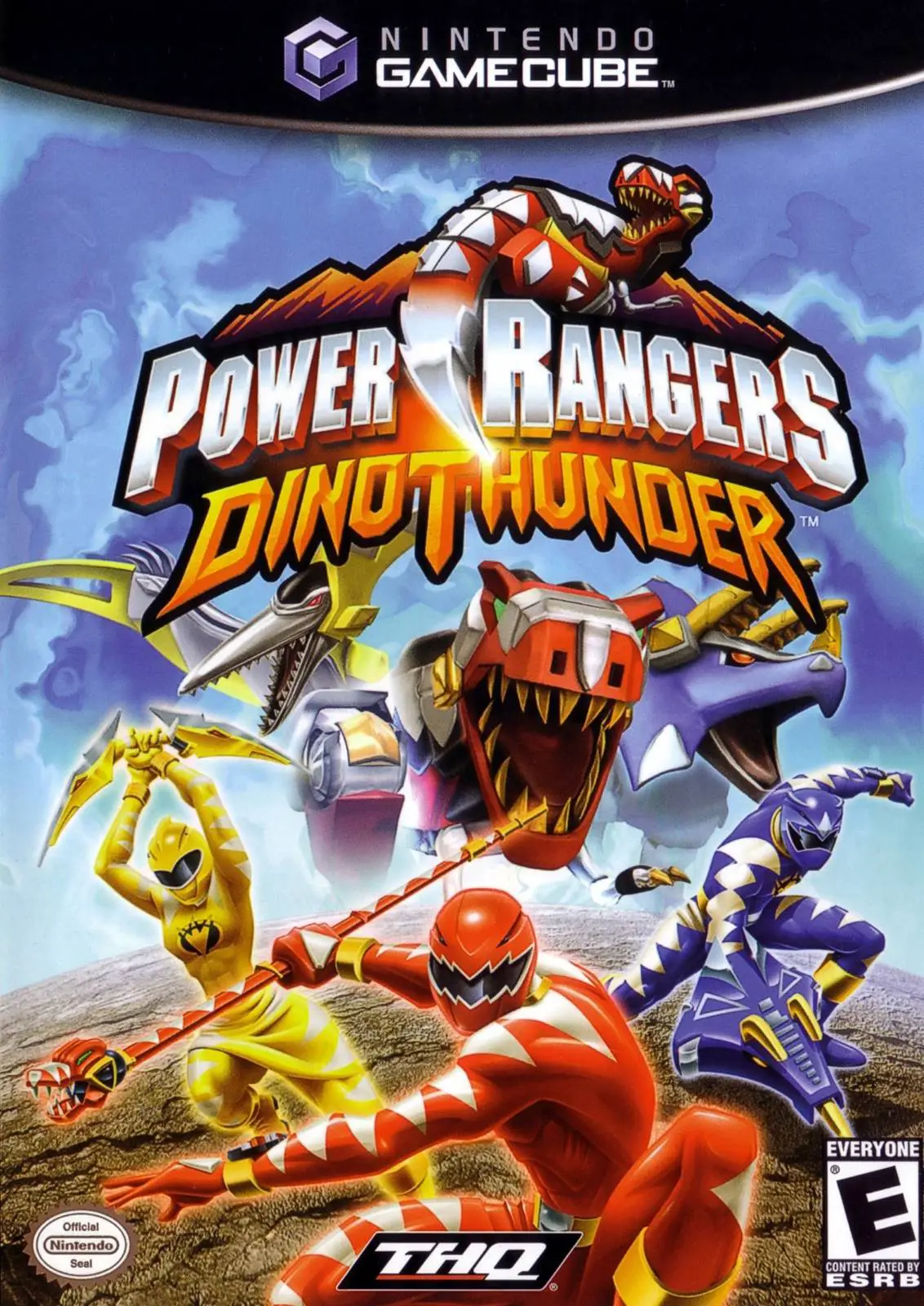
Power Rangers: Dino Thunder is an action-packed 3D beat '...
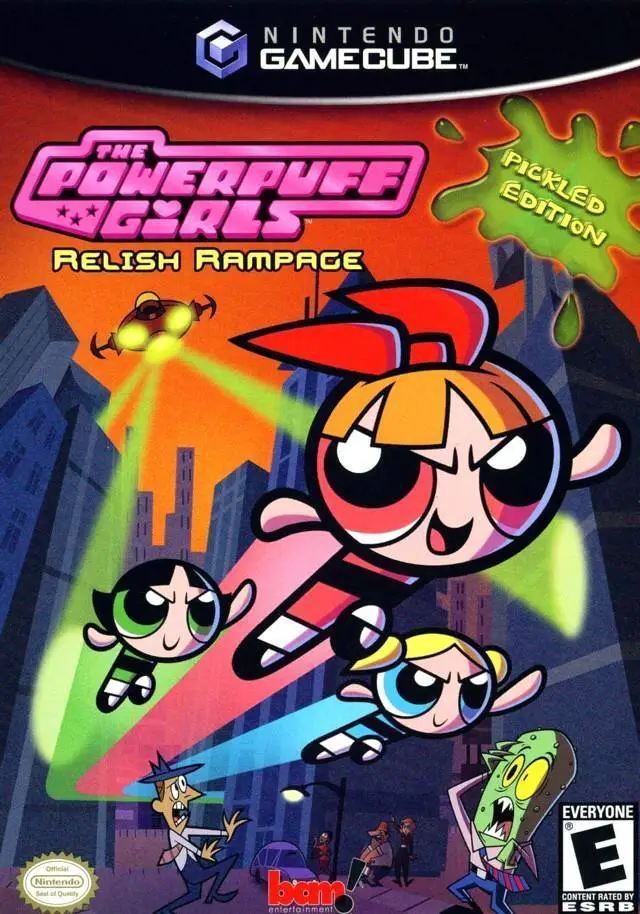
The Powerpuff Girls: Relish Rampage – Pickled Edition is ...
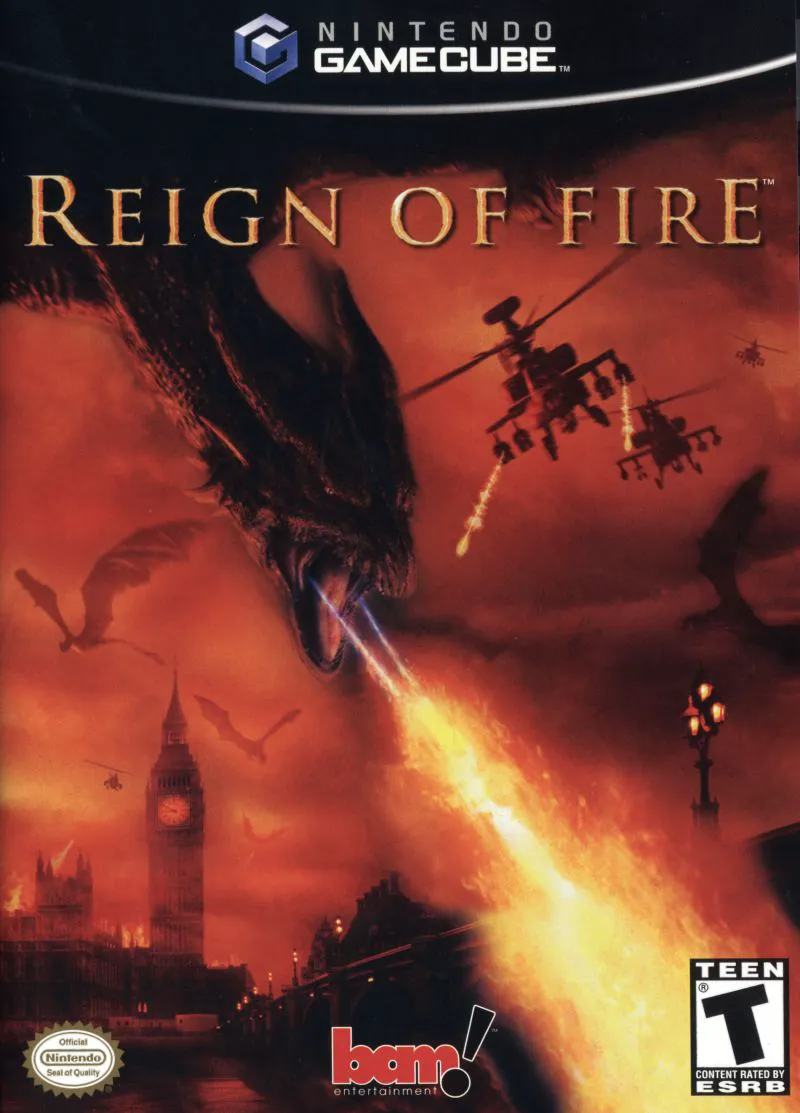
Reign of Fire is an intense action-adventure shooter deve...
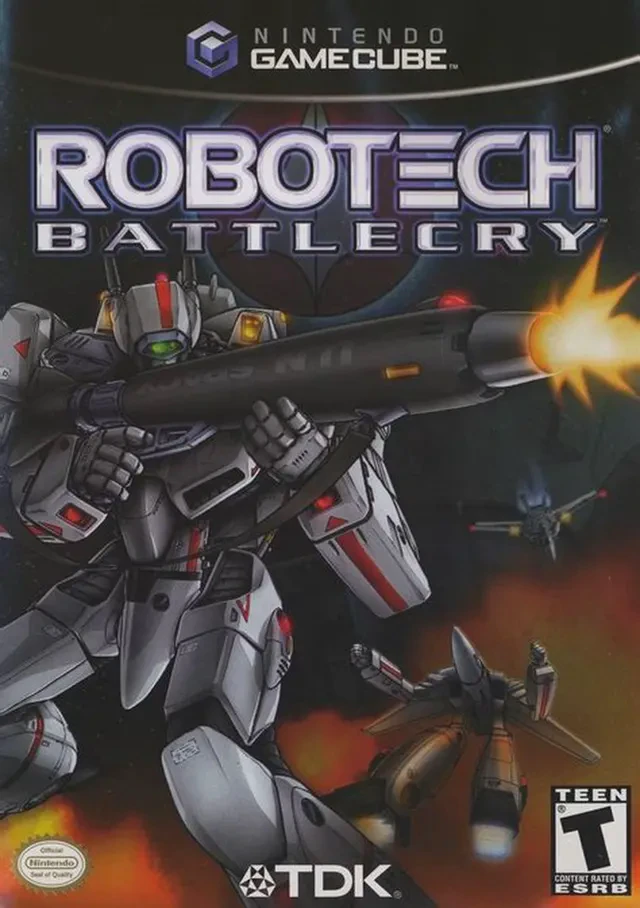
Robotech: Battlecry is a fast-paced mech action combat ga...