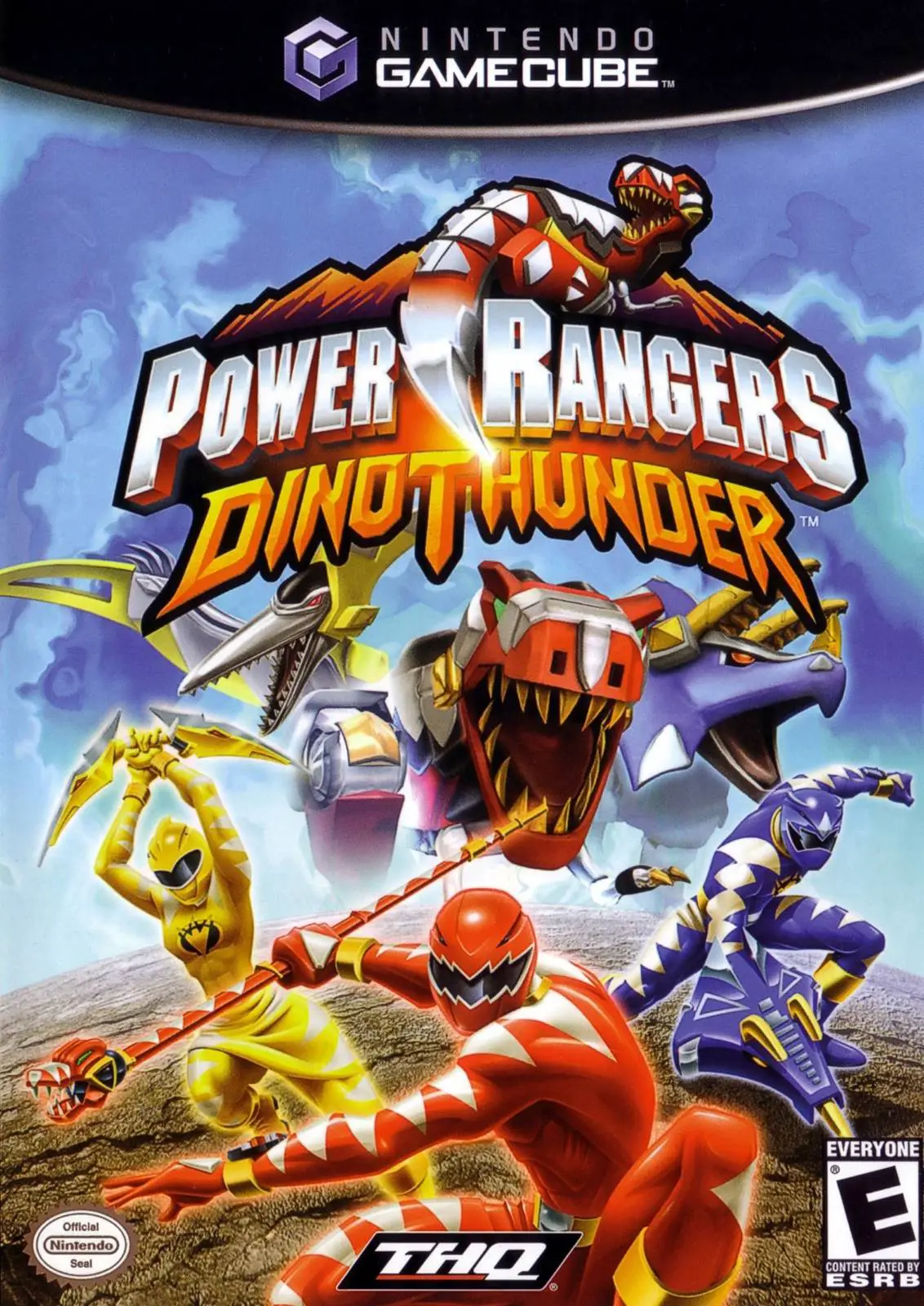
Power Rangers: Dino Thunder
Power Rangers: Dino Thunder is an action-packed 3D beat '...

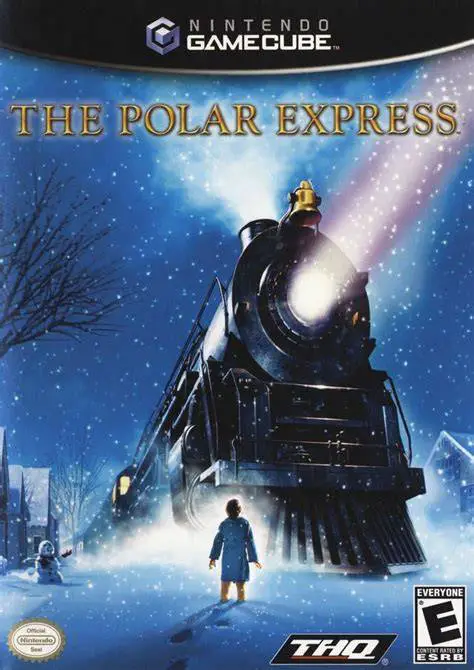
The Polar Express brings the cinematic spectacle and warmth of the iconic holiday movie directly to the Nintendo GameCube. Released in late 2004 to coincide with the theatrical debut of the film, the game was developed by Australian studio Blue Tongue Entertainment to provide an interactive companion to the cinematic story.
Players control the young "Hero Boy" as he boards the mysterious Polar Express train bound for Santa Claus's home at the North Pole. Across 19 distinct chapters, players explore the winding corridors and rooftops of the speeding train, interact with memorable characters like the enigmatic Hobo and the authoritative Conductor, and navigate the sprawling workshops of the North Pole itself.
Gameplay combines a variety of genres to keep the pacing dynamic. Platforming sections involve dodging obstacles atop runaway train cars and traversing icy environments, while puzzle mechanics require players to locate missing items and solve mechanical challenges. The game also incorporates rhythm mini-games—such as serving hot chocolate alongside energetic waiters—and thrilling vehicular sequences like skiing down steep mountain slopes or steering runaway train cars. With music from the movie score and faithful visual recreation of key film locations, The Polar Express serves as a nostalgic seasonal adventure.
Developer: Blue Tongue Entertainment
Publisher: THQ
Platform: Nintendo GameCube
Genre: Action-Adventure / Platformer
Release Date: November 2, 2004 (North America), December 16, 2004 (Europe)
Modes: Single-player
Media: GameCube Optical Disc
Movie-Accurate Storytelling: Follow the plot of the film across 19 chapters, visiting key locations like the Train Cars, the Glacier Gulch, and Santa's North Pole Village.
Diverse Gameplay Variety: Experience a hybrid of platforming exploration, stealth sequences, rhythm-action mini-games, and high-speed downhill skiing.
Iconic Character Encounters: Interact with fan-favorite characters, including the Conductor, the Hobo, Hero Girl, and Santa Claus.
Holiday Mini-Games: Enjoy standalone rhythm and puzzle challenges, including the famous "Hot Chocolate" song dance routine.
Collectible Eye-Toys & Secrets: Search stages for hidden train tickets, toys, and lost items to unlock bonus galleries and special features.
A: Yes, the GameCube version shares the same 3D action-adventure storyline, level design, and gameplay mechanics as the PlayStation 2 and Xbox releases.
A: Yes, the game is designed with accessible controls, manageable puzzle complexity, and forgiving checkpoint systems, making it very family-friendly.
A: Yes, the game incorporates orchestral tracks and musical themes directly inspired by Alan Silvestri's original soundtrack for the feature film.
A: Yes, the Nintendo GameCube version runs smoothly on the Dolphin emulator, supporting 60 FPS performance, high-definition internal resolution scaling, widescreen aspect ratio adjustments, and modern controller button mapping.
Click the links below to go to the cloud drive download page
⚠️ Download Tips:
Power Rangers: Dino Thunder is an action-packed 3D beat '...
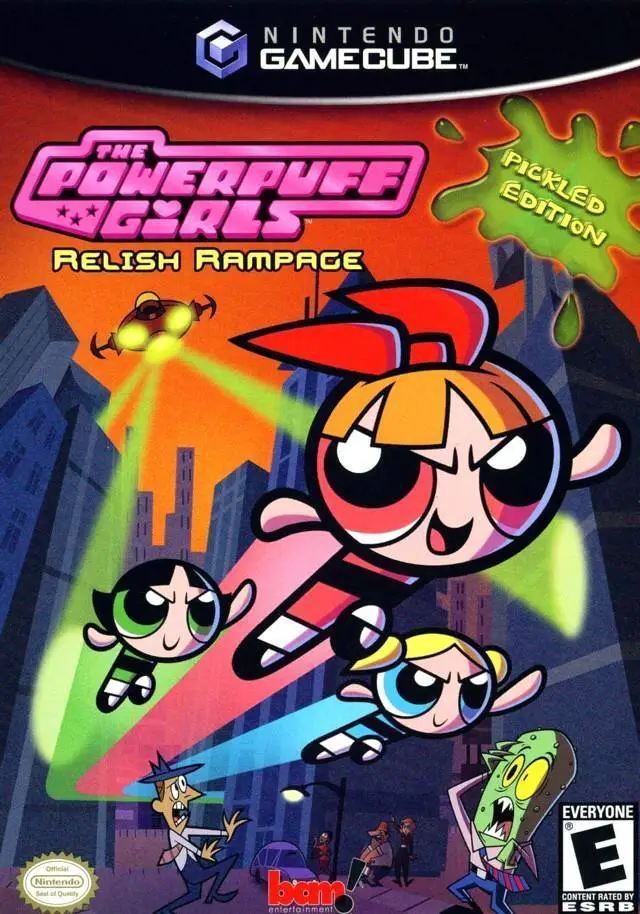
The Powerpuff Girls: Relish Rampage – Pickled Edition is ...
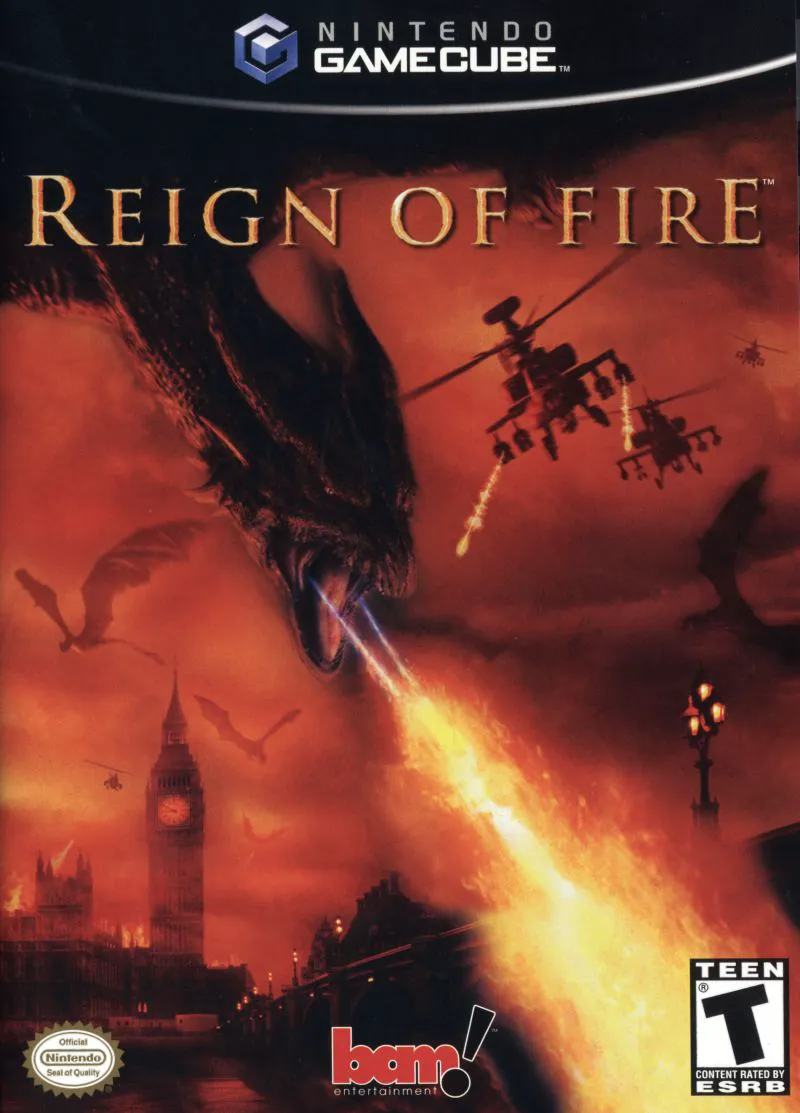
Reign of Fire is an intense action-adventure shooter deve...
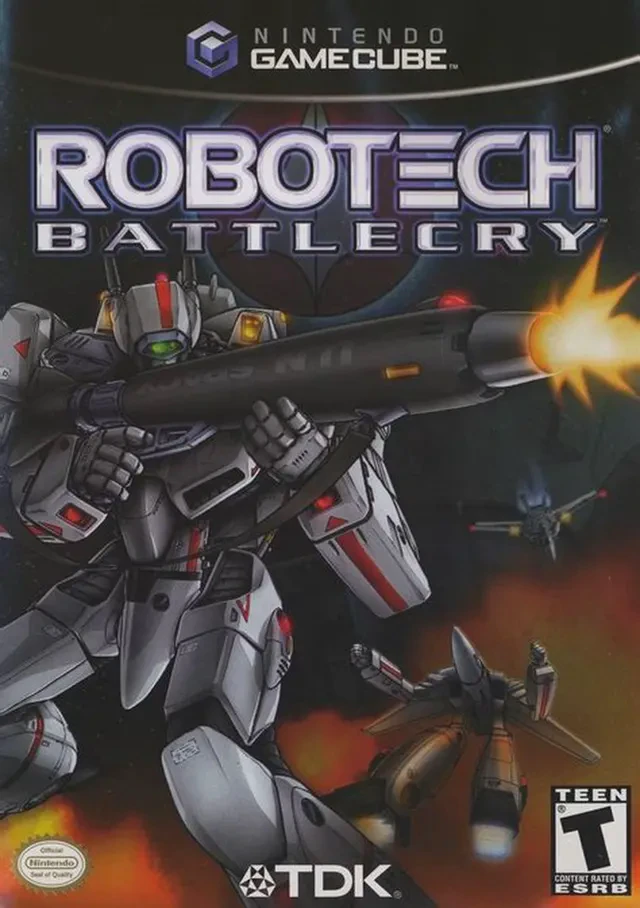
Robotech: Battlecry is a fast-paced mech action combat ga...
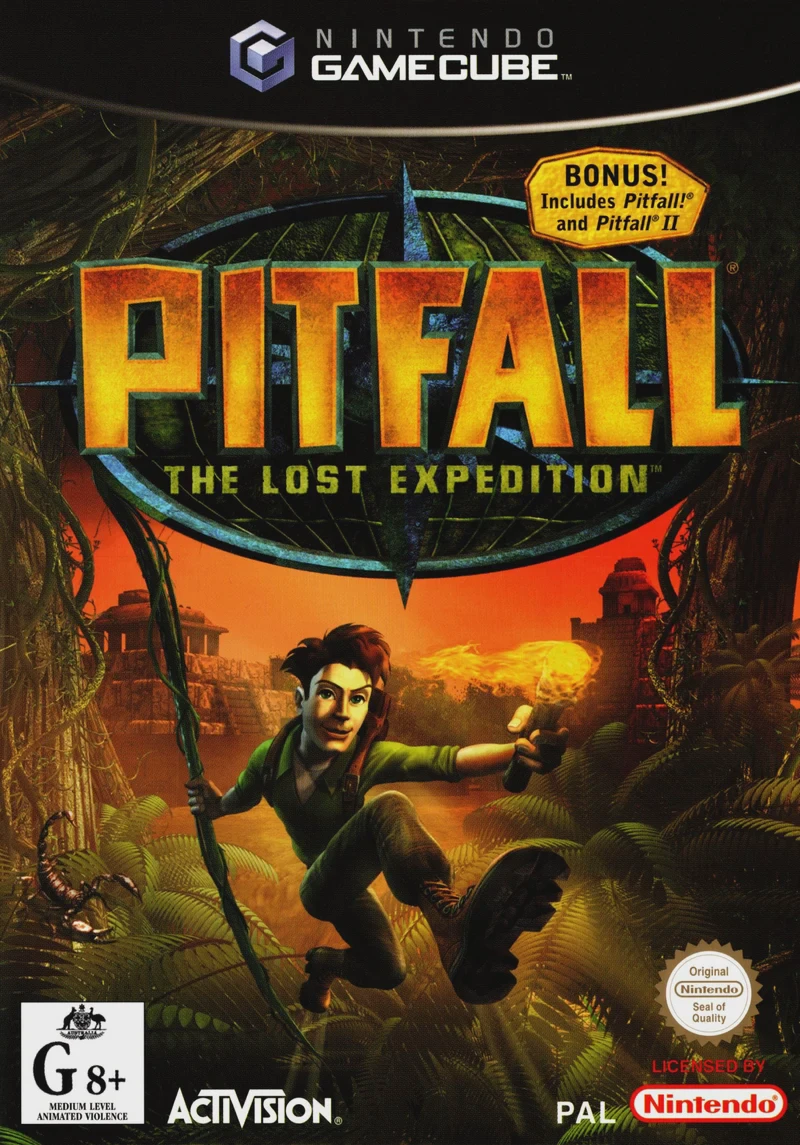
Pitfall: The Lost Expedition is an energetic 3D action-ad...