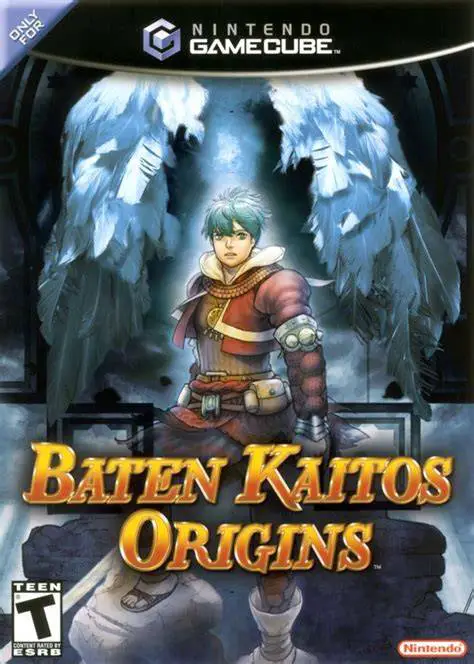
Baten Kaitos Origins
Baten Kaitos Origins for the Nintendo GameCube is an epic...

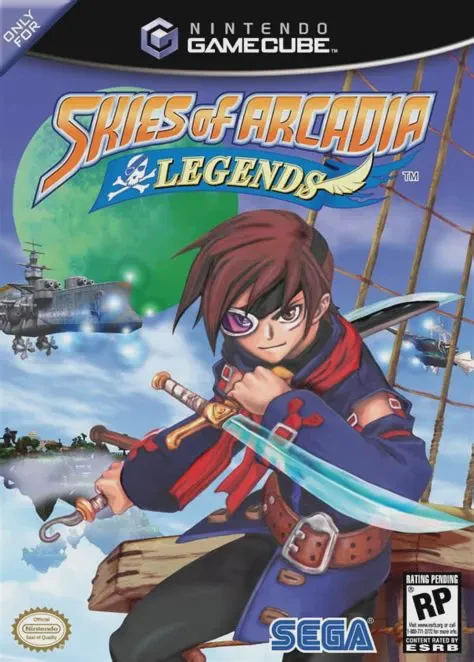
Skies of Arcadia Legends immerses players in a breathtaking fantasy world called Arcadia, where continents and islands float high above a sea of clouds under the light of six colorful moons. The story kicks off when Vyse and Aika rescue Fina, a mysterious maiden on a secret mission from the Silvite civilization. Learning that the imperialistic Valuan Empire seeks the elemental Moon Crystals to revive ancient, world-destroying leviathans known as Gigas, Vyse vows to cross the globe to find the crystals first. Gameplay features two distinct combat systems: traditional character-based turn-based battles and grand-scale, turn-based Airship battles where players command their flying vessel, selecting artillery, spirit moves, and defensive maneuvers against giant sky monsters and imperial warships. The GameCube version greatly enhances the original experience by lowering the encounter rate, rebalancing experience gain, and introducing substantial new content, including the "Wanted" bounty hunter system, new secret bosses, and the mysterious "Moonfish" side quest.
Platform: Nintendo GameCube
Developer: Overworks
Publisher: Sega
Release Date: January 28, 2003 (North America)
Genre: Role-Playing Game (RPG) / Turn-Based
Players: 1 Player (Single-player)
ESRB Rating: T (Teen)
Double Battle Systems: Master two unique turn-based combat styles—fast-paced character battles utilizing Spirit Points (SP) and tactical, cinematic Airship ship-to-ship battles.
Expanded GameCube Content: Includes new "Wanted" bounty hunter targets, secret boss battles, additional story cutscenes, and the Moonfish collection quest unlocking backstory for key characters.
Airship Customization and Crew Recruitment: Build your ideal airship fleet by recruiting dozens of crew members across the world, each granting distinct passive bonuses and combat abilities.
Lowered Encounter Rate: Rebalanced random encounter rates and streamlined experience point progression for a significantly smoother and faster-paced adventure compared to the original Dreamcast release.
Skies of Arcadia Legends for GameCube features a lower random encounter rate, faster load times, rebalanced experience points, improved visuals, and exclusive content including the Wanted bounty system, Moonfish side quest, and new secret boss battles.
Airship battles are turn-based tactical encounters played on a grid-based turn timeline. Players must predict enemy actions, manage Spirit Points (SP), position their ship, and fire specialized cannons, torpedoes, and crew abilities to defeat massive enemies and enemy flagships.
Spirit Points are a shared team resource generated each turn during combat. Powerful special moves, magic spells, and super attacks consume SP, requiring players to balance basic attacks, defense, and focus actions to build up their pool.
Yes! Later in the story, players gain control of Crescent Isle, serving as a customizable home base where you can recruit crew members, open shops, and upgrade your flagship airship, the Delphinus.
Click the links below to go to the cloud drive download page
⚠️ Download Tips:
Baten Kaitos Origins for the Nintendo GameCube is an epic...
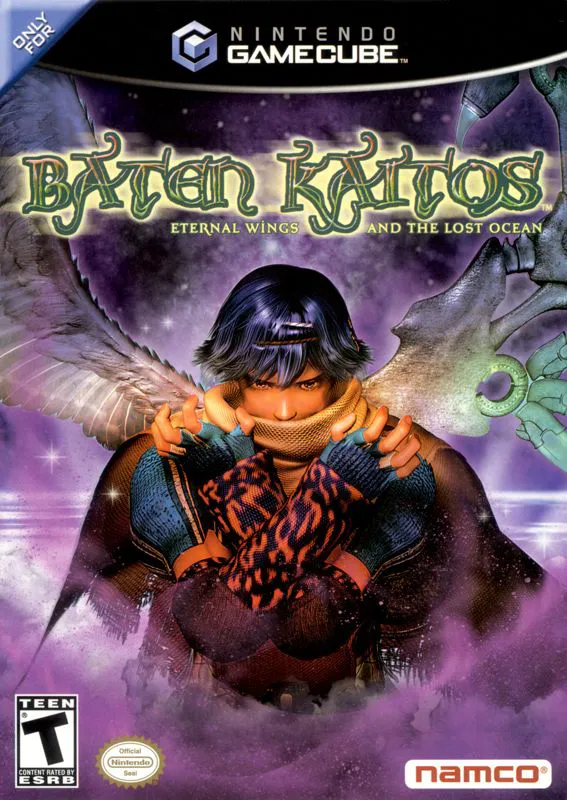
Baten Kaitos: Eternal Wings and the Lost Ocean for the Ni...
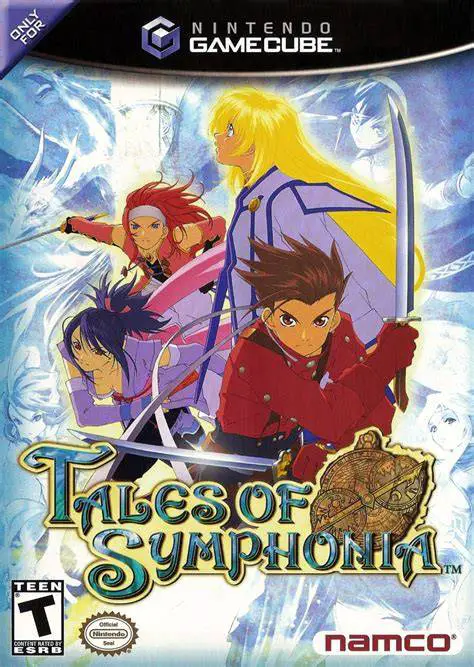
Tales of Symphonia for the Nintendo GameCube is an epic r...
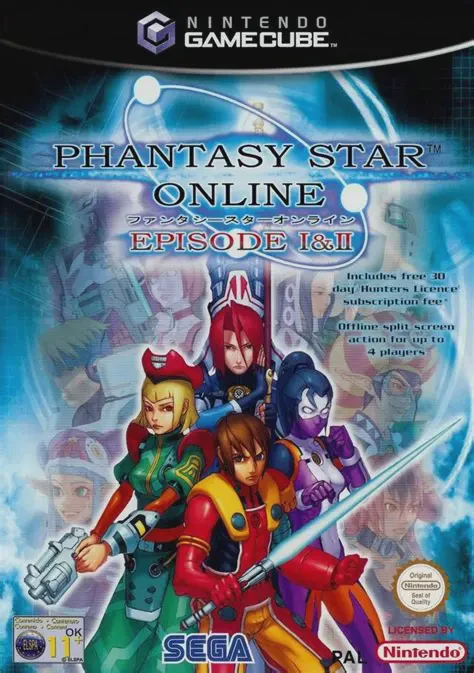
Phantasy Star Online Episode I & II for the Nintendo Game...
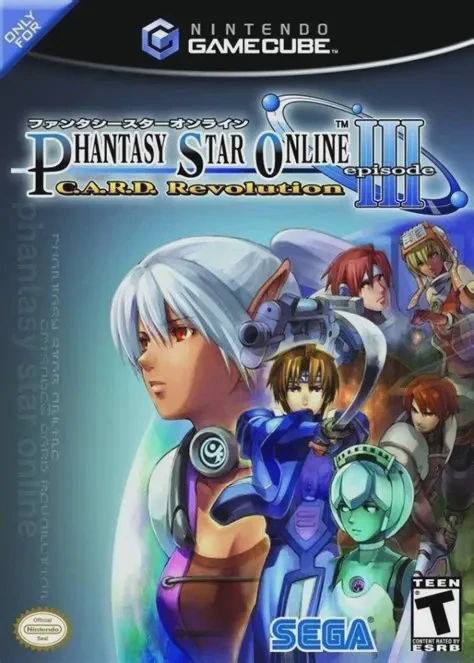
Phantasy Star Online Episode III: C.A.R.D. Revolution for...