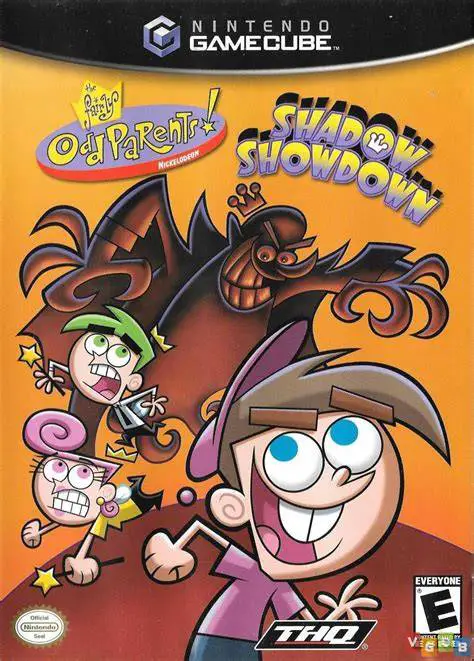
The Fairly OddParents: Sh...
Embark on a hilarious magical adventure with The Fairly O...

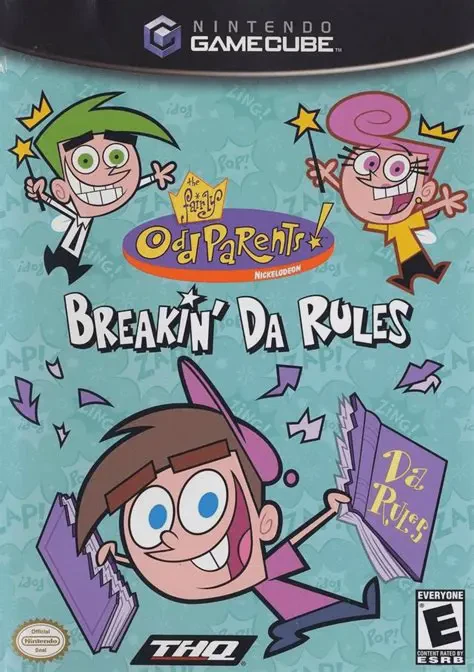
The Fairly OddParents: Breakin' Da Rules brings Nickelodeon's hit animated series to life on the Nintendo GameCube. Developed by Blitz Games and published by THQ, this 3D action-platformer captures the iconic humor, expressive art style, and fast-paced energy of the television show.
The story begins when Timmy Turner accidentally wishes for a secret device that erases the pages of Da Rules, the ultimate fairy rulebook. With Da Rules destroyed, Cosmo and Wanda lose their magical abilities, leaving Dimmsdale vulnerable to anti-fairies and evil forces. Players must guide Timmy through nine expansive levels—including Dimmsdale, the Comic Book World, Fairy World, and the inside of a giant video game—to recover the missing pages and restore order.
Gameplay combines traditional platforming jumps, exploration, and light combat with whimsical fairy gadgets. Timmy can utilize creative tools granted by his fairy godparents, such as the Super Crayon, Pogo Stick, Fairy Bow, and Health-o-Meter, to manipulate environments and overcome traps. Featuring full voice acting from the official cartoon cast, unlockable bonus content, and iconic boss encounters against villains like Mr. Crocker and Vicky, Breakin' Da Rules remains a classic Nickelodeon GameCube title.
Game Name: The Fairly OddParents: Breakin' Da Rules
Platform: Nintendo GameCube
Genre: 3D Action-Platformer / Adventure
Developer: Blitz Games
Publisher: THQ
Release Date: August 18, 2003 (North America) / November 14, 2003 (Europe)
Game Modes: Single-Player
ESRB Rating: Everyone (E)
Media Type: Nintendo GameCube Game Disc
Region Code: NTSC-U / PAL
Authentic Storyline & Cast: Features an original animated narrative written with input from show creators, complete with official voice acting from the television cast.
Magical Gadgets & Tools: Equip creative fairy inventions like the Super Crayon, Pogo Stick, and Fairy Bow to defeat enemies and solve environmental puzzles.
Diverse TV-Inspired Worlds: Explore 9 distinctive environments ranging from Timmy's house and school to the Crimson Chin's comic world and Fairy World.
Classic Boss Encounters: Battle iconic series antagonists including Vicky the Babysitter, Denzel Crocker, and anti-fairy forces.
Collectibles & Unlockables: Find hidden stars, crimson cards, and secret items in every level to unlock special concept art and bonus features.
Fluid 3D Platforming: Enjoy accessible jump-and-run gameplay tailored for players of all skill levels.
Yes, the original GameCube disc is fully playable on backward-compatible Nintendo Wii models (model RVL-001) using a standard GameCube controller and memory card.
No, The Fairly OddParents: Breakin' Da Rules is exclusively a single-player action-platformer campaign.
Yes, the game features full voice work recorded by the official TV cast, including Tara Strong (Timmy Turner), Daran Norris (Cosmo), and Susanne Blakeslee (Wanda).
Click the links below to go to the cloud drive download page
⚠️ Download Tips:
Embark on a hilarious magical adventure with The Fairly O...
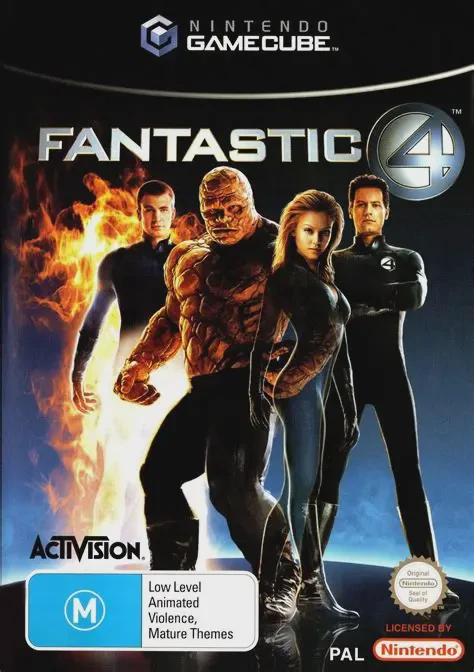
Step into the shoes of Marvel's legendary superhero team ...
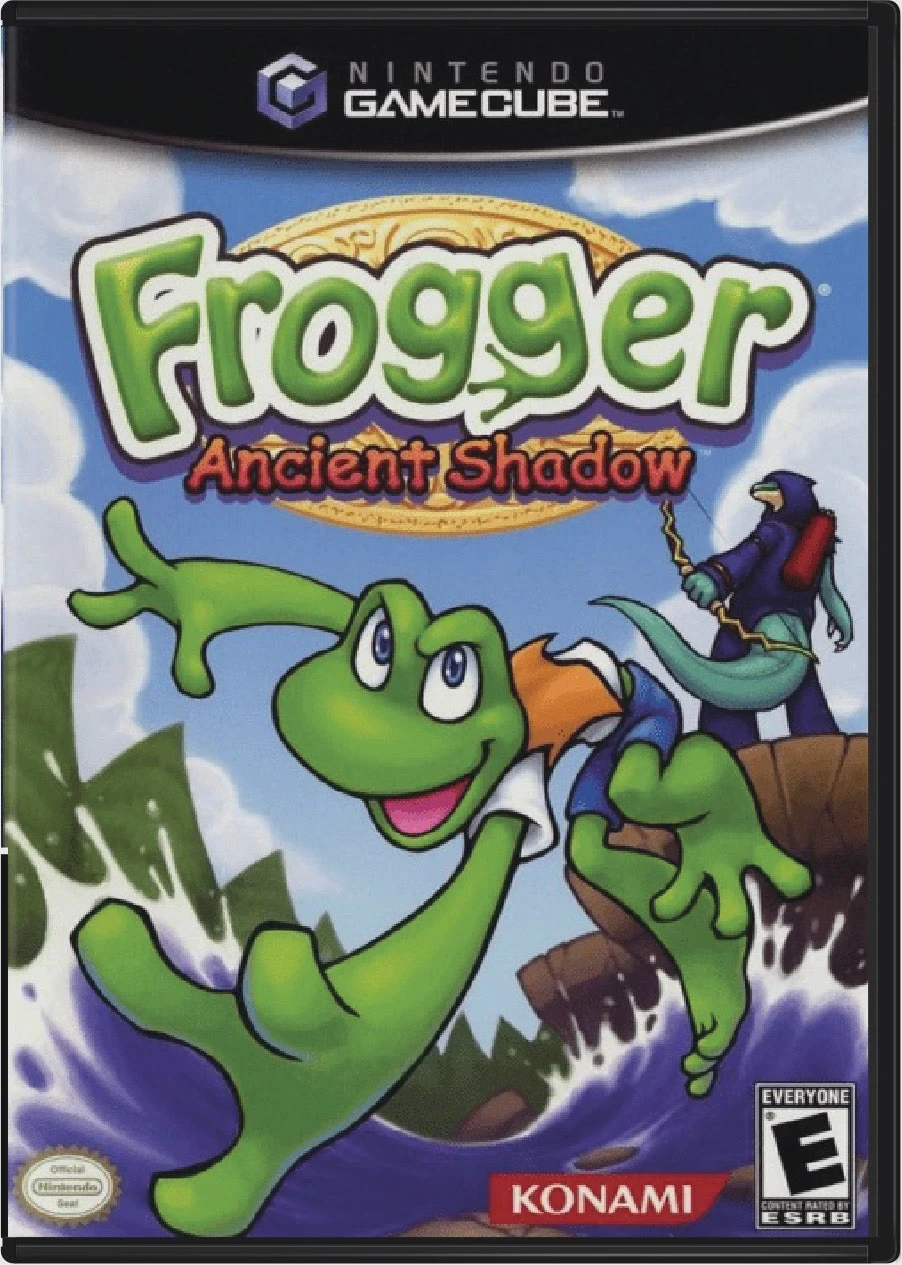
Frogger: Ancient Shadow is an engaging 3D action-platform...
Experience psychological horror and cinematic storytellin...
Experience cinematic kung-fu combat and intense vehicular...