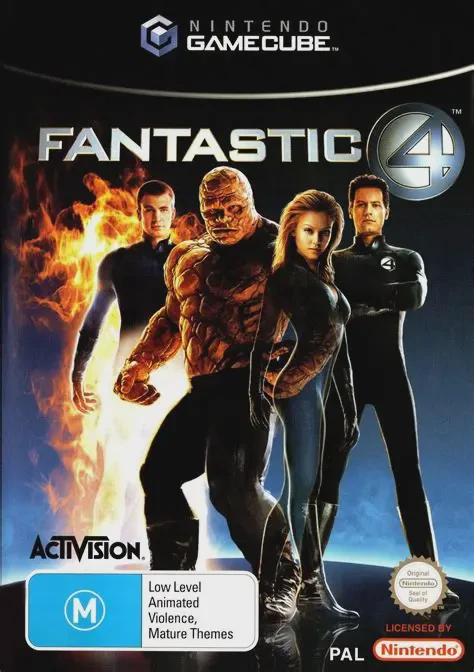
Fantastic 4
Step into the shoes of Marvel's legendary superhero team ...

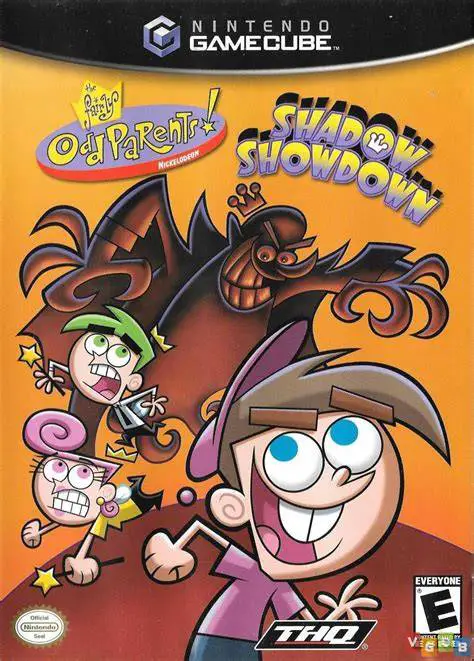
The Fairly OddParents: Shadow Showdown brings Nicktoons' beloved animated series to life on the Nintendo GameCube. Developed by Heavy Iron Studios and published by THQ, this action-platformer serves as a direct sequel to The Fairly OddParents: Breakin' Da Rules, introducing enhanced visuals, smoother platforming mechanics, and refined puzzle-solving elements.
When Timmy Turner's television screen suddenly goes blank during a massive broadcasting blackout across Dimmsdale, Cosmo and Wanda reveal that a mysterious shadow figure is stealing the town's magic and TV signals. Players navigate Timmy through seven expansive worlds—ranging from Dimmsdale Elementary and the Fairy World to the Crimson Chin's comic book universe and Retroville—to recover the lost magic and restore the broadcast network.
Gameplay revolves around using magical fairy wishes granted by Cosmo and Wanda. Timmy can transform into various forms or manifest wacky gadgets—such as the Pogo Stick, Bouncing Ball, Crayon Launcher, and Shadow Ray—to overcome obstacles, combat anti-fairies, and solve environmental puzzles. With original voice actors from the hit television series delivering witty dialogue, hidden collectibles scattered throughout each level, and bonus multiplayer minigames, Shadow Showdown delivers an authentic and engaging Nickelodeon gaming experience.
Game Name: The Fairly OddParents: Shadow Showdown
Platform: Nintendo GameCube
Genre: Action-Platformer / Adventure
Developer: Heavy Iron Studios
Publisher: THQ
Release Date: September 8, 2004 (North America) / October 15, 2004 (Europe)
Game Modes: Single-Player, Local Multiplayer (1–2 Players for Minigames)
ESRB Rating: Everyone (E)
Media Type: Nintendo GameCube Game Disc
Region Code: NTSC-U / PAL
Authentic Animated Adventure: Play through an original story arc featuring full voice acting from the official cast of The Fairly OddParents animated series.
Magical Wish Mechanics: Use Cosmo and Wanda’s fairy power to summon crazy gadgets, transform objects, and bypass environmental puzzles.
Explore Iconic TV Locations: Journey through colorful worlds including Dimmsdale, Fairy World, Yugopotamia, and the Crimson Chin's Comic Book World.
Gadgets & Combat Inventory: Utilize fun equipment like the Pogo Stick, Crayon Launcher, Micro Ray, and Shadow Ray to defeat quirky enemies and boss encounters.
Unlockable Bonus Minigames: Collect hidden items throughout the campaign to unlock special 2-player local arcade minigames for head-to-head multiplayer fun.
Challenging Boss Battles: Confront memorable villains from the cartoon show, including Vicky the Babysitter, Crocker, and anti-fairy forces.
Yes, the original GameCube disc is fully playable on backward-compatible Nintendo Wii consoles (model RVL-001) using a standard GameCube controller and memory card.
Yes, the game features official voice tracks recorded by the original animated series cast, including Tara Strong (Timmy Turner), Daran Norris (Cosmo), and Susanne Blakeslee (Wanda).
The main story campaign is a single-player experience, but players can unlock competitive 2-player local minigames by finding hidden collectibles within the story levels.
Click the links below to go to the cloud drive download page
⚠️ Download Tips:
Step into the shoes of Marvel's legendary superhero team ...
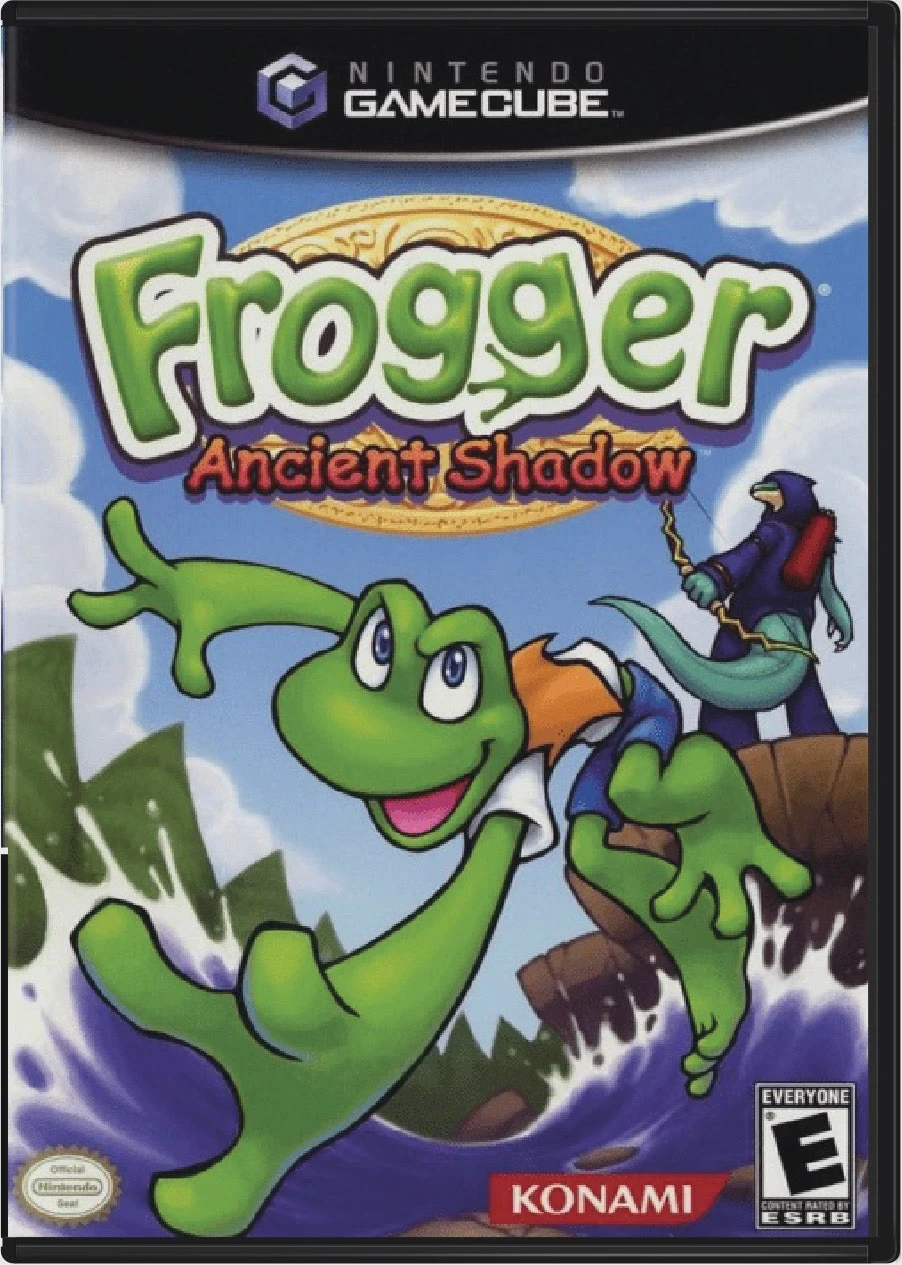
Frogger: Ancient Shadow is an engaging 3D action-platform...
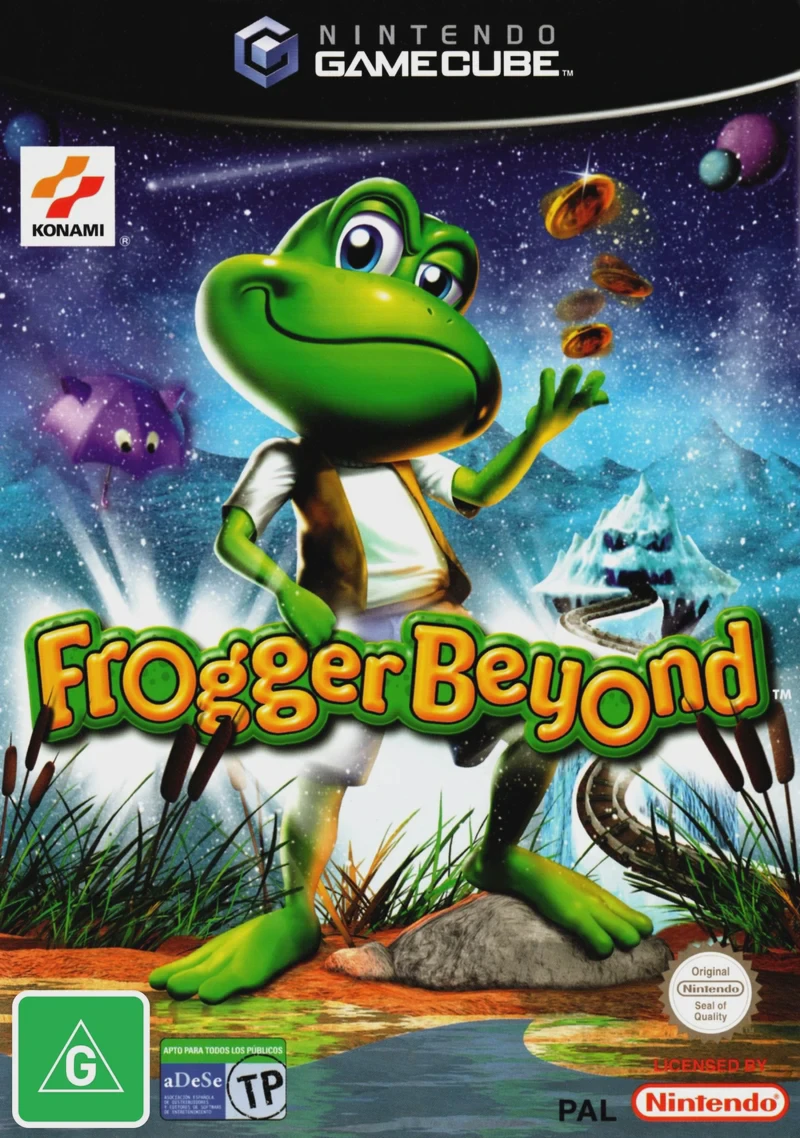
Frogger Beyond is an arcade-style 3D action-platformer vi...
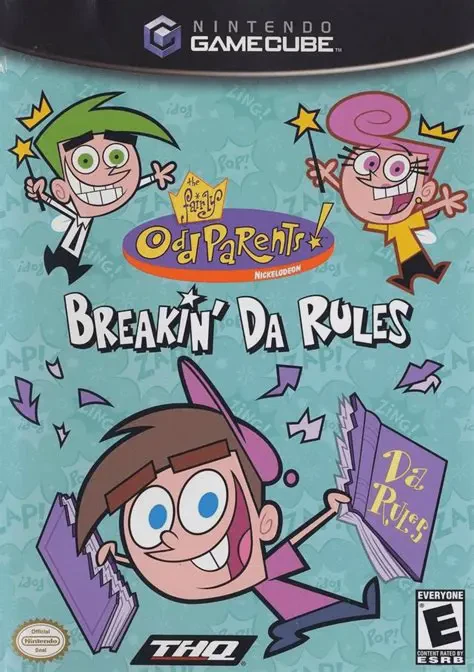
Embark on a hilarious magical platforming adventure with ...
Experience psychological horror and cinematic storytellin...