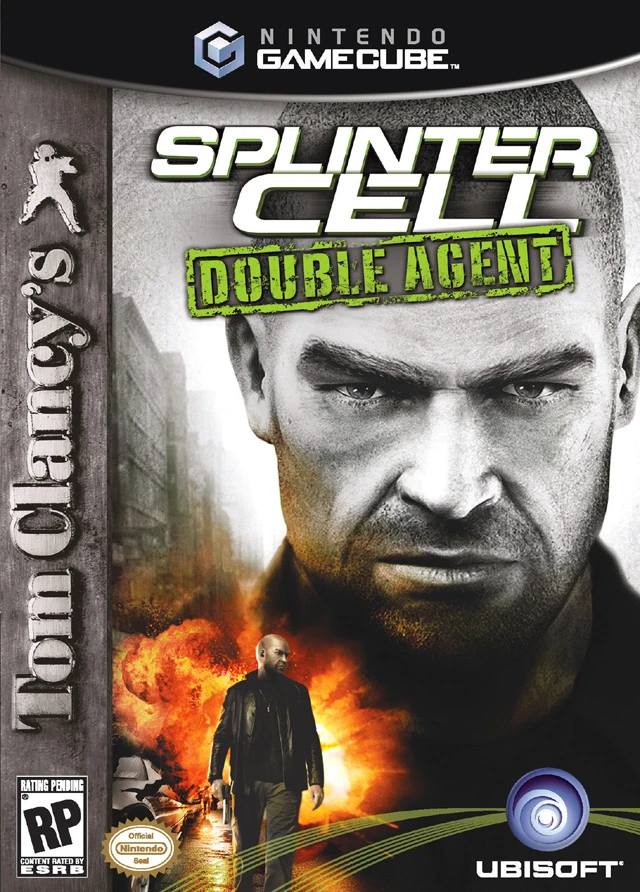
Tom Clancy's Splinter Cel...
Tom Clancy's Splinter Cell: Double Agent is a tactical st...

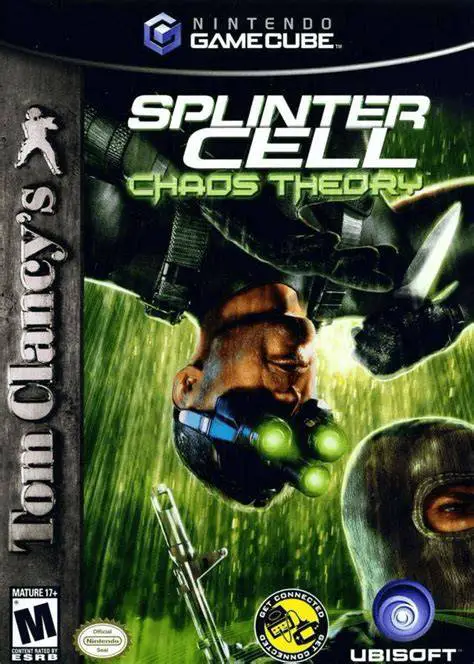
Tom Clancy's Splinter Cell: Chaos Theory refined the series' signature gameplay mechanics into a masterclass of stealth design. The storyline centers on the theft of "Masse Kernels"—sophisticated digital algorithms capable of causing total electronic blackouts and triggering international military conflicts between East Asian superpowers.
The GameCube release showcases advanced visual lighting effects and expanded player agency, offering multiple pathways and non-linear solutions to every objective:
Dynamic Light & Sound Meters: Monitor both your physical visibility in the shadows and the ambient noise level of your environment, allowing you to mask footsteps behind rain, running engines, or thunder.
Close Quarters Combat (CQC) & Combat Knife: Equip Sam's combat knife for non-lethal interrogations, silent throat cuts, piercing inflatable rafts, cutting through canvas walls, or slashing electrical wires.
Variable Movement Speed & Infiltration: Utilize analog control to adjust movement speed, crawl through ventilation shafts, upside-down pipe grinds, and ledge-pull eliminations.
The campaign features non-linear level layouts spanning global hot spots including a stormy lighthouse on the Panamanian coast, a high-tech bank in Panama City, a cargo ship in international waters, and a heavily fortified Japanese information agency.
Game Title: Tom Clancy's Splinter Cell: Chaos Theory
Platform: Nintendo GameCube
Developer: Ubisoft Montreal
Publisher: Ubisoft
Release Date: March 31, 2005 (North America)
Genre: Stealth / Action / Tactical
Game Modes: Single-player, Local Co-op (2 Players)
ESRB Rating: M (Mature 17+)
Dual Sound & Visibility Meters: Gauge both shadow coverage and ambient environmental noise to sneak past attentive guards and acoustic sensors.
Lethal & Non-Lethal Knife Tactics: Interrogate hostiles at knifepoint, perform silent takedowns, or slice through tents, cloth barriers, and wire fencing.
Non-Linear Mission Paths: Complete objectives using multiple routes, optional hackable computer terminals, secondary goals, and open-ended room layouts.
SC-20K Modular Assault Rifle: Upgrade Sam's primary rifle with specialized attachments including sniper scopes, shotgun mounts, launcher modules, and sticky shockers.
Local 2-Player Co-op Campaign: Team up in local split-screen mode for a separate story campaign requiring synchronized partner moves like boost-jumps and human ladders.
The sound monitor displays both your current movement noise and the background ambient noise of the surrounding room. As long as your noise level stays below the ambient room noise, guards cannot hear you approaching.
Yes, the GameCube version includes a dedicated 2-player local split-screen co-op campaign featuring unique levels and co-op specific physical maneuvers.
Yes, the combat knife is an integral part of Sam Fisher's standard equipment in Chaos Theory, used for stealth interrogations, instant close-range takedowns, and environmental interaction.
Click the links below to go to the cloud drive download page
⚠️ Download Tips:
Tom Clancy's Splinter Cell: Double Agent is a tactical st...
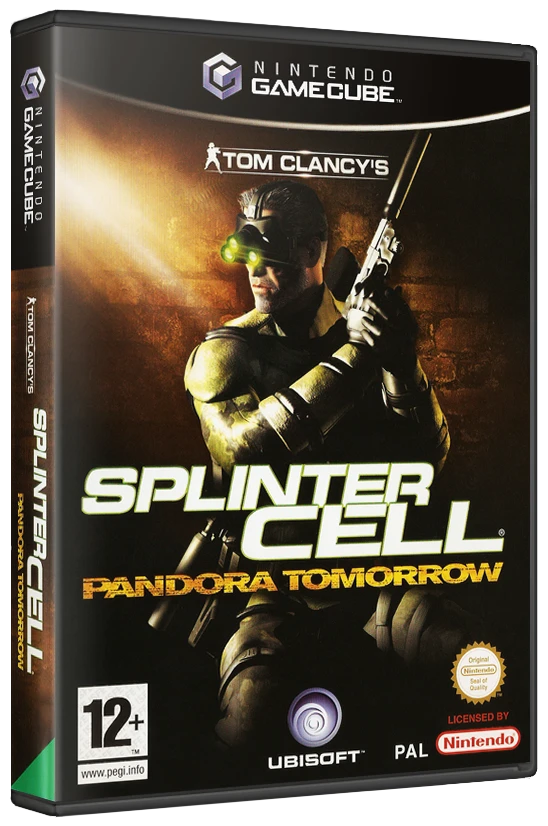
Tom Clancy's Splinter Cell: Pandora Tomorrow is a stealth...
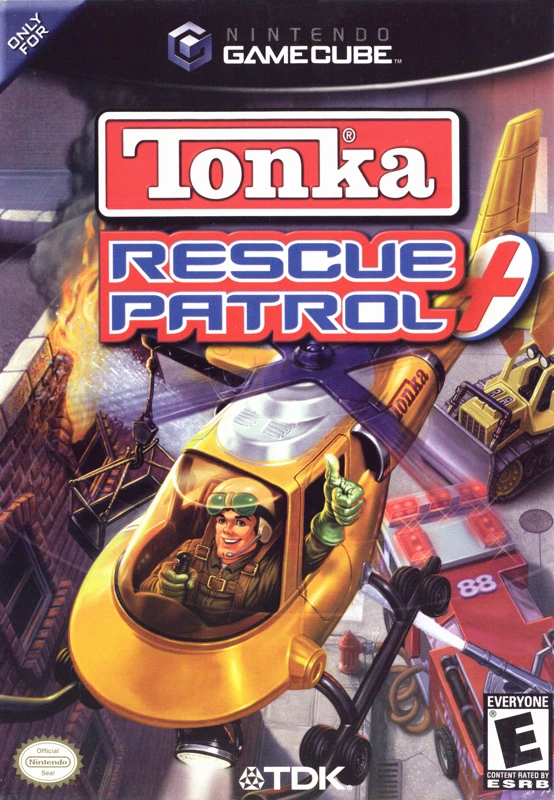
Tonka: Rescue Patrol is a child-friendly vehicle action-a...
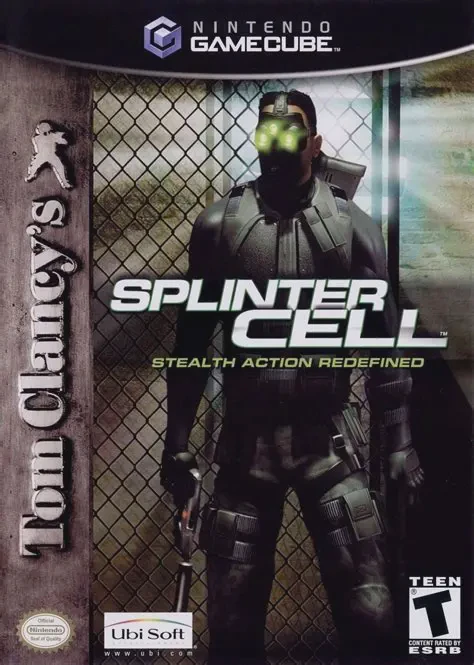
Tom Clancy's Splinter Cell is a genre-defining tactical s...
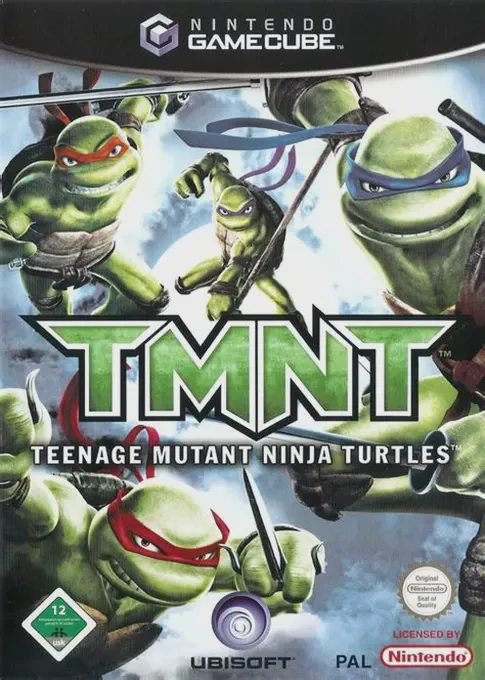
TMNT is an action-adventure beat 'em up video game develo...