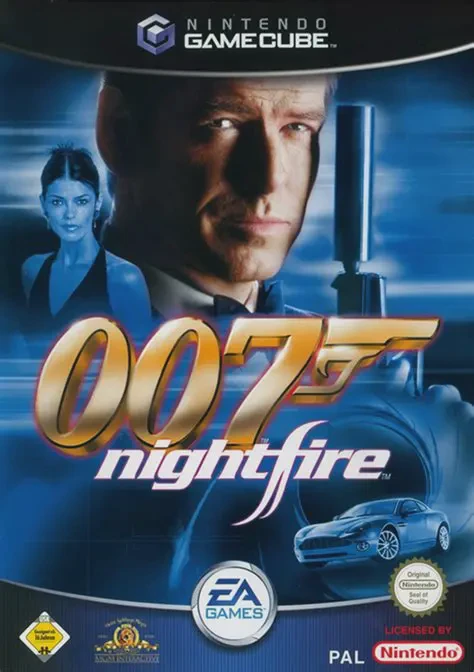
007: Nightfire
007: Nightfire (officially titled James Bond 007: Nightfi...

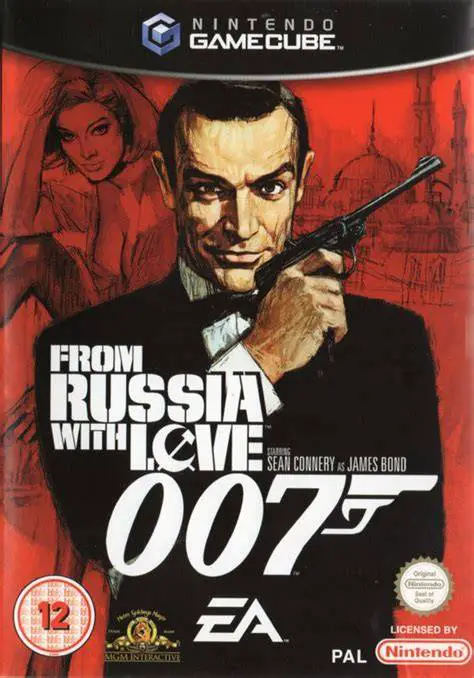
007: From Russia with Love delivers an authentic 1960s espionage experience built around the third-person gameplay engine originally refined in 007: Everything or Nothing. Developed by EA Redwood Shores, the game takes players back to the birth of cinematic James Bond, faithfully recreating classic film sets alongside brand-new story sequences, dynamic vehicle chases, and retro gadgetry.
The campaign closely follows the plot of the 1963 film, with Bond sent to Istanbul to assist Soviet decoder Tatiana Romanova in defecting to the West alongside the coveted Lektor encryption device. Unbeknownst to MI6, the entire scenario is an elaborate trap orchestrated by the terrorist syndicate OCTOPUS (a substitute for SPECTRE in the game) led by criminal mastermind Blofeld. Gameplay shifts between cover-based third-person firefights, melee combat, target framing using "Bond Focus," aerial jetpack assaults, and high-speed driving sequences behind the wheel of the legendary Aston Martin DB5.
Specification | Details |
Title | 007: From Russia with Love |
Platform | Nintendo GameCube |
Genre | Third-Person Shooter / Action-Adventure |
Developer | EA Redwood Shores |
Publisher | Electronic Arts |
Release Date | November 15, 2005 (North America) / November 18, 2005 (Europe) |
Game Modes | Single-player, Local Split-Screen Multiplayer (Up to 4 players) |
Media Format | Nintendo GameCube Game Disc |
Sean Connery as James Bond: Features voice acting, character modeling, and classic charm from original 007 actor Sean Connery.
Bond Focus Targeting Mechanics: Precise aiming system that slows down time, highlighting enemy weak points, armor vulnerabilities, and interactive environmental explosives.
1960s Vintage Q-Branch Arsenal: Utilize retro gadgets including the Q-Jetpack from Thunderball, laser wristwatches, trapdoor briefcases, and remote-controlled dart devices.
Vehicular Driving Missions: Command Bond's famous Aston Martin DB5 across dynamic driving levels featuring machine guns, tyre-slashers, and smoke screens.
4-Player Split-Screen Multiplayer: Battle friends in local split-screen modes with customizable bot AI, jetpack combat, vehicle arenas, and classic weapon setups.
A: Yes. Electronic Arts secured Sean Connery to reprise his role, providing newly recorded voice tracks and agreeing to his digital scan and visual likeness for the game.
A: The game covers all major plot points and locations from the 1963 movie (such as Istanbul, the Orient Express, and the Gypsy camp), but expands the storyline with new opening and closing missions, jetpack sequences, and additional action set pieces.
A: Activating Bond Focus locks onto enemies or objects and highlights specific action points on screen. Shooting these precision targets allows players to disarm guards, detonate grenade belts, or shoot off helmets with pinpoint accuracy.
A: Yes. Up to four players can play locally in split-screen deathmatch and objective modes, featuring specialized map features like jetpack pickups and driveable vehicles.
Click the links below to go to the cloud drive download page
⚠️ Download Tips:
007: Nightfire (officially titled James Bond 007: Nightfi...
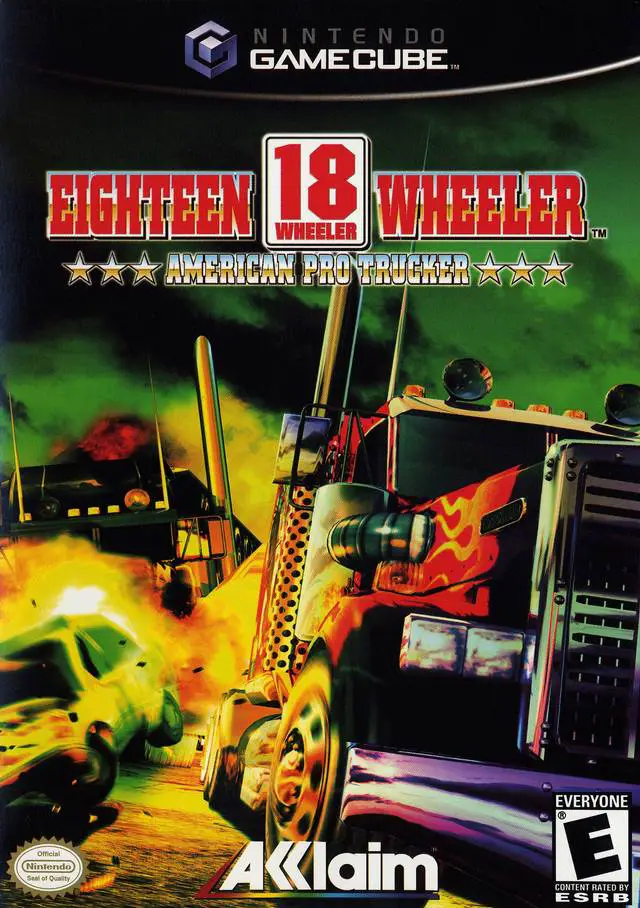
18 Wheeler: American Pro Trucker is an arcade driving vid...
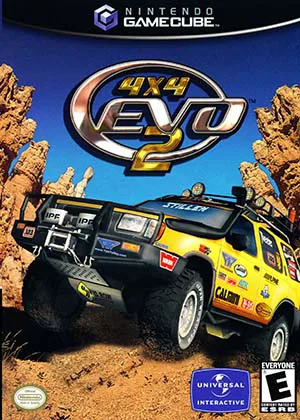
4x4 Evo 2 (also known as 4x4 Evolution 2) is an off-road ...
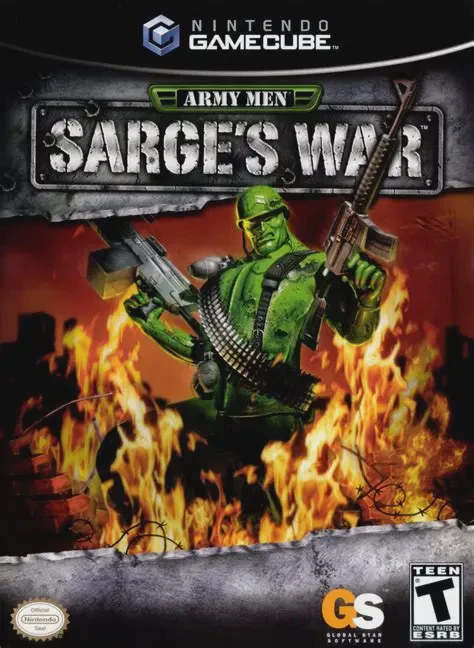
Army Men: Sarge's War is a third-person shooter video gam...
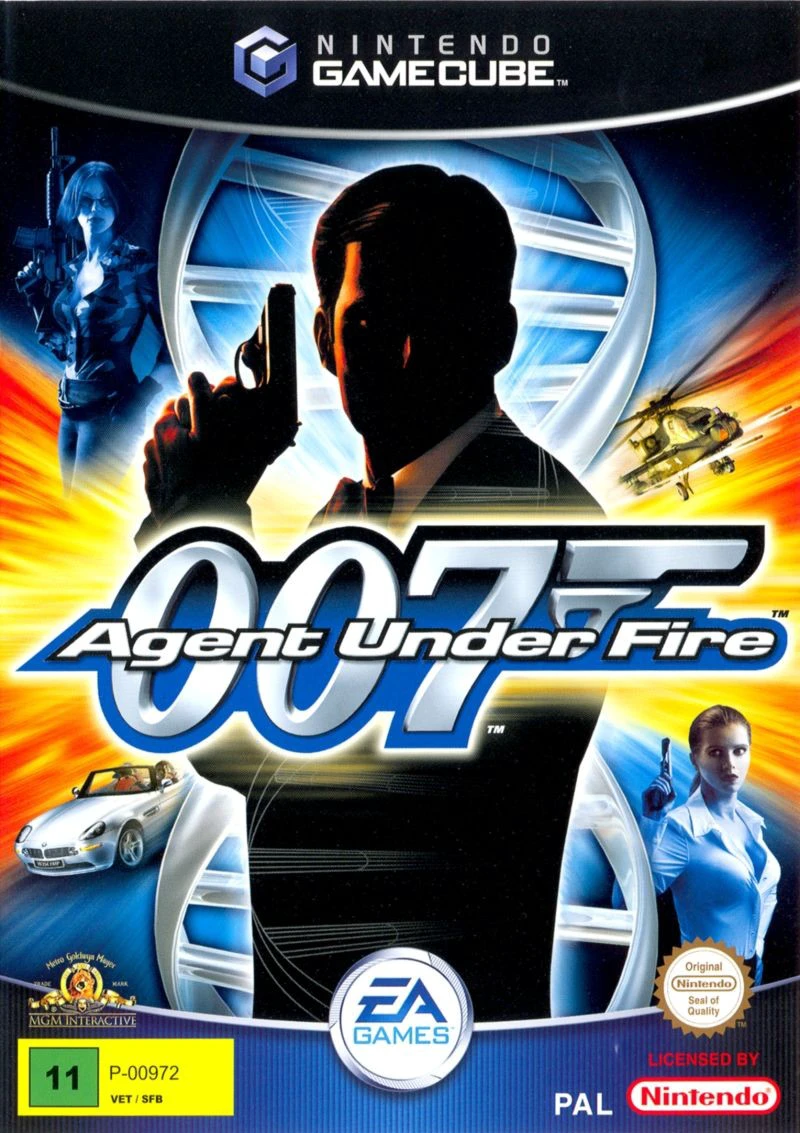
007: Agent Under Fire (officially titled James Bond 007 i...