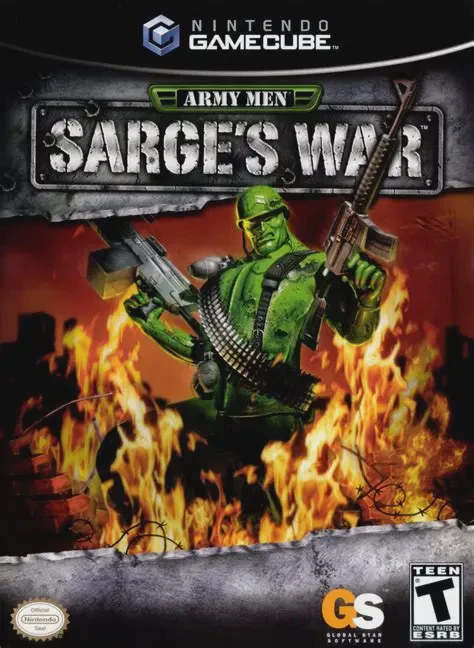
Army Men: Sarge's War
Army Men: Sarge's War is a third-person shooter video gam...

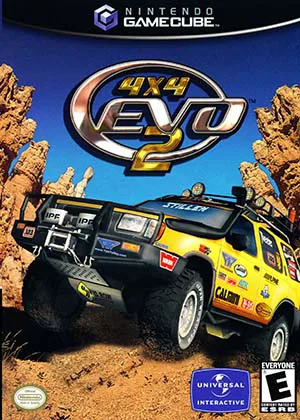
4x4 Evo 2 combines realistic off-road vehicle physics with career-driven squad and financial management. Developed by Terminal Reality using an upgraded version of their proprietary execution engine, the GameCube release offers detailed truck models, dynamic weather effects, deformable terrain physics, and realistic winch mechanics for sticky off-road scenarios.
The game features over 70 real-world licensed trucks, SUVs, and off-road vehicles from major manufacturers—including Chevrolet, GMC, Ford, Dodge, Jeep, Nissan, Toyota, Lexus, and Mitsubishi. Players compete across open-ended point-to-point tracks and circuit courses located in rugged locales such as Death Valley, the Amazon rainforest, Alaskan glaciers, and ancient ruins. In Career Mode, players earn prize money from race wins to repair vehicle damage, purchase performance parts (like suspension lifts, superchargers, and heavy-duty tires), or hire team drivers to compete in corporate-sponsored off-road racing series.
Specification | Details |
Title | 4x4 Evo 2 |
Platform | Nintendo GameCube |
Genre | Off-Road Racing Simulation |
Developer | Terminal Reality |
Publisher | Gathering of Developers / Take-Two Interactive |
Release Date | September 16, 2002 (North America) / March 28, 2003 (Europe) |
Game Modes | Single-player, Local Split-Screen Multiplayer (Up to 2 players) |
Media Format | Nintendo GameCube Game Disc |
Licensed Real-World Vehicles: Drive over 70 authentically recreated trucks, SUVs, and concept vehicles from top manufacturers like Jeep, Ford, Chevrolet, Dodge, GMC, Toyota, and Nissan.
Deep Mechanical Tuning & Parts: Modify vehicles with real-world aftermarket parts, including performance engines, transfer cases, exhaust systems, winch units, lift kits, and specialized off-road tires.
Non-Linear Open Track Design: Navigate expansive, wide-open environments where finding optimal off-road lines, shortcuts, and river crossings is essential to victory.
Exploration & Mission Modes: Engage in special non-racing exploration missions, such as locating lost cargo, searching for missing person camps, or surveying remote wilderness areas.
Career & Team Management: Earn money through race payouts and corporate sponsorships to build a team of off-road drivers and expand your vehicle garage.
A: Unlike traditional closed-circuit racers, stages in 4x4 Evo 2 feature wide-open terrain. While checkpoints guide the general direction of the race, players are free to cut across hills, valleys, rivers, and dense forests to discover the fastest route.
A: Yes. The customization shop features aftermarket parts from real performance manufacturers, allowing players to upgrade shocks, tires, transfer cases, and superchargers to suit mud, rock crawling, or high-speed desert conditions.
A: When a vehicle gets stuck in deep mud, wedged on rocks, or flipped on a steep incline, players can deploy a tow winch to hook onto nearby trees or rock formations and pull their vehicle back onto the track.
A: Yes. The GameCube version includes a local two-player split-screen multiplayer mode for head-to-head off-road racing across unlocked tracks.
Click the links below to go to the cloud drive download page
⚠️ Download Tips:
Army Men: Sarge's War is a third-person shooter video gam...
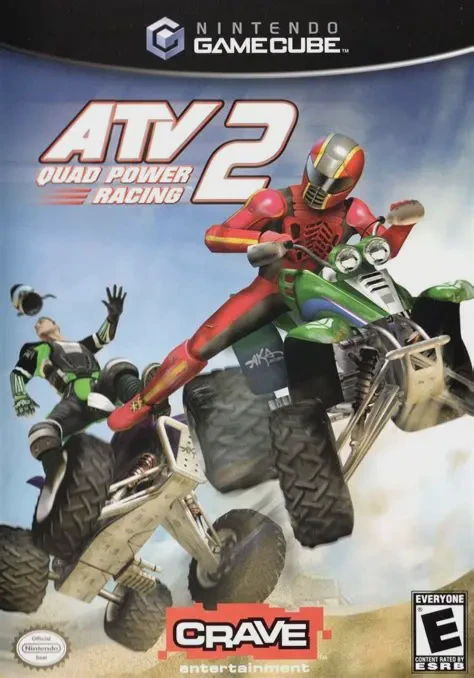
ATV: Quad Power Racing 2 is an arcade-style off-road raci...

Auto Modellista is a cell-shaded arcade racing video game...
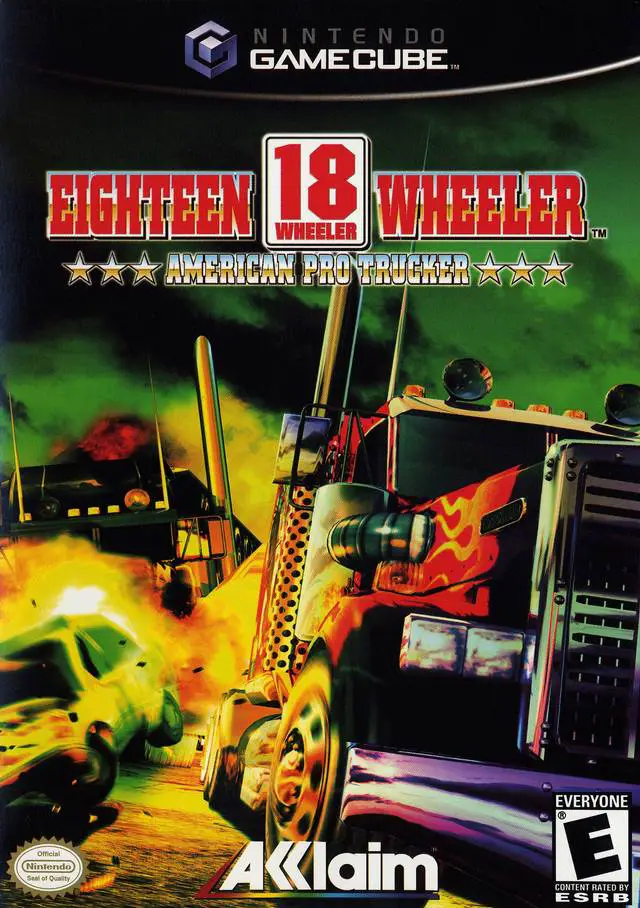
18 Wheeler: American Pro Trucker is an arcade driving vid...

007: Nightfire (officially titled James Bond 007: Nightfi...