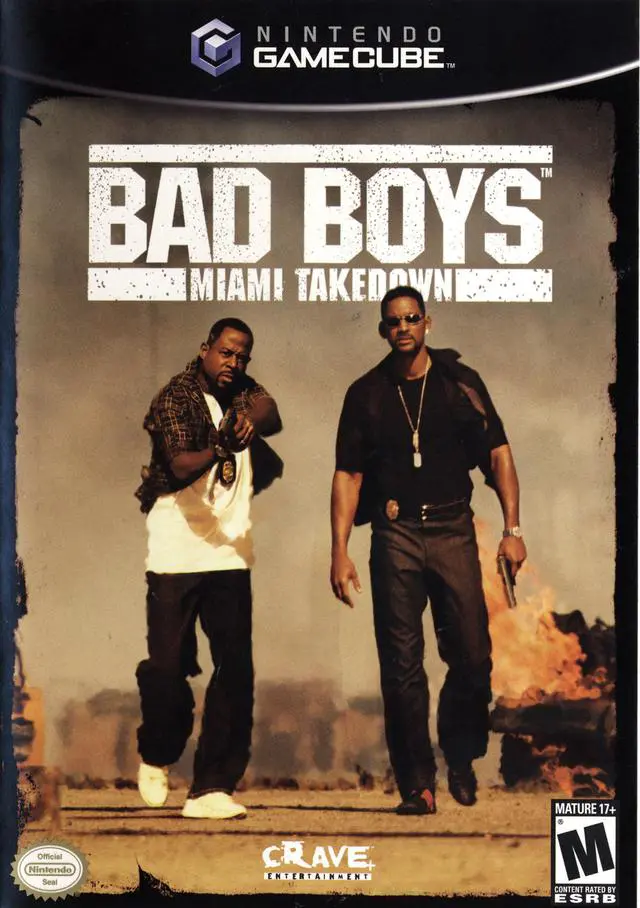
Bad Boys: Miami Takedown
Bad Boys: Miami Takedown (released in Europe as Bad Boys:...

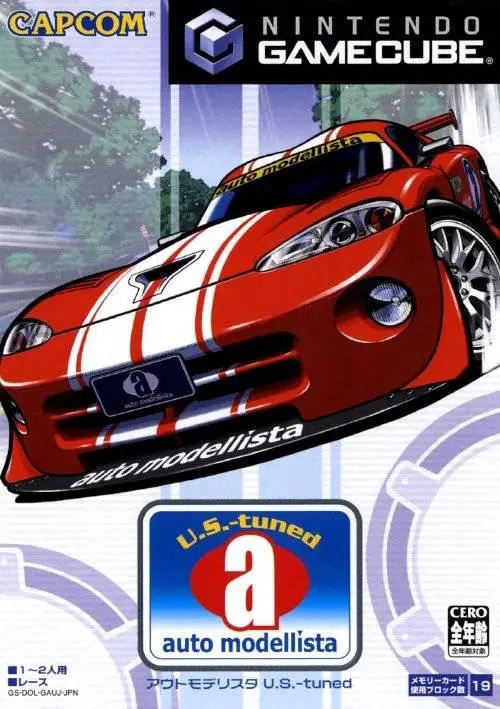
Auto Modellista stands out in the racing genre due to its eye-catching, comic-book-inspired art direction. Developed by Capcom, the game eschews photo-realism in favor of vibrant cel-shaded lines and dynamic speed-line graphic effects, giving players the feeling of driving inside a living manga or animated film.
Players take the wheel of over 60 officially licensed vehicles from iconic global manufacturers, including Honda, Mazda, Nissan, Toyota, Subaru, Mitsubishi, Ford, and Chevrolet. The main campaign, known as "Garage Life," allows players to purchase cars, tune mechanical performance components (such as suspension, transmission, engine upgrades, and tires), and heavily customize visual aesthetics with body kits, hoods, spoilers, decals, and custom paint jobs. Races span a variety of environments, from tight mountain pass (touge) downhill runs and city street circuits to high-speed oval tracks and closed racing courses.
Specification | Details |
Title | Auto Modellista |
Platform | Nintendo GameCube |
Genre | Arcade Racing / Tuner Simulation |
Developer | Capcom |
Publisher | Capcom |
Release Date | July 3, 2003 (Japan) / October 1, 2003 (North America) / December 19, 2003 (Europe) |
Game Modes | Single-player, Local Split-Screen Multiplayer (Up to 2 players) |
Media Format | Nintendo GameCube Game Disc |
Signature Cel-Shaded Visuals: Renders high-speed racing and environment details using hand-drawn anime line work and manga-style graphic speed effects.
Garage Life Mode: Build, tune, and personalize a dream garage, managing real-world car performance parts, custom vinyl decals, and garage ornaments.
Licensed Vehicle Roster: Drive dozens of Japanese domestic market (JDM) legends and Western sports cars, including the Nissan Skyline GT-R, Mazda RX-7, Toyota Supra, Honda NSX, and Chevrolet Corvette.
Mountain Pass Touge Racing: Master technical Japanese mountain passes (touge) featuring sharp hairpin turns, elevation changes, and drift-heavy corners.
VJM (Visual Music) & Replay Theater: Customize and edit stylized race replays with camera angles, visual filters, and custom background music tracks.
A: The Nintendo GameCube version is based on the updated Auto Modellista U.S.-tuned revised release. It features re-tuned driving physics that are tighter and less prone to uncontrolled sliding, along with additional American muscle cars (such as Ford and Chevrolet models) and expanded track configurations.
A: No. While the original PlayStation 2 version featured online play in certain regions, the Nintendo GameCube version lacks online functionality and focuses exclusively on single-player modes and local two-player split-screen multiplayer.
A: Yes. Players can upgrade mechanical components like brakes, suspension, turbos, exhaust systems, and tires. Visually, cars can be customized with body kits, custom hoods, wings, wheels, paint colors, and detailed sticker placement.
A: The main mode is Garage Life (career campaign), alongside Arcade Mode (quick single races), Time Attack (lap time trials), VJM Mode (replay editing), and Split-Screen VS Mode (local two-player racing).
Click the links below to go to the cloud drive download page
⚠️ Download Tips:
Bad Boys: Miami Takedown (released in Europe as Bad Boys:...
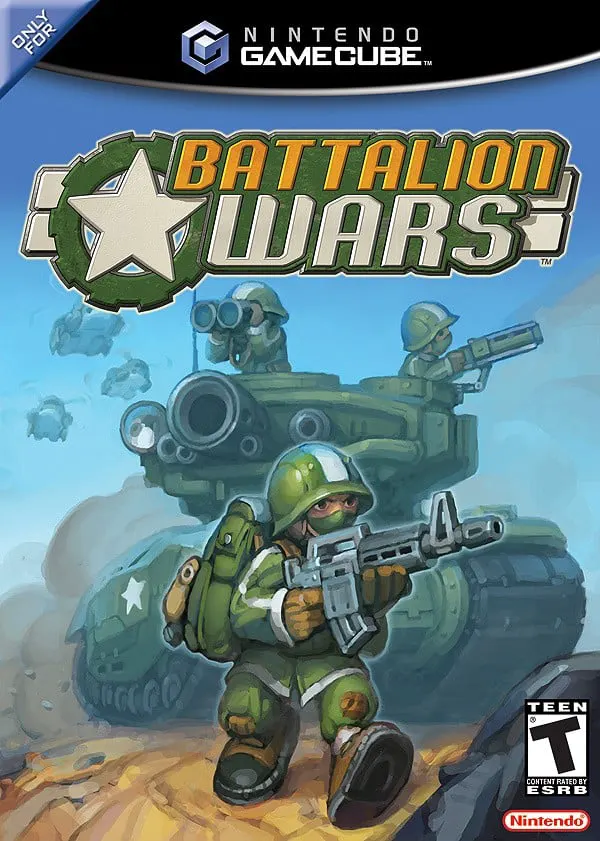
Battalion Wars (released in Japan as Totsugeki!! Famicom ...
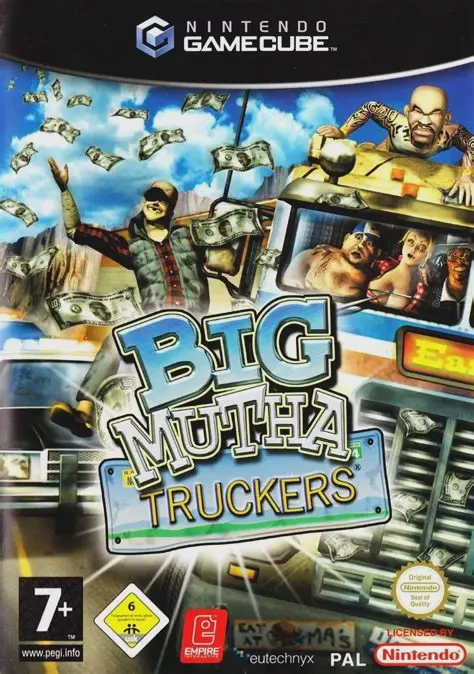
Big Mutha Truckers is an arcade-style driving and vehicul...
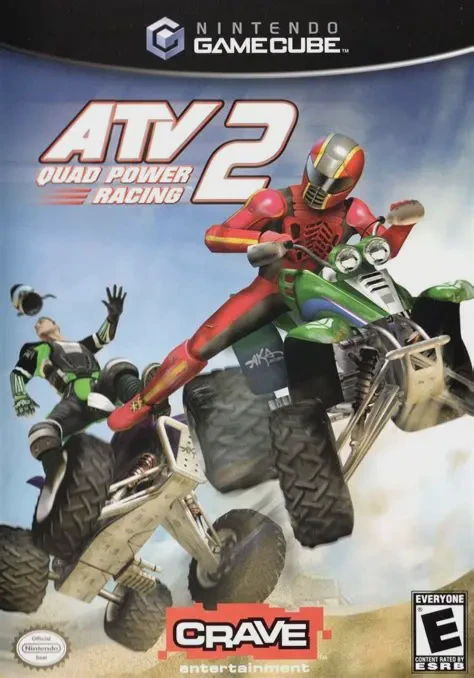
ATV: Quad Power Racing 2 is an arcade-style off-road raci...
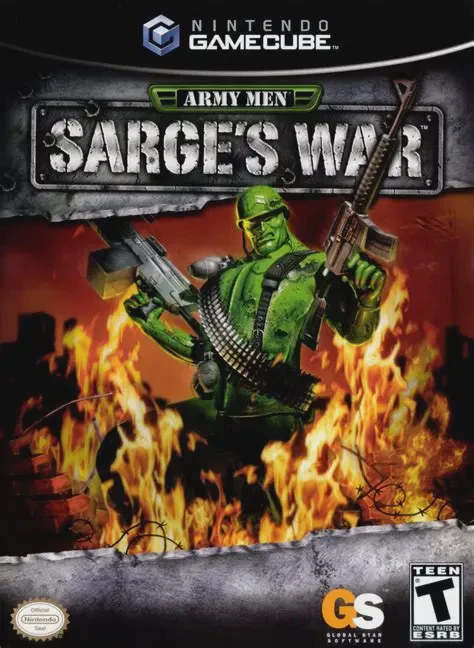
Army Men: Sarge's War is a third-person shooter video gam...