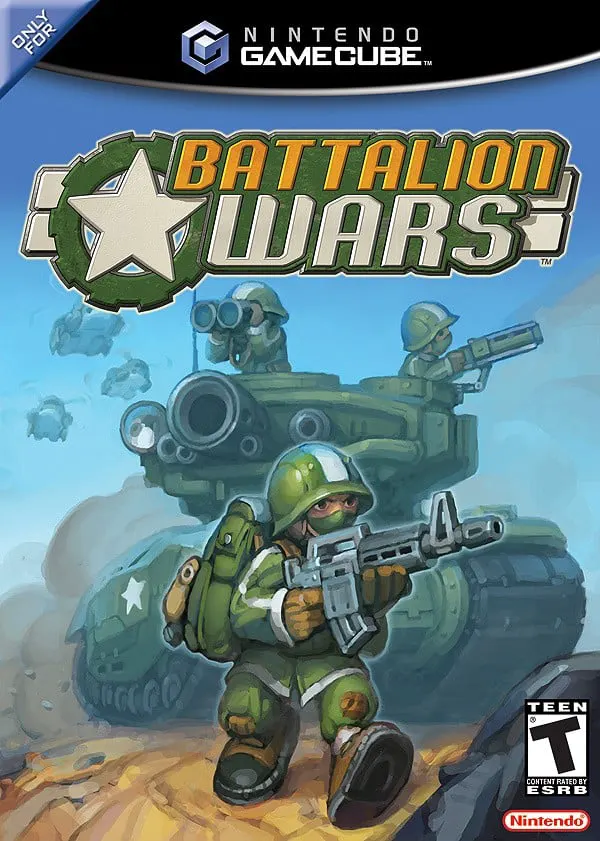
Battalion Wars
Battalion Wars (released in Japan as Totsugeki!! Famicom ...

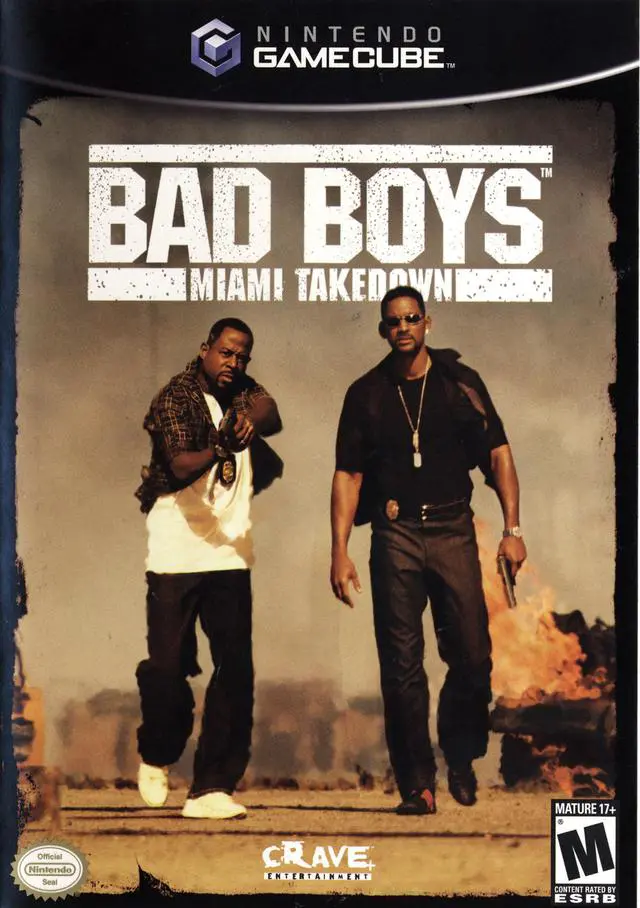
Bad Boys: Miami Takedown translates the high-octane, action-movie style of the blockbuster film into a cover-based shooter experience. Developed by UK-based Blitz Games, the title reproduces the banter, explosive set pieces, and shootout sequences characteristic of the franchise.
Set across Miami’s docks, luxury penthouses, swampy hideouts, and drug labs, the game follows Tactical Narcotics Team (TNT) officers Mike Lowrey and Marcus Burnett as they investigate a new synthetic drug trade run by the Colombian cartel. Gameplay alternates between the two detectives across various missions. The core combat relies on a cover-and-shoot mechanic where players duck behind walls, cars, and furniture to exchange gunfire. The game also incorporates a unique "Bad Boy Rating" system that evaluates player performance based on tactical actions—such as disarming suspects, gathering evidence, protecting civilian bystanders, and destroying cartel contraband—alongside high-stress first-person search-and-arrest sequences.
Specification | Details |
Title | Bad Boys: Miami Takedown (Europe: Bad Boys: II) |
Platform | Nintendo GameCube |
Genre | Third-Person Tactical Shooter / Cover Shooter |
Developer | Blitz Games |
Publisher | Empire Interactive / Crave Entertainment |
Release Date | September 14, 2004 (North America) / January 14, 2005 (Europe) |
Game Modes | Single-player |
Media Format | Nintendo GameCube Game Disc |
Dual Protagonist Campaign: Play through interconnected story levels as both Detective Mike Lowrey (focused on fast action) and Detective Marcus Burnett (focused on tactical backup).
Cover-Based Gunplay System: Take cover behind walls, crates, and pillars to dodge enemy fire, pop out to aim, or perform blind firing maneuvers.
Bad Boy Rating Mechanics: Earn high stage ratings by neutralizing threats cleanly, making arrests, protecting civilians, and collecting contraband evidence.
First-Person Action Modes: Switch into first-person aim mode during shootouts or precision search-and-disarm sequences.
Destructible Environments: Blast through furniture, windows, glass cases, and structural cover using shotguns, submachine guns, assault rifles, and grenades.
A: No. While the character models are designed to match the likenesses of Mike Lowrey and Marcus Burnett from the film, voice actors emulate the dialogue and banter of Will Smith and Martin Lawrence for the game.
A: The Bad Boy Rating rewards players for acting like proper officers rather than firing indiscriminately. You earn higher points and bonuses by disarming enemies, arresting suspects, preserving evidence, and keeping civilian casualties at zero.
A: Mike's missions generally focus on aggressive point-blank gunfights, quick reflexes, and running engagements, whereas Marcus's stages lean slightly more toward sniper overwatch, tactical positioning, and cover fire support.
A: No. Despite featuring a pair of lead detectives, Bad Boys: Miami Takedown on the Nintendo GameCube is strictly a single-player action campaign.
Click the links below to go to the cloud drive download page
⚠️ Download Tips:
Battalion Wars (released in Japan as Totsugeki!! Famicom ...
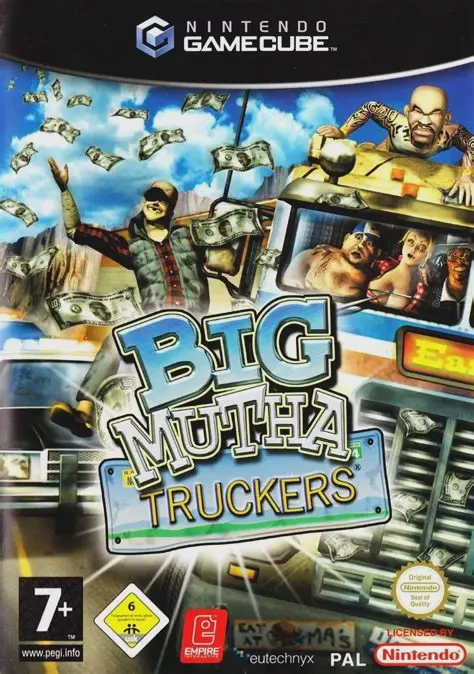
Big Mutha Truckers is an arcade-style driving and vehicul...
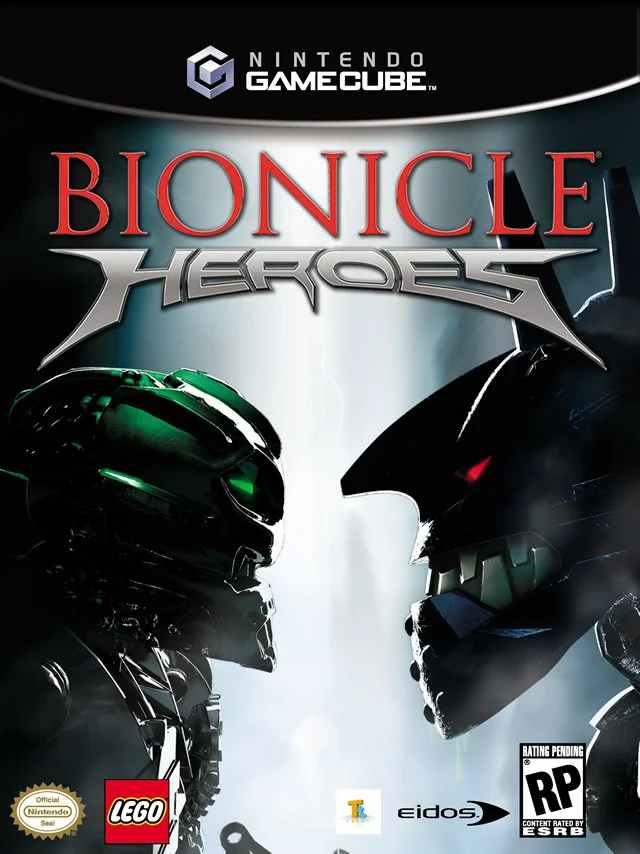
Bionicle Heroes is a third-person action-shooter video ga...
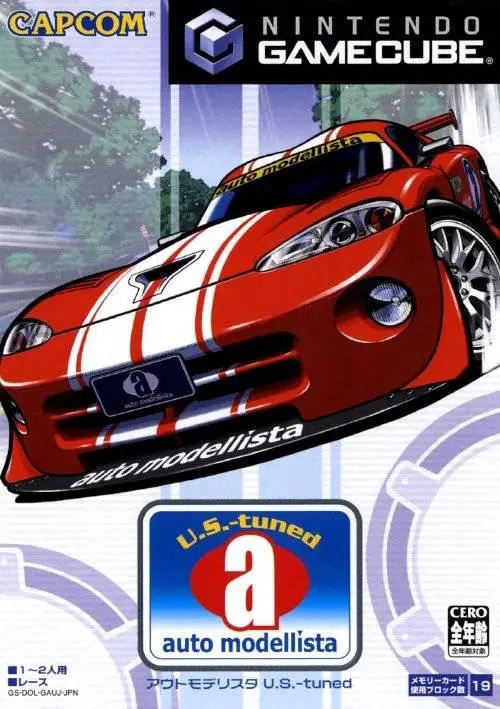
Auto Modellista is a cell-shaded arcade racing video game...
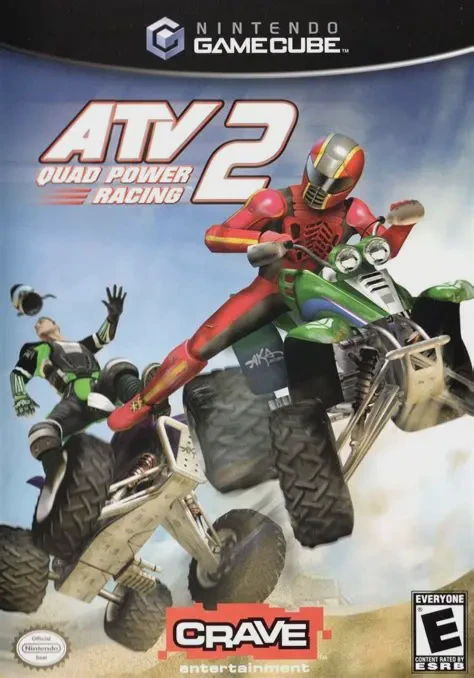
ATV: Quad Power Racing 2 is an arcade-style off-road raci...