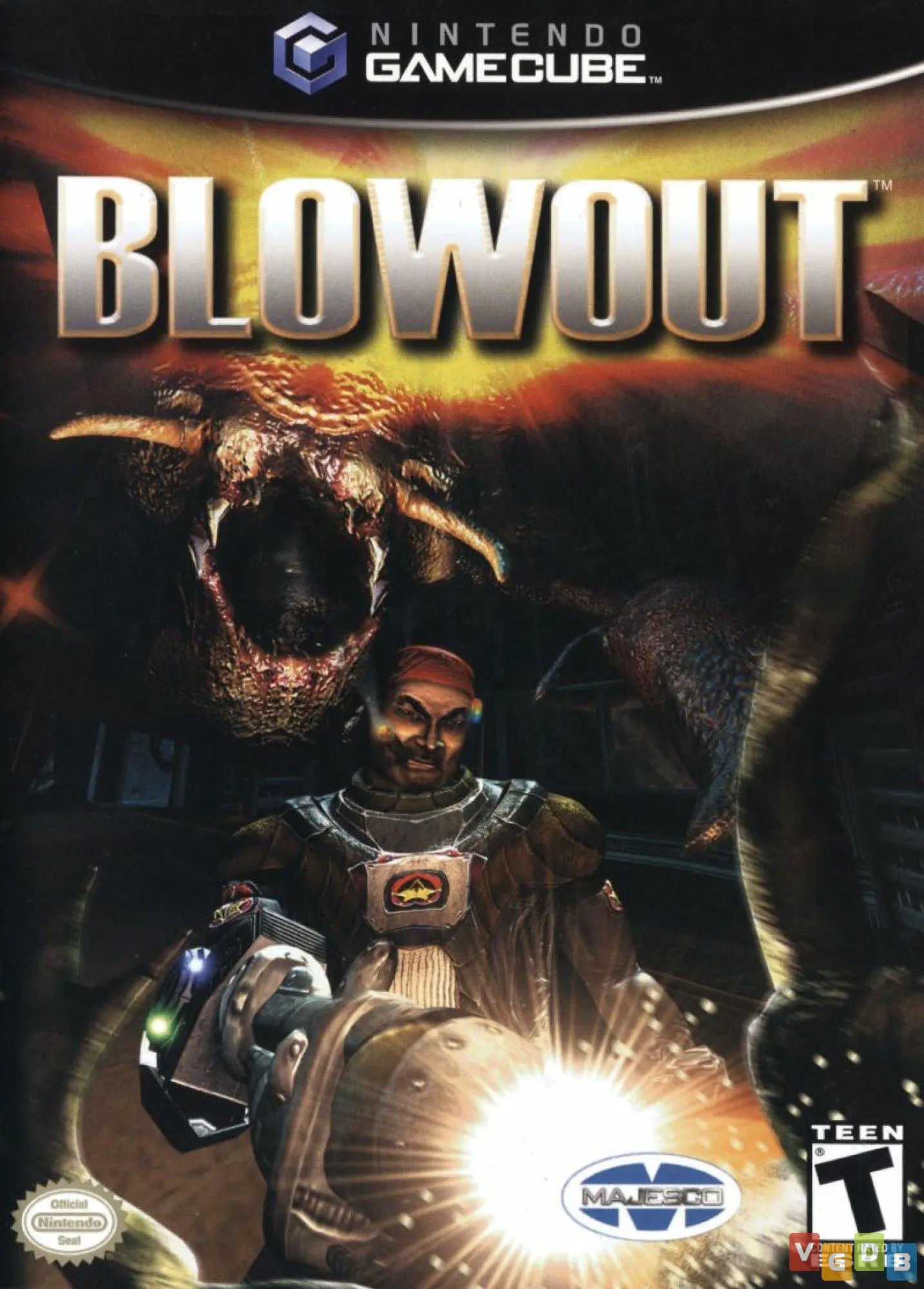
BlowOut
BlowOut (also styled as BlowOut: FX Decision) is a 2.5D s...

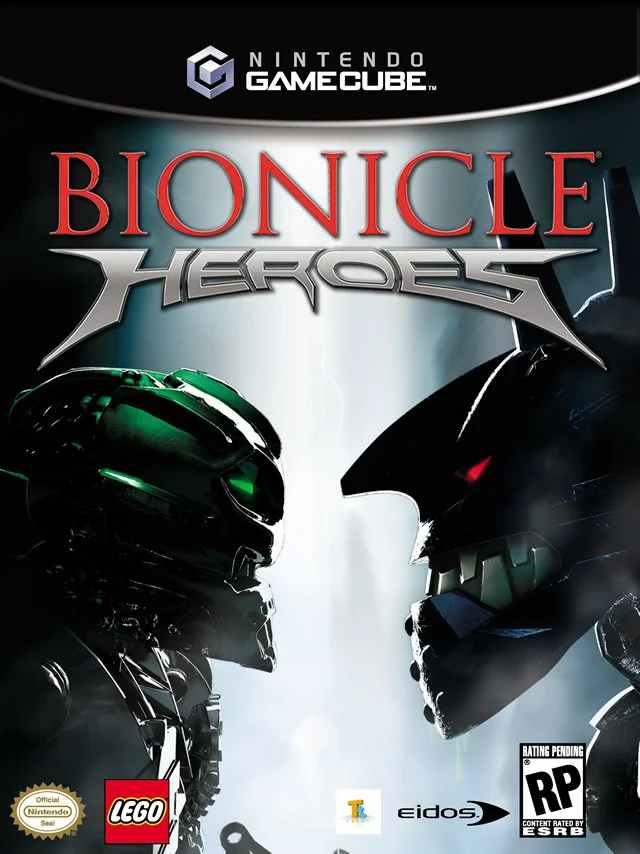
Bionicle Heroes adapts the iconic action-figure universe into a lighthearted, fast-paced action game built on the gameplay foundation established by Traveller's Tales' LEGO Star Wars series. Rather than directly reproducing the dark, dramatic narrative of the toy line, the title features comedic slapstick humor, vibrant environmental puzzles, and pick-up-and-play combat mechanics.
Players explore six distinct elemental zones across the island of Voya Nui—including volcanic caverns, dense jungles, and oceanic strongholds. Throughout the campaign, players control the Toa Inika and can instantly swap between different elemental masks, altering their equipped weapons, movement abilities, and puzzle-solving skill sets. Defeating horde enemies and destroying LEGO structures drops glowing LEGO canisters and studs; collecting enough fills a "Hero Mode" meter that renders the player invulnerable and grants boosted firepower. Beyond the primary campaign, players can visit Balta's shop to purchase weapon upgrades, bonus cheats, and unlock playable Piraka villains for custom arena challenges.
Specification | Details |
Title | Bionicle Heroes |
Platform | Nintendo GameCube |
Genre | Third-Person Shooter / Action-Adventure |
Developer | Traveller's Tales |
Publisher | Eidos Interactive / TT Games Publishing |
Release Date | November 14, 2006 (North America) / November 24, 2006 (Europe) |
Game Modes | Single-player |
Media Format | Nintendo GameCube Game Disc |
Mask-Swapping Class Mechanics: Collect and swap between six Toa Inika masks (Jaller, Hahli, Kongu, Hewkii, Nuparu, and Matoro) to alternate weapon fire types and environmental abilities.
Hero Mode Invincibility: Defeat enemies and build up the Hero Meter to trigger temporary invincibility, auto-targeting elemental weapons, and the ability to construct golden LEGO objects.
6 Elemental Zones & Bosses: Traverse multi-stage levels to defeat the six Piraka bosses—Reidak, Hakann, Vezok, Avak, Zaktan, and Thok—and retrieve their elemental territories.
LEGO Construction Puzzles: Rebuild broken LEGO wreckage into platforms, ziplines, walkways, and giant catapults to bypass obstacles.
Unlockable Collectibles & Shop: Spend earned LEGO points in the Shop to unlock armor upgrades, bonus video clips, weapon enhancements, and extra character capabilities.
A: During gameplay, players can walk over specialized mask pads or switch between acquired masks to change their active Toa. Each Toa possesses unique elemental weaponry and abilities, such as Kongu navigating gusty updrafts or Nuparu climbing specific wall surfaces.
A: When a Toa loses all health, they lose their currently equipped mask rather than suffering a traditional game over. The player reverts to a weaker Matoran form until they locate and pick up another Toa mask on the field.
A: Yes. Bionicle Heroes was developed by Traveller's Tales using a modified version of the game engine and design principles introduced in LEGO Star Wars: The Video Game, incorporating collectible LEGO studs, comical character animation, and dynamic building elements.
A: No. Unlike the LEGO Star Wars titles developed during the same era, the console versions of Bionicle Heroes (including the GameCube version) are strictly single-player experiences.
Click the links below to go to the cloud drive download page
⚠️ Download Tips:
BlowOut (also styled as BlowOut: FX Decision) is a 2.5D s...
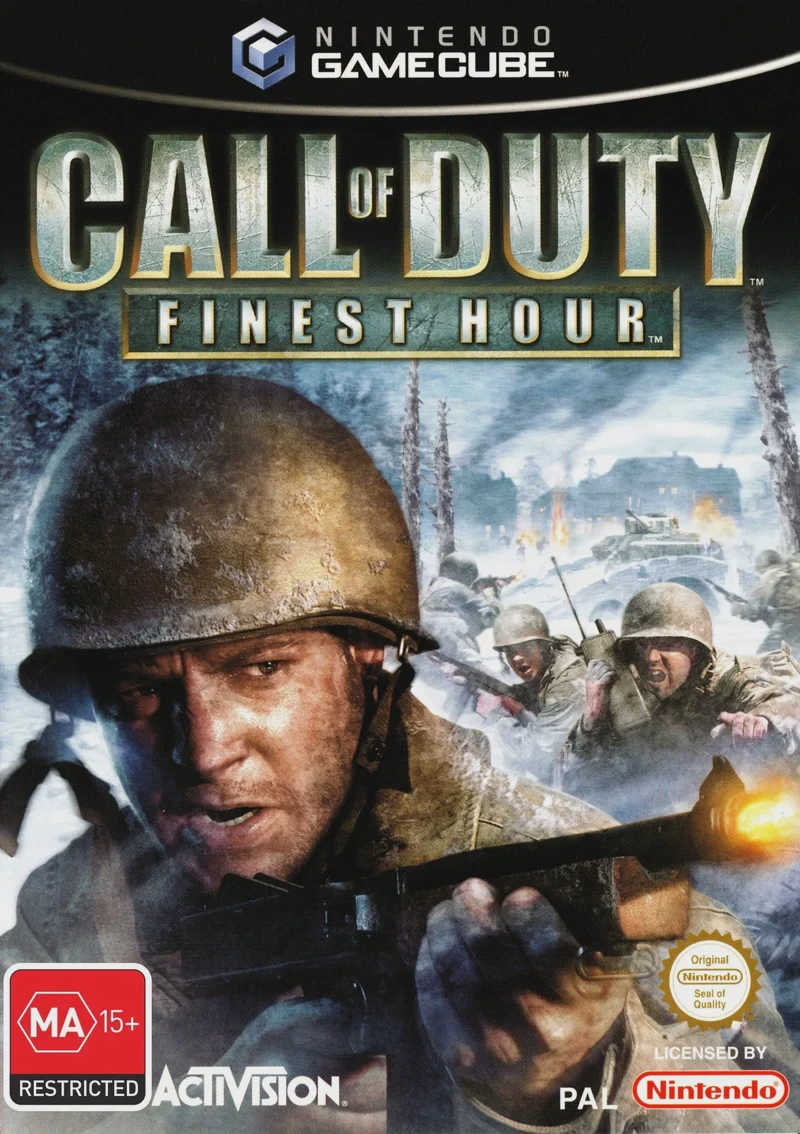
Call of Duty: Finest Hour is a cinematic WWII first-perso...
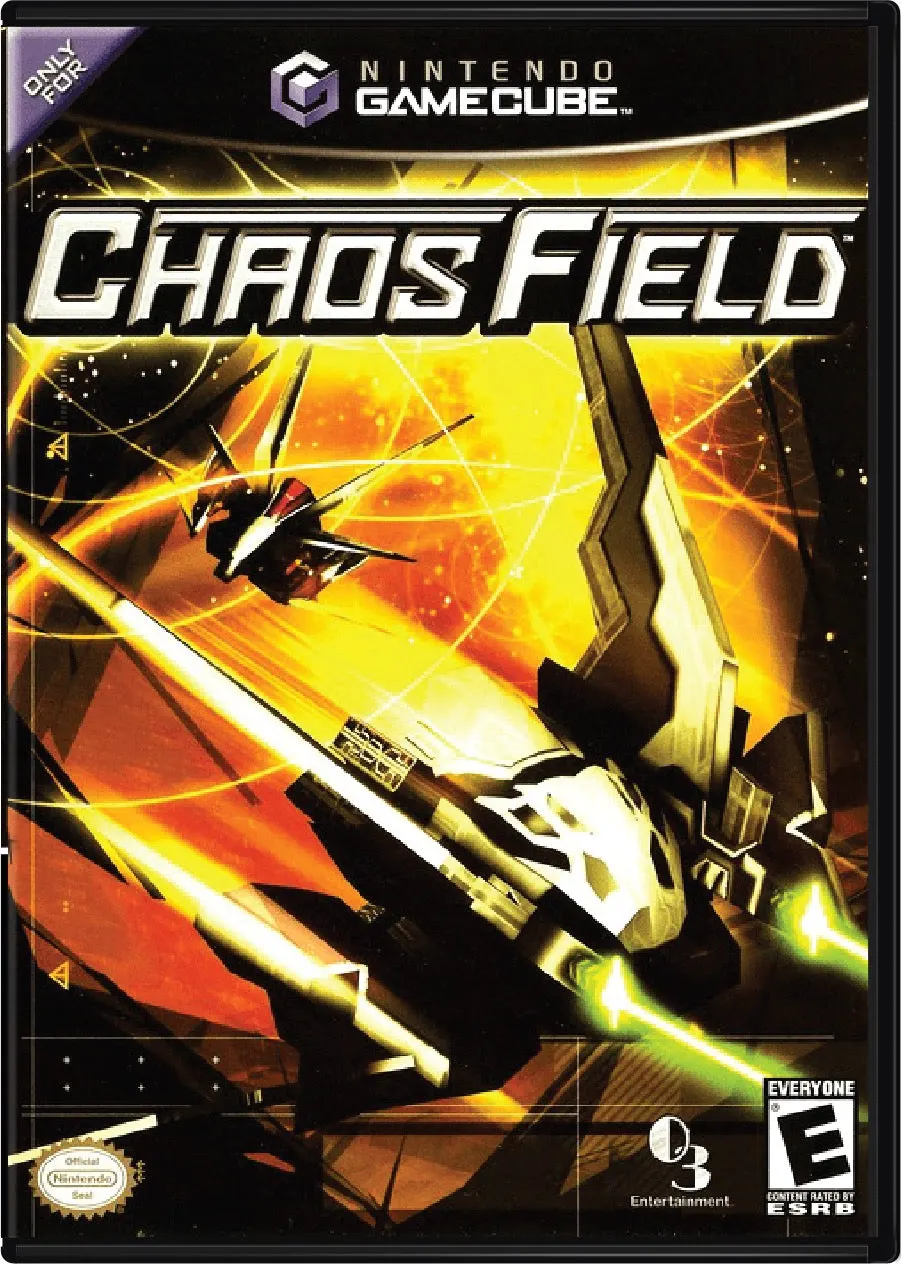
Chaos Field is a vertical-scrolling shoot 'em up (shmup) ...
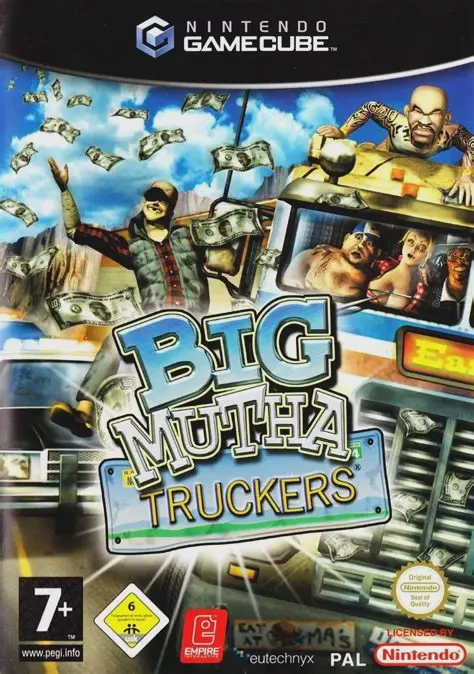
Big Mutha Truckers is an arcade-style driving and vehicul...
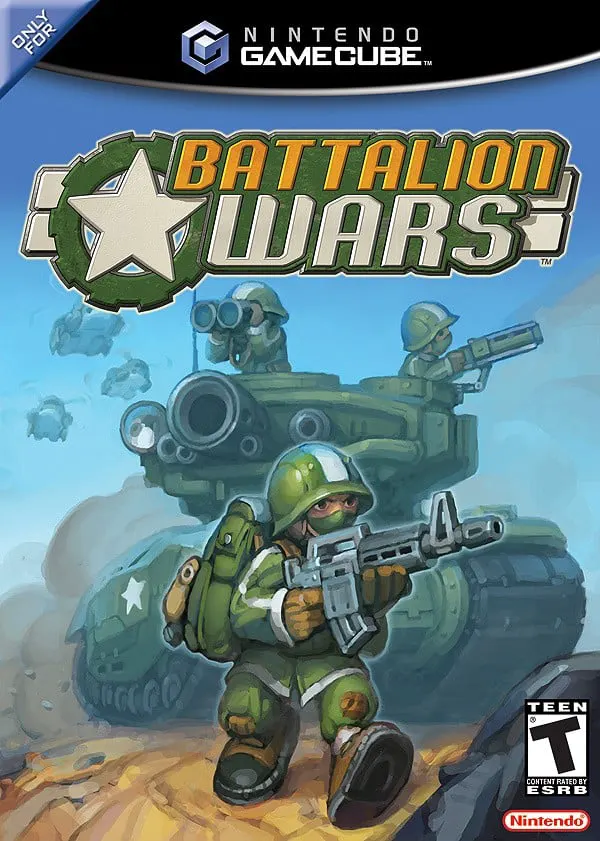
Battalion Wars (released in Japan as Totsugeki!! Famicom ...