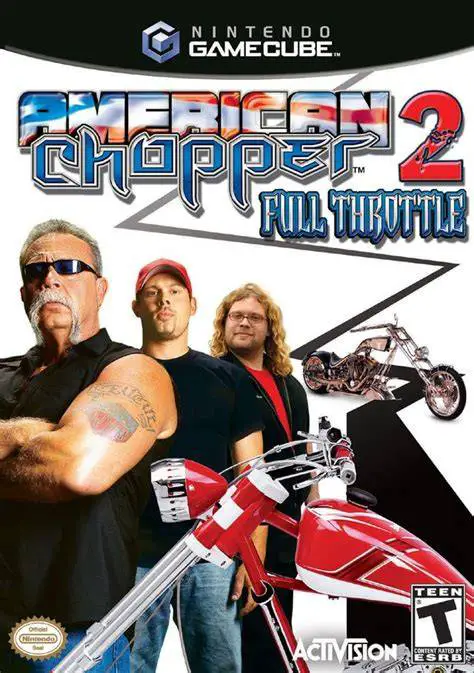
American Chopper 2: Full ...
American Chopper 2: Full Throttle is a motorcycle action-...

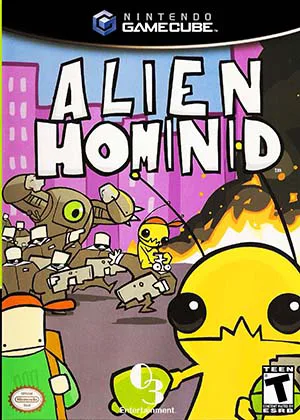
Alien Hominid represents one of the premier success stories of early internet flash animation transitioning to traditional home video game consoles. Developed by the independent team at The Behemoth—co-founded by artist Dan Paladin and programmer Tom Fulp—the GameCube release expanded the original web game into a full-length, content-rich console experience with completely redesigned visuals and audio.
The story follows a small yellow alien whose UFO is shot down by the FBI, crashing onto Earth. Captured by secret agents, the alien must fight its way through waves of government agents, military troops, KGB forces, and towering mechanical bosses to recover its stolen spacecraft and escape the planet. Gameplay follows the classic arcade run-and-gun formula made famous by series like Metal Slug and Contra. Players run, jump, duck, shoot energy blasts, deploy grenades, bite off enemy heads, roll under gunfire, and dig underground to ambush opponents across 16 hand-drawn stages.
Specification | Details |
Title | Alien Hominid |
Platform | Nintendo GameCube |
Genre | Run-and-Gun / Side-Scrolling Action |
Developer | The Behemoth |
Publisher | O3 Entertainment (NA) / Zoo Digital Publishing (EU) |
Release Date | November 21, 2004 (North America) / May 27, 2005 (Europe) |
Game Modes | Single-player, Local Cooperative & Competitive Multiplayer (Up to 4 players) |
Media Format | Nintendo GameCube Game Disc |
Hand-Drawn 2D Art Style: Features smooth, non-photorealistic hand-drawn vector art and animations designed by renowned artist Dan Paladin.
Fast-Paced Run-and-Gun Action: Combine high-speed laser fire with close-quarters melee combat, head-chomping executions, grenade throws, and underground burrowing maneuvers.
16 Action-Packed Stages: Fight across varied urban environments, secret government laboratories, snowy mountain highways, and desert outposts, culminating in screen-filling boss encounters.
PDA Mini-Games Included: Features 200 level stages of the original retro "PDA Game" platforming puzzle minigame, complete with a custom level editor.
4-Player Local Multiplayer: Compete against friends in party minigames such as Super-Soviet Missile Mastar, All You Can Eat, Challenge, and Neutralizer.
A: Yes. Alien Hominid originated as a web-based Flash game created by Tom Fulp and Dan Paladin on Newgrounds in 2002. The console version was rebuilt from the ground up with vastly expanded levels, new gameplay mechanics, additional bosses, and high-resolution artwork.
A: Yes. Two players can play simultaneously through the main story campaign in side-by-side cooperative action using a second GameCube controller.
A: When enemies get near the player, weapon fire automatically switches to high-speed knife slices. Players can also jump onto an enemy's shoulders to throw them or bite their heads off, or dig underground to pull passing agents into the dirt.
A: Yes. The GameCube version includes several bonus party minigames for up to 4 players, as well as the complete "PDA Game"—a minimalist black-and-white puzzle platformer featuring 200 stages and a level creation tool.
Click the links below to go to the cloud drive download page
⚠️ Download Tips:
American Chopper 2: Full Throttle is a motorcycle action-...

BloodRayne is a third-person hack-and-slash action-advent...

Charlie's Angels is a beat-'em-up action game developed b...
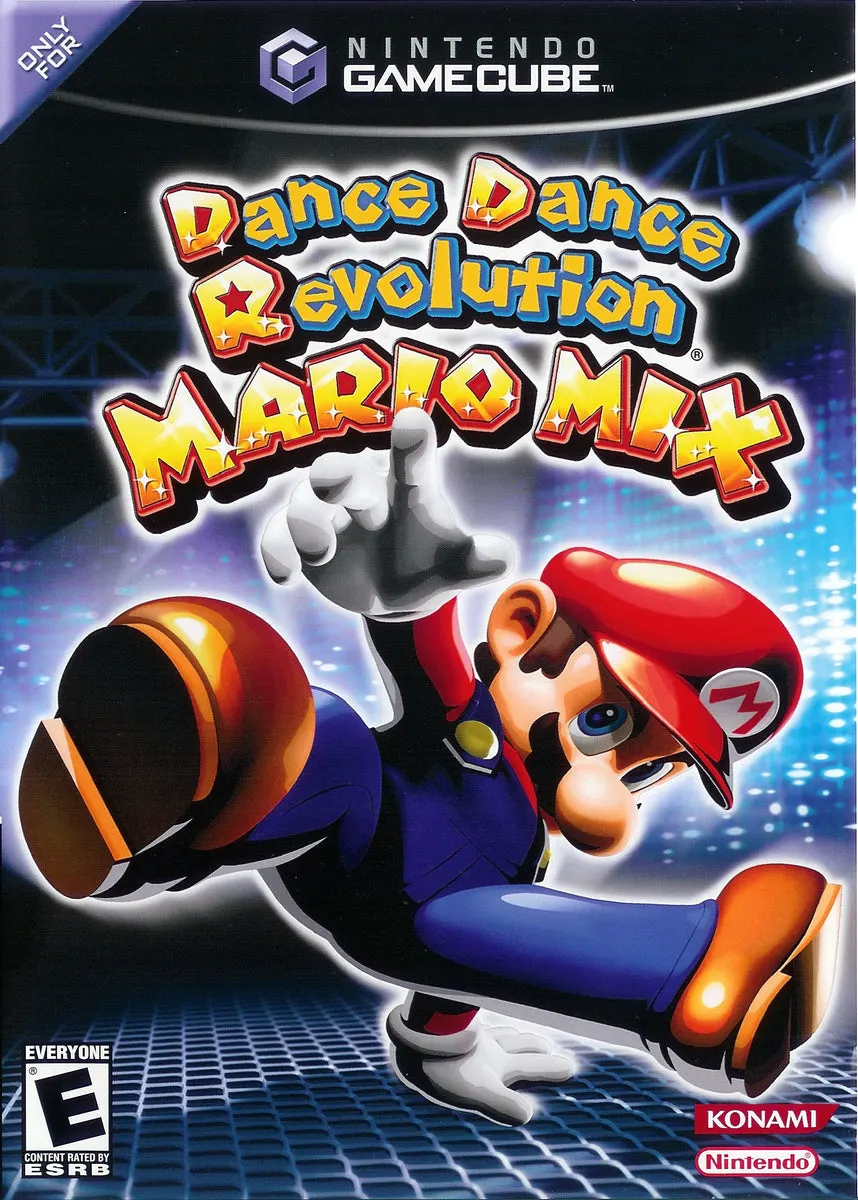
Dance Dance Revolution: Mario Mix (released in Europe as ...

Donkey Konga is an innovative rhythm-action music game de...