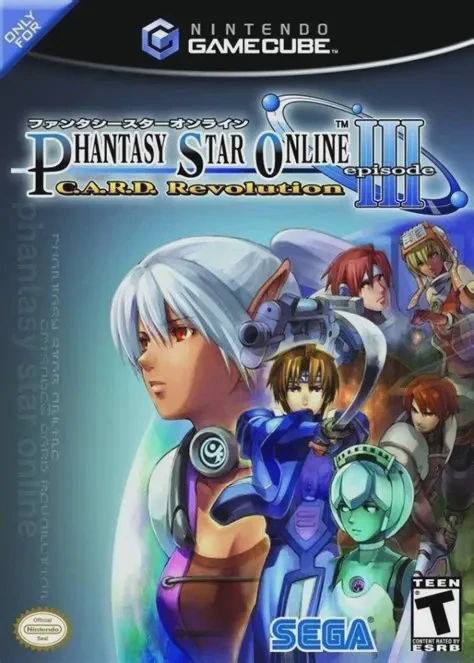
Phantasy Star Online Epis...
Phantasy Star Online Episode III: C.A.R.D. Revolution for...

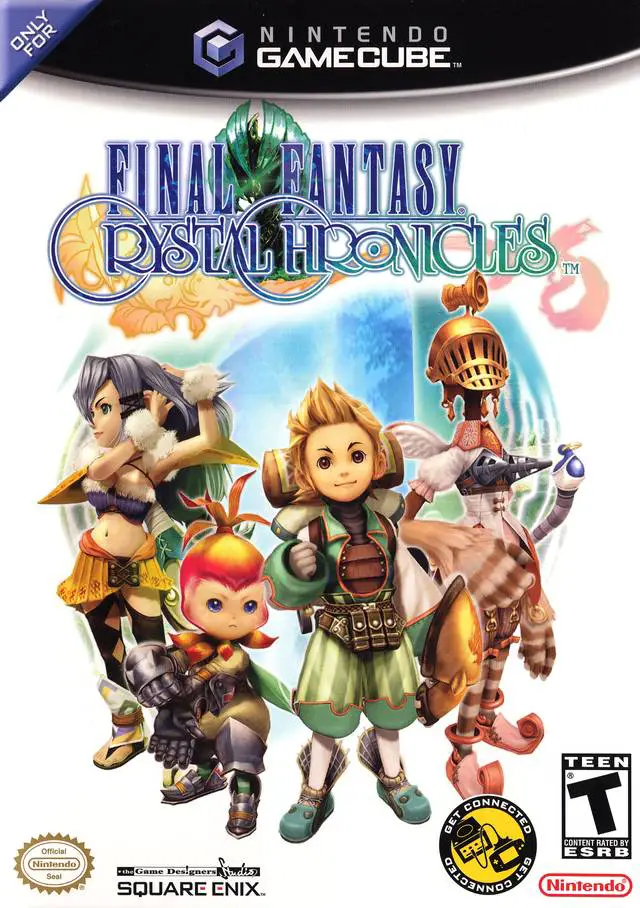
Set in a fantasy realm shrouded by lethal Miasma, Final Fantasy Crystal Chronicles centers on the Crystal Caravans sent out from various villages to collect Myrrh from ancient trees scattered across dangerous dungeons. To survive the Miasma, caravans must carry a heavy Chalice powered by a fragment of crystal, which creates a portable safe zone that moves with the party. Players choose from four unique playable races: the balanced Clavats, the warlike Lilies, the magic-attuned Yukes, and the nimble Selkies. Gameplay features real-time hack-and-slash combat, spell casting, and cooperative puzzle solving. Magic functions through Magicite crystals collected within dungeons; when playing with friends, players can fuse basic spells—such as combining multiple Fire spells into Firaga or fusing Fire and Blizzard for special effects—by precisely timing their spell casting targeting circles together. With a gorgeous painterly art style, a historic folk-inspired acoustic soundtrack composed by Kumi Tanioka, and deep multiplayer interaction, it delivers a timeless cooperative RPG experience.
Platform: Nintendo GameCube
Developer: Game Designers Studio
Publisher: Nintendo / Square Enix
Release Date: February 9, 2004 (North America)
Genre: Action Role-Playing Game (Action RPG)
Players: 1–4 Players (Local Co-op via Game Boy Advance Link Cables)
ESRB Rating: T (Teen)
Four Playable Character Races: Choose from Clavats, Lilies, Yukes, or Selkies, each featuring distinct statistical strengths, weapon types, and town backgrounds.
Cooperative Magic Fusion: Combine player magic targeting rings in real time to unleash higher-tier elemental magic and devastating fusion spells like Holy or Gravity.
Game Boy Advance Connectivity: Connect GBA systems via Nintendo GameCube Game Boy Advance Cables to view private maps, radar, mini-game prompts, and secret objective notes on handheld screens.
Masterpiece Soundtrack and Visuals: Enjoy a distinct acoustic world music score paired with stunning character models and atmospheric environmental art.
Yes, in order to play local multiplayer with 2 to 4 players, each player must use a Game Boy Advance or Game Boy Advance SP connected to the GameCube with a Nintendo GameCube Game Boy Advance Cable.
Yes, the entire game can be played single-player using a standard GameCube controller. In single-player mode, a friendly Moogle named Mog accompanies you to carry the Crystal Chalice and assist with spell casting.
The Crystal Chalice creates a circular protective field that blocks the lethal Miasma. In multiplayer, one player must carry the heavy chalice while others fight and protect them, though players can drop the chalice temporarily to join combat.
When creating a character, you assign them a family occupation in your home village (such as Blacksmith, Alchemist, Merchant, or Tailor). Interacting with your family and sending them letters after each dungeon year unlocks better crafting recipes, discount items, and rare materials.
Click the links below to go to the cloud drive download page
⚠️ Download Tips:
Phantasy Star Online Episode III: C.A.R.D. Revolution for...
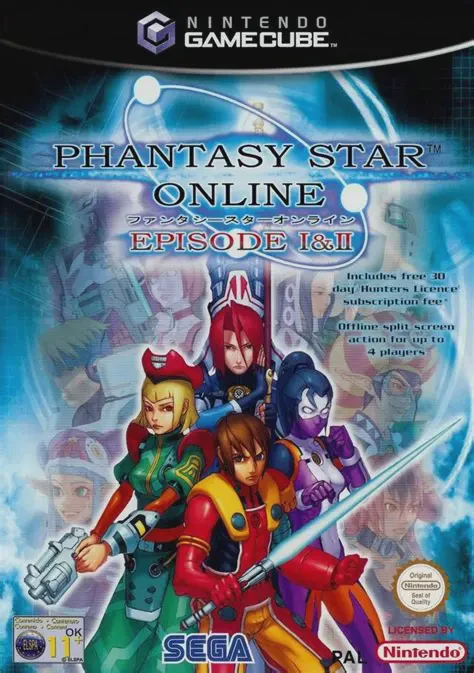
Phantasy Star Online Episode I & II for the Nintendo Game...
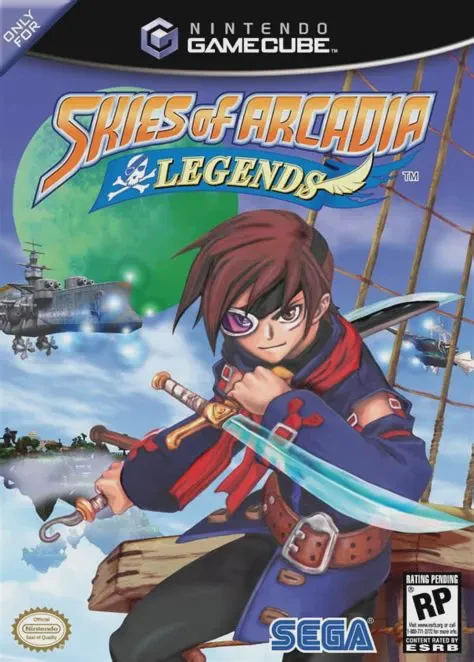
Skies of Arcadia Legends for the Nintendo GameCube is an ...
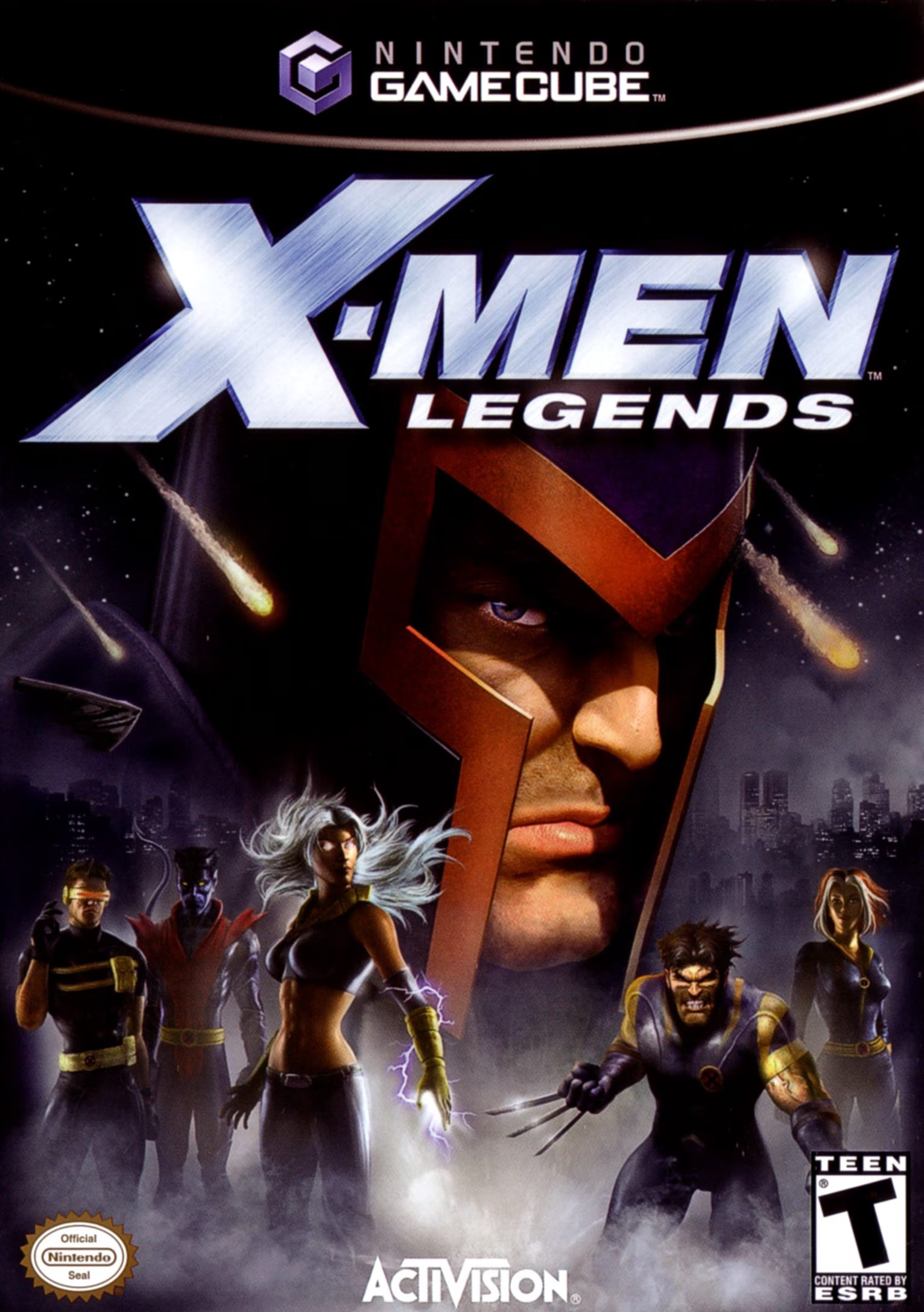
X-Men Legends for the Nintendo GameCube is an acclaimed a...
X-Men Legends II: Rise of Apocalypse for the Nintendo Gam...