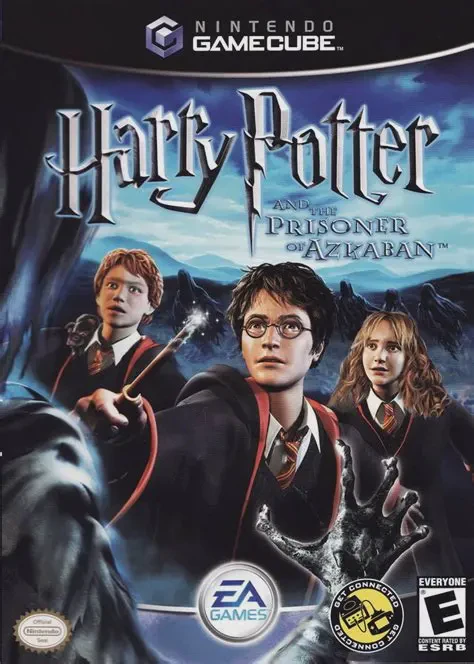
Harry Potter and the Pris...
Harry Potter and the Prisoner of Azkaban is an engaging 3...

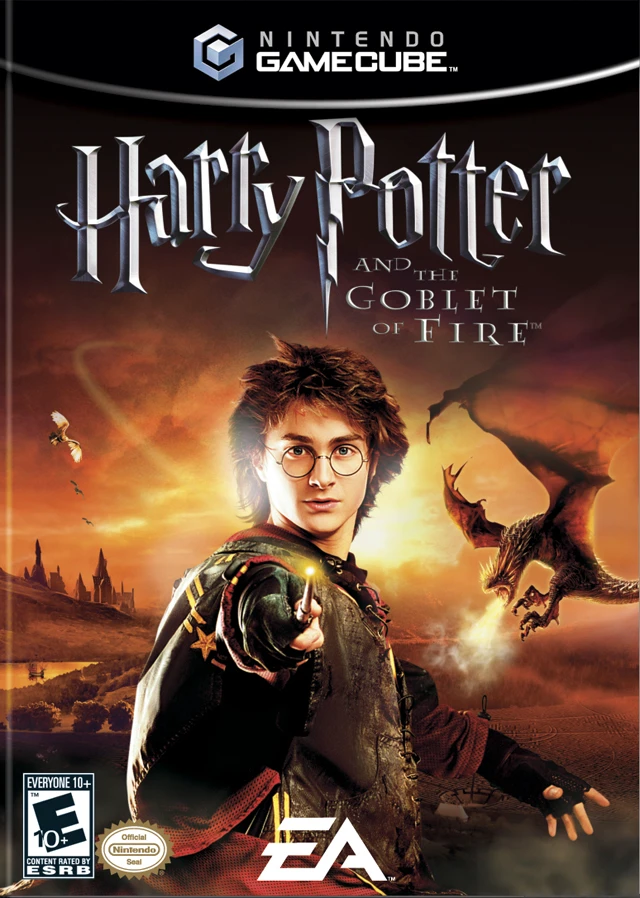
Harry Potter and the Goblet of Fire introduces a refreshed, action-heavy approach to the wizarding series on the Nintendo GameCube. Moving away from open-ended castle exploration, the game utilizes a level-based structure where players embark on combat and puzzle missions in teams of three.
Players choose between Harry, Ron, or Hermione before every mission, with local co-op allowing up to three players to control the characters simultaneously:
Cooperative Combat & Magic: Combine spellcasting in real time. Players can cast combined Accio summoning charms, launch dual Wingardium Leviosa levitations on massive boulders, or merge Aqua Eructo streams to extinguish raging magical fires.
Triwizard Tournament Challenges: Play through iconic cinematic set-pieces, including fleeing the Hungarian Horntail dragon in the First Task, navigating the depths of the Black Lake in the Second Task, and escaping the shifting Hedge Maze in the Final Task.
Character Upgrades & Collector Cards: Collect thousands of Bertie Bott’s Every Flavor Beans throughout levels to purchase statutory upgrades, enhanced stamina, and collector character cards from the in-game Folio Bruti shop.
With an arcade-style layout, dramatic camera angles, real voice acting, and high-intensity action sequences, Harry Potter and the Goblet of Fire offers an exciting cooperative experience for fans of the franchise.
Attribute | Details |
Title | Harry Potter and the Goblet of Fire |
Platform | Nintendo GameCube |
Developer | EA UK |
Publisher | Electronic Arts (EA Games) |
Release Date | November 2005 |
Genre | Action-Adventure / Co-Op / Fantasy |
Modes | Single-player, Local Co-Op (1–3 Players) |
Media Type | GameCube Game Disc |
Three-Player Cooperative Play: Jump into the action with up to two friends in drop-in/drop-out local cooperative campaign play.
Combined Spell Mechanics: Merge individual spells with party members to lift heavier objects, stun giant boss enemies, and extinguish massive fires.
Triwizard Tournament Stages: Master special solo action stages featuring broomstick dogfights against dragons and underwater swimming challenges in the Black Lake.
Folio Bruti Card System: Earn Every Flavor Beans to purchase magical cards that boost health, augment spell power, and unlock special abilities.
Cinematic Movie Audio: Features authentic film music scores, sound effects, and voice acting modeled directly after the feature film cast.
A: Harry Potter and the Goblet of Fire supports up to three players simultaneously in local cooperative multiplayer during campaign levels.
A: Spells are context-sensitive and mapped to primary buttons. When multiple players cast spells at the same target simultaneously, their magical power combines to handle heavier objects or stronger foes.
A: No, unlike previous titles, The Goblet of Fire replaces the open-world free-roaming Hogwarts castle with a level selection map centered on story missions and Triwizard tasks.
A: Yes, during standard campaign levels, players can choose to control Harry Potter, Ron Weasley, or Hermione Granger at the start of each mission.
Click the links below to go to the cloud drive download page
⚠️ Download Tips:
Harry Potter and the Prisoner of Azkaban is an engaging 3...
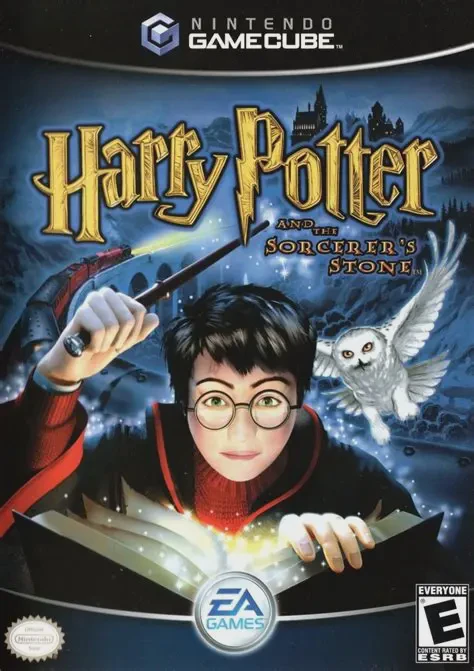
Harry Potter and the Sorcerer's Stone is a captivating 3D...
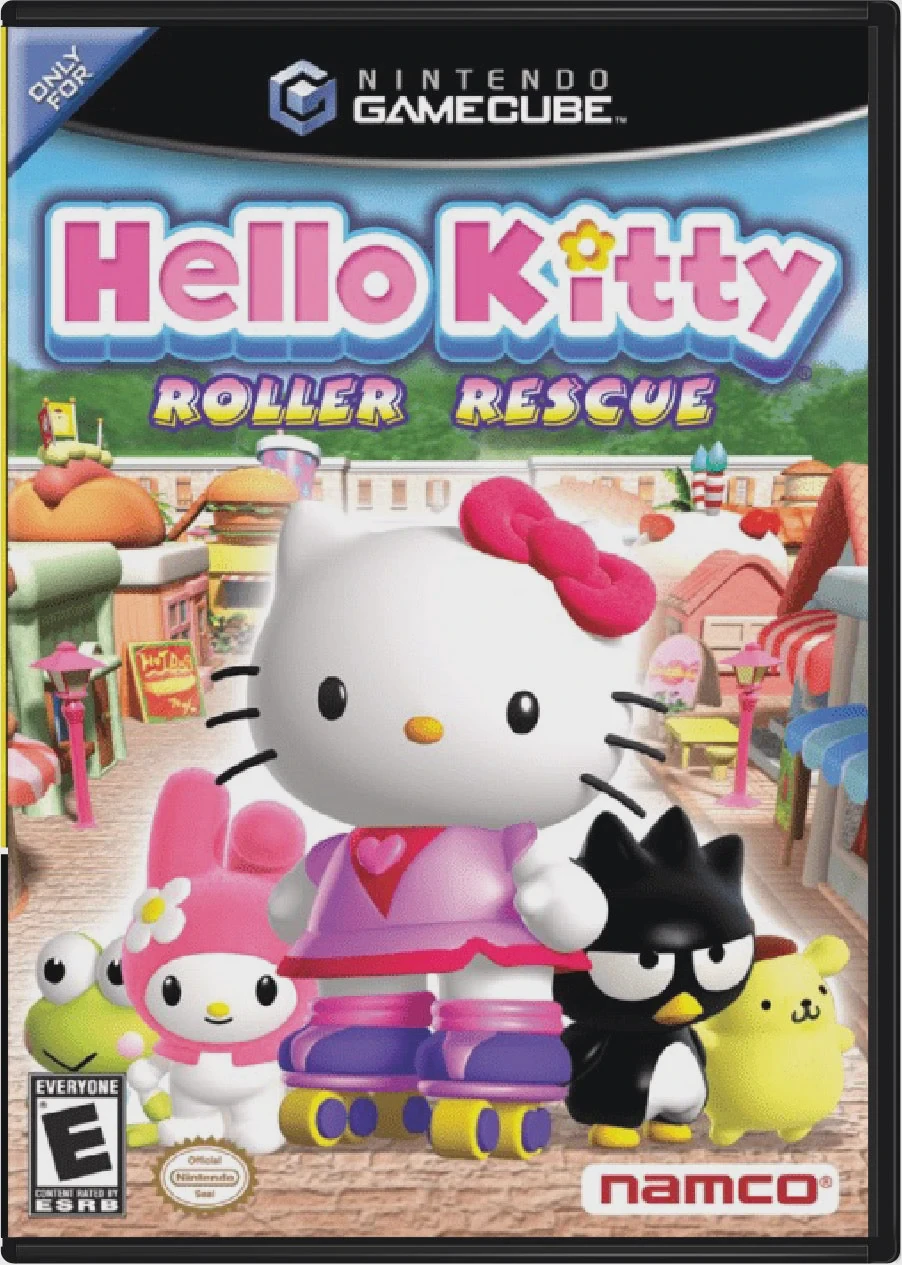
Hello Kitty: Roller Rescue is a delightful 3D action-adve...
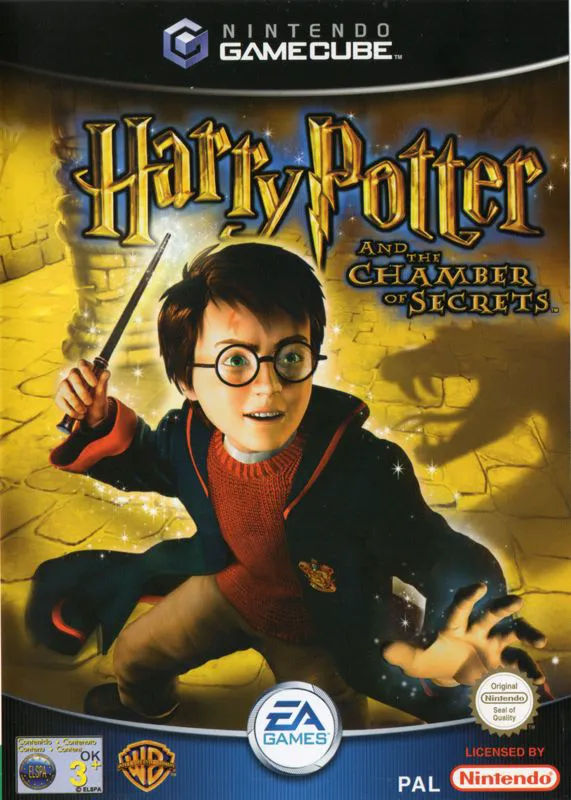
Harry Potter and the Chamber of Secrets is an acclaimed 3...
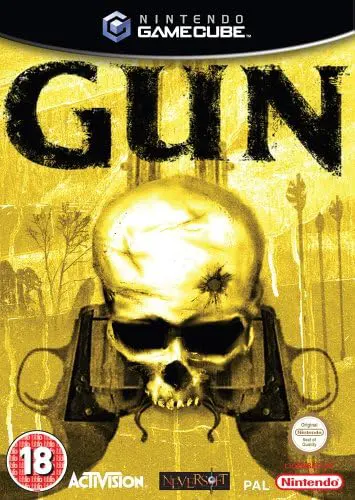
Gun is a gritty, story-driven action-adventure Western vi...