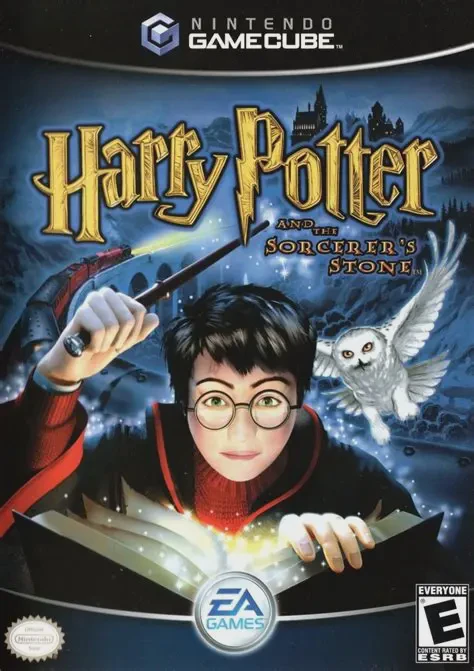
Harry Potter and the Sorc...
Harry Potter and the Sorcerer's Stone is a captivating 3D...

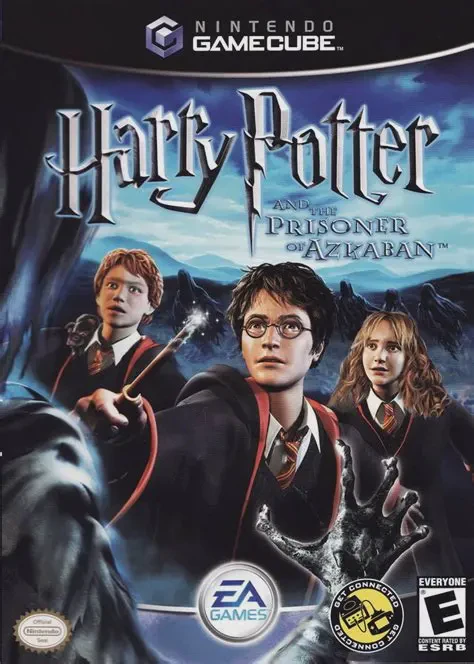
Harry Potter and the Prisoner of Azkaban brings a strong focus on teamwork and exploration to the Nintendo GameCube. Built on an upgraded game engine, the title delivers an interconnected 3D representation of Hogwarts, featuring seamless transitions across castle hallways, moving staircases, and outdoor grounds.
The core gameplay centers on the unique abilities and specialized spells of the main trio:
Harry Potter: The fastest and most agile member, Harry can leap across gaps, climb ropes, and cast Expecto Patronum to repel soul-sucking Dementors.
Ron Weasley: Skilled at discovering hidden passages, Ron uses Carpe Retractum to pull distant objects or pull himself across chasms, and uses Stinkpelts and Dungbombs to distract foes.
Hermione Granger: The tactical magic expert, Hermione can fit through tiny spaces, cast Draconifors and Lapifors to control stone dragon and rabbit statues, and cast Glacius to freeze water and extinguish flames.
Players work collaboratively to solve environmental puzzles, complete spell challenge mazes, care for Buckbeak the Hippogriff, and collect Bertie Bott’s Every Flavor Beans and Pumpkin Pasties. With its rich soundtrack, optional minigames, and Game Boy Advance connectivity features, it provides a comprehensive wizarding simulation.
Attribute | Details |
Title | Harry Potter and the Prisoner of Azkaban |
Platform | Nintendo GameCube |
Developer | EA UK |
Publisher | Electronic Arts (EA Games) |
Release Date | May 2004 |
Genre | Action-Adventure / Fantasy / 3D Platformer |
Modes | Single-player |
Media Type | GameCube Game Disc |
Playable Trio Mechanics: Instantly switch between Harry, Ron, and Hermione, utilizing each character's unique spells and physical attributes to solve group puzzles.
Fly Buckbeak the Hippogriff: Soar freely across the Hogwarts castle exterior and surrounding lake while riding Buckbeak in aerial time-trial challenges.
Advanced Spellcasting: Cast specialized magic including Expecto Patronum, Glacius, Carpe Retractum, Draconifors, and Lapifors.
Expansive Hogwarts Sandbox: Explore an interconnected, detailed Hogwarts environment filled with secret passages, portrait shortcuts, and hidden collectibles.
GBA Link Cable Integration: Connect a Game Boy Advance via Link Cable to unlock bonus minigames, card collectors, and extra content.
A: Yes, during general Hogwarts exploration and shared dungeon puzzles, players can switch between Harry, Ron, and Hermione at the press of a button.
A: Yes, players can control Harry while riding Buckbeak to fly around the Hogwarts grounds and complete aerial ring-flight trials.
A: Ron uses Carpe Retractum to latch onto ropes and pull heavy objects, while Hermione uses Glacius to freeze water, as well as Draconifors and Lapifors to bring statue companions to life.
A: Yes, using a GameCube GBA Link Cable, players can connect a Game Boy Advance running the GBA version of Prisoner of Azkaban to unlock exclusive mini-games and card-trading features.
Click the links below to go to the cloud drive download page
⚠️ Download Tips:
Harry Potter and the Sorcerer's Stone is a captivating 3D...
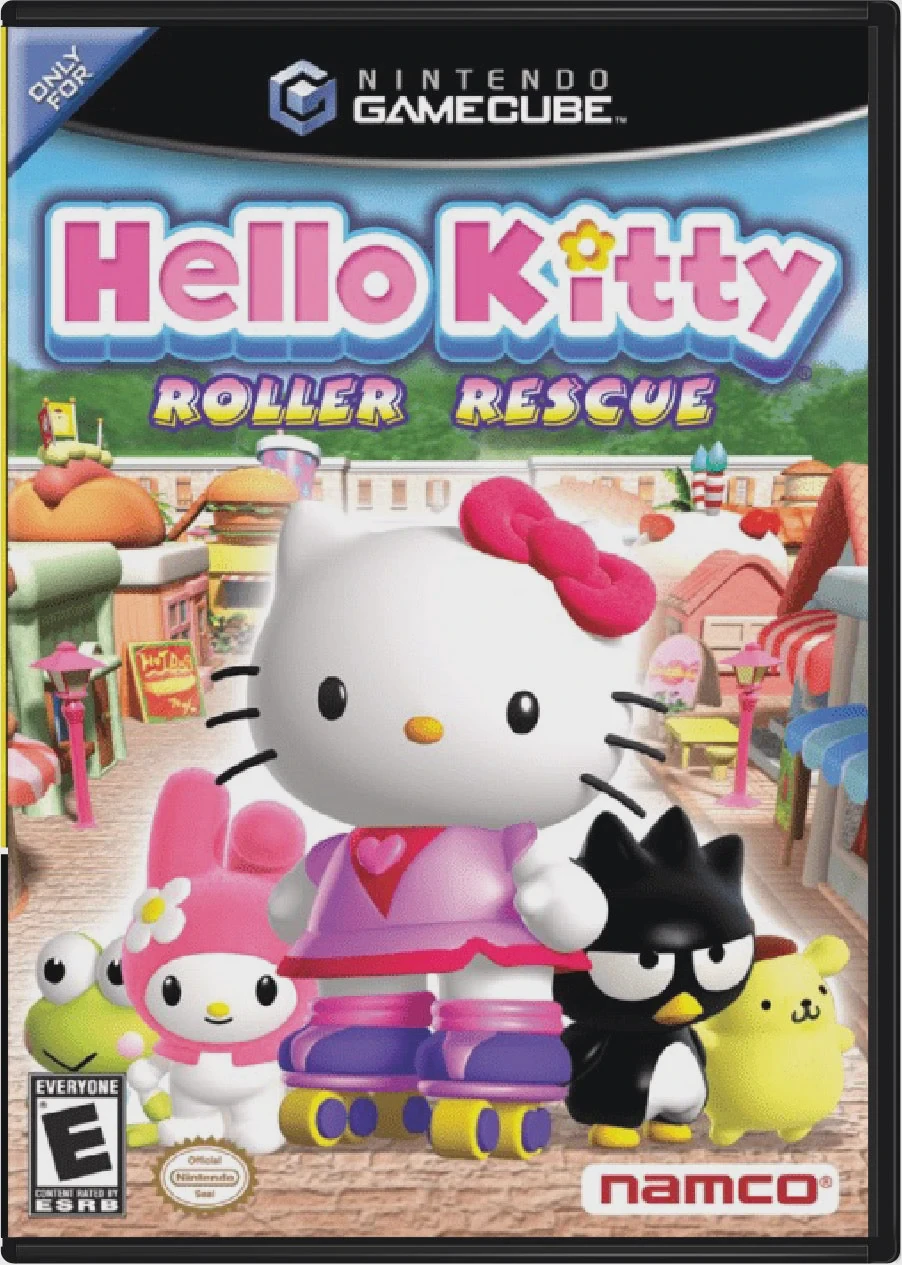
Hello Kitty: Roller Rescue is a delightful 3D action-adve...
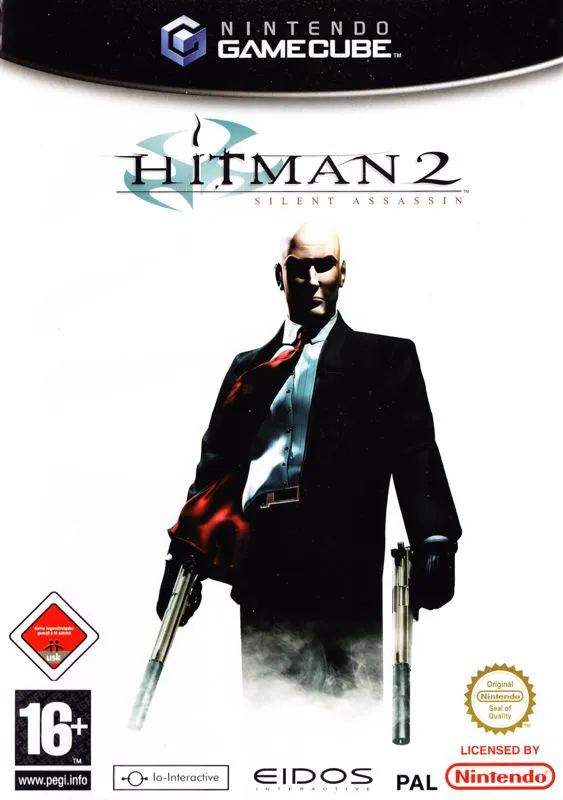
Hitman 2: Silent Assassin is a critically acclaimed steal...
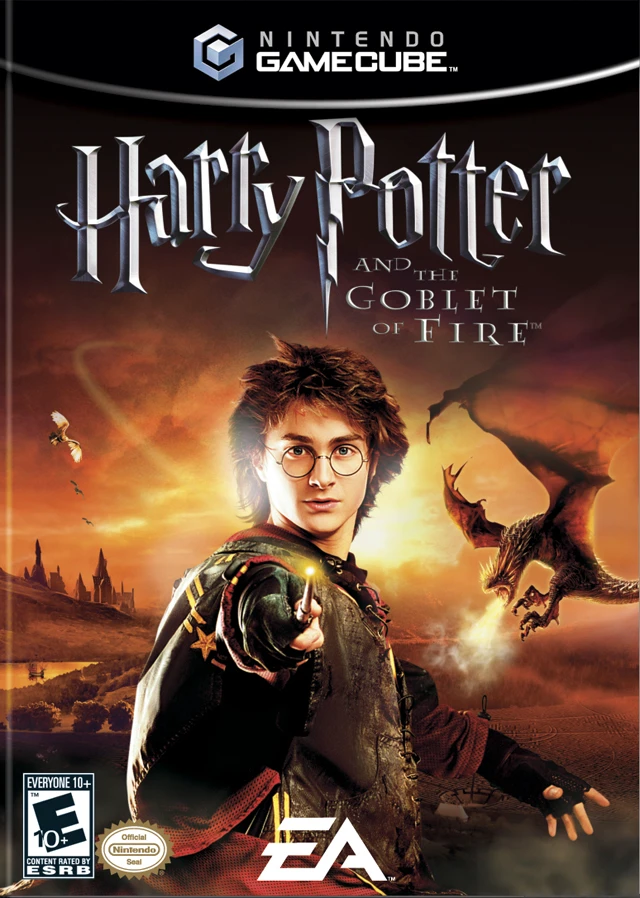
Harry Potter and the Goblet of Fire is an action-packed 3...
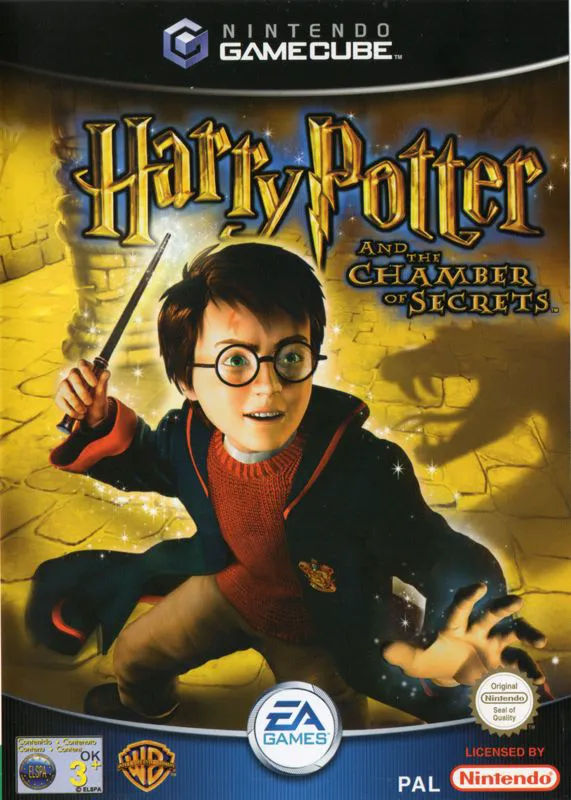
Harry Potter and the Chamber of Secrets is an acclaimed 3...