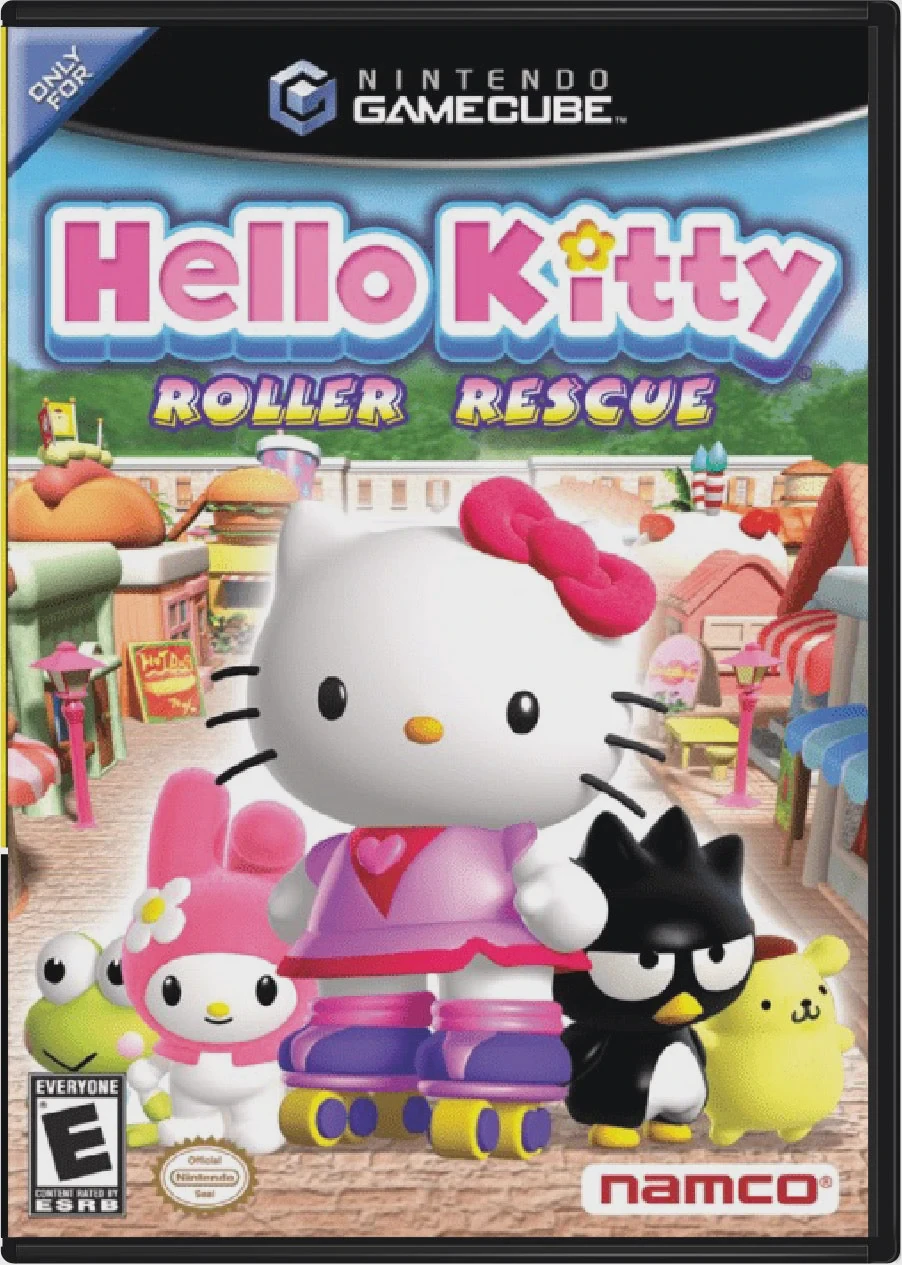
Hello Kitty: Roller Rescue
Hello Kitty: Roller Rescue is a delightful 3D action-adve...

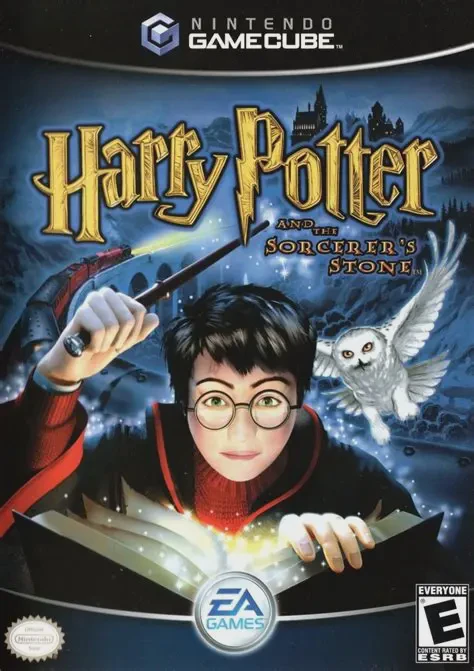
Harry Potter and the Sorcerer's Stone brings the enchanting magic of the famous book and film adaptation to life on the Nintendo GameCube. Rebuilt with a fresh graphics engine and expanded game world, the game offers a rich mixture of exploration, spell-based puzzle solving, and action platforming.
Players step into the robes of Harry Potter during his debut year at Hogwarts, navigating the bustling Great Hall, moving staircases, dark dungeons, and sprawling castle grounds:
Magical Education & Spellcasting: Attend classes taught by Professor McGonagall, Flitwick, and Snape to learn essential spells like Flipendo (Knockback), Incendio (Fire), Alohomora (Unlocking), and Spongify (Jumping Pad).
Stealth & Exploration: Use the Invisibility Cloak to sneak past Argus Filch and his cat Mrs. Norris after hours, solve physical environmental puzzles, and locate hidden secret rooms.
Quidditch & Challenges: Mount the Nimbus 2000 to catch the Golden Snitch in competitive Quidditch matches against rival house teams, and complete dangerous obstacle courses to earn House Points.
Accompanied by iconic musical themes, hidden Famous Witches and Wizards Folio Cards, and voice-acted narrative interludes, Harry Potter and the Sorcerer's Stone provides an unforgettable adventure through Hogwarts.
Attribute | Details |
Title | Harry Potter and the Sorcerer's Stone |
Platform | Nintendo GameCube |
Developer | Warthog Texas |
Publisher | Electronic Arts (EA Games) |
Release Date | December 2003 |
Genre | Action-Adventure / Fantasy / 3D Platformer |
Modes | Single-player |
Media Type | GameCube Game Disc |
Expanded 3D Hogwarts Exploration: Explore fully realized locations across Hogwarts Castle, the Forbidden Forest, Hagrid’s Hut, and Diagon Alley.
Interactive Spell Mechanics: Cast iconic spells using gesture-based button prompts to push objects, ignite braziers, open locked doors, and defend against dark creatures.
Full Quidditch League: Fly on Harry’s Nimbus 2000 broomstick in high-speed Quidditch matches to earn the Hogwarts Quidditch Cup for Gryffindor.
Stealth Sequences: Equip the Invisibility Cloak to sneak through the Restricted Section of the Library and avoid patrolling Prefects and Filch.
Collectible Wizard Cards: Discover hidden chest rooms and complete challenge trials to collect a full deck of Famous Witches and Wizards Cards.
A: The GameCube version was built entirely from scratch in 2003 with updated 3D graphics, continuous level geometry, expanded voice acting, new spell mechanics, and a redesign modeled after Harry Potter and the Chamber of Secrets.
A: Yes, players can freely fly during broomstick training sequences, open-world flight challenges, and official Quidditch matches.
A: Yes, several missions require Harry to use stealth, dodge line-of-sight cones, or wear his Invisibility Cloak to bypass guards and teachers after curfew.
A: The game features collectible Famous Witches and Wizards Cards hidden in chests, awarded by Fred and George Weasley for Bertie Bott's Every Flavor Beans, or found by exploring secret passages.
Click the links below to go to the cloud drive download page
⚠️ Download Tips:
Hello Kitty: Roller Rescue is a delightful 3D action-adve...
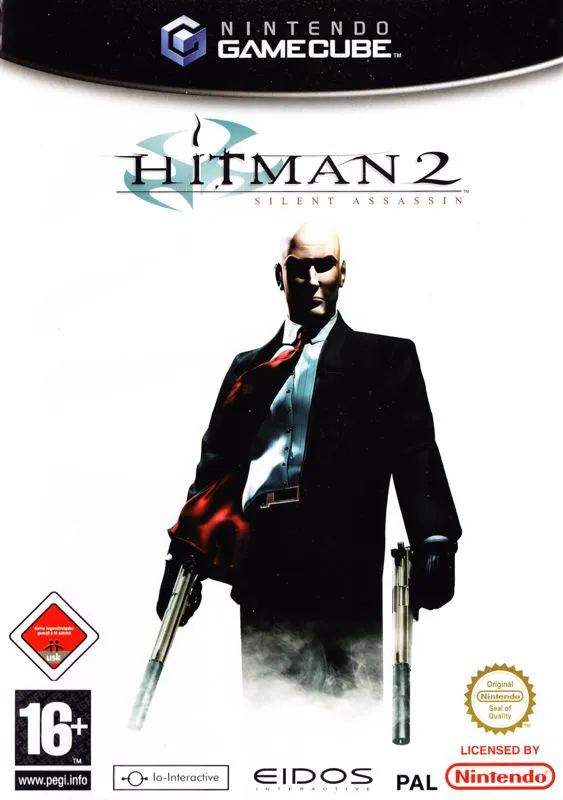
Hitman 2: Silent Assassin is a critically acclaimed steal...
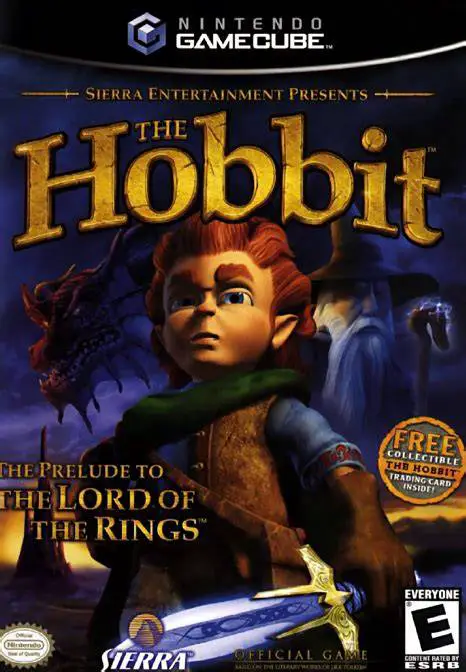
The Hobbit: The Prelude to the Lord of the Rings is an en...
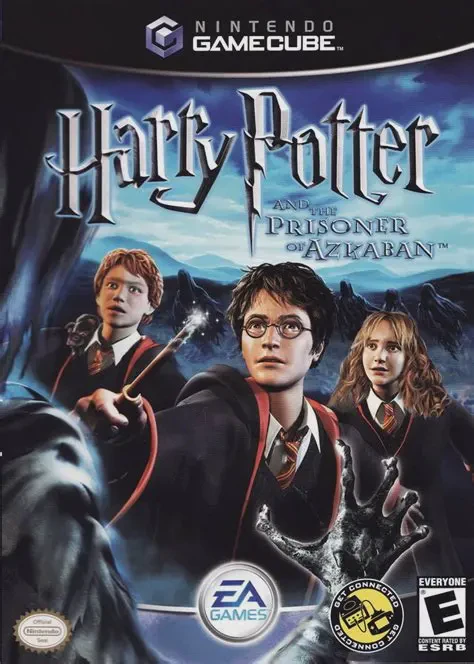
Harry Potter and the Prisoner of Azkaban is an engaging 3...
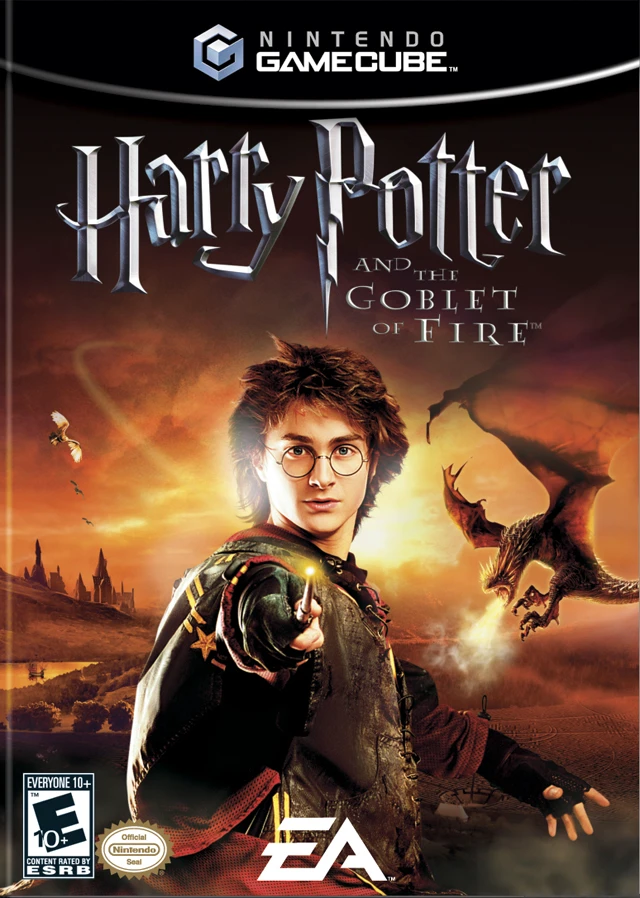
Harry Potter and the Goblet of Fire is an action-packed 3...