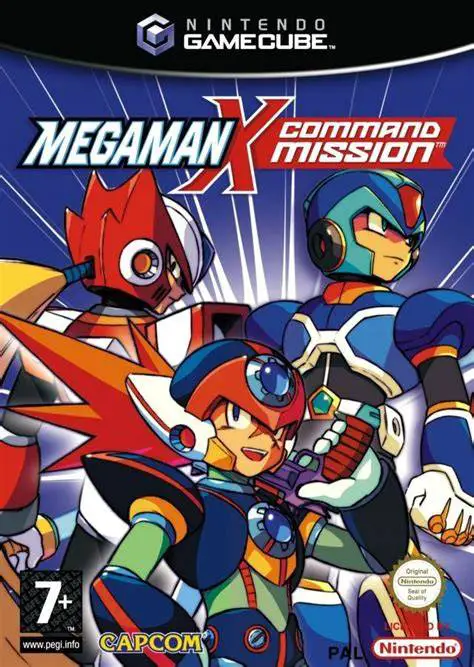
Mega Man X: Command Mission
Trade fast-paced platforming for strategic turn-based com...

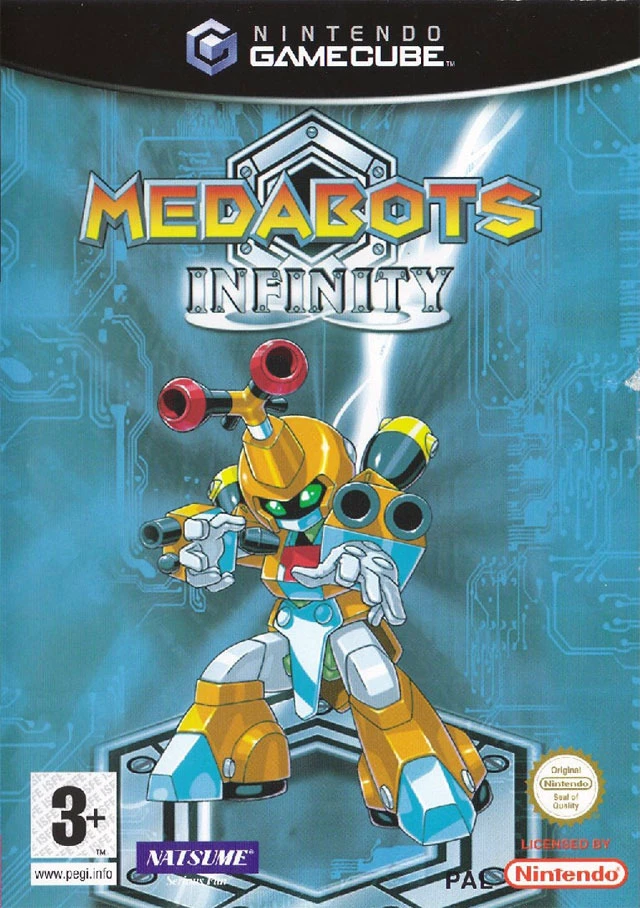
Medabots Infinity is an action-adventure RPG developed by Victor Interactive Software (Natsume) and published by TDK Mediactive. Bringing the Medabots franchise into full 3D, the game follows Ikki Tenryou, a young Medarotter who uncovers a sinister plot by the Rubberobo Gang at the newly opened Torafusa Amusement Park.
Unlike traditional turn-based Medabots handheld titles, Medabots Infinity utilizes real-time third-person action combat combined with light platforming and dungeon exploration. Players explore amusement park zones, dodge hazards, and enter tactical 3D arenas to engage enemy Medabots in real-time combat.
The core draw of the game remains its vast customization: each Medabot is composed of four distinct components—Head, Right Arm, Left Arm, and Legs—attached to a core Tinpet and Medal. Winning battles earns victory Medaparts, allowing players to mix and match hundreds of head attacks, arm cannons, melee weapons, and leg types (such as wheeled, flying, or multi-legged) to craft custom battle machines tailored to specific arena layouts.
On the Nintendo GameCube, Medabots Infinity features colorful 3D graphics matching the anime aesthetic, responsive real-time combat controls, authentic character roster appearances, and head-to-head 2-player local battle modes.
Field | Detail |
Full Title | Medabots Infinity |
Platform | Nintendo GameCube (NGC) |
Genre | Action-RPG / Real-Time Combat |
Developer | Victor Interactive Software / Natsume |
Publisher | TDK Mediactive |
Release Date | December 14, 2003 (North America) / August 27, 2004 (Europe) |
Region Formats | NTSC-U / PAL / NTSC-J |
Game Modes | Single-Player, Local Multiplayer (1–2 Players) |
Display Options | 480i / 480p Progressive Scan Support |
Media Type | Nintendo GameCube Game Disc (1 Disc) |
Real-Time 3D Action Battles: Engage enemy Medabots in dynamic 3D battle arenas using jump maneuvers, ranged fire, and close-quarters melee attacks.
Extensive Medapart Customization: Collect and equip hundreds of individual parts across Head, Right Arm, Left Arm, and Leg slots to alter stats, mobility, and weapon capabilities.
Classic Anime Roster: Play with iconic Medabots from the anime series, including Metabee, Rokusho, Arcbeetle, Sumilidon, and Warbandit.
Amusement Park Dungeon Exploration: Navigate Torafusa Amusement Park's themed attraction zones filled with platforming puzzles, traps, and Rubberobo henchmen.
2-Player Local Robattle Mode: Challenge a friend to custom head-to-head Robattles in split-screen local multiplayer.
No, Medabots Infinity transitions the series into real-time 3D action combat, where players directly move, jump, aim, and attack in arenas rather than selecting menu options.
Players equip a Tinpet with a specialized Medal (which determines leveling affinity) and four Medaparts (Head, Right Arm, Left Arm, and Legs). Each part grants unique weapons, ammo counts, mobility traits, and defense stats.
Yes! Depending on the Medaparts and Medals you assign to your Tinpet, you can build and control Metabee, Rokusho, or any combination of parts from different Medabots.
Yes, Medabots Infinity supports 480p progressive scan output on the Nintendo GameCube for crisp and clear picture performance on compatible displays.
Click the links below to go to the cloud drive download page
⚠️ Download Tips:
Trade fast-paced platforming for strategic turn-based com...
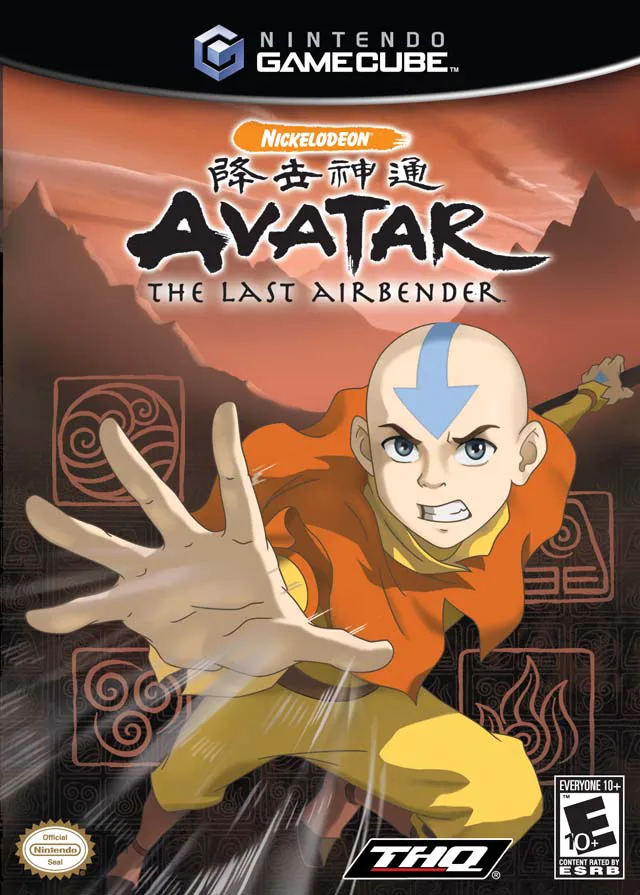
Master the elements and bring balance to a world at war i...
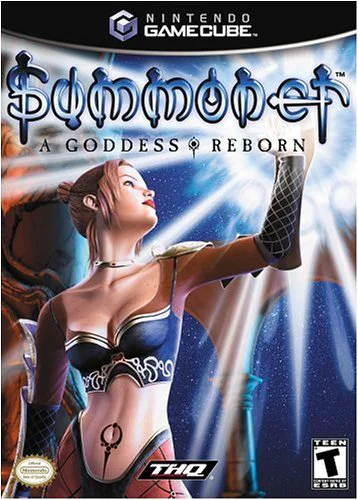
Summoner: A Goddess Reborn is an action role-playing vide...
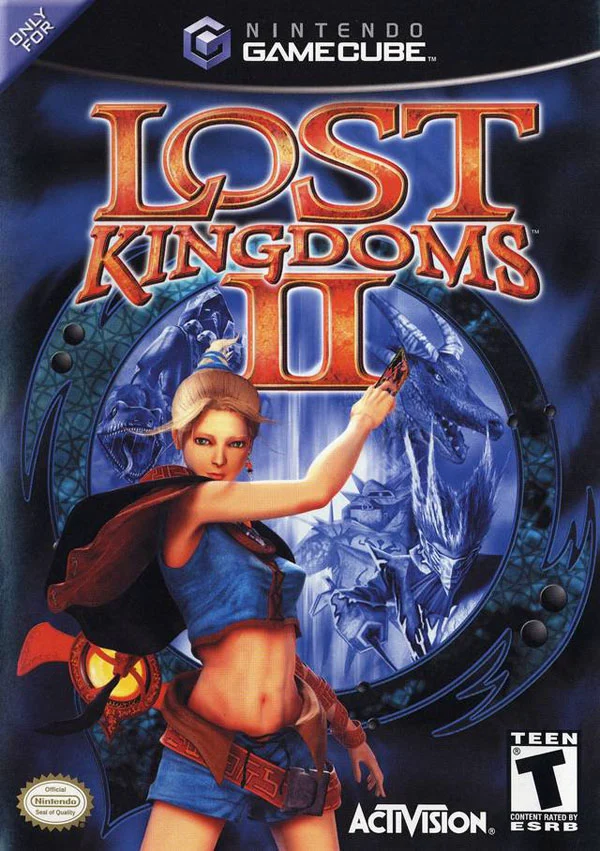
Command mythical beasts and unleash magical cards in Lost...
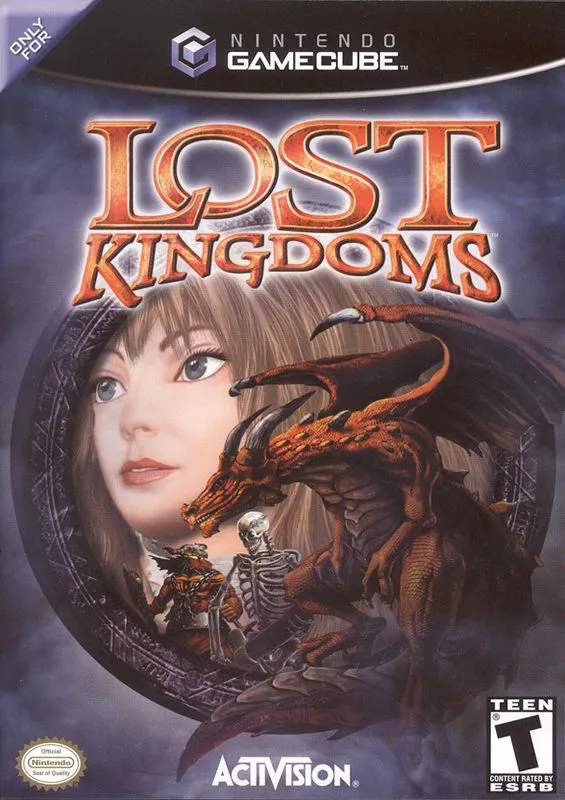
Summon fierce elemental beasts and wage real-time magical...