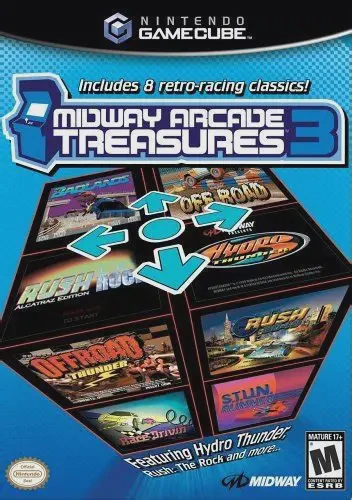
Midway Arcade Treasures 3
Engine up and hit the gas with Midway Arcade Treasures 3,...

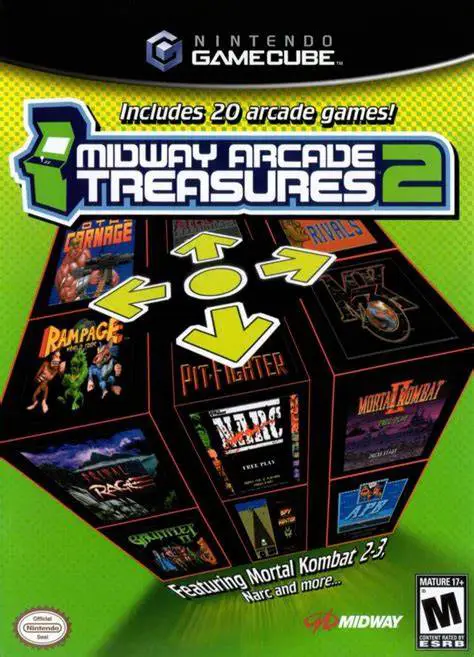
Midway Arcade Treasures 2 was developed by Digital Eclipse (Backbone Entertainment) and published by Midway Games. As the successor to the original 2003 compilation, this second volume shifted focus toward hardware-intensive 16-bit and 32-bit coin-op classics, digitized fighting games, and mature arcade hits from Williams, Bally, Midway, and Atari Games.
The library is headlined by competitive mainstays including Mortal Kombat II, Mortal Kombat 3, Primal Rage, and Pit-Fighter, alongside iconic co-op action games such as NARC, Gauntlet II, Total Carnage, and Xenophobe. Players navigate a 3D arcade lobby to launch games, adjust coin-op settings, and view unlockable historical archives.
On the Nintendo GameCube, Midway Arcade Treasures 2 features arcade-accurate emulation, customizable control mapping, smooth 60fps performance, local multiplayer support for up to four players, and historical documentary videos.
Field | Detail |
Full Title | Midway Arcade Treasures 2 |
Platform | Nintendo GameCube (NGC) |
Genre | Compilation / Arcade / Action |
Developer | Digital Eclipse / Backbone Entertainment |
Publisher | Midway Games |
Release Date | October 11, 2004 (North America) |
Region Formats | NTSC-U |
Game Modes | Single-Player, Local Multiplayer (1–4 Players) |
Display Options | 480i / 480p Progressive Scan Support |
Media Type | Nintendo GameCube Game Disc (1 Disc) |
Fighting: Mortal Kombat II, Mortal Kombat 3, Primal Rage, Pit-Fighter
Co-Op & Action: Gauntlet II, NARC, Total Carnage, Xenophobe, Rampage World Tour
Shooters & Sci-Fi: Xybots, Spy Hunter II, Kozmik Krooz'r, Wacko, Wizard of Wor
Sports & Driving: Arch Rivals, Cyberball 2072, Championship Sprint, Hard Drivin', A.P.B.
Action Puzzle: Timber
20 Iconic Arcade Titles: Experience exact arcade conversions of classic hit franchises on a single GameCube disc.
Up to 4-Player Local Co-Op & Versus: Play multi-tap arcade games locally with friends, including 4-player co-op in Gauntlet II, Total Carnage, and Rampage World Tour.
Uncensored Digitized Classics: Features original blood, Fatalities, and raw arcade presentation for Mortal Kombat II, Mortal Kombat 3, and NARC.
Historical Video Vault: Access bonus documentary featurettes, developer interviews, retro promotional art, and arcade cabinet galleries.
Customizable Arcade DIP Switches: Adjust difficulty levels, starting lives, and credit settings for individual titles to tailor the arcade experience.
Yes, both Mortal Kombat II and Mortal Kombat 3 are arcade-accurate, retaining all original blood, stage fatalities, hidden characters, and finishing moves.
Titles such as Gauntlet II, Total Carnage, Rampage World Tour, Cyberball 2072, and Championship Sprint support up to 4 players simultaneously using standard Nintendo GameCube controllers.
Yes, the compilation allows players to customize button layouts for each individual arcade game, optimizing controls for the GameCube controller layout.
Yes, Midway Arcade Treasures 2 supports 480p progressive scan output on the Nintendo GameCube for clean and sharp picture performance on compatible displays.
Click the links below to go to the cloud drive download page
⚠️ Download Tips:
Engine up and hit the gas with Midway Arcade Treasures 3,...
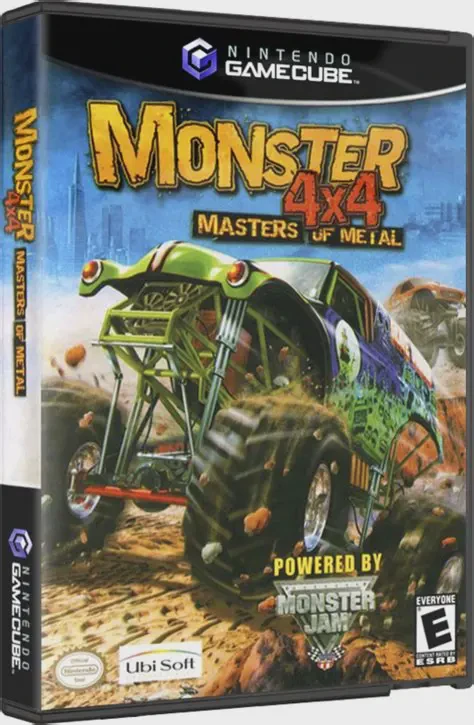
Dominate massive off-road tracks and crush cars beneath m...
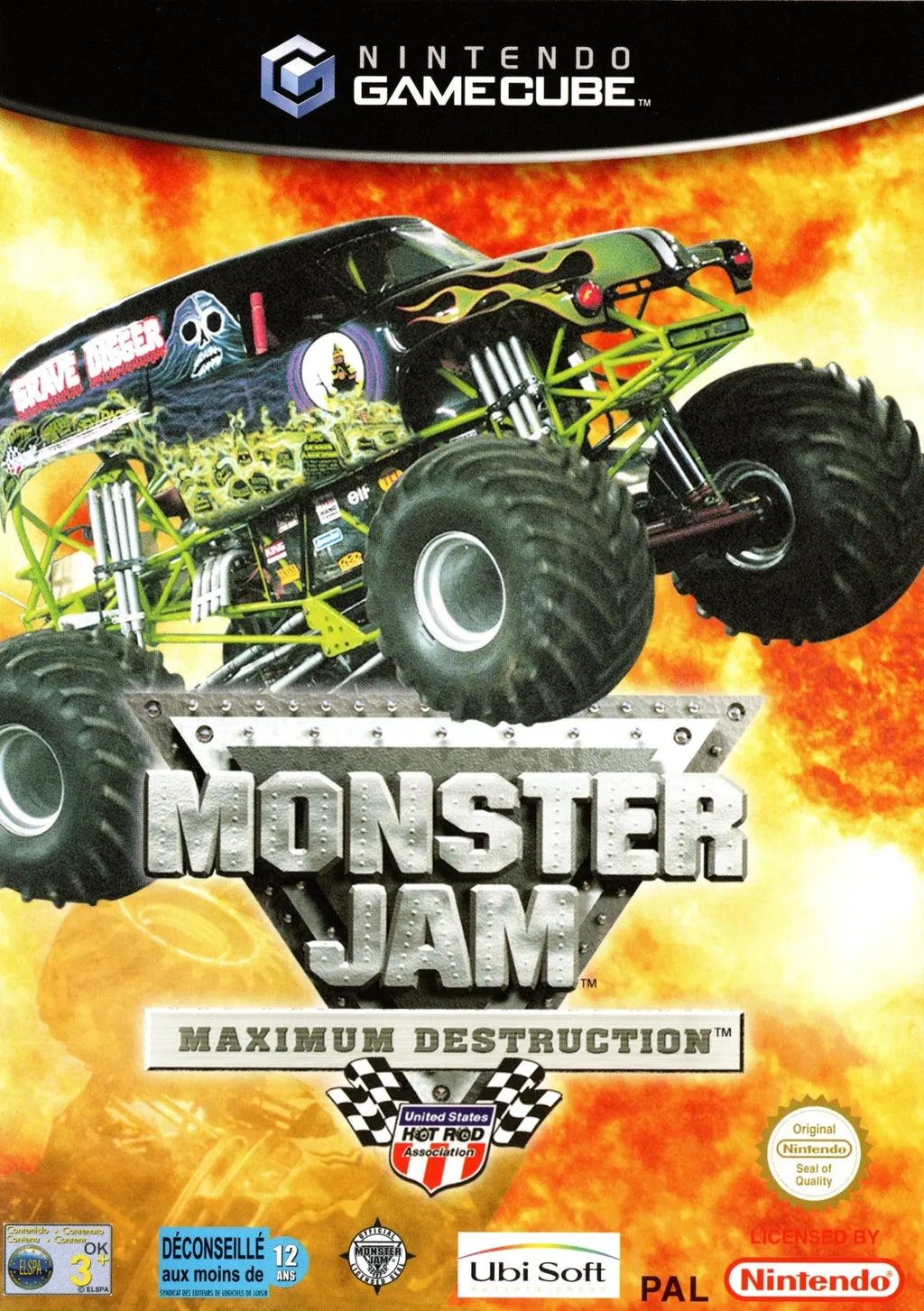
Crush the competition and unleash pure vehicular carnage ...
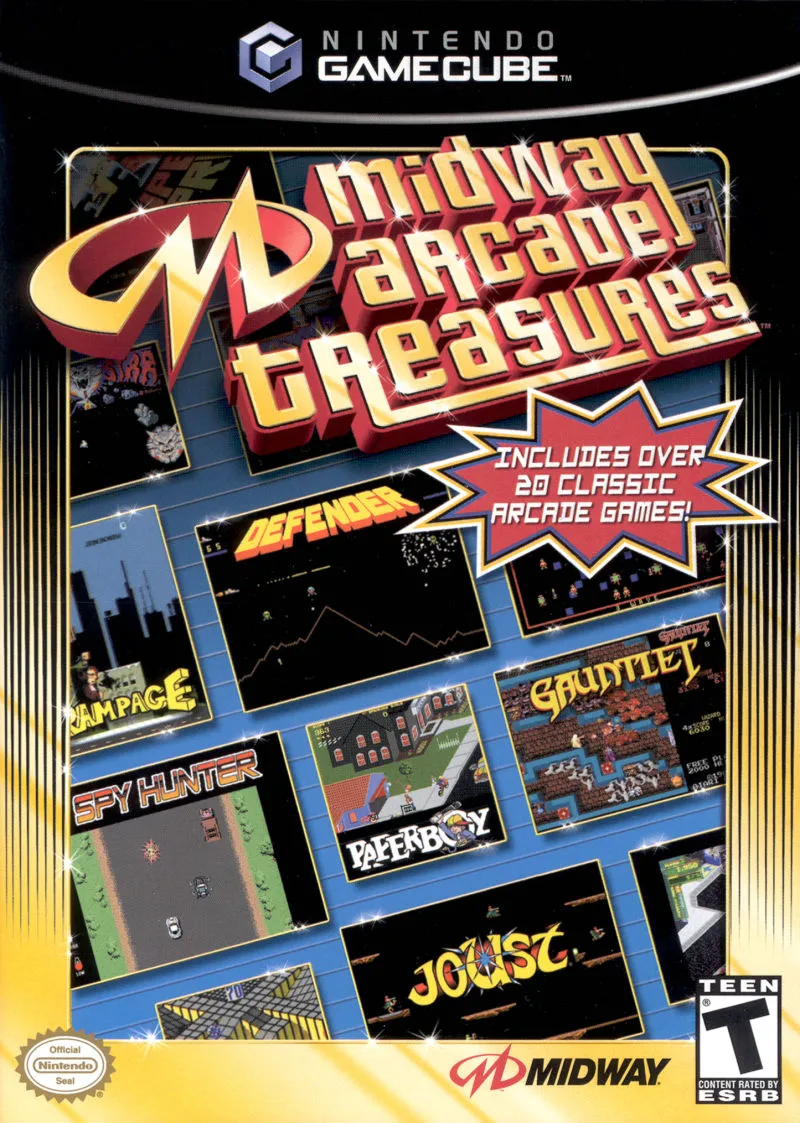
Relive the Golden Age of coin-op gaming with Midway Arcad...
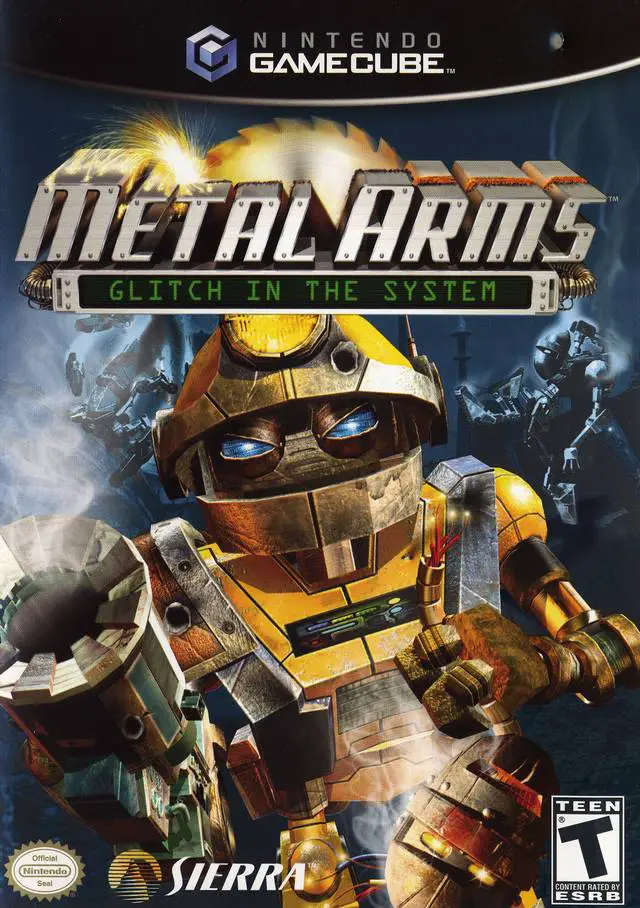
Engage in explosive robotic warfare in Metal Arms: Glitch...