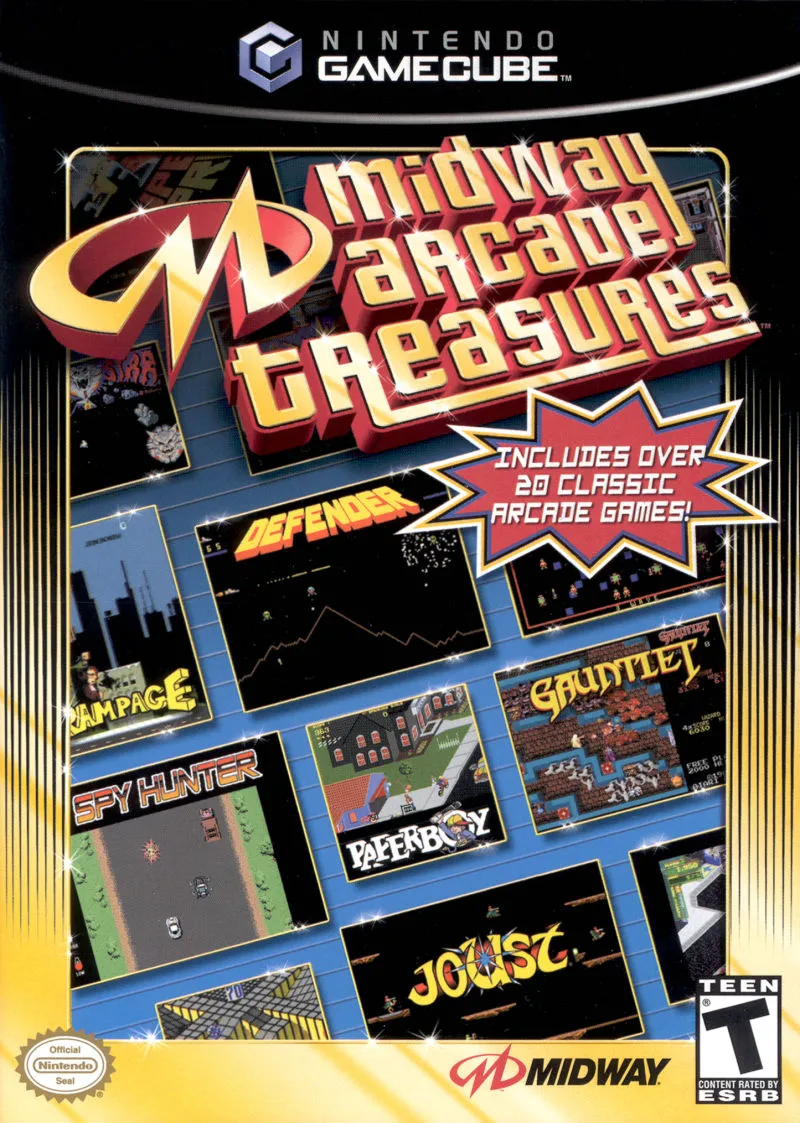
Midway Arcade Treasures
Relive the Golden Age of coin-op gaming with Midway Arcad...

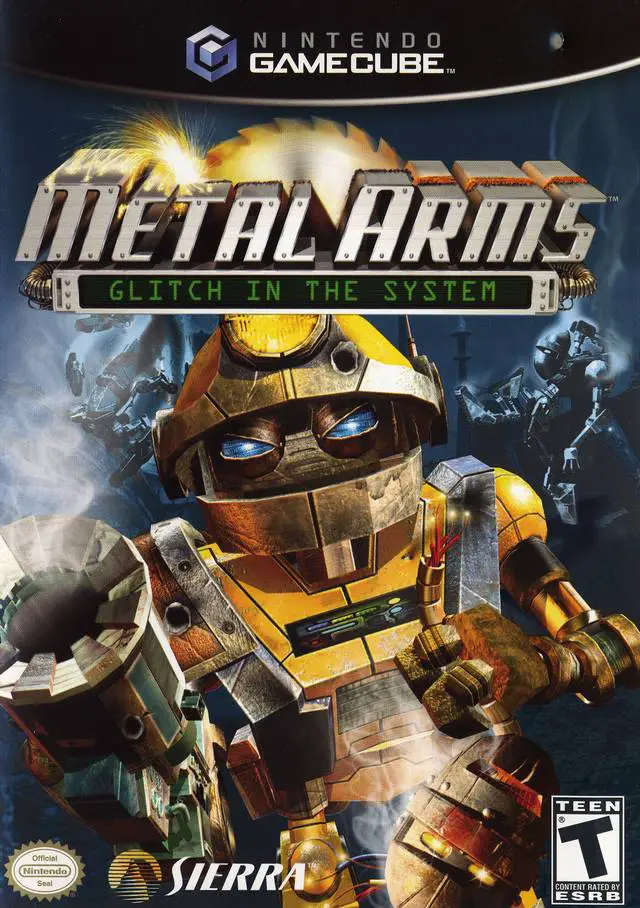
Metal Arms: Glitch in the System is an action-heavy third-person shooter developed by Swingin' Ape Studios and published by Sierra Entertainment. Set on the fully mechanized planet Ironheap, the game follows Glitch—an enigmatic, deactivated robot rediscovered and restored by rebel Droids—as he fights to save his allies from the ruthless General Corrosive and his overwhelming Mil-Bot forces.
Unlike many contemporary shooters of its era, Metal Arms combines fast-paced run-and-gun combat with tactical weapon switching and physics-driven environmental destruction. Glitch can wield up to 12 unique, fully upgradable weapons—including the iconic Tether Gun, which allows players to remotely hack and control enemy Mil-Bots, turning the opposing army's heaviest units against each other. Gameplay spans 42 single-player levels featuring intense infantry firefights, vehicle driving sections, mounted turret sequences, and epic boss encounters.
On the Nintendo GameCube, Metal Arms: Glitch in the System delivers smooth performance, tight controller response, detailed particle and lighting effects, rich positional audio, and competitive 4-player local split-screen multiplayer.
Field | Detail |
Full Title | Metal Arms: Glitch in the System |
Platform | Nintendo GameCube (NGC) |
Genre | Third-Person Shooter / Action |
Developer | Swingin' Ape Studios |
Publisher | Sierra Entertainment |
Release Date | November 18, 2003 (North America) / November 28, 2003 (Europe) |
Region Formats | NTSC-U / PAL |
Game Modes | Single-Player, Local Multiplayer (1–4 Players) |
Display Options | 480i / 480p Progressive Scan Support |
Media Type | Nintendo GameCube Game Disc (1 Disc) |
Upgradable Arsenal: Collect and upgrade 12 destructive weapons, including the Mining Laser, Rivet Gun, Corrosive Thrower, EMP Grenades, and Scattergun across three power tiers.
Tether Gun Hacking Mechanic: Hijack enemy Mil-Bots directly using the Control Tether to assume full command of heavy troops, Titans, and enemy turrets.
42 Story Missions: Fight across expansive single-player levels filled with vehicle combat, subterranean mines, military bases, and massive boss encounters.
Dynamic Mech Vehicle Combat: Drive and shoot using heavy combat vehicles such as the RAT (Rapid Assault Transport) and the heavily armored Loader Mech.
4-Player Split-Screen Multiplayer: Battle friends in local split-screen multiplayer across 7 unique game modes (including Deathmatch, King of the Hill, and Possession) with customizable bot units.
The Control Tether is a specialized weapon that fires a hacking beam at enemy robots. Once attached, control transfers directly from Glitch to the target Mil-Bot, allowing you to control its weapons, armor, and abilities to attack other enemies from within their own ranks.
Yes! Throughout the campaign, players collect upgrade kits and secret washers to improve weapon stats—such as increasing rate of fire, ammo capacity, splash damage, and unlocking secondary fire modes at local secret shops.
The game supports up to 4 players simultaneously in local split-screen multiplayer matches using standard Nintendo GameCube controllers.
Yes, Metal Arms: Glitch in the System supports 480p progressive scan output on the Nintendo GameCube for clean and sharp visual fidelity on compatible displays.
Click the links below to go to the cloud drive download page
⚠️ Download Tips:
Relive the Golden Age of coin-op gaming with Midway Arcad...
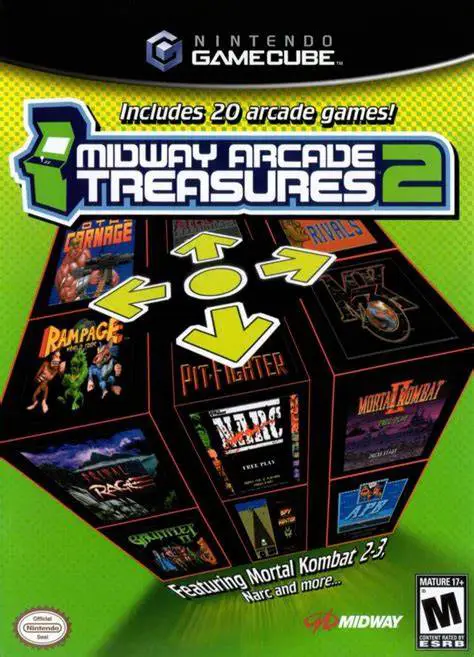
Step back into coin-op history with Midway Arcade Treasur...
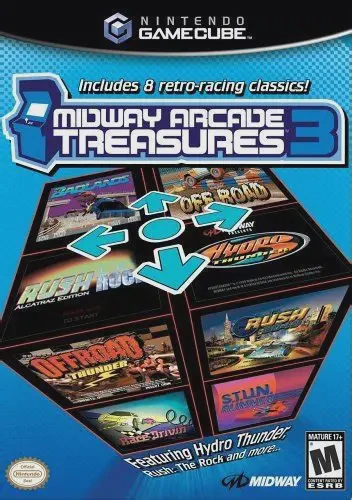
Engine up and hit the gas with Midway Arcade Treasures 3,...
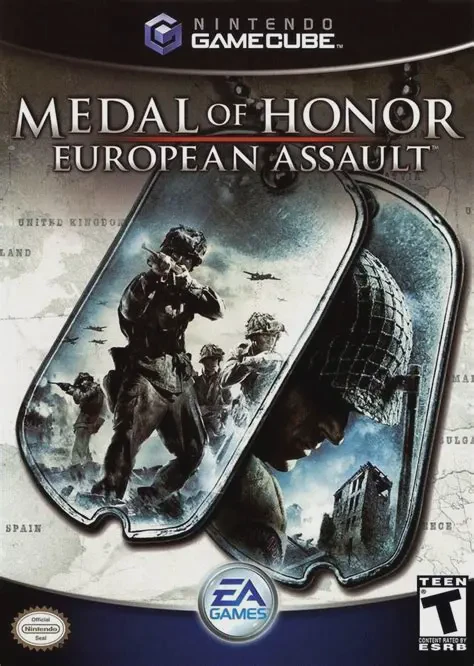
Take command on the front lines of World War II in Medal ...
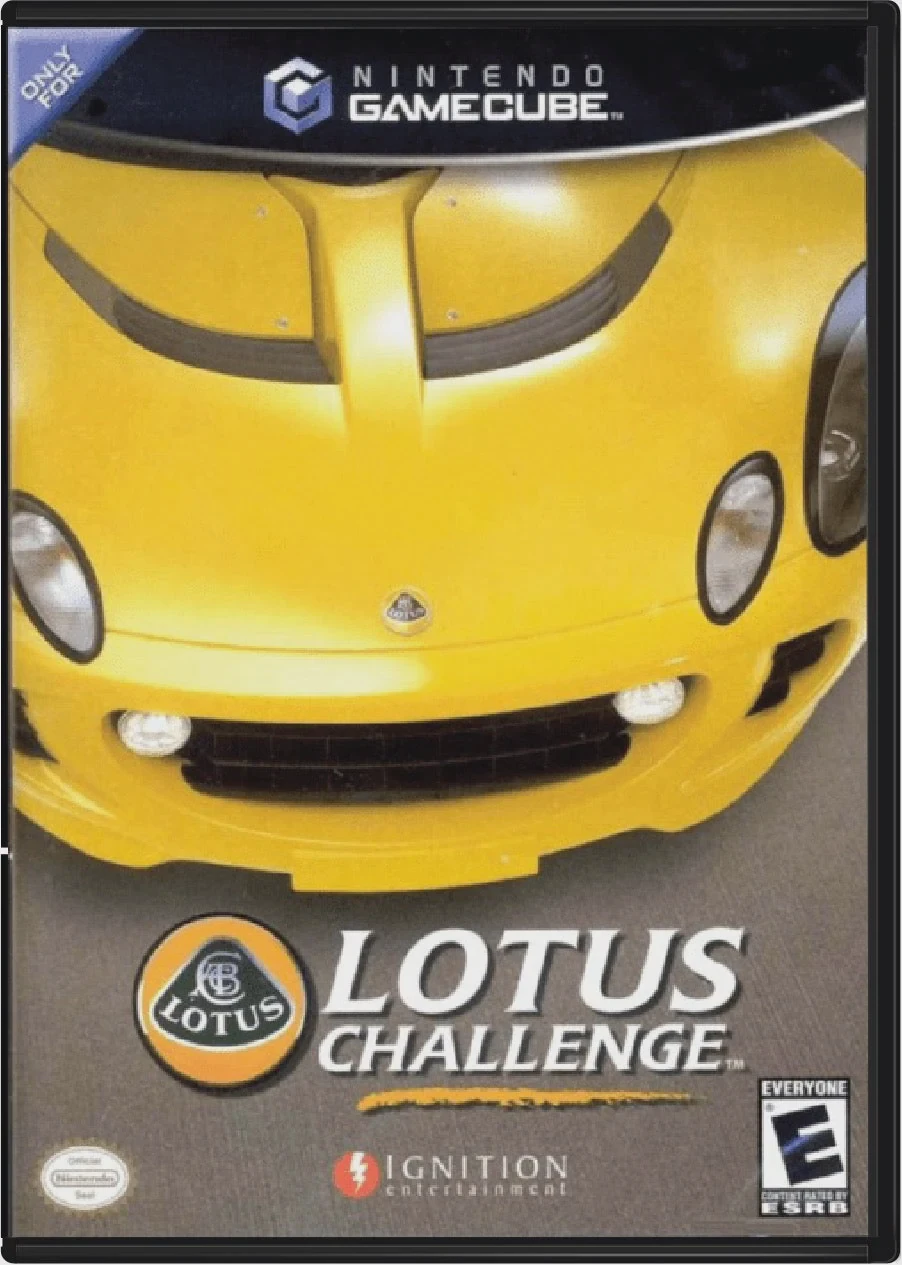
Take the wheel of high-performance British sports cars in...