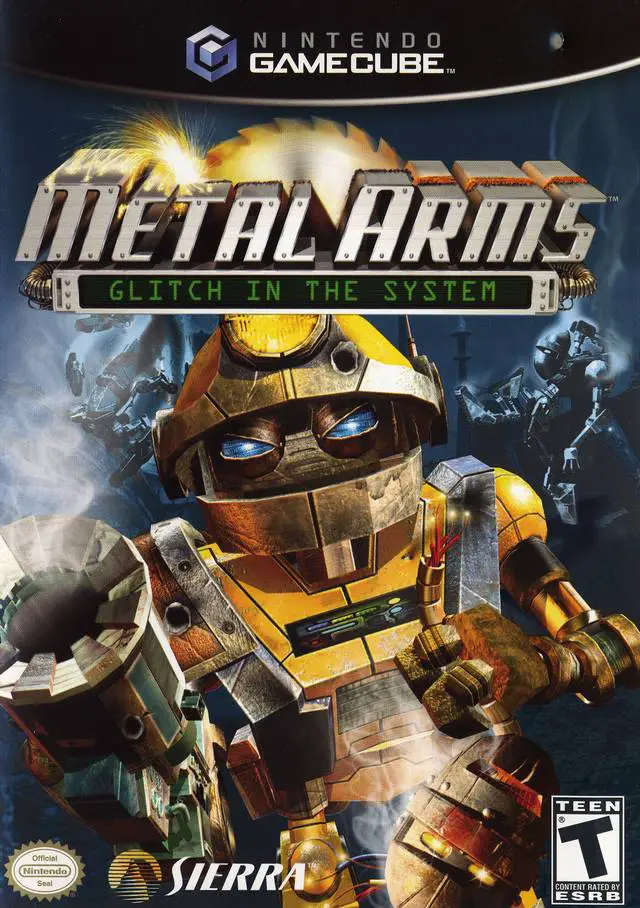
Metal Arms: Glitch in the...
Engage in explosive robotic warfare in Metal Arms: Glitch...

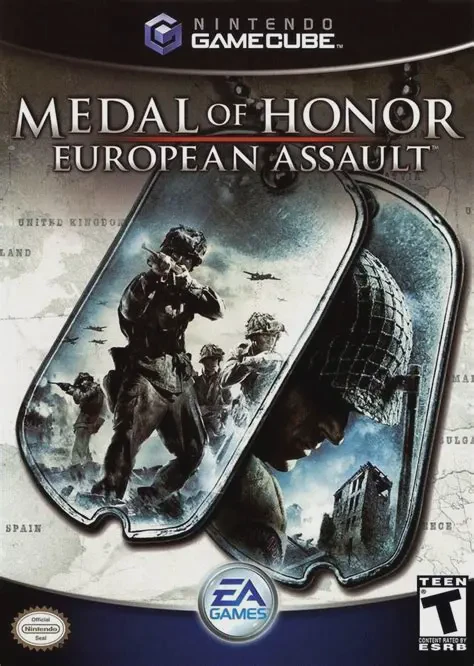
Medal of Honor: European Assault was developed by EA Los Angeles and published by Electronic Arts under the EA Games label. Shifting away from the strictly linear corridors of earlier franchise entries, European Assault introduced wide, open-ended battlefields where players could tackle primary, secondary, and secret OSS objectives in any order.
Players take on the role of Lt. William Holt, a field operative for the Office of Strategic Services (OSS). The campaign spans four historical European theaters: St. Nazaire (France), North Africa, Stalingrad (Russia), and the Battle of the Bulge (Belgium). A central feature of European Assault is squad command, allowing players to order three squadmates to take cover, advance, or hold positions. The game also introduces the "Adrenaline" gauge—a reward mechanic filled by earning headshots and tactical kills that temporarily grants invulnerability, infinite ammunition, and boosted weapon damage.
On the Nintendo GameCube, Medal of Honor: European Assault delivers crisp performance, intense multi-channel sound design featuring an orchestral score by Christopher Lennertz, intuitive dual-analog controls, and 4-player local split-screen multiplayer deathmatches.
Field | Detail |
Full Title | Medal of Honor: European Assault |
Platform | Nintendo GameCube (NGC) |
Genre | First-Person Shooter (FPS) / WWII |
Developer | EA Los Angeles |
Publisher | Electronic Arts (EA Games) |
Release Date | June 7, 2005 (North America) / June 17, 2005 (Europe) |
Region Formats | NTSC-U / PAL |
Game Modes | Single-Player, Local Multiplayer (1–4 Players) |
Display Options | 480i / 480p Progressive Scan Support |
Media Type | Nintendo GameCube Game Disc (1 Disc) |
Non-Linear Open Objectives: Explore wide tactical battlefields featuring primary goals, optional secondary tasks, and hidden OSS intelligence documents.
Squad Command System: Issue direct tactile orders to your three-man squad to secure choke points, suppress enemy machine-gun nests, or heal injured teammates.
Adrenaline Mode Mechanic: Fill the Adrenaline meter through precise combat kills to unleash brief periods of invulnerability, unlimited ammo, and high-impact shots.
4 Historic European Campaigns: Fight through authentic combat scenarios in St. Nazaire, North Africa, Stalingrad, and the Ardennes Forest.
4-Player Split-Screen Multiplayer: Battle friends in intense local multiplayer modes across 15 maps with customizable weapon sets and rules.
Unlike older Medal of Honor titles, European Assault features open-ended map designs allowing players to choose their own approach and complete primary and secondary objectives in whatever order they prefer.
When filled by performing headshots or multikills, activating Adrenaline temporarily makes Lt. Holt invulnerable, provides infinite ammo, and increases shot damage to clear out heavily fortified enemy strongholds.
The game supports up to 4 players concurrently in local split-screen multiplayer modes using standard Nintendo GameCube controllers.
Yes, Medal of Honor: European Assault supports 480p progressive scan output on the Nintendo GameCube for clean and sharp visual quality on compatible displays.
Click the links below to go to the cloud drive download page
⚠️ Download Tips:
Engage in explosive robotic warfare in Metal Arms: Glitch...
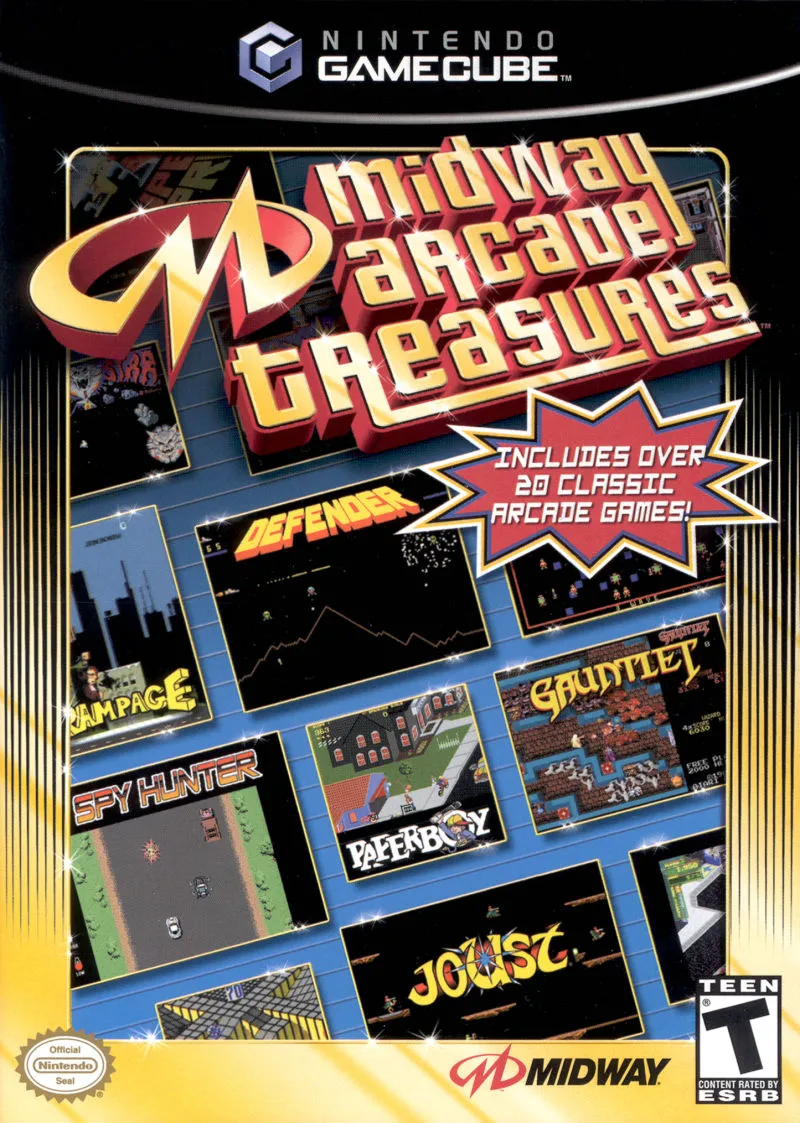
Relive the Golden Age of coin-op gaming with Midway Arcad...
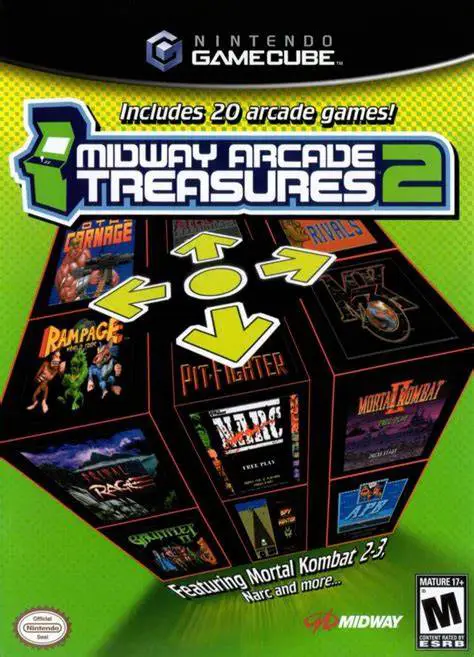
Step back into coin-op history with Midway Arcade Treasur...
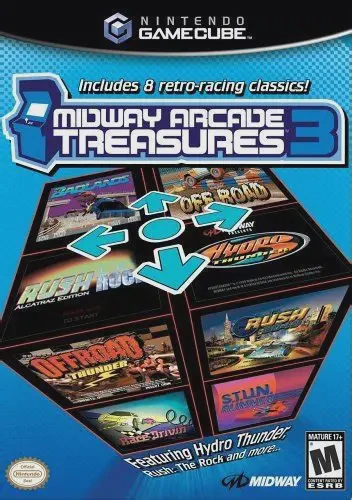
Engine up and hit the gas with Midway Arcade Treasures 3,...
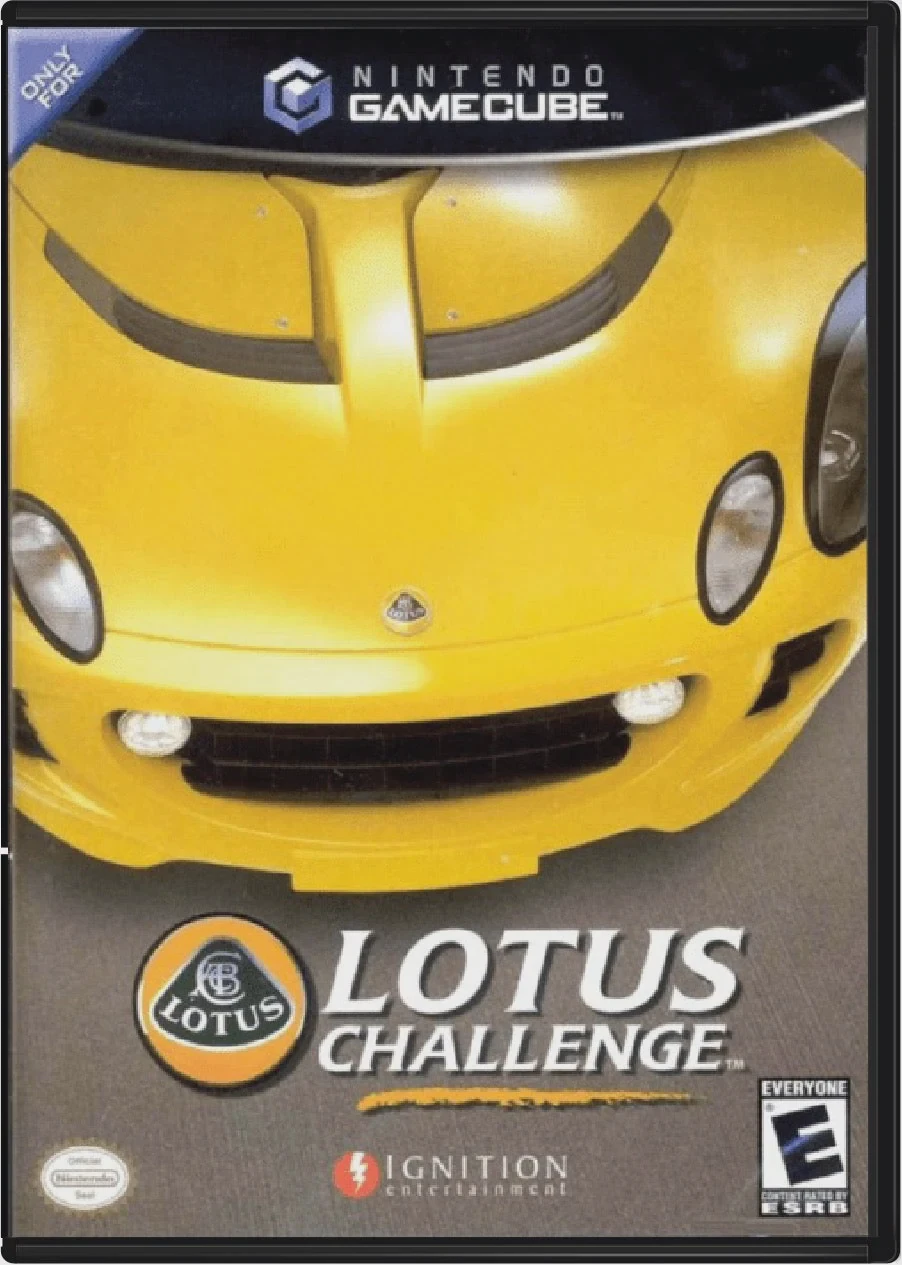
Take the wheel of high-performance British sports cars in...