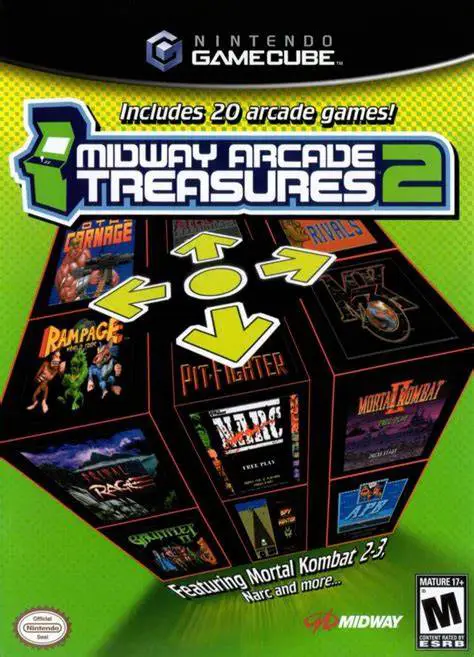
Midway Arcade Treasures 2
Step back into coin-op history with Midway Arcade Treasur...

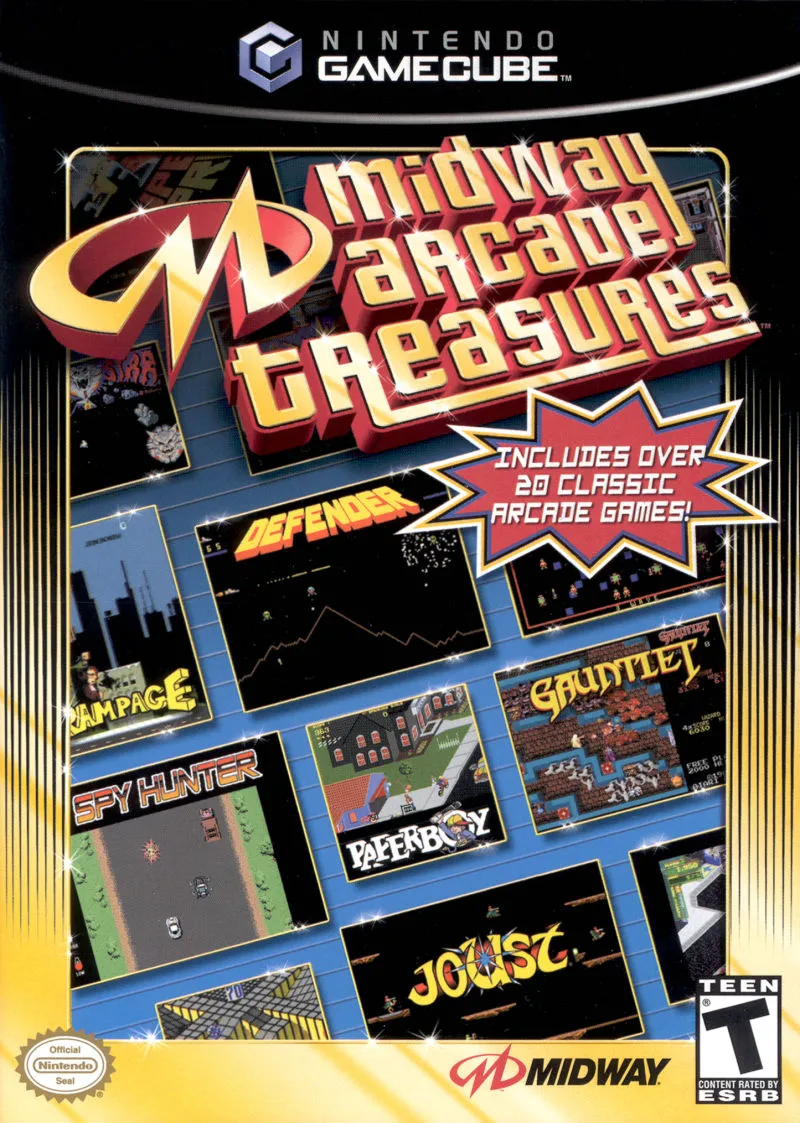
Midway Arcade Treasures was developed by Digital Eclipse and published by Midway Games. As the flagship entry in Midway's acclaimed compilation series, this title compiles twenty landmark arcade games originally created by Williams, Bally, Midway, and Atari Games.
The collection features foundational arcade titles spanning genre-defining shooters like Defender, Robotron: 2084, and Smash TV; pioneering action-platformers like Joust and Marble Madness; iconic vehicular action in Spy Hunter; and legendary multiplayer co-op adventures such as Gauntlet and Rampage. Players navigate through an interactive 3D arcade hall to select cabinets, adjust game settings, and view historical unlockable archives.
On the Nintendo GameCube, Midway Arcade Treasures delivers arcade-perfect emulation, customizable control options (including dual-analog stick support for twin-stick shooters), smooth 60fps performance, and local multiplayer support for up to four players.
Field | Detail |
Full Title | Midway Arcade Treasures |
Platform | Nintendo GameCube (NGC) |
Genre | Compilation / Arcade / Retro |
Developer | Digital Eclipse |
Publisher | Midway Games |
Release Date | November 18, 2003 (North America) / February 6, 2004 (Europe) |
Region Formats | NTSC-U / PAL |
Game Modes | Single-Player, Local Multiplayer (1–4 Players) |
Display Options | 480i / 480p Progressive Scan Support |
Media Type | Nintendo GameCube Game Disc (1 Disc) |
Action & Co-Op: Gauntlet, Rampage, Joust, Paperboy, Marble Madness, Joust 2: Survival of the Fittest
Twin-Stick & Arcade Shooters: Robotron: 2084, Smash TV, Defender, Defender II (Stargate), Satan's Hollow, Sinistar
Driving & Combat: Spy Hunter, Super Sprint
Classic Arcade Action: Bubbles, Klax, Root Beer Tapper, Satan's Hollow, 720°, Toobin', Vindicators
20 Arcade Classics: Play accurate ports of twenty influential coin-op hits from Williams, Bally, Midway, and Atari Games.
Up to 4-Player Local Multiplayer: Enjoy multi-player arcade action locally on standard GameCube controllers, including 4-player co-op in Gauntlet and Super Sprint.
Dual Analog Twin-Stick Support: Play shooters like Robotron: 2084 and Smash TV with twin-stick precision using the C-Stick and Main Analog Stick.
Historical Arcade Vault: Unlock retro promotional art, original cabinet photography, developer history, and soundtrack jukebox entries.
DIP Switch Settings: Tailor game rules, starting life counts, and difficulty levels for individual titles to customize your arcade experience.
The compilation maps twin-stick controls seamlessly to the GameCube controller, using the Left Analog Stick for directional movement and the Right C-Stick for directional firing.
Titles such as Gauntlet and Super Sprint support up to 4 players simultaneously using four standard Nintendo GameCube controllers.
Yes, all original audio—including Sinistar's iconic voice lines ("Beware, I Live!"), Root Beer Tapper music, and classic 8-bit sound synth—is accurately preserved through Digital Eclipse's custom emulation engine.
Yes, Midway Arcade Treasures supports 480p progressive scan output on the Nintendo GameCube for crisp and clear visual clarity on compatible displays.
Click the links below to go to the cloud drive download page
⚠️ Download Tips:
Step back into coin-op history with Midway Arcade Treasur...
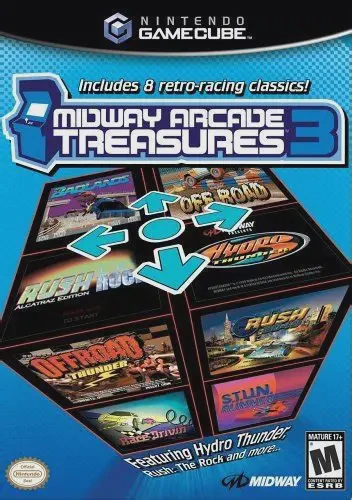
Engine up and hit the gas with Midway Arcade Treasures 3,...
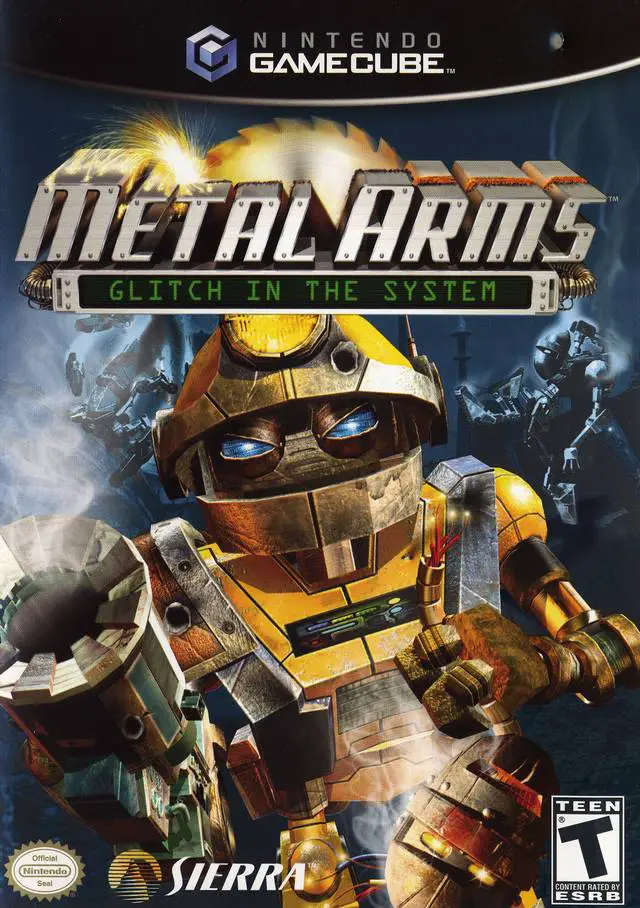
Engage in explosive robotic warfare in Metal Arms: Glitch...
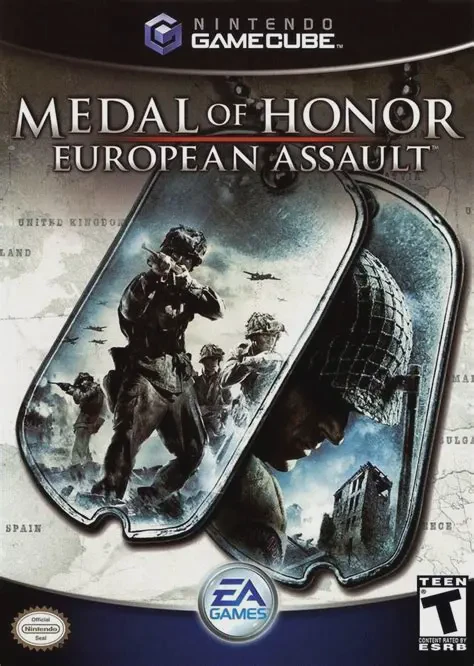
Take command on the front lines of World War II in Medal ...
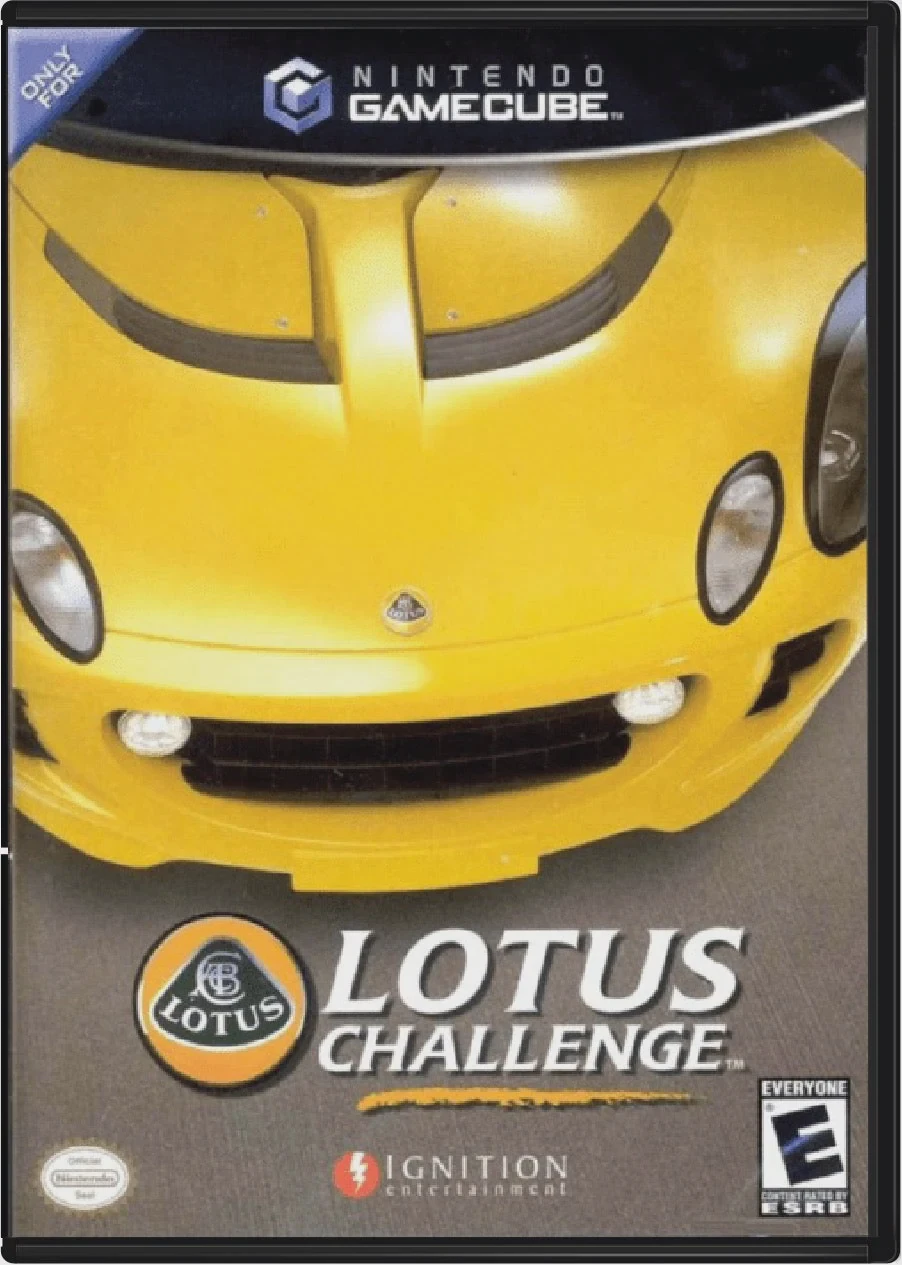
Take the wheel of high-performance British sports cars in...