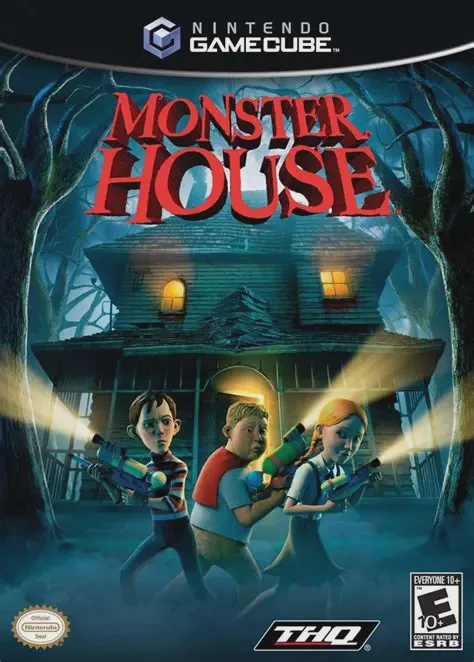
Monster House
Step inside a living, breathing house of horrors in Monst...

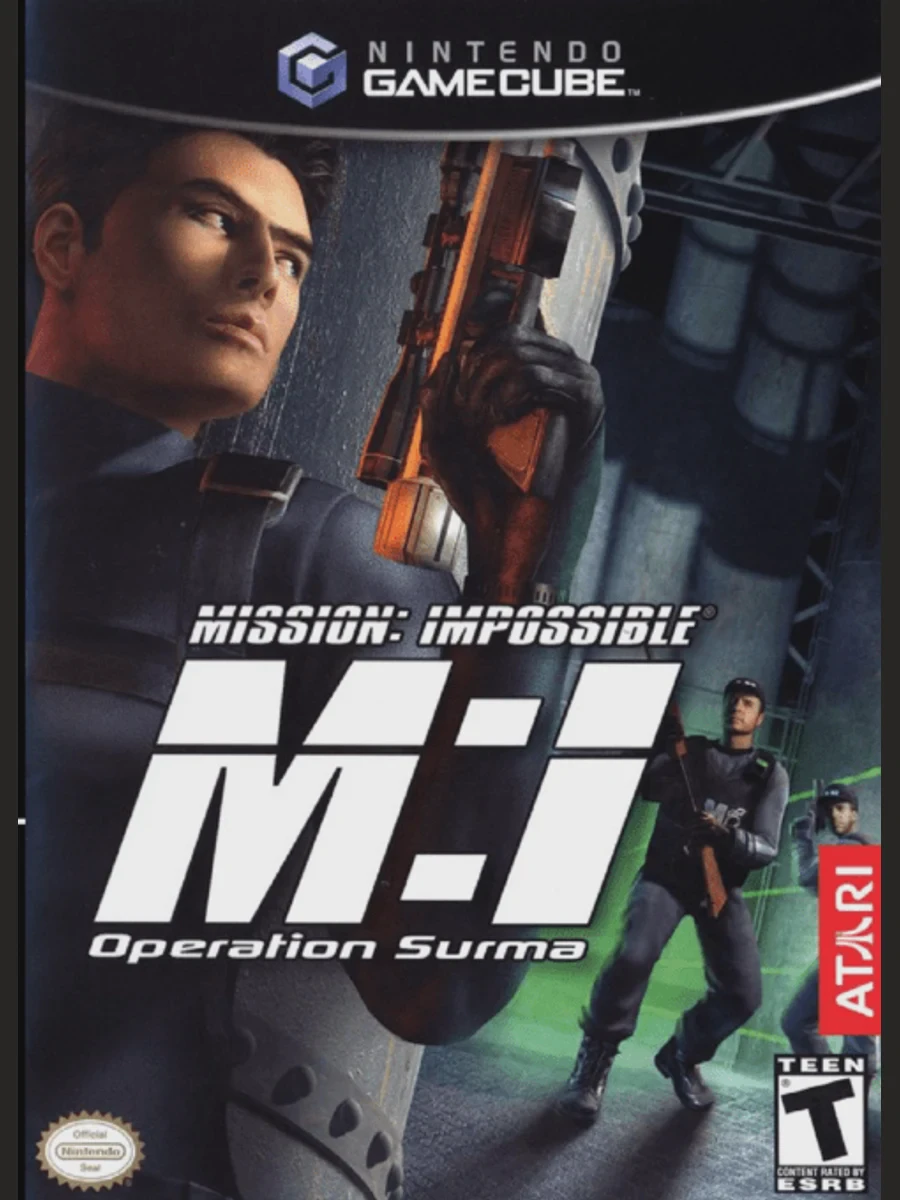
Mission: Impossible – Operation Surma is a third-person stealth-action game developed by Paradigm Entertainment and published by Atari. Featuring an original story set within the iconic film and television franchise universe, the game puts players in total control of IMF (Impossible Mission Force) operative Ethan Hunt.
Gameplay blends tactical stealth navigation with high-tech gadgetry and third-person combat. Players must infiltrate heavily guarded installations across the globe—from frozen Siberian bunkers to high-security Middle Eastern strongholds. Ethan's arsenal includes facial disguise kits, micro-drones, grappling hooks, wall-climbing suction boots, and customizable suppressed firearms. Operating in the shadows is vital: alerting guards raises security levels, requiring players to quietly eliminate enemies, hide bodies, and bypass sophisticated security laser grids.
On the Nintendo GameCube, Mission: Impossible – Operation Surma features smooth performance, responsive stealth controls, dynamic lighting effects for shadow mechanics, and voice acting provided by Steve Blum as Ethan Hunt alongside John de Lancie as Luther Stickell.
Field | Detail |
Full Title | Mission: Impossible – Operation Surma |
Platform | Nintendo GameCube (NGC) |
Genre | Stealth / Action-Adventure / Tactical |
Developer | Paradigm Entertainment |
Publisher | Atari |
Release Date | December 2, 2003 (North America) / March 12, 2004 (Europe) |
Region Formats | NTSC-U / PAL |
Game Modes | Single-Player |
Display Options | 480i / 480p Progressive Scan Support |
Media Type | Nintendo GameCube Game Disc (1 Disc) |
High-Tech IMF Gadgetry: Deploy an advanced arsenal of spy tech, including micro-cameras, disguise kits, stun darts, grappling ropes, and thermal goggles.
Tactical Stealth Mechanics: Hug walls, peer around corners, hide unconscious guards, hack security terminals, and pick locks to remain undetected.
Global Espionage Campaign: Travel across high-stakes international locations including Russia, the Middle East, and secret corporate headquarters.
Original IMF Narrative: Uncover a conspiracy involving ICE-6, a destructive computer virus created by the rogue corporation Surma Corporation.
Dynamic Security Alarm Levels: Triggering security cameras or leaving evidence raises alert levels, bringing heavily armed enemy backup units into the area.
No, Operation Surma features a completely original storyline created specifically for the video game, bridging the world of the classic TV series and feature films.
Yes! Ethan Hunt can utilize Facial Disguise Kits to copy the appearances of key personnel, allowing players to walk right past security guards and access restricted areas undetected.
No, the game is strictly a single-player tactical stealth-action adventure focused on Ethan Hunt's covert operations.
Yes, Mission: Impossible – Operation Surma supports 480p progressive scan output on the Nintendo GameCube for crisp and clear picture performance on compatible displays.
Click the links below to go to the cloud drive download page
⚠️ Download Tips:
Step inside a living, breathing house of horrors in Monst...
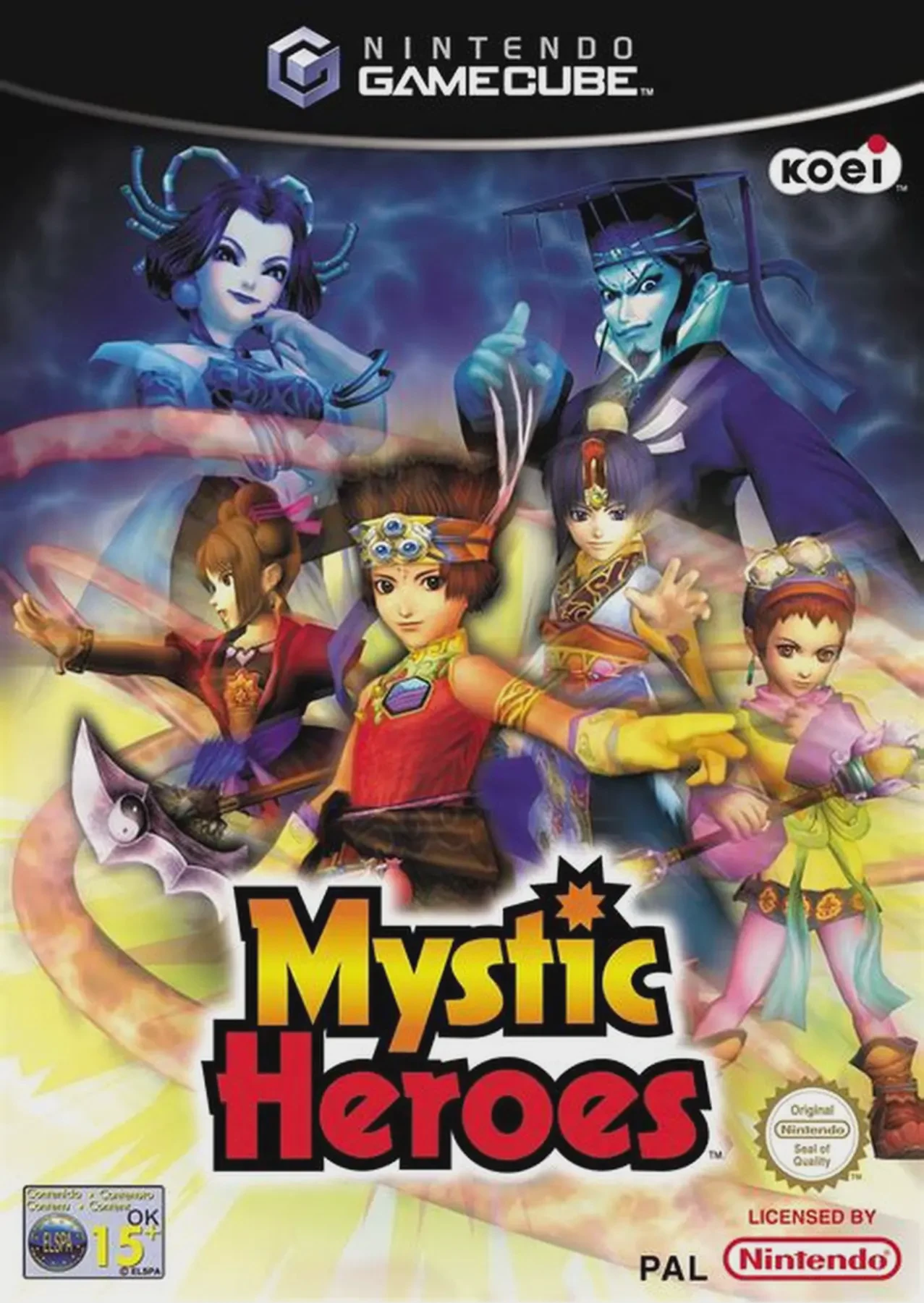
Command powerful elemental magic and take down towering e...

Step into the wild, hilarious, and secret world of farm a...
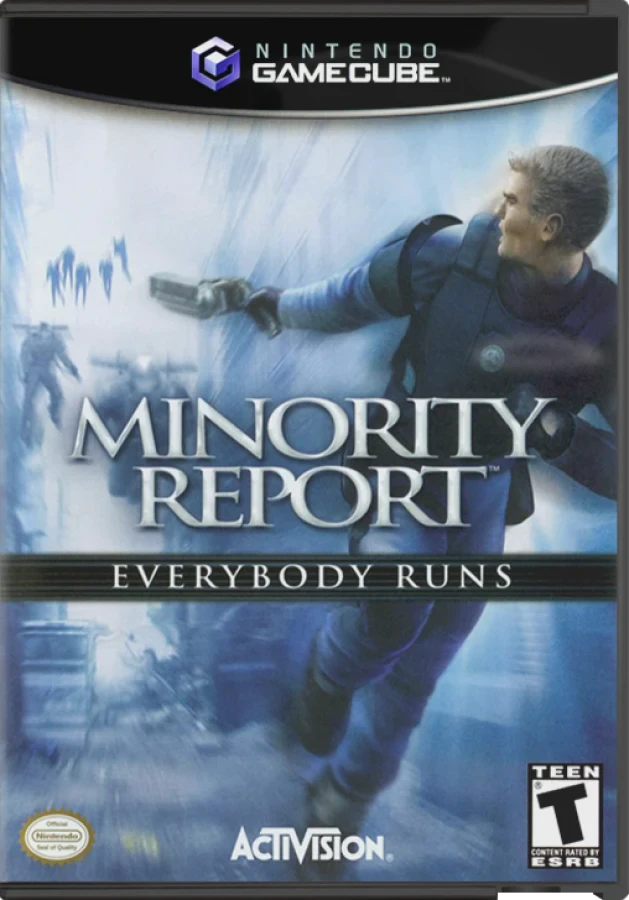
Step into the year 2054 and step into the shoes of PreCri...
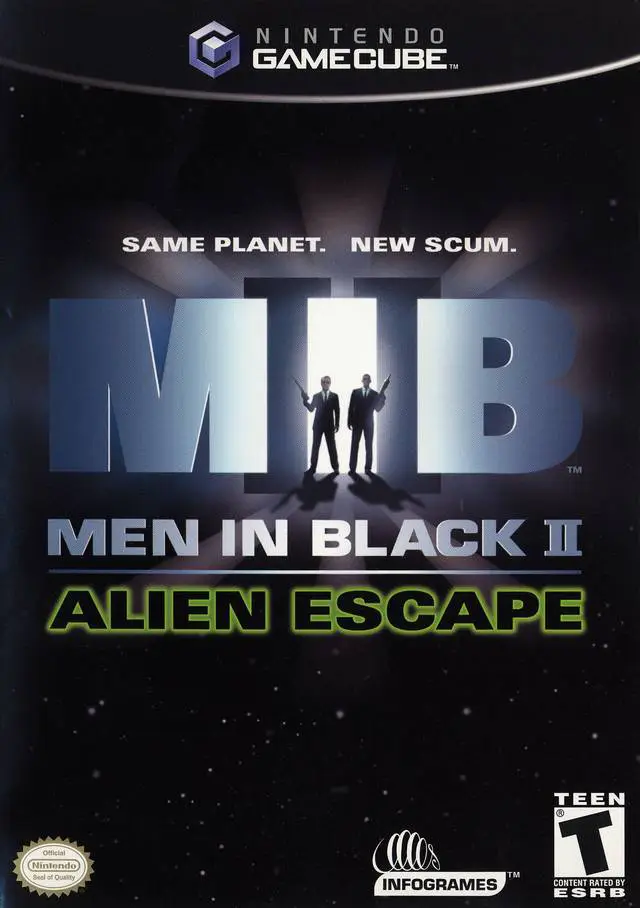
Suit up and step into the stylish shoes of Agent J and Ag...