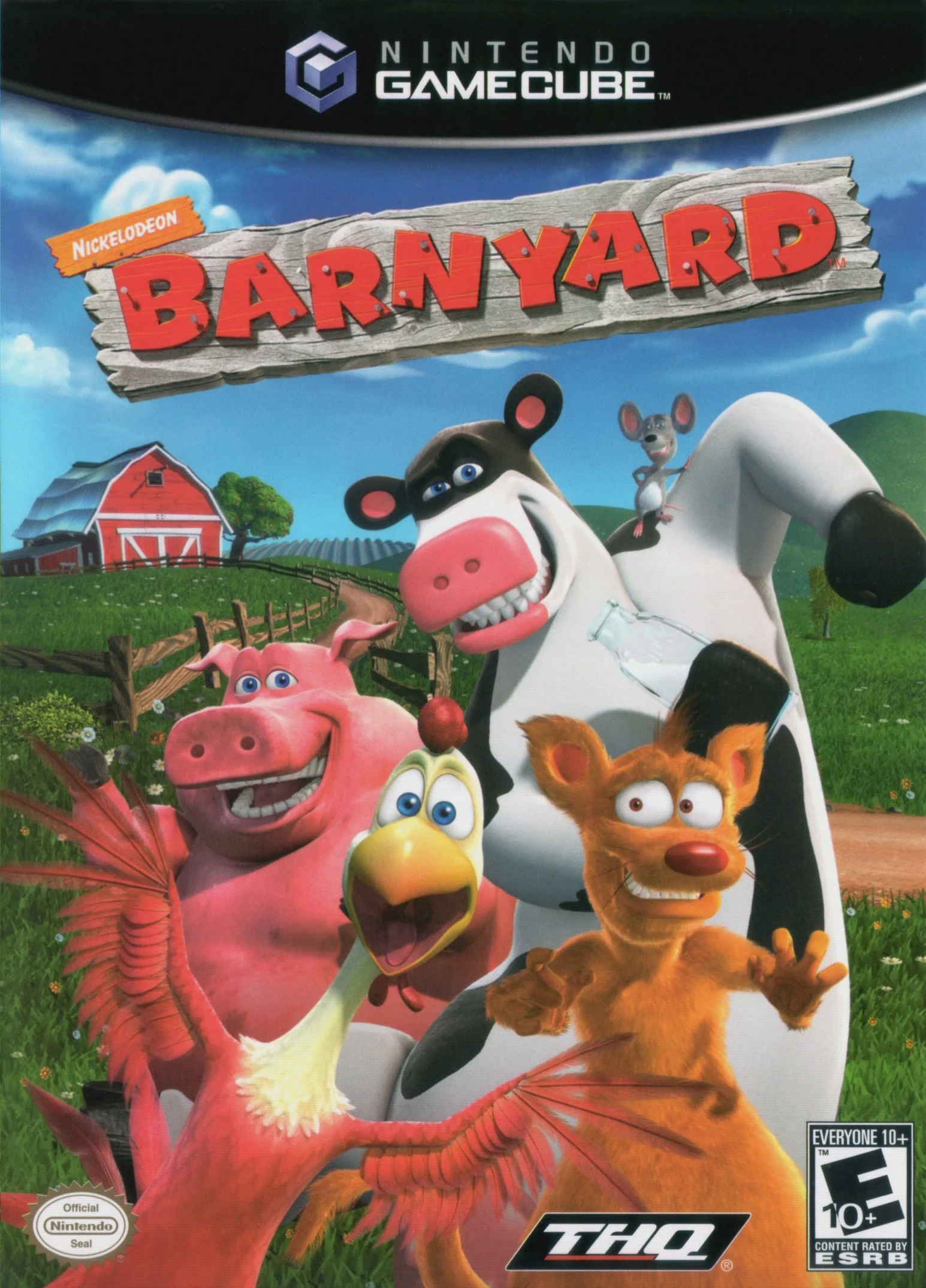
Barnyard
Step into the wild, hilarious, and secret world of farm a...

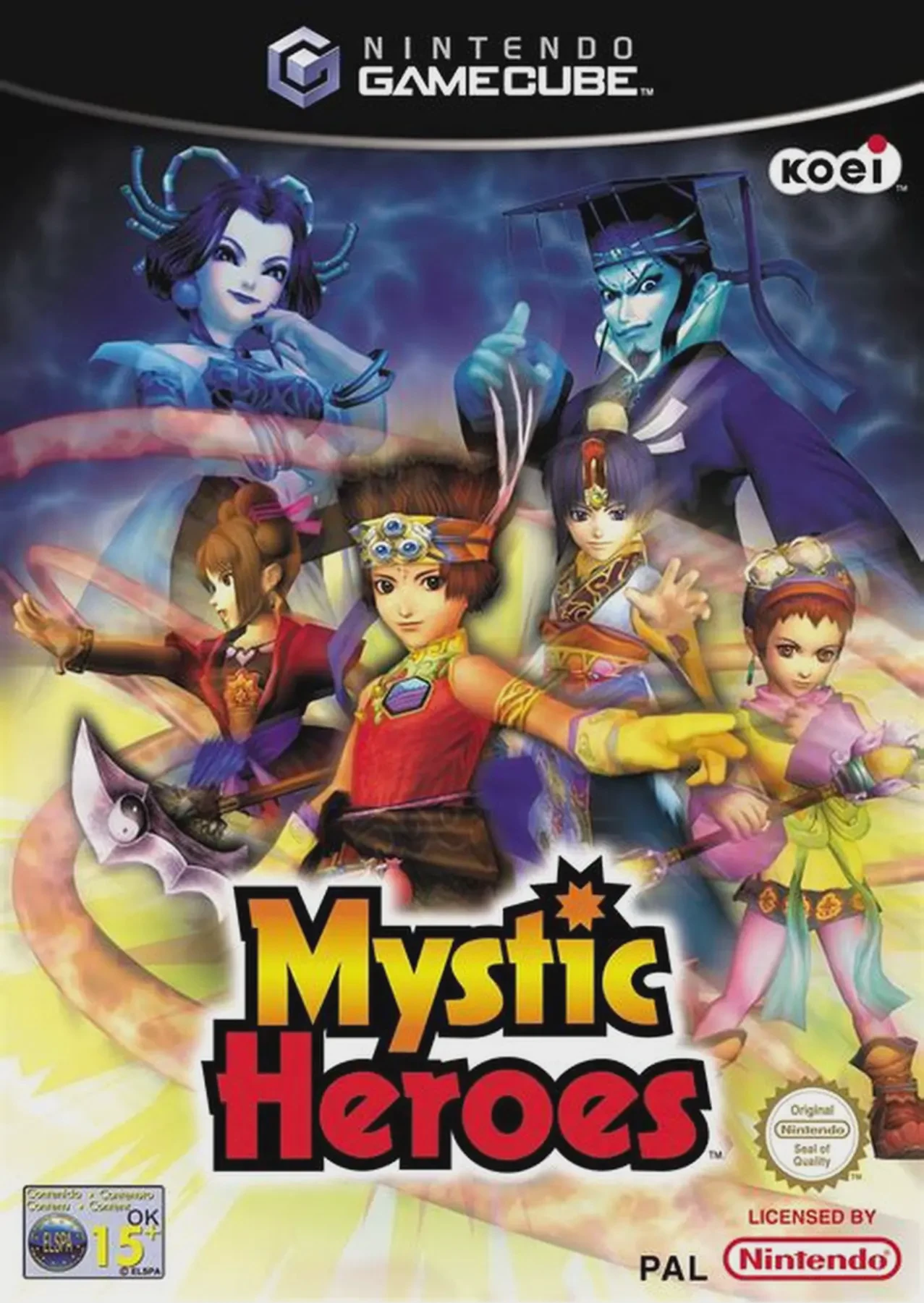
Mystic Heroes (originally released in Japan as Battle Houshin) is a tactical action-adventure game developed by KOEI Canada and Chunsoft, published by KOEI. Drawing inspiration from the same legendary mythology as KOEI’s acclaimed Dynasty Warriors series, the game reimagines ancient Chinese fantasy through a vibrant, anime-styled aesthetic.
Players select one of four unique practitioners of the Mystical Arts—Tai, Lani, Shon, or Naja—to overthrow the tyrannical Emperor Kang and his dark army. Gameplay focuses on clearing battlefields swarming with dozens of enemies simultaneously. Instead of relying solely on physical weapon combos, heroes harness magical Rune Rings that release elemental area-of-effect spells (Fire, Ice, Wind, and Lightning). As players progress through story chapters or survival modes, rune rings gain experience and evolve, unlocking devastating high-level elemental summons and defensive shields.
On the Nintendo GameCube, Mystic Heroes offers smooth performance during dense combat encounters, bright cel-shaded style visuals, fully voiced story cutscenes, and extensive cooperative and competitive multi-player options.
Field | Detail |
Full Title | Mystic Heroes |
Platform | Nintendo GameCube (NGC) |
Genre | Tactical Action / Hack-and-Slash / Beat 'em Up |
Developer | KOEI Canada / Chunsoft |
Publisher | KOEI |
Release Date | September 30, 2002 (North America) / December 13, 2002 (Europe) |
Region Formats | NTSC-U / PAL |
Game Modes | Single-Player, Local Multiplayer (1–4 Players) |
Display Options | 480i / 480p Progressive Scan Support |
Media Type | Nintendo GameCube Game Disc (1 Disc) |
4 Distinct Playable Heroes: Choose from four uniquely skilled elemental warriors—Tai (Sword), Lani (Staff), Shon (Scythe), and Naja (Spear)—each featuring distinct speed, strength, and spell-casting setups.
Evolving Rune Ring Magic: Equip and upgrade over 70 unique Rune Rings across four elements (Fire, Ice, Wind, Lightning) to unleash long-range blasts, defensive barriers, and massive screen-clearing summons.
Crowd Combat System: Engage in fast-paced 3D combat against dozens of enemy soldiers, heavy beasts, and giant mythical bosses concurrently.
Rich Story & Game Modes: Features a multi-chapter Single-Player Campaign, Survival Mode, and multi-player challenge arenas.
4-Player Local Multiplayer: Compete against or alongside friends in local split-screen co-op story missions, Survival challenges, and Battle Royale versus modes.
Magic is tied to Rune Rings equipped to your character. By holding down spell attack buttons, you charge up your equipped elemental ring (Fire, Ice, Wind, or Lightning) to unleash increasingly destructive area-of-effect attacks or summons. Rings gain EXP as you defeat enemies, making spells more powerful over time.
Yes, Mystic Heroes shares core battlefield action mechanics with the Dynasty Warriors series (also developed by KOEI), but differentiates itself with an anime-style visual presentation, a heavier focus on magic and elemental projectile attacks, and four-player local multiplayer support.
The game supports up to 4 players simultaneously in local split-screen cooperative and competitive multiplayer modes using standard Nintendo GameCube controllers.
Yes, Mystic Heroes supports 480p progressive scan output on the Nintendo GameCube for clean and sharp picture performance on compatible displays.
Click the links below to go to the cloud drive download page
⚠️ Download Tips:
Step into the wild, hilarious, and secret world of farm a...
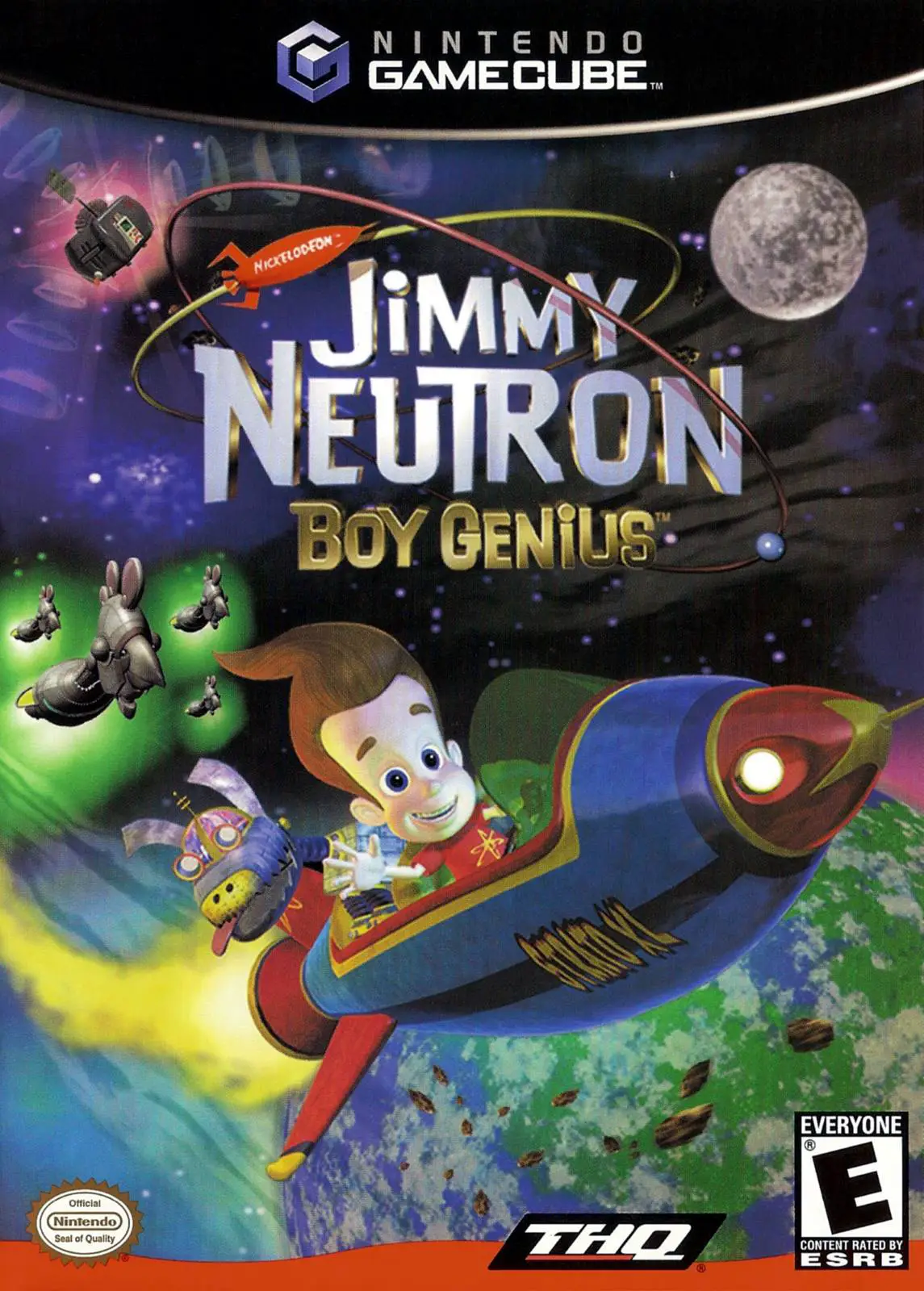
Blast off on a high-tech galactic rescue mission in Jimmy...
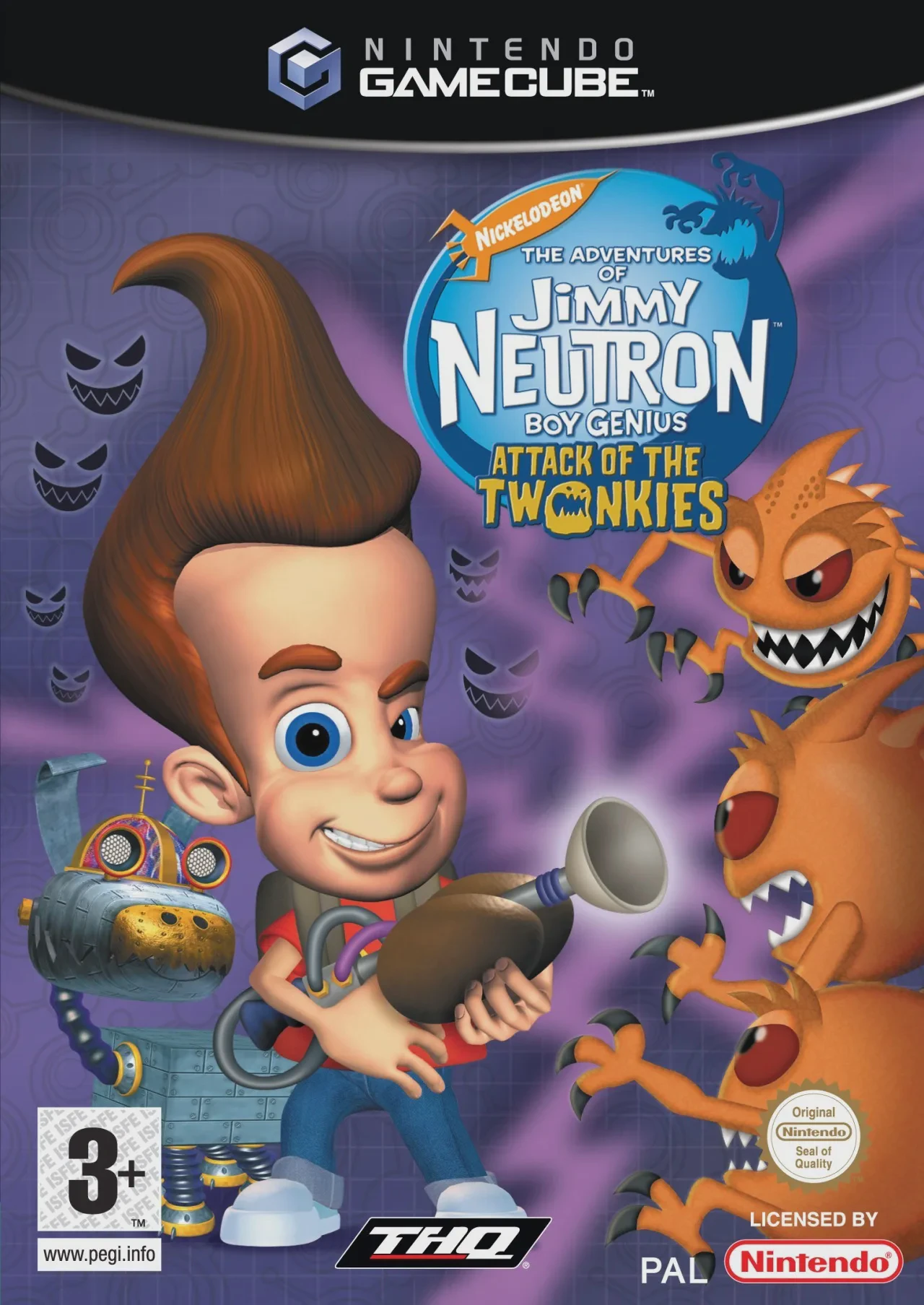
Get ready for an out-of-this-world disaster in Jimmy Neut...
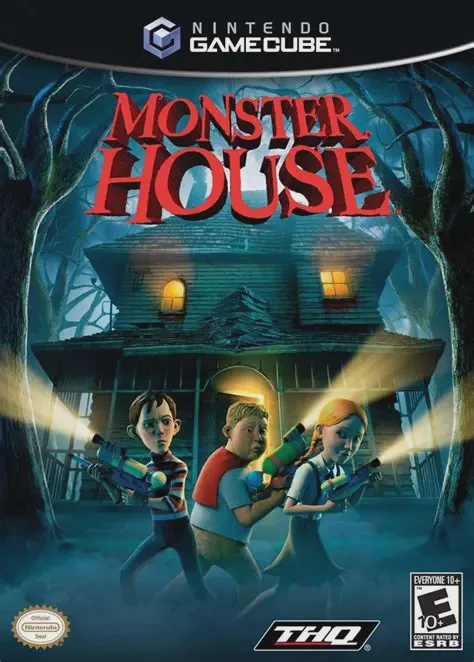
Step inside a living, breathing house of horrors in Monst...
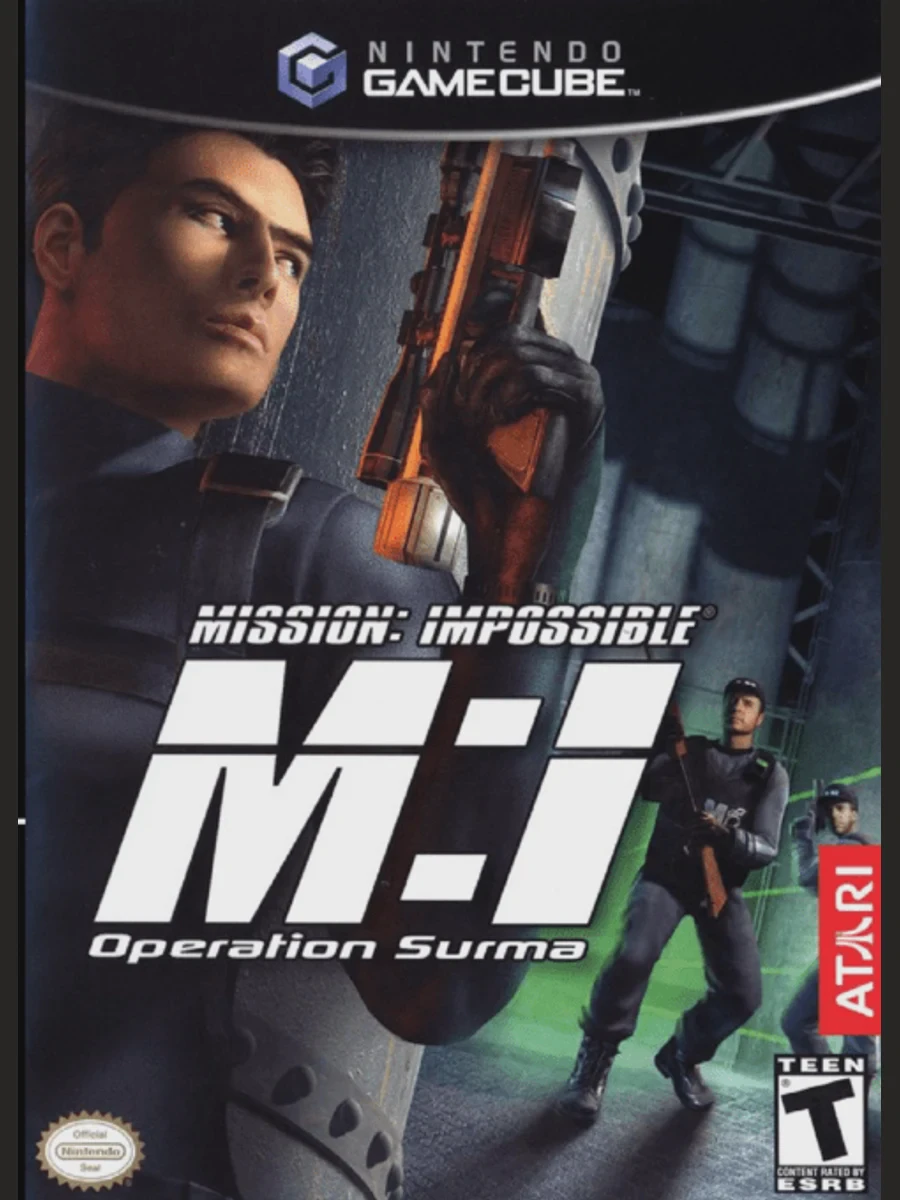
Step into the shoes of Ethan Hunt and enter the shadowy w...