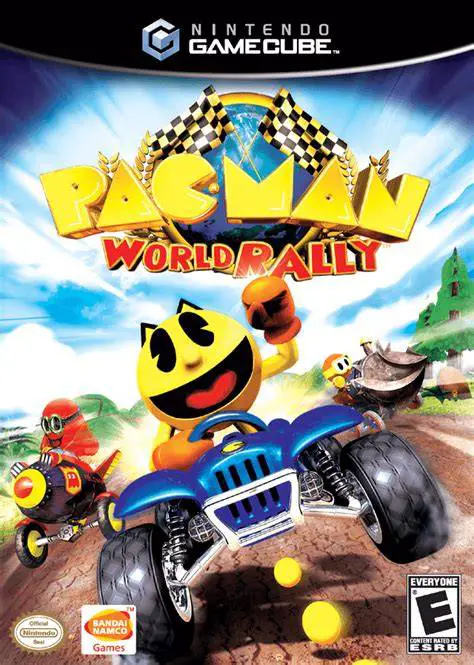
Pac-Man World Rally
Step into the high-speed driver’s seat with Pac-Man and i...

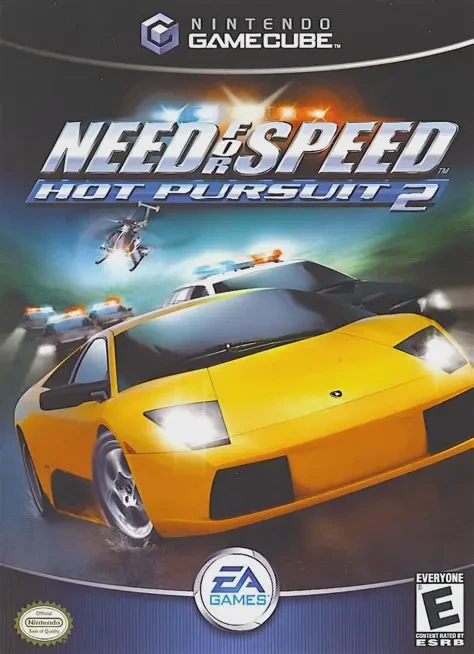
Need for Speed: Hot Pursuit 2 was developed by EA Seattle and published by Electronic Arts. Serving as the direct sequel to 1998's acclaimed Need for Speed III: Hot Pursuit, the game revitalized the franchise's signature high-stakes cat-and-mouse dynamic between street racers and law enforcement.
The gameplay split centers on two primary progression trees: Hot Pursuit, where players must win high-speed races while evading aggressive police pursuit vehicles, and Championship, a classic pure-racing mode without police interference. Alternatively, players can step into the driver's seat of a police cruiser in You're the Cop mode, calling in tactical roadblocks, calling for backup, and slamming into illegal street racers to bust them before they reach the finish line.
On the Nintendo GameCube, Need for Speed: Hot Pursuit 2 delivers high-octane 60fps racing, dynamic particle effects, detailed vehicle deformation, and a rock/electronic licensed soundtrack featuring iconic tracks from Bush, Uncle Kracker, Hot Action Cop, and Rush.
Field | Detail |
Full Title | Need for Speed: Hot Pursuit 2 |
Platform | Nintendo GameCube (NGC) |
Genre | Arcade Racing / Exotic Driving |
Developer | EA Seattle |
Publisher | Electronic Arts |
Release Date | October 1, 2002 (North America) / October 25, 2002 (Europe) |
Region Formats | NTSC-U / PAL |
Game Modes | Single-Player, Split-Screen Multiplayer (2 Players) |
Display Options | 480i / 480p Progressive Scan Support |
Media Type | Nintendo GameCube Game Disc (1 Disc) |
Exotic Supercars: Drive over 20 officially licensed luxury supercars from top manufacturers including Ferrari, Lamborghini, Porsche, Aston Martin, and McLaren.
Play as Police or Racer: Race to the finish line while fleeing law enforcement, or take the wheel of high-powered police interceptors to bust fleeing suspects.
Tactical Pursuit Support: As a police officer, deploy spike strips, set up heavy vehicle roadblocks, and call in support helicopters armed with explosive fuel barrels.
Expansive Open-Road Courses: Race across varied tropical islands, coastal highway stretches, autumn forests, and mountain alpine passes with multiple shortcut paths.
Head-to-Head Split-Screen: Battle against a friend in 2-player local split-screen mode across any unlocked track and vehicle pairing.
Yes. The GameCube, Xbox, and PC versions were developed by EA Seattle, whereas the PS2 version was developed separately by EA Black Box. While the core tracks, vehicle rosters, and mechanics are similar, physics handling and cinematic camera presentation differ between the versions.
Yes! In the "Be the Cop" (or "You're the Cop") mode, you drive police interceptor cars and use tactical equipment like roadblocks, spike strips, and support helicopters to apprehend speeding street racers.
The game supports up to 2 players in local split-screen multiplayer mode using standard Nintendo GameCube controllers.
Yes, Need for Speed: Hot Pursuit 2 supports 480p progressive scan output on the Nintendo GameCube for smooth, sharp visual rendering on compatible displays.
Click the links below to go to the cloud drive download page
⚠️ Download Tips:
Step into the high-speed driver’s seat with Pac-Man and i...
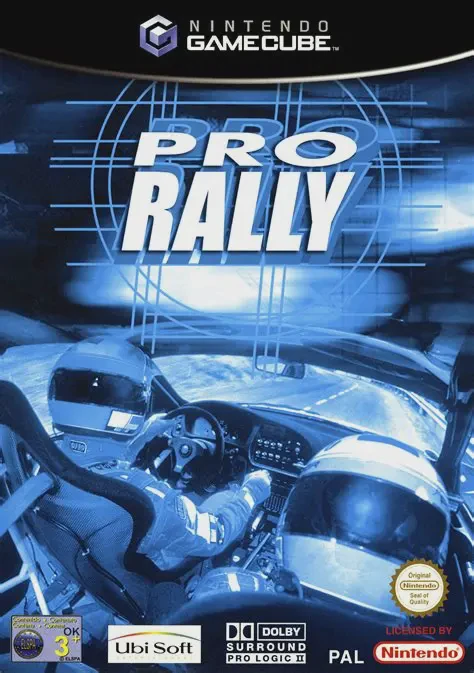
Pro Rally 2002 (known in Europe simply as Pro Rally) is a...
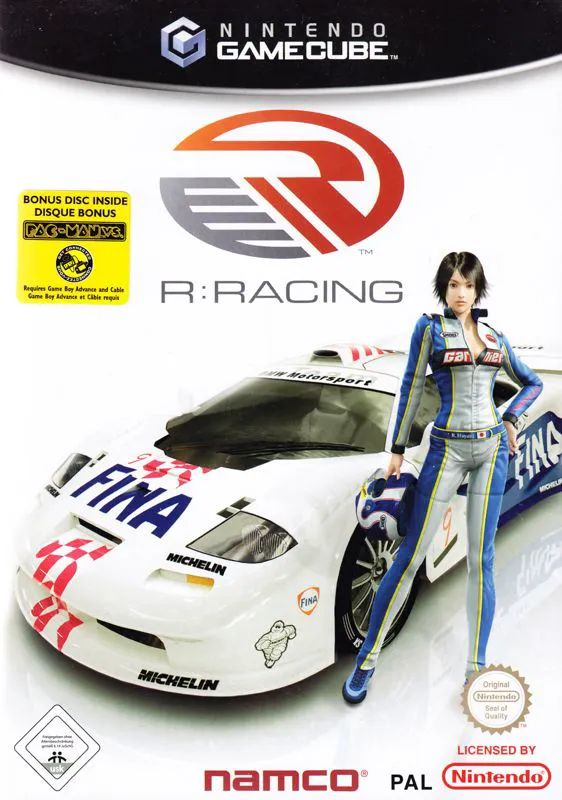
R-Racing Evolution is a realistic motorsport racing game ...
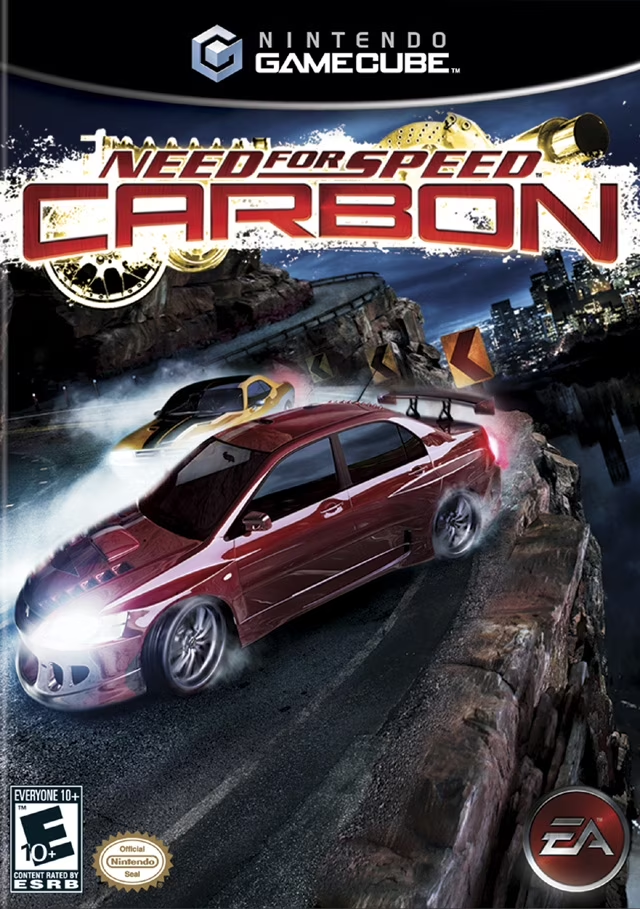
Take command of the streets and dominate city turf in Nee...
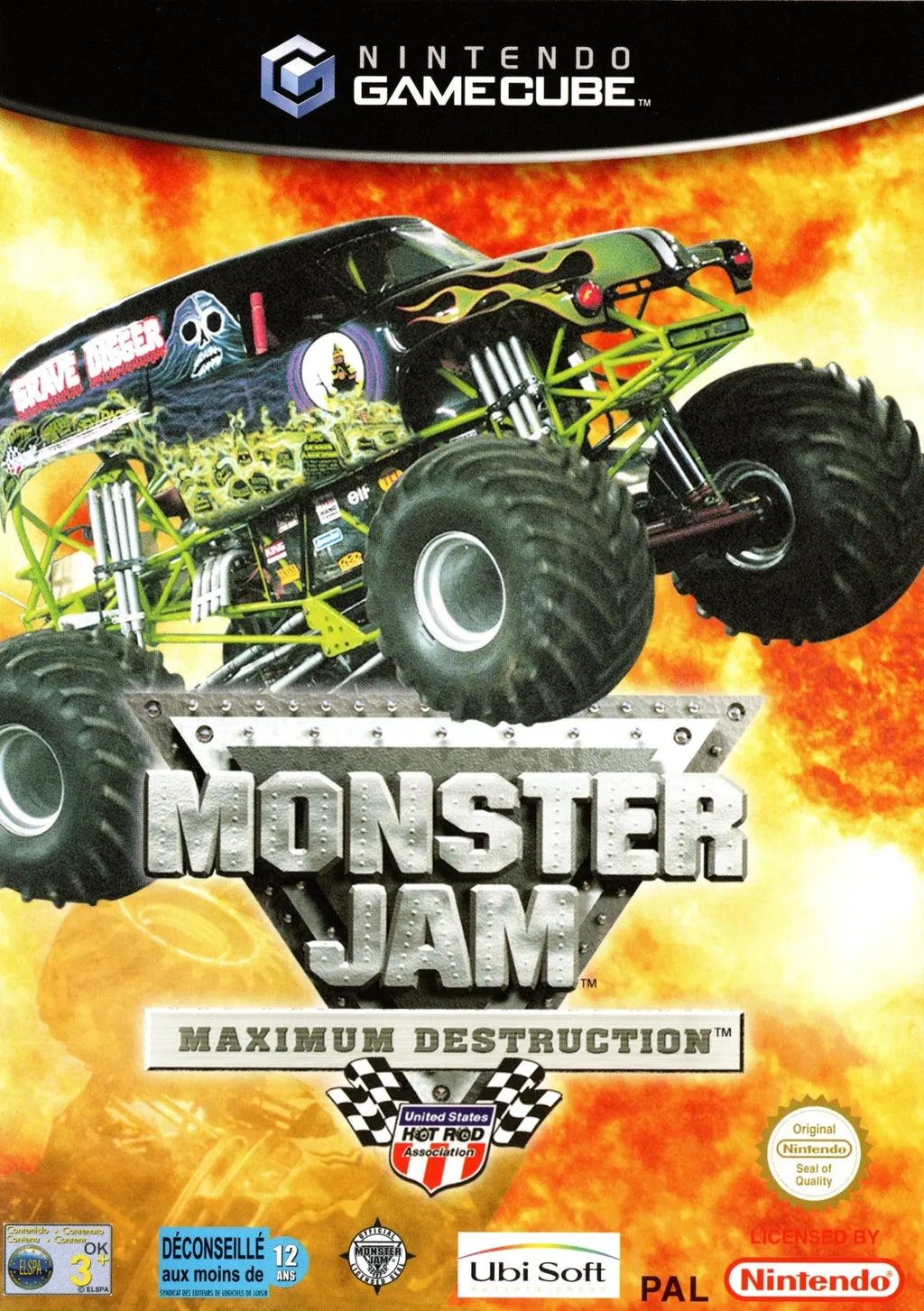
Crush the competition and unleash pure vehicular carnage ...