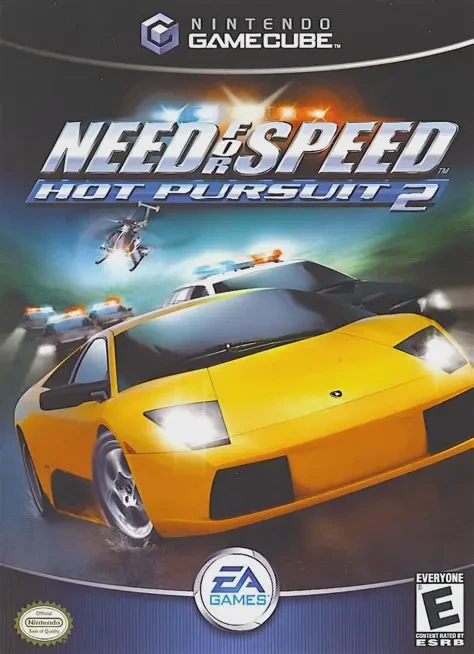
Need for Speed: Hot Pursu...
Outrun the law or become the top cop in Need for Speed: H...

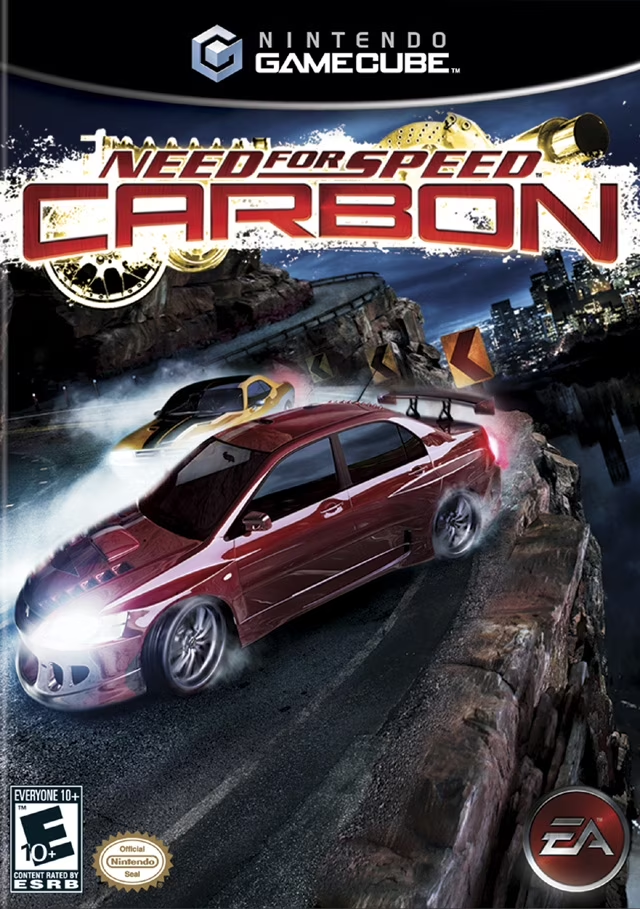
Need for Speed: Carbon is an open-world street racing game developed by EA Black Box and published by Electronic Arts. Serving as the direct narrative sequel to Most Wanted, the game shifts the focus back to night-time street racing, turf wars, and crew dynamics.
Gameplay centers around controlling Palmont City neighborhood by neighborhood. Players build a crew by recruiting wingmen with specialized abilities: Blockers knock opponents off the track, Drafters provide speed-boosting slipstreams, and Scouts highlight hidden shortcuts. The most intense battles culminate in Carbon Canyon, where high-stakes 1-on-1 downhill duels test precision drifting and braking; one wrong turn can send cars plunging off the cliffside to instant failure.
On the Nintendo GameCube, Need for Speed: Carbon offers responsive control, an extensive vehicle roster divided into Tuner, Exotic, and Muscle classes, deep performance tuning, and EA's revolutionary AutoSculpt customization tool allowing fine-tuned body kit modifications.
Field | Detail |
|---|---|
Full Title | Need for Speed: Carbon |
Platform | Nintendo GameCube (NGC) |
Genre | Arcade Racing / Open-World Street Racing |
Developer | EA Black Box |
Publisher | Electronic Arts |
Release Date | October 31, 2006 (North America) / November 3, 2006 (Europe) |
Region Formats | NTSC-U / PAL |
Game Modes | Single-Player, Split-Screen Multiplayer (2 Players) |
Display Options | 480i / 480p Progressive Scan Support |
Media Type | Nintendo GameCube Game Disc (1 Disc) |
Crew-Based Racing Mechanics: Recruit Wingmen (Blockers, Drafters, Scouts) to assist during races with tactical abilities, drafting boosts, and shortcut discovery.
Canyon Duel Showdowns: Engage in deadly, multi-stage downhill canyon races where points are scored for proximity and precision drifting, with total loss for driving off the cliff edge.
Three Car Tier Classes: Collect, upgrade, and master three distinct vehicle classes: high-acceleration Muscle, precision-handling Tuners, and high-top-speed Exotics.
AutoSculpt Customization: Revolutionized vehicle modification allowing players to morph body kits, spoilers, rims, and hoods with micro-slider controls.
Territory Turf Wars: Conquer and defend district territories across Palmont City against rival racing crews like the Bushido, T.K.O., and 21st Street.
Canyon Duels are two-stage downhill races. In stage one, you chase your rival to score points based on how closely you follow them. In stage two, you lead the race and try to preserve your points while staying ahead. Falling behind, getting passed for 10 seconds, or driving off the cliff edge results in an instant loss.
The game features Tuner (exceptional cornering and handling), Muscle (incredible straight-line acceleration and drift capacity), and Exotic (highest top speeds).
The game supports up to 2 players in local split-screen multiplayer mode using standard Nintendo GameCube controllers.
Yes, Need for Speed: Carbon supports 480p progressive scan output on the Nintendo GameCube for clean and sharp picture performance on compatible displays.
Click the links below to go to the cloud drive download page
⚠️ Download Tips:
Outrun the law or become the top cop in Need for Speed: H...
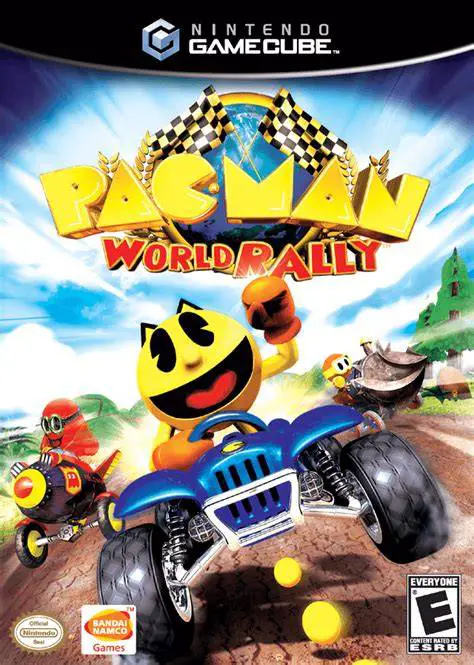
Step into the high-speed driver’s seat with Pac-Man and i...
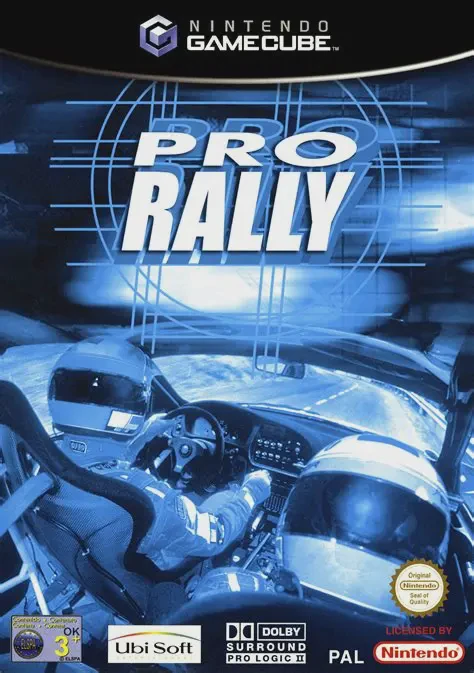
Pro Rally 2002 (known in Europe simply as Pro Rally) is a...
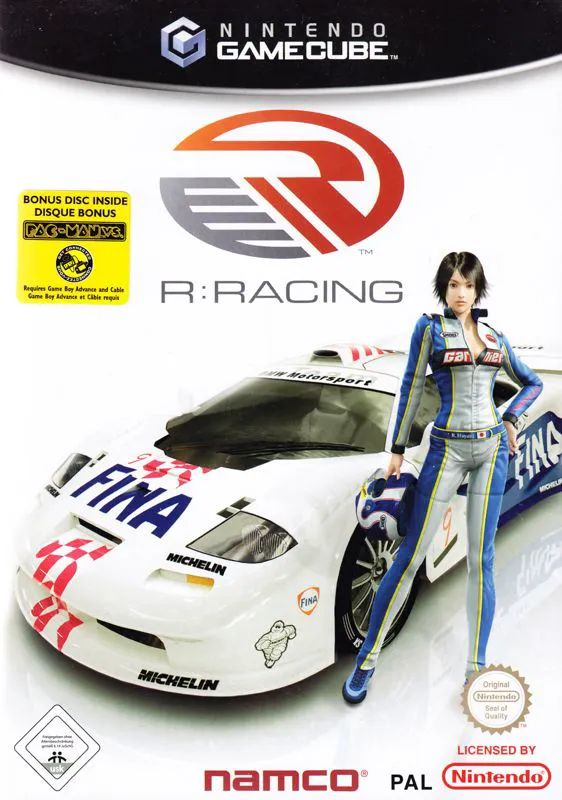
R-Racing Evolution is a realistic motorsport racing game ...
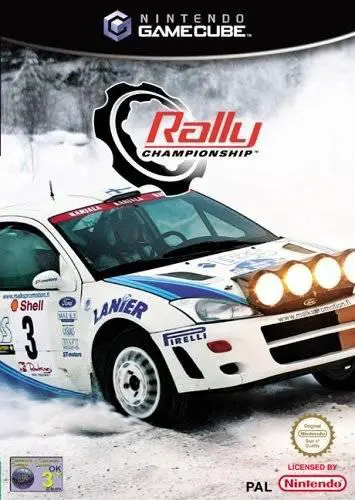
Rally Championship (released in North America as Rally Ch...