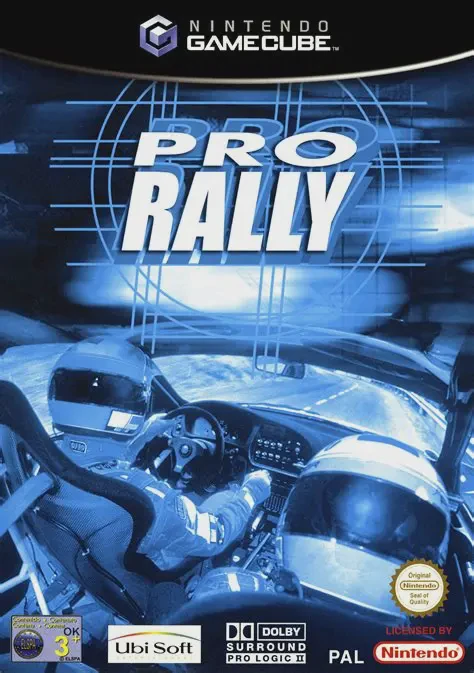
Pro Rally 2002
Pro Rally 2002 (known in Europe simply as Pro Rally) is a...

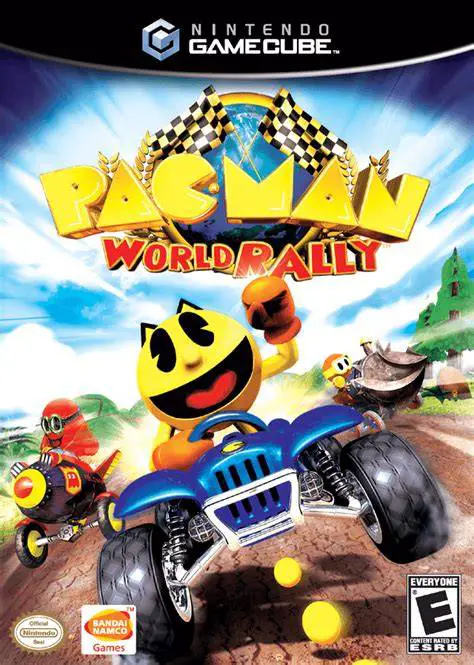
Pac-Man World Rally is a vibrant kart racing game developed by Smart Bomb Interactive and published by Bandai Namco Games. Bringing the legendary arcade mascot into competitive circuit racing, the title stands out by seamlessly integrating classic Pac-Man arcade elements into dynamic, multi-tiered track designs filled with jump ramps, secret paths, and interactive hazards.
The core gameplay mechanism revolves around collecting classic Fruit items and Power Pellets scattered across the tracks. Collecting fruits unlocks hidden shortcuts and secret paths within each track layout. Collecting enough Power Pellets fills a specialized gauge that allows players to transform into Giant Pac-Man, gaining temporary invincibility and the ability to literally swallow competing racers for boost energy.
On the Nintendo GameCube, Pac-Man World Rally offers tight controller responsiveness, smooth framerates, and full 4-player local split-screen multiplayer support. Players can choose from a varied roster of characters including Pac-Man, Ms. Pac-Man, Pac-Jr., Blinky, Inky, Pinky, Clyde, and special guest characters from classic Namco franchises like Dig Dug and Katamari Damacy.
Field | Detail |
Full Title | Pac-Man World Rally |
Platform | Nintendo GameCube (NGC) |
Genre | Kart Racing / Arcade |
Developer | Smart Bomb Interactive |
Publisher | Bandai Namco Games |
Release Date | August 22, 2006 (North America) / June 22, 2007 (Europe) |
Region Formats | NTSC-U / PAL |
Game Modes | Single-Player, Local Multiplayer (2-4 Players) |
Display Options | 480i / 480p Progressive Scan Support |
Media Type | Nintendo GameCube Game Disc (1 Disc) |
Pac-Man Transformation Mechanic: Collect Power Pellets during races to turn into Giant Pac-Man, gain invincibility, and devour rival karts.
Shortcut-Unlocking Fruit System: Gather retro fruit pickups along the tracks to unlock hidden paths and alternate driving routes.
Expanded Namco Character Roster: Race as Pac-Man family members, classic ghosts, and guest legendary characters like Dig Dug and the Prince from Katamari Damacy.
Battle & Circuit Game Modes: Compete across multiple difficulty Cup Circuits, Time Trials, or jump straight into dedicated multiplayer Battle Arenas.
4-Player Split-Screen Racing: Full local 4-player split-screen support on GameCube for competitive multiplayer kart battles.
Unlike standard kart games, Pac-Man World Rally features the iconic Pac-Man transformation mechanic. Collecting Power Pellets allows you to temporarily become invincible and swallow opponent karts, giving you both offensive and defensive advantages.
Yes, the Nintendo GameCube version fully supports 4-player local split-screen multiplayer across both Circuit Grand Prix races and dedicated Battle Arena modes.
Shortcuts are unlocked by collecting specific fruit icons (such as Cherries, Strawberries, or Melons) placed on the tracks, which open up sealed gates and hidden secondary paths.
Yes, the game features unlockable classic Namco guest characters including Dig Dug (Taizo Hori), Pooka, and the Prince of All Cosmos from Katamari Damacy.
Click the links below to go to the cloud drive download page
⚠️ Download Tips:
Pro Rally 2002 (known in Europe simply as Pro Rally) is a...
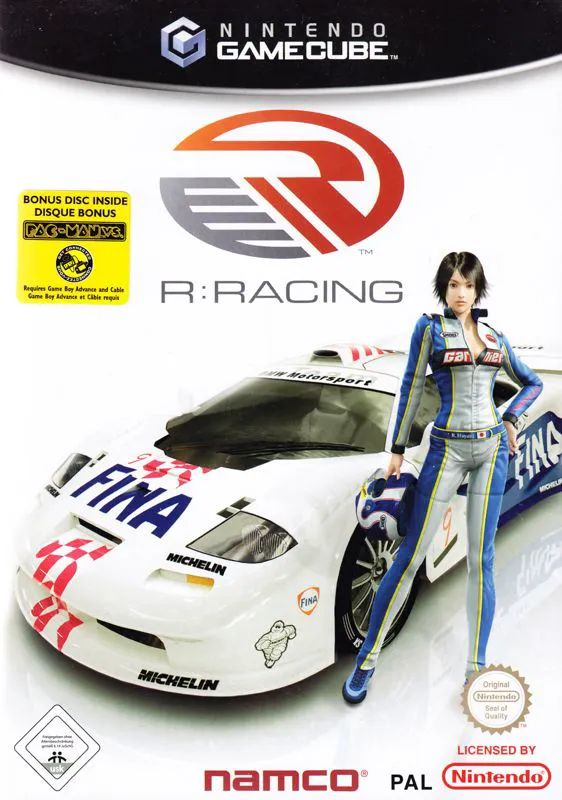
R-Racing Evolution is a realistic motorsport racing game ...
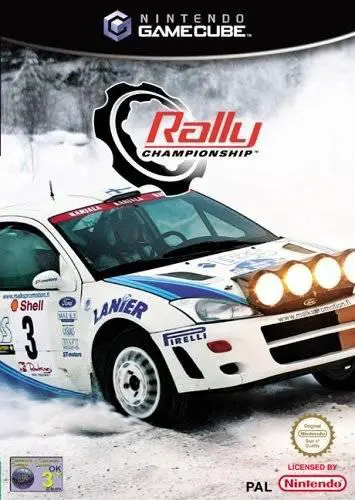
Rally Championship (released in North America as Rally Ch...
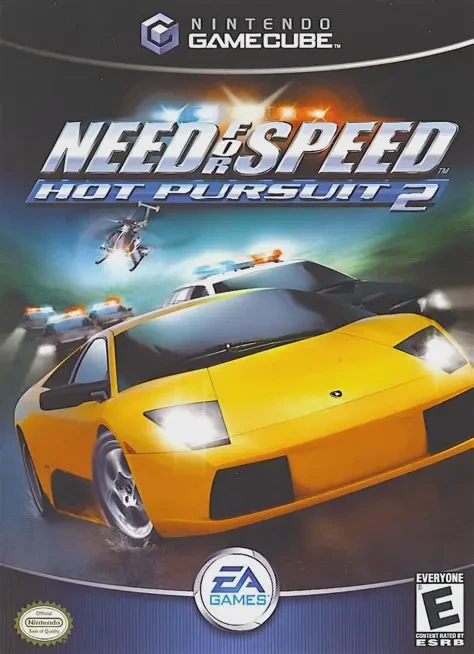
Outrun the law or become the top cop in Need for Speed: H...
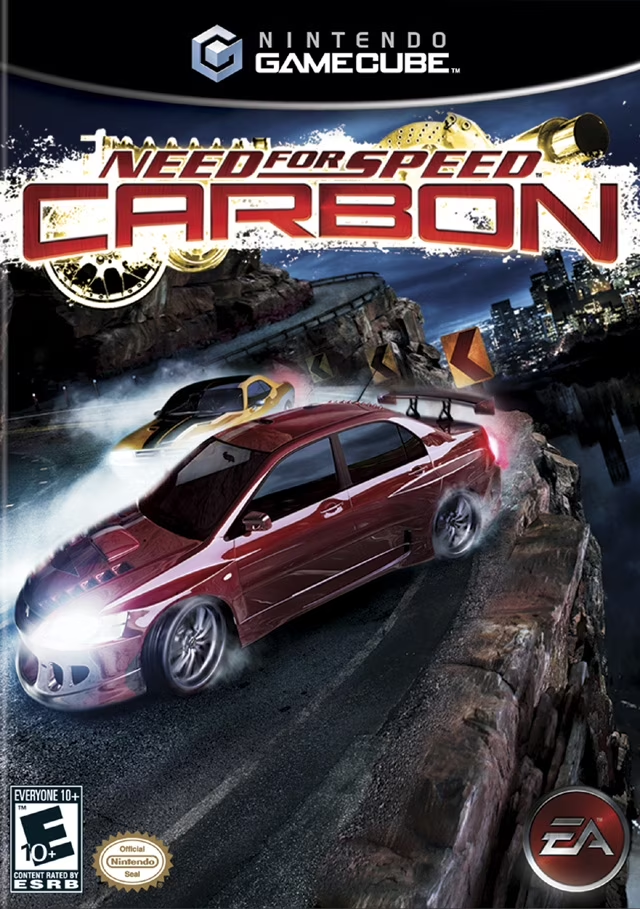
Take command of the streets and dominate city turf in Nee...