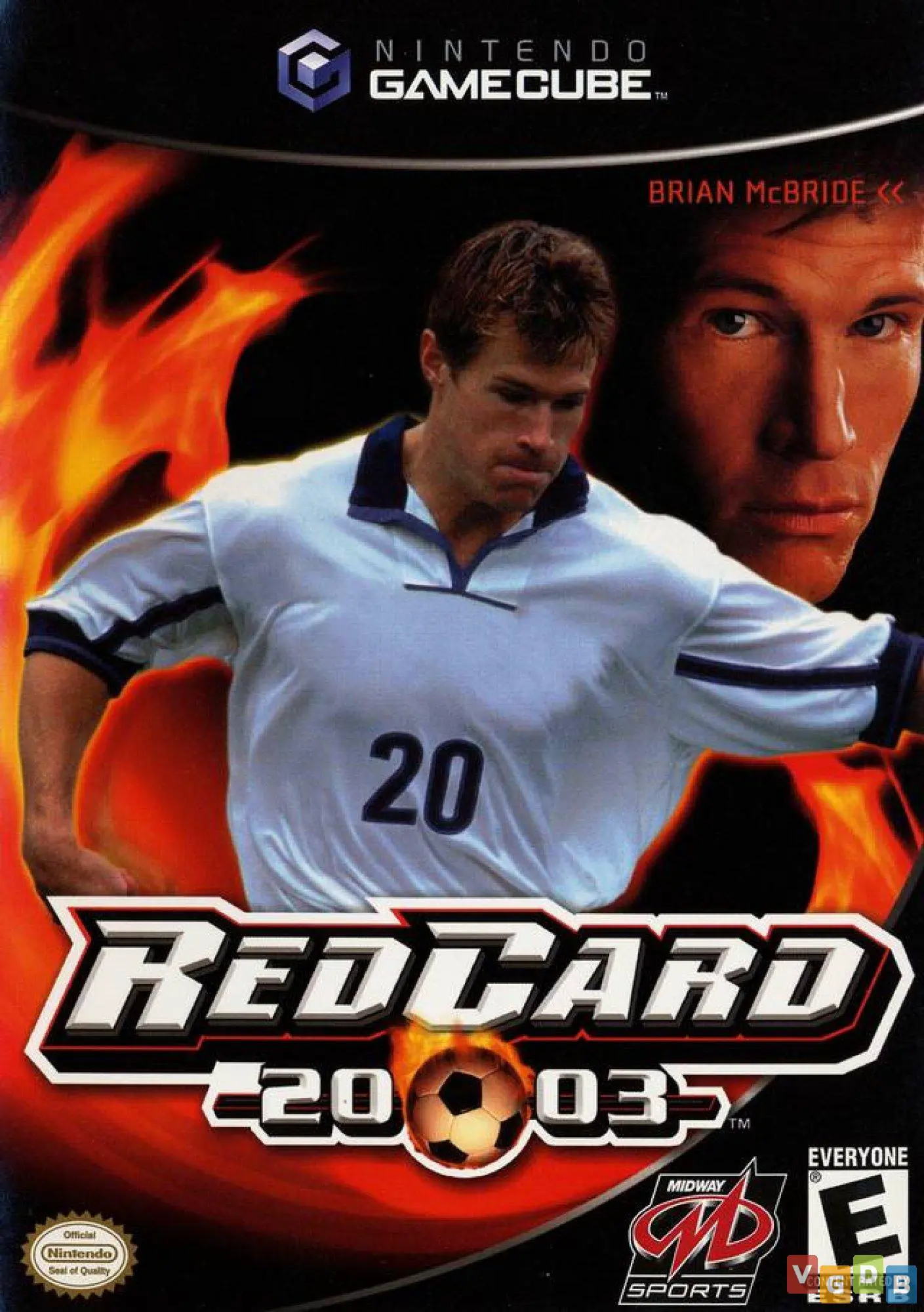
RedCard 20-03
RedCard 20-03 is an intense, arcade-style sports combat g...

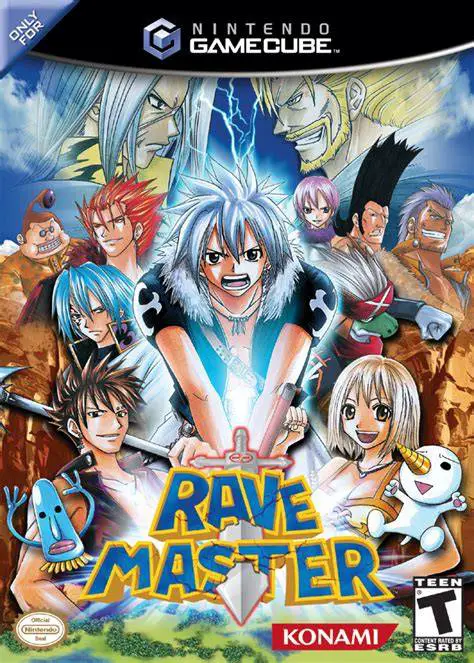
Rave Master brings the high-energy battles and magical world of Hiro Mashima’s popular manga and anime series directly to the Nintendo GameCube. Developed and published by Konami in early 2005, the game delivers an action-packed 3D arena fighting experience that blends free-roaming 3D movement with weapon combat.
The storyline follows Haru Glory, a brave teenager chosen as the second Rave Master. Armed with the legendary Ten Powers Sword (Decalternative Force), Haru sets out on a journey accompanied by Elie, Plue, and a band of loyal allies to collect the scattered Rave Stones and defeat the evil Demon Card organization. The single-player story mode guides players through key encounters from the anime, featuring dynamic cutscenes and character-driven battle scenarios.
Gameplay takes place in large, interactive 3D arenas that allow up to four players to engage in free-for-all or team-based battles. Players can destroy environmental obstacles, collect item drops, and harness specialized power-up meters to trigger cinematic super attacks. Haru can transform his sword into its various forms—such as the high-speed Explosion, heavy Silfarion, or dual-wielding Runesave—offering diverse combat strategies. With its bright anime visuals, responsive controls, and four-player split-screen battle modes, Rave Master provides an enjoyable party-fighting experience.
Developer: Konami
Publisher: Konami
Platform: Nintendo GameCube
Genre: 3D Fighting / Arena Brawler
Release Date: March 9, 2005 (North America), March 18, 2005 (Europe)
Modes: Single-player, Up to 4-Player Local Multiplayer
Media: GameCube Optical Disc
Authentic Anime Adaption: Relive iconic battles from Hiro Mashima's popular Rave Master anime series with authentic character designs, sound effects, and story arcs.
4-Player Arena Battles: Battle in 3D arenas in local four-player free-for-all or team matches.
Transforming Weapon Combat: Master Haru's Decalternative Force sword, switching between forms like Explosion, Silfarion, and Runesave during combat.
Interactive & Destructible Arenas: Utilize interactive level geometry, break environmental obstacles, and retrieve item drops to turn the tide of battle.
Unlockable Roster & Modes: Unlock additional fighters, special character skins, artwork galleries, and extra gameplay modes as you progress through story mode.
A: Yes, the game is directly adapted from the Rave Master anime and manga series created by Hiro Mashima (who also created Fairy Tail).
A: The GameCube version supports up to 4 players simultaneously in local split-screen or shared-screen arena battle modes.
A: Yes, players controlling Haru can transform his sword into different forms of the Decalternative Force, changing his attack range, speed, and combo properties.
A: Yes, the Nintendo GameCube version runs smoothly on the Dolphin emulator, supporting native 60 FPS gameplay, HD rendering resolutions, widescreen display settings, and custom gamepad configurations.
Click the links below to go to the cloud drive download page
⚠️ Download Tips:
RedCard 20-03 is an intense, arcade-style sports combat g...
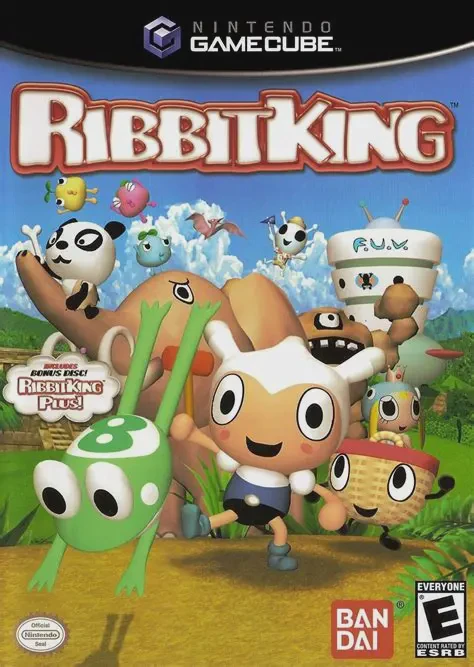
Ribbit King (featuring the bonus disc Ribbit King Plus!) ...
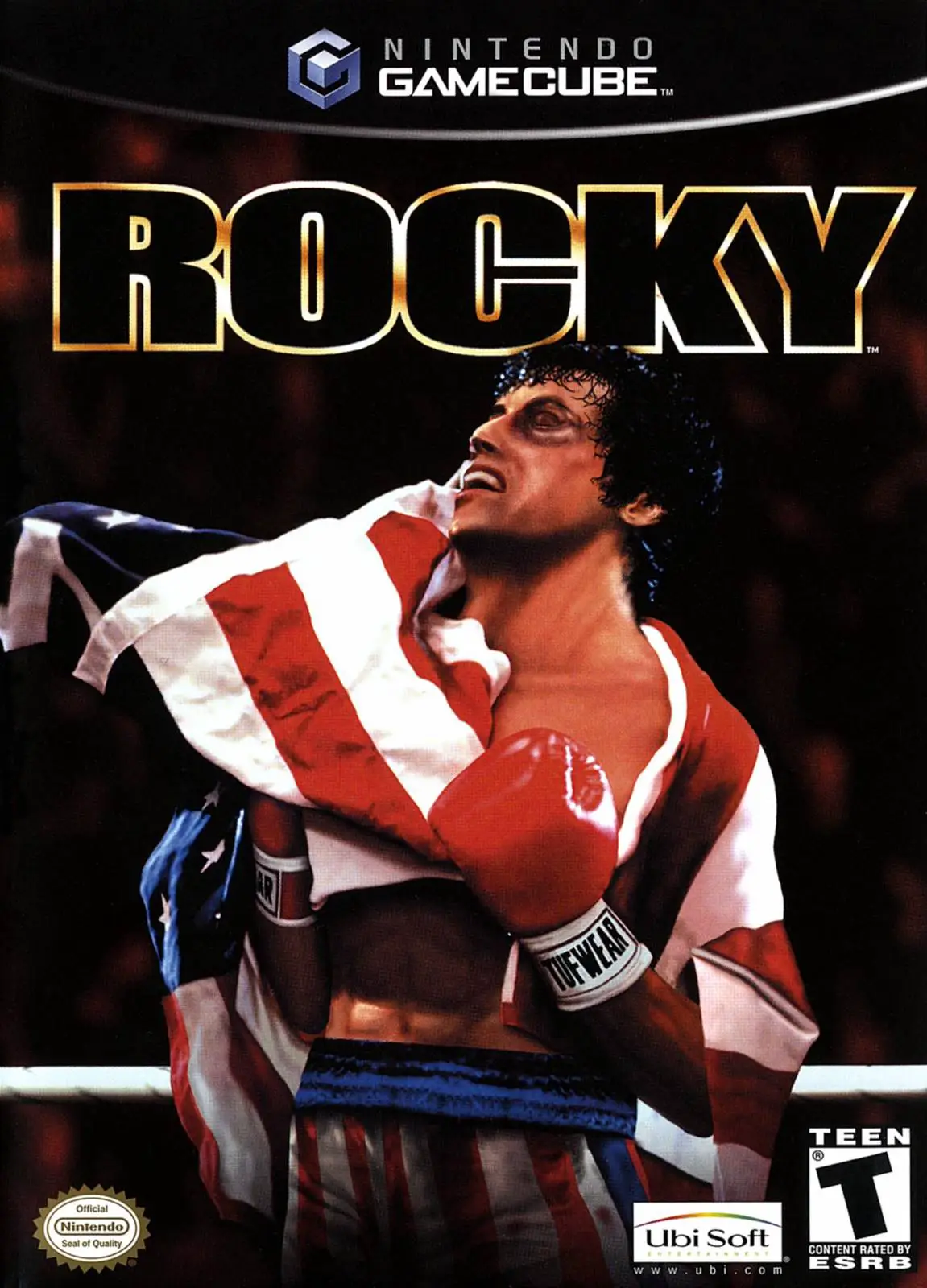
Rocky is a fast-paced sports fighting game developed by R...
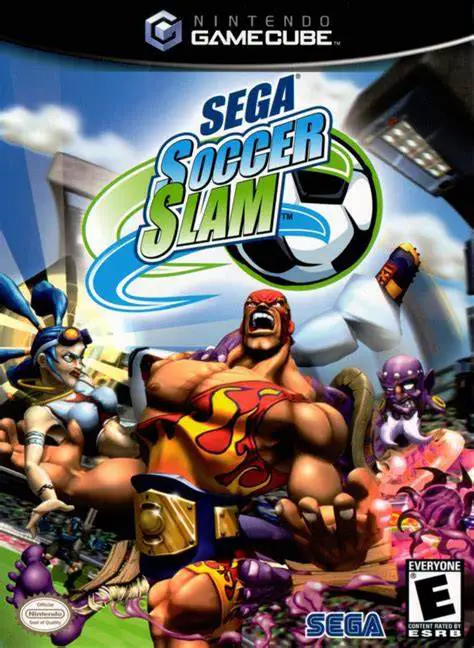
Sega Soccer Slam is an arcade-style sports combat game de...
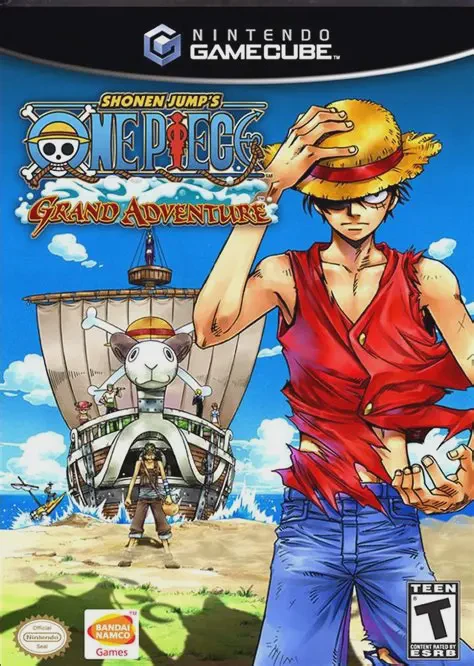
Shonen Jump's One Piece: Grand Adventure is a 3D arena fi...