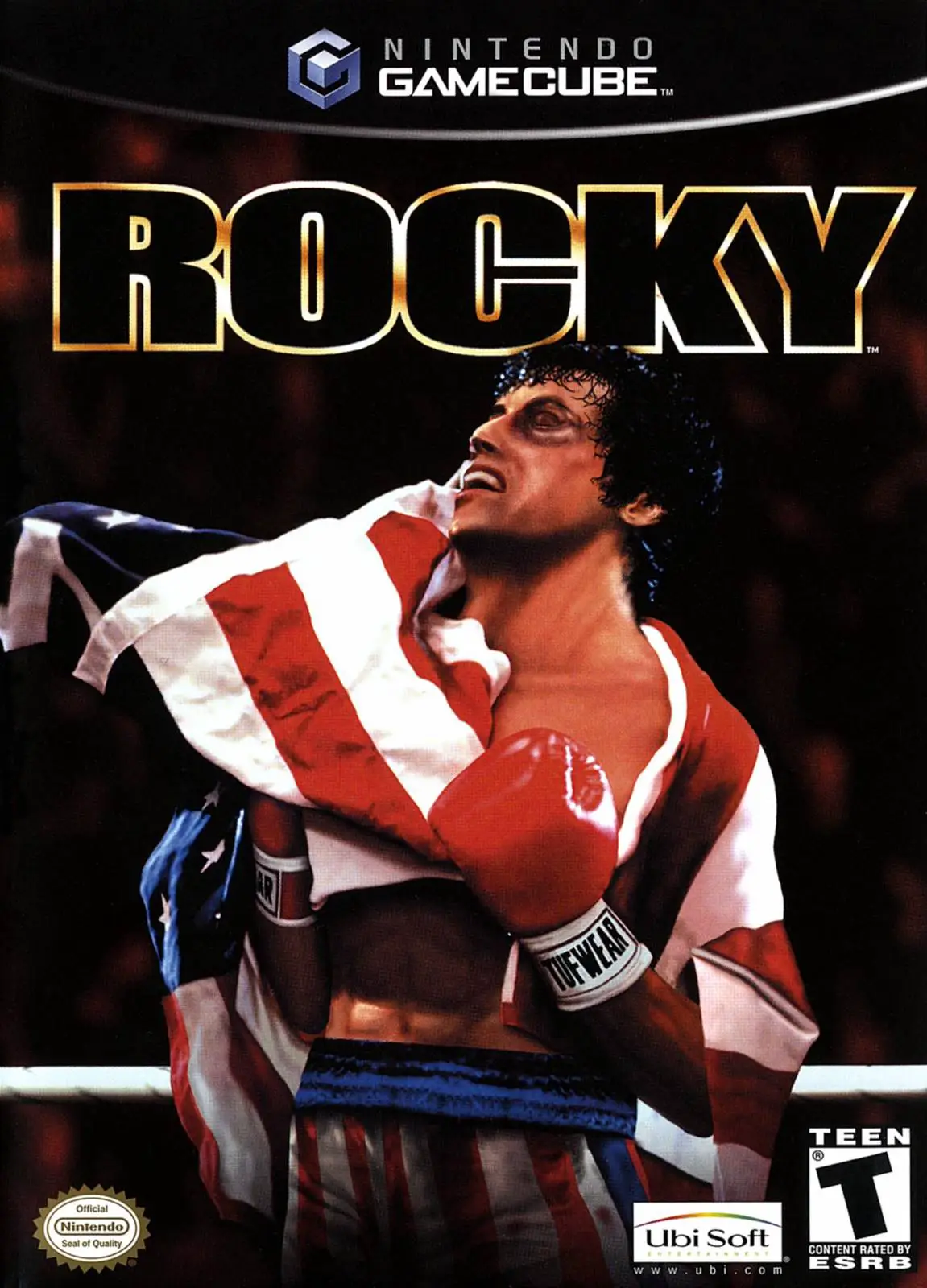
Rocky
Rocky is a fast-paced sports fighting game developed by R...

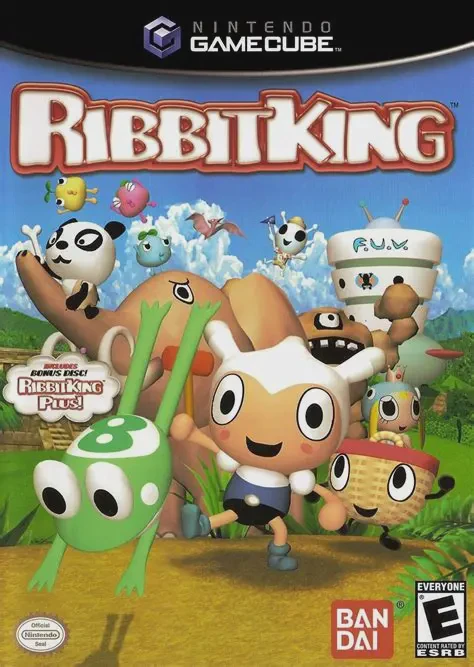
Ribbit King is a charmingly bizarre, golf-style sports game that trades traditional clubs and golf balls for catapults and live frogs. Released on the Nintendo GameCube in mid-2004, the title was developed by Infinity and published by Bandai, delivering a whimsical retro party experience unlike any other.
The game revolves around "Frolf" (Frog Golf), a beloved intergalactic sport. The story follows a young hero named Scooter who enters the galactic Frolf tournament alongside his sentient picnic-basket companion, Pickwick. Scooter's ultimate goal is to win the Super Ribbinite energy source to save his dying home planet, Hippit. Players travel across five distinct alien worlds—ranging from lush forests and volcanic wastelands to tech-filled cities—competing against colorful opponents like kung-fu pandas, robot penguins, and video-game-playing ghosts.
Gameplay mechanics are easy to learn yet offer surprising strategic depth. Players aim their launch catapult, power up their swing, and send their frog airborne toward the pond goal. Once grounded, frogs navigate hazards and eat flies, spiders, or swim across water traps, gaining bonus points based on environmental reactions. In North American retail copies, the GameCube release includes the special bonus disc Ribbit King Plus!, which grants players access to unlockable animated shorts that aired on Japanese television.
Developer: Infinity / Bandai
Publisher: Bandai
Platform: Nintendo GameCube
Genre: Arcade Sports / Party / Golf
Release Date: June 8, 2004 (North America), September 3, 2004 (Europe)
Modes: Single-player, Up to 4-Player Local Multiplayer
Media: GameCube Optical Disc (Includes Ribbit King Plus! Bonus Disc)
Unique "Frolf" Mechanics: Combine catapult timing, angle trajectory, and frog physics to bounce, leap, and score across unpredictable courses.
Ribbit King Plus! Bonus Disc: Includes a dedicated bonus disc containing unlockable short-form anime clips, character animations, and promo videos.
Eclectic Character Roster: Unlock and play as 13 eccentric competitors alongside a variety of frog species with distinct stats and jumping habits.
Multi-World Story Mode: Explore 20 distinct courses distributed across 5 diverse thematic planets in the single-player Frolf Championship campaign.
4-Player Local VS Mode: Gather friends for chaotic couch multiplayer matches where hazard chaining and bonus points decide the true Frolf Champion.
A: In North American releases, Ribbit King Plus! is included as a special second bonus disc containing unlockable 30-second anime shorts that were originally broadcast in Japan to market the game.
A: Rather than simply completing a hole in the fewest strokes, Frolf rewards players with points based on their frog's interactions with items, flies, hazards, and terrain bounces before reaching the goal.
A: The game supports up to 4 players simultaneously in local Versus Mode, making it a classic multiplayer party title.
A: Yes, both the primary game disc and the Ribbit King Plus! bonus disc run smoothly on the Dolphin emulator with high-definition internal scaling, custom widescreen patches, and gamepad support.
Click the links below to go to the cloud drive download page
⚠️ Download Tips:
Rocky is a fast-paced sports fighting game developed by R...
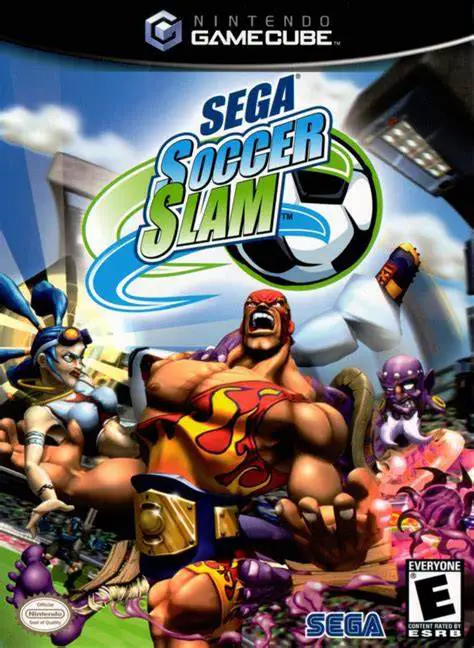
Sega Soccer Slam is an arcade-style sports combat game de...
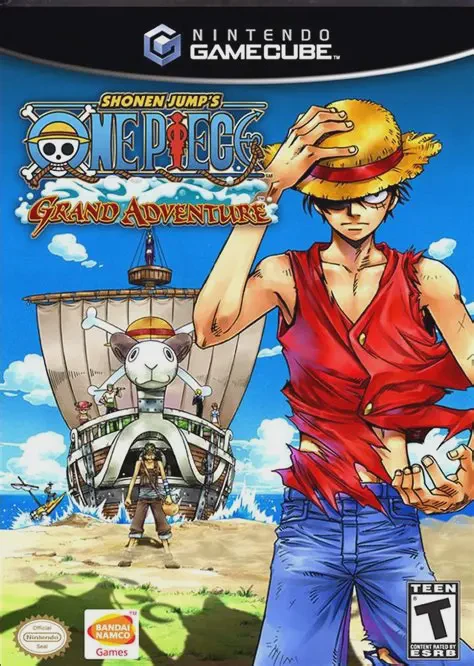
Shonen Jump's One Piece: Grand Adventure is a 3D arena fi...
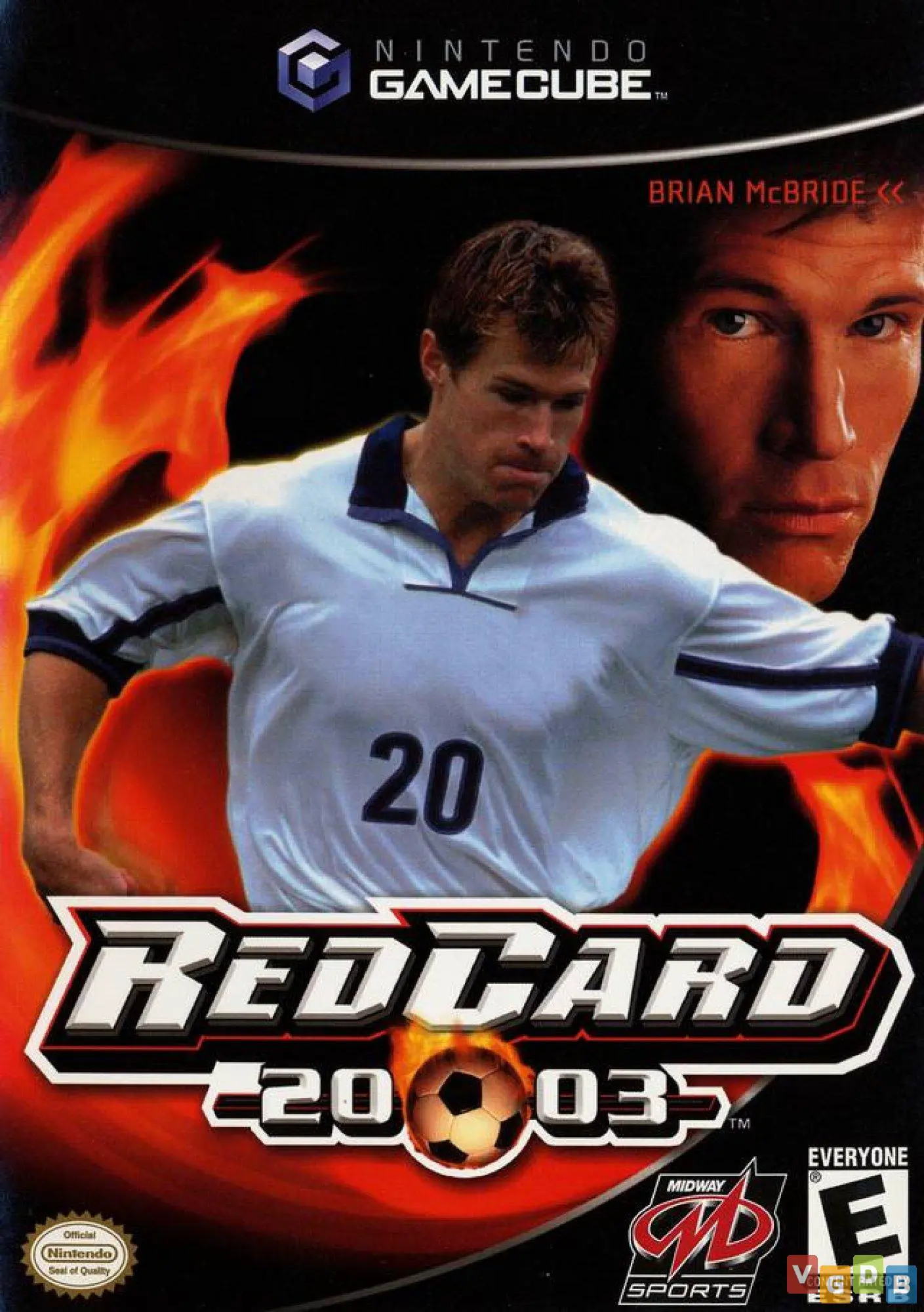
RedCard 20-03 is an intense, arcade-style sports combat g...
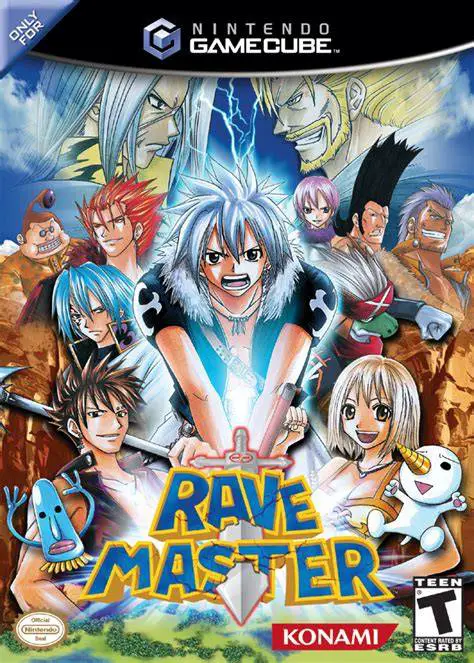
Rave Master (known in Japan as Rave: Special Attack Force...