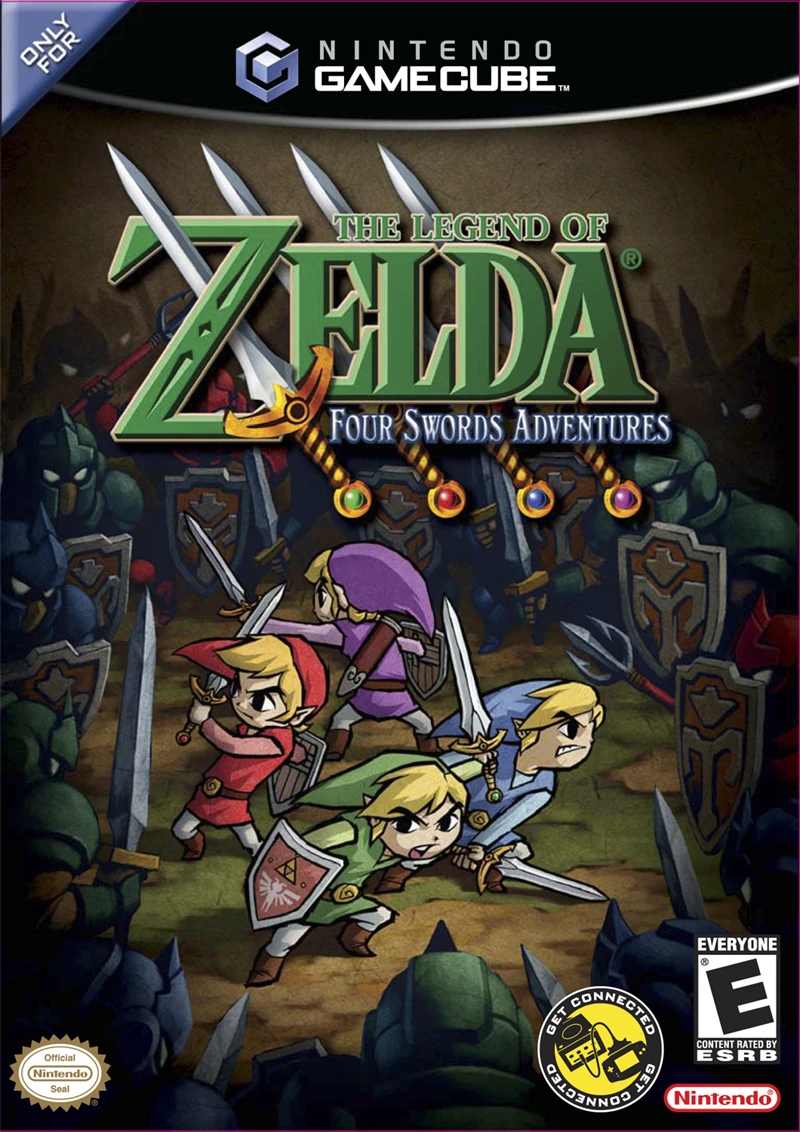
The Legend of Zelda: Four...
Unite the power of four links in The Legend of Zelda: Fou...

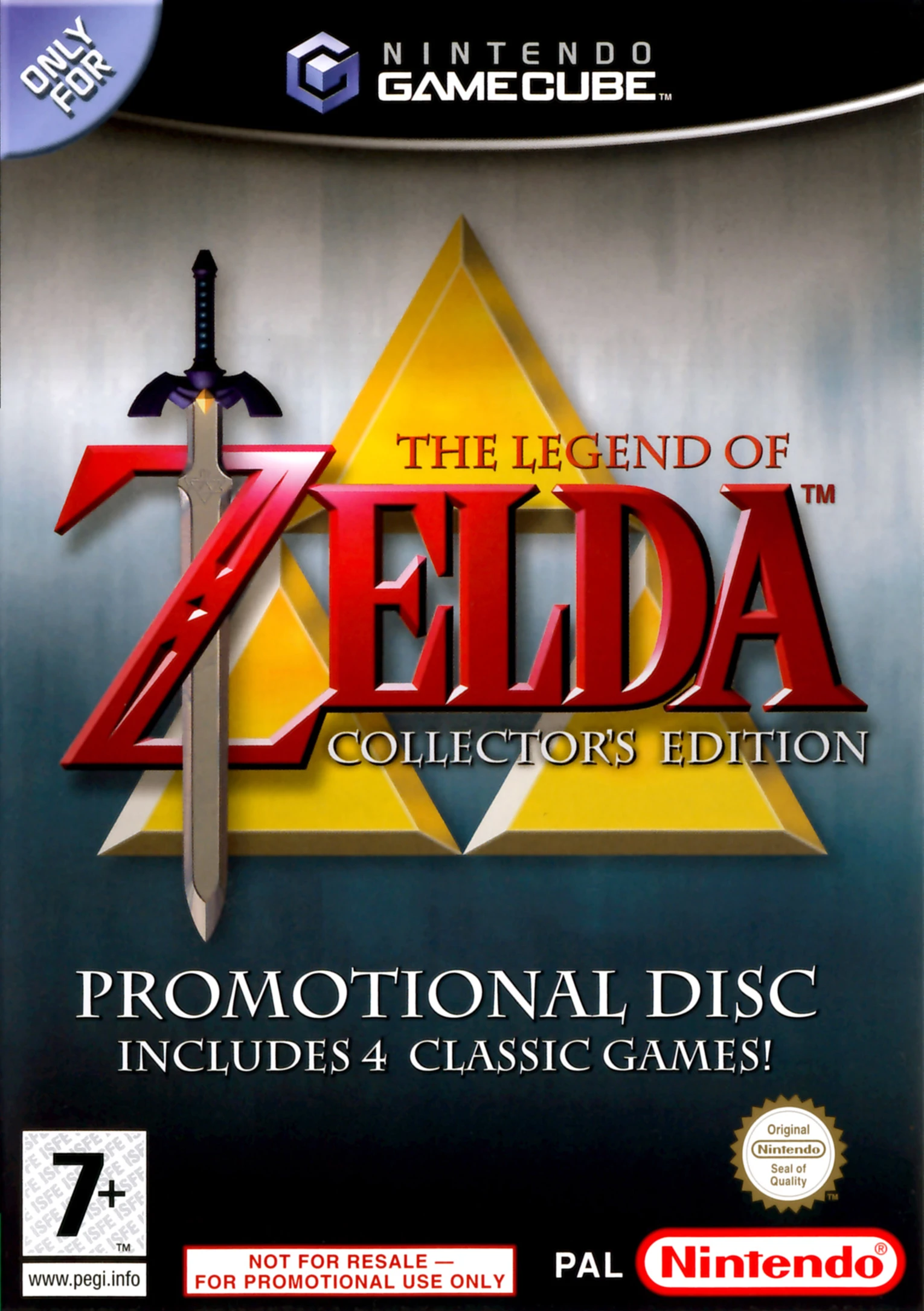
The Legend of Zelda: Collector's Edition was developed by Nintendo EAD and published by Nintendo. Designed as an archival promotional disc during the GameCube era, it allowed players to experience two iconic 8-bit NES classics and two monumental 64-bit N64 titles on 128-bit hardware.
The compilation includes four complete, standalone titles:
The Legend of Zelda (1986, NES): The original top-down adventure that introduced Link, Zelda, Ganon, and open-ended exploration to gaming history.
Zelda II: The Adventure of Link (1987, NES): The side-scrolling action-RPG sequel featuring XP leveling, sword techniques, and spellcasting.
The Legend of Zelda: Ocarina of Time (1998, N64): The landmark 3D adventure through time to save Hyrule from Ganondorf.
The Legend of Zelda: Majora's Mask (2000, N64): The dark, atmospheric race against a falling moon across a 3-day cycle using magical transformation masks.
On the Nintendo GameCube, all four games run at higher native display resolutions (including sharp 640x480 rendering for the N64 entries) with remapped GameCube controller inputs, progressive scan (480p) output support, and minimal load times.
Field | Detail |
Full Title | The Legend of Zelda: Collector's Edition |
Platform | Nintendo GameCube (NGC) |
Genre | Action-Adventure / Compilation |
Developer | Nintendo EAD |
Publisher | Nintendo |
Release Date | November 14, 2003 (Japan) / November 17, 2003 (North America) / November 14, 2003 (Europe) |
Region Formats | NTSC-U / NTSC-J / PAL |
Game Modes | Single-Player |
Display Options | 480i / 480p Progressive Scan Support / PAL60 |
Media Type | Nintendo GameCube Game Disc (1 Disc) |
4 Complete Classic Zelda Adventures: Play the original The Legend of Zelda, Zelda II: The Adventure of Link, Ocarina of Time, and Majora's Mask in full.
Enhanced Visual Clarity: High-resolution output (480p) eliminates original composite fuzz and video blur from original hardware releases.
GameCube Controller Compatibility: Standardized controller button layouts across all games, featuring C-Stick shortcuts for item management.
Playable Wind Waker Demo: Includes a 20-minute timed playable demo of The Legend of Zelda: The Wind Waker.
Retrospective Documentary Movie: View a 10-minute retrospective video summarizing the history of The Legend of Zelda series from 1986 through 2003.
The disc was never sold individually at retail stores. In North America, it was distributed to customers who registered a GameCube console and two eligible games on Nintendo.com, renewed a Nintendo Power magazine subscription, or purchased a special GameCube console hardware bundle.
Majora's Mask is fully playable, though due to how the N64 expansion pak emulation was handled on GameCube, players may occasionally experience audio stuttering or brief frame hitches during rapid area transitions compared to Ocarina of Time.
The disc includes a 20-minute playable demo of The Legend of Zelda: The Wind Waker and a special 10-minute video featurette showcasing the evolution of the Zelda franchise.
Yes, The Legend of Zelda: Collector's Edition supports 480p progressive scan output on the Nintendo GameCube, rendering all four titles cleanly on modern display setups.
Click the links below to go to the cloud drive download page
⚠️ Download Tips:
Unite the power of four links in The Legend of Zelda: Fou...
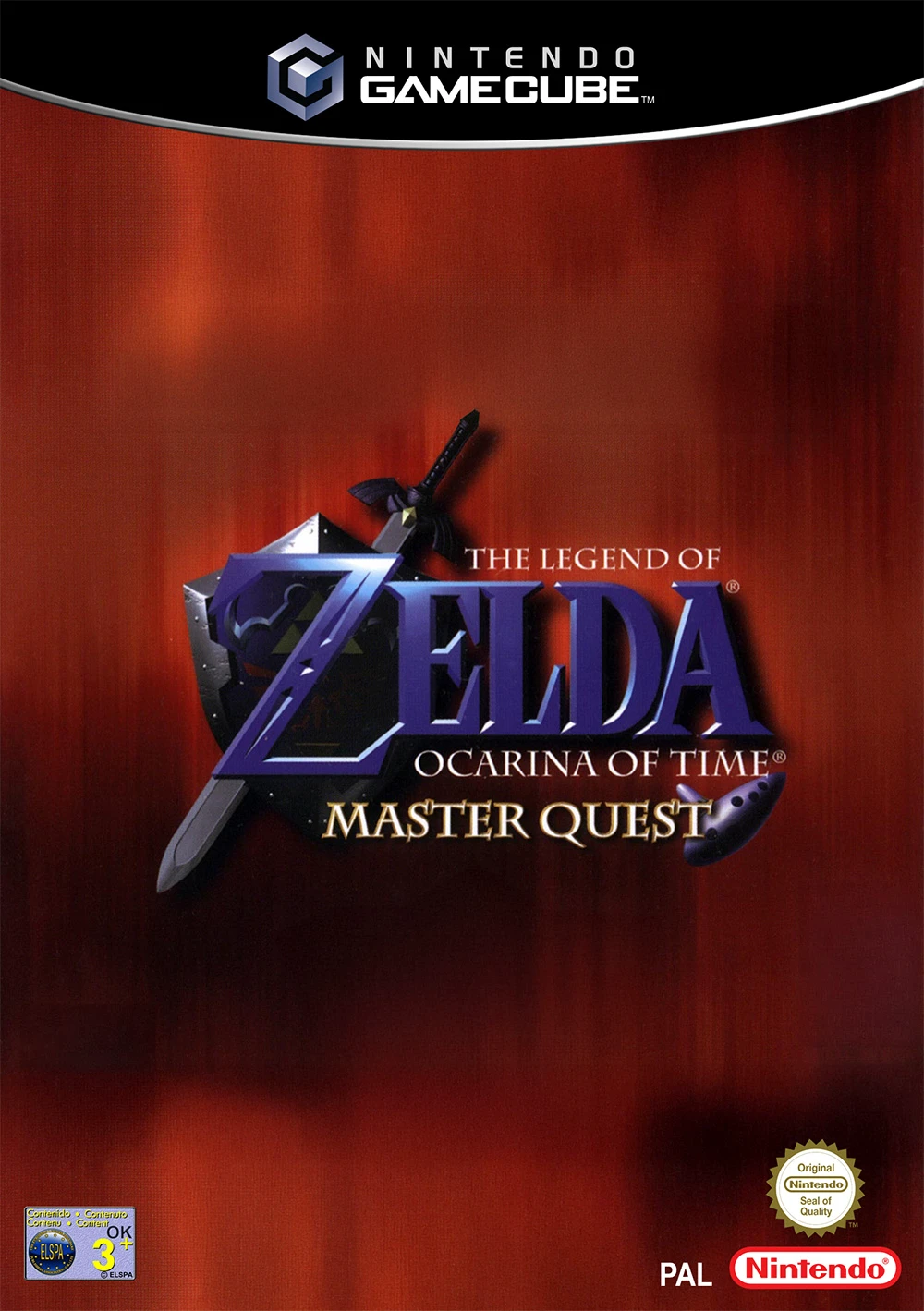
Experience one of the most celebrated action-adventures o...
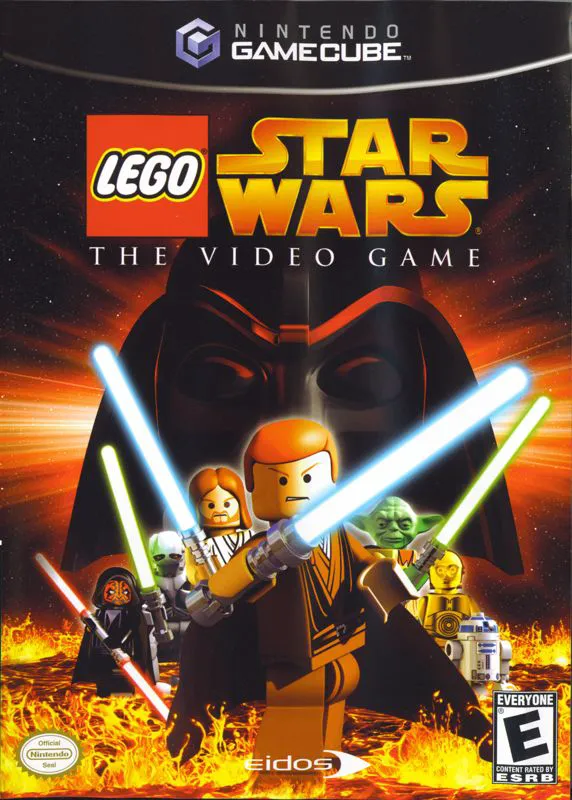
Experience the prequel trilogy like never before in LEGO ...
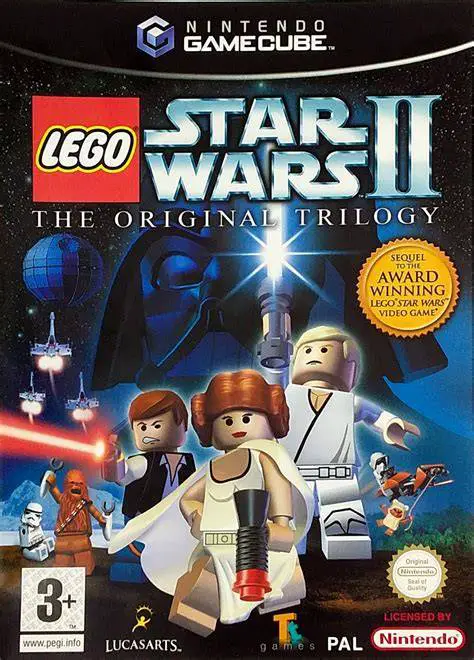
Relive the iconic moments of the classic trilogy in LEGO ...
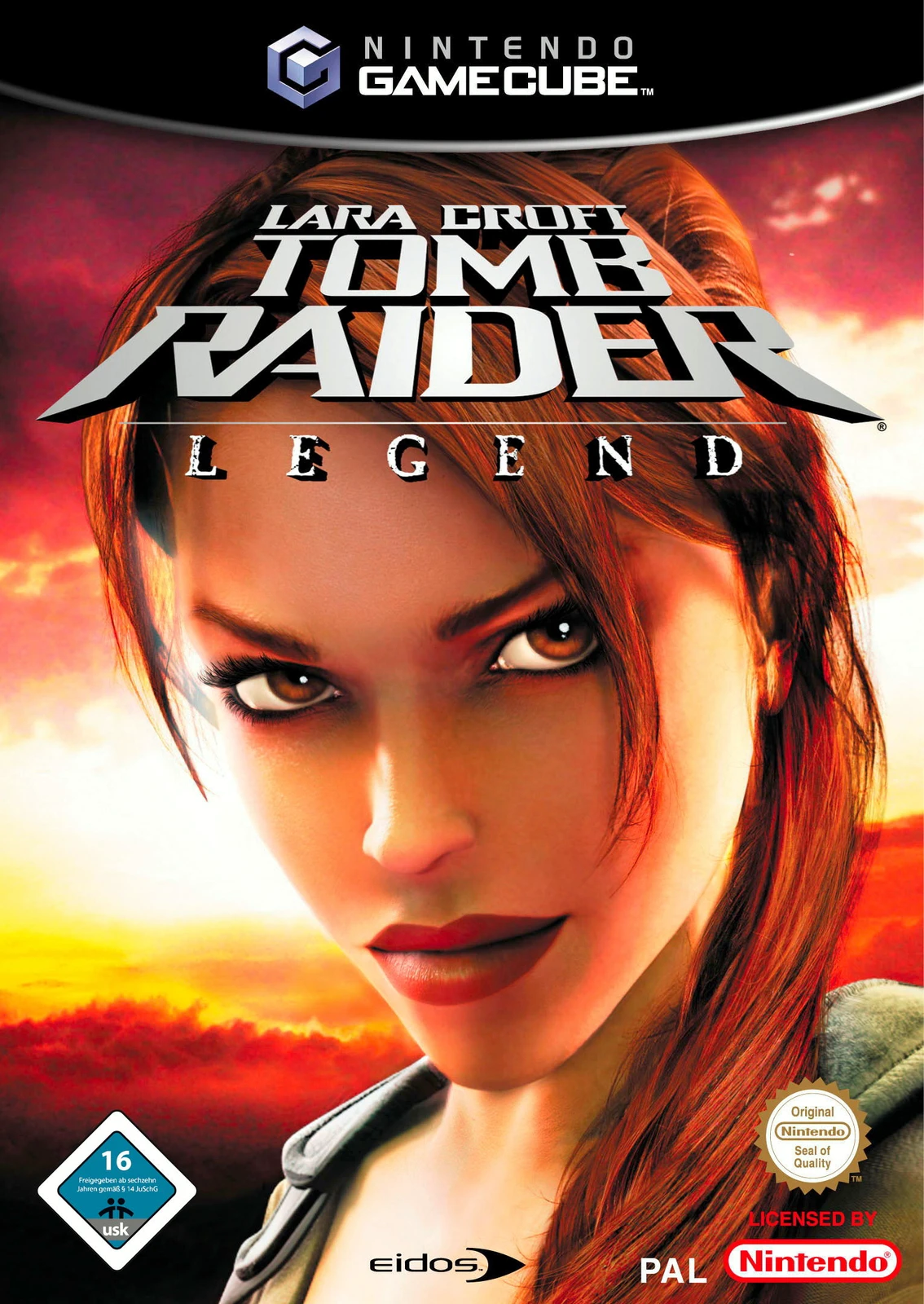
Unearth the truth behind Lara Croft's past in Lara Croft ...