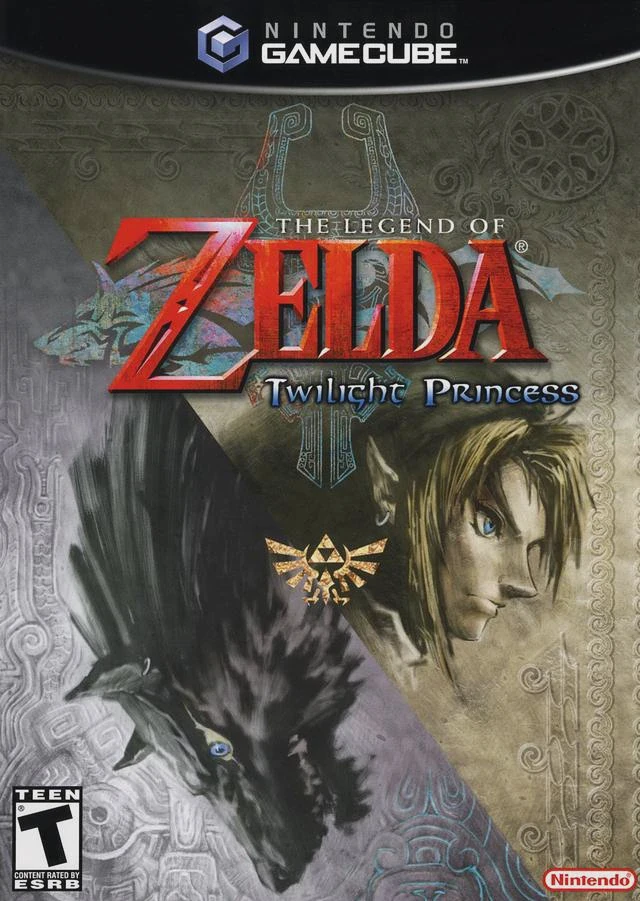
The Legend of Zelda: Twil...
The Legend of Zelda: Twilight Princess is a legendary act...

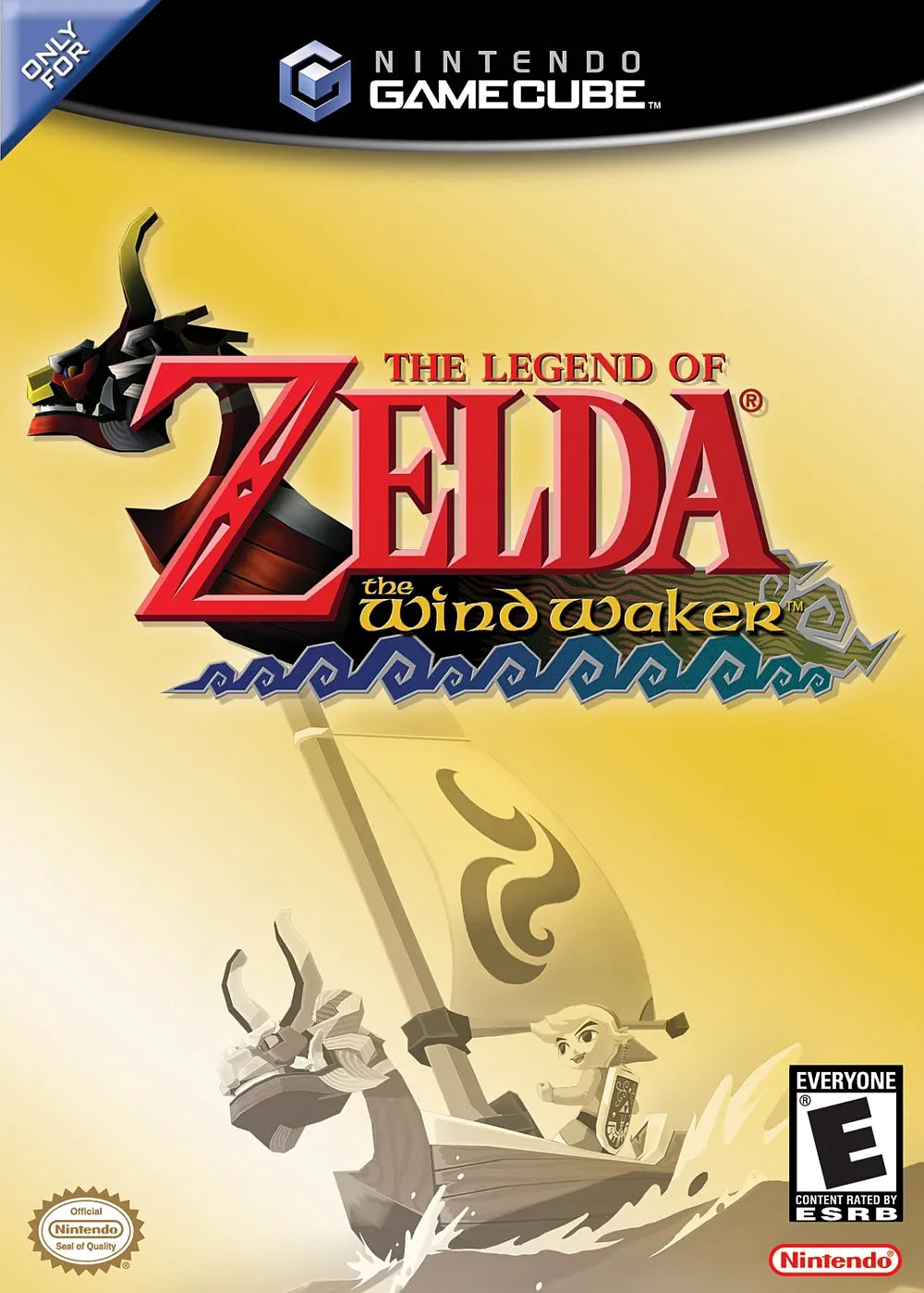
The Legend of Zelda: The Wind Waker reimagines the classic Zelda formula by introducing an expansive ocean world known as the Great Sea. After Link's sister is snatched by a giant bird, his quest takes him beyond his humble home of Outset Island onto the high seas alongside the pirate captain Tetra and her crew. Guided by the talking boat known as the King of Red Lions, Link uncovers the hidden history of a submerged Hyrule and the dark return of Ganondorf.
Gameplay seamlessly combines oceanic exploration with classic dungeon-crawling mechanics. Armed with the Wind Waker, a magic conductor's baton, players can alter the direction of the wind to navigate their sailboat, power windmills, or solve environmental puzzles. Dungeons feature a rich variety of puzzles requiring classic and new gear—such as the Grappling Hook, Deku Leaf, and Skull Hammer—alongside intense boss encounters.
The game’s signature cel-shaded visual design was revolutionary for its era, allowing for highly expressive visual storytelling, smooth combat animations, and dynamic facial expressions that hint at hidden secrets in the environment. Its open-world feel and memorable musical score make it a hallmark title for the GameCube library.
Title: The Legend of Zelda: The Wind Waker
Platform: Nintendo GameCube
Developer: Nintendo EAD
Publisher: Nintendo
Release Date: December 13, 2002 (JP) / March 24, 2003 (NA) / May 3, 2003 (EU)
Genre: Action-Adventure
Mode: Single-player
Media / Format: GameCube Optical Disc (ISO / GCM)
Region Code: NTSC-J, NTSC-U/C, PAL
Vast Ocean Exploration: Sail freely across a seamless 7x7 grid world map filled with islands, lookout reefs, submarine caverns, and ocean treasures.
Wind Control Mechanics: Use the Wind Waker baton to conduct magical songs that alter wind direction, change day into night, or activate ancient mechanisms.
Dynamic Cel-Shaded Art Style: Experience timeless visual aesthetics with rich character expressions that actively hint at surrounding clues and secrets.
Fluid Target-Lock Combat: Engage in intuitive swordplay using Z-targeting, parry counters, shield blocks, and disarming maneuvers to steal enemy weapons.
Memorable Gear & Dungeons: Master versatile items like the Grappling Hook, Boomerang, and Deku Leaf to conquer intricate dungeons and massive boss monsters.
A: A standard, uncompressed Nintendo GameCube disc image (ISO/GCM format) for The Wind Waker is approximately 1.35 GB.
A: The Dolphin Emulator is the gold standard for playing GameCube games. It offers high compatibility, enhanced rendering resolutions (up to 4K), widescreen hacks, and customizable controller mappings on Windows, macOS, Linux, and Android.
A: Yes. When running the game via the Dolphin emulator, you can map any modern USB or Bluetooth controller (such as an Xbox Controller, DualSense, or Switch Pro Controller) to emulate the original GameCube buttons and analog sticks.
A: Absolutely. The Nintendo Wii natively supports GameCube hardware, so you can run the ISO via homebrew loaders like Nintendont. On a Wii U, you can also run the game through Nintendont via vWii mode.
Click the links below to go to the cloud drive download page
⚠️ Download Tips:
The Legend of Zelda: Twilight Princess is a legendary act...
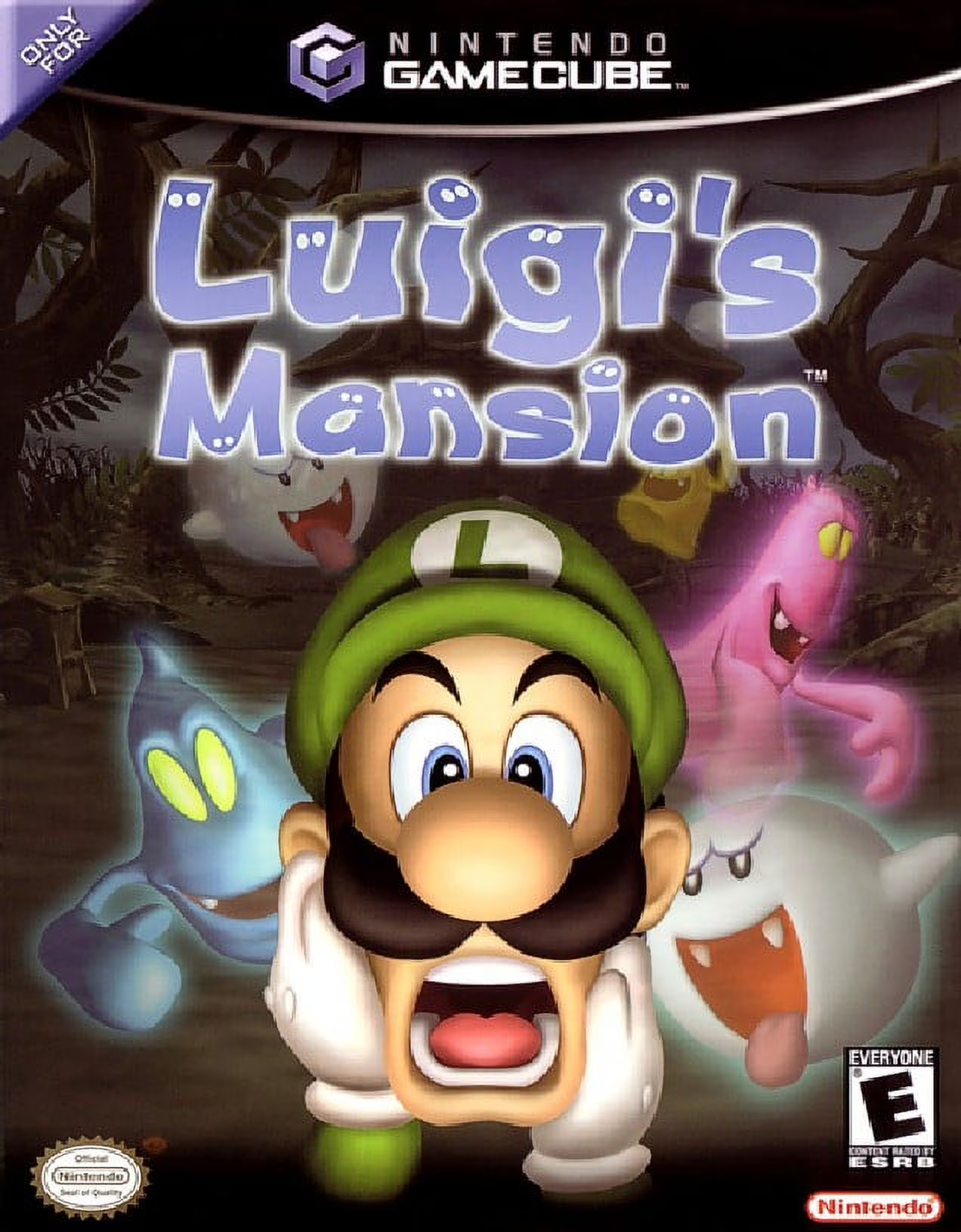
Luigi's Mansion is an iconic action-adventure launch titl...
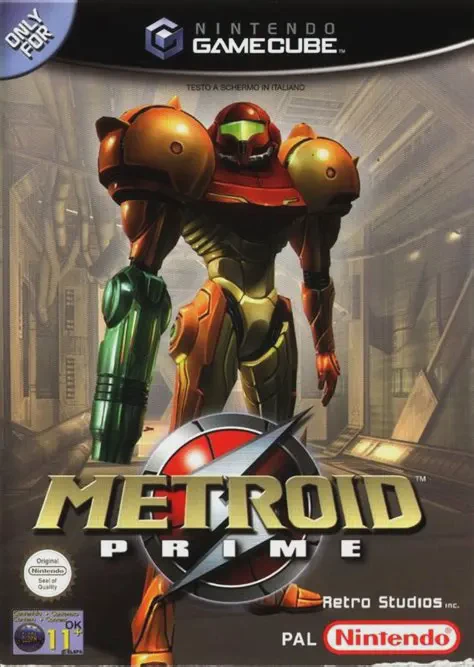
Metroid Prime is a masterpiece first-person action-advent...
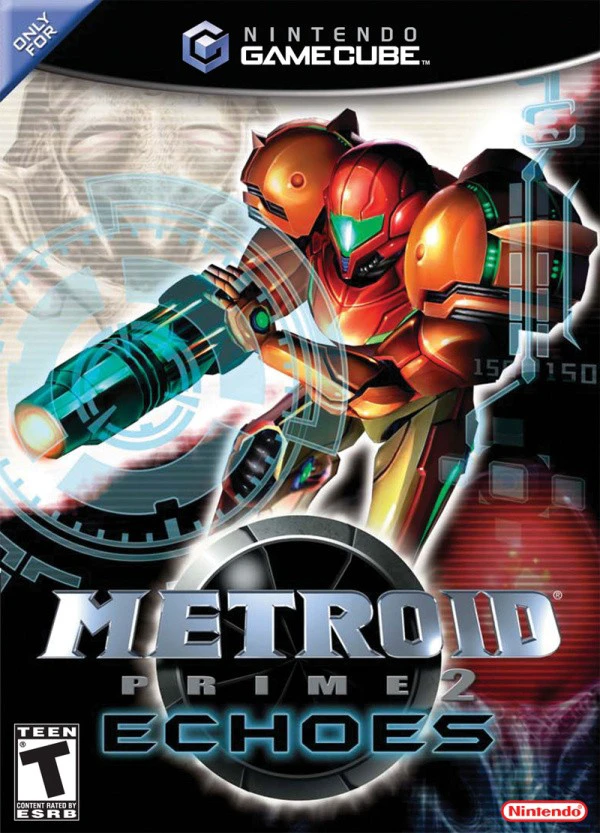
Metroid Prime 2: Echoes is an acclaimed first-person acti...