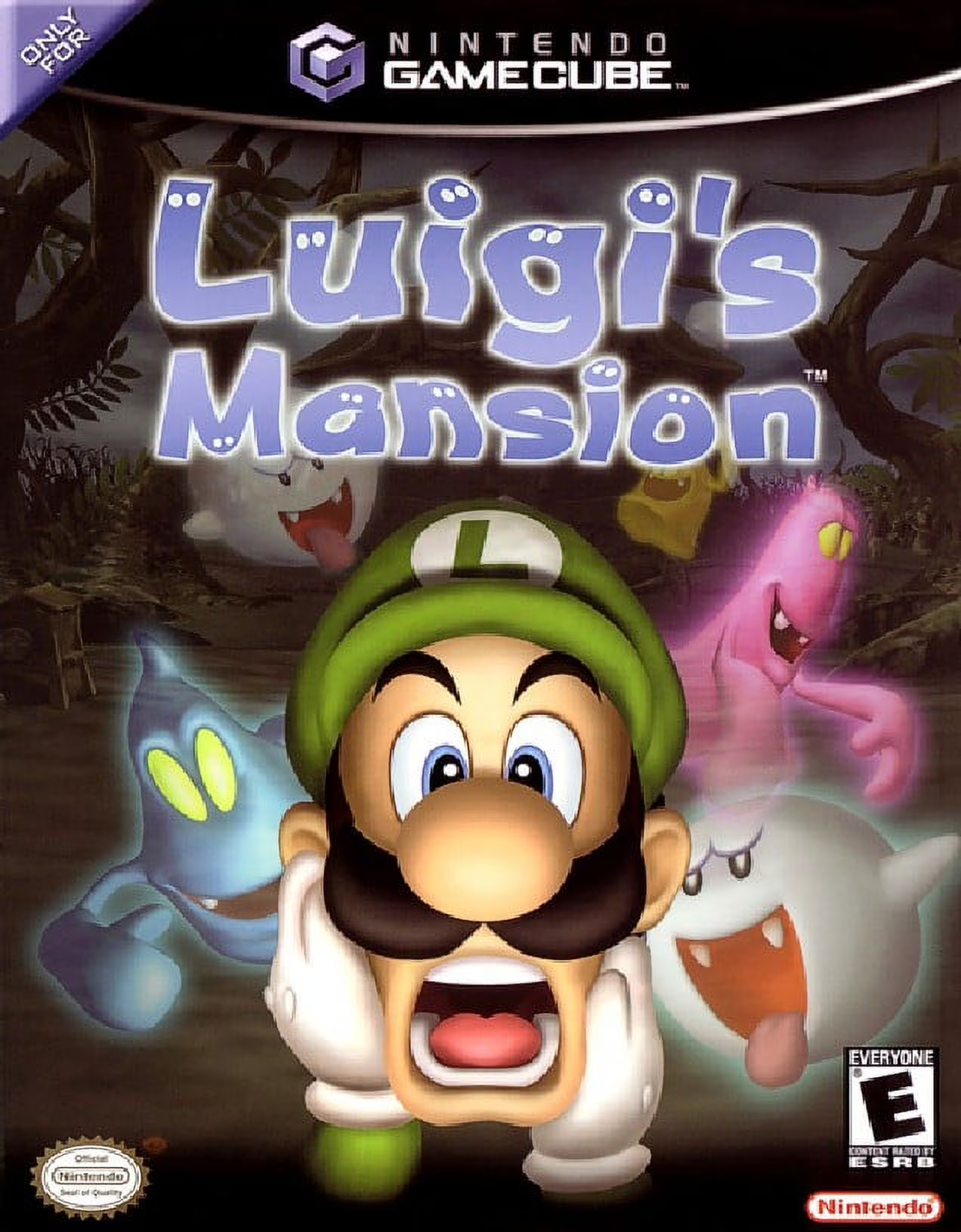
Luigi's Mansion
Luigi's Mansion is an iconic action-adventure launch titl...

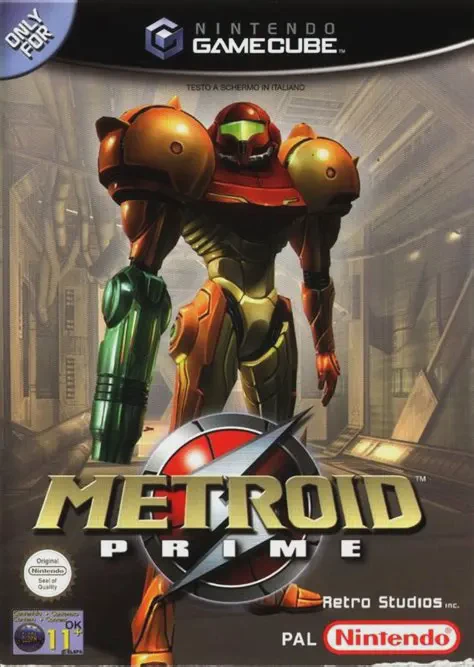
Metroid Prime revolutionized the action-adventure genre by translating classic 2D Metroidvania mechanics into a rich, atmospheric first-person perspective. Set between the events of Metroid and Metroid II: Return of Samus, the story begins on a derelict Space Pirate frigate in orbit before leading Samus down to the surface of Tallon IV—a world devastated by a meteor impact containing the corruptive Phazon mutation.
Gameplay emphasizes environmental discovery and non-linear backtracking over straightforward shooting. Using Samus's Scan Visor, players analyze ancient Chozo lore, Space Pirate logbooks, native flora, and enemy weaknesses to piece together the narrative and uncover secret pathways. Switching between specialized visors—such as the Thermal Visor and X-Ray Visor—reveals hidden objects and invisible threats in dark or obscured environments.
Progress is tied directly to acquiring upgraded suit capabilities and weapons. Expanding Samus’s arsenal with classic equipment like the Grapple Beam, Ice Beam, Plasma Beam, and Morph Ball upgrades (such as the Spider Ball and Boost Ball) grants access to previously inaccessible regions across toxic caverns, icy ruins, lava-filled depths, and high-tech research facilities.
Title: Metroid Prime
Platform: Nintendo GameCube
Developer: Retro Studios / Nintendo
Publisher: Nintendo
Release Date: November 17, 2002 (NA) / February 28, 2003 (JP) / March 21, 2003 (EU)
Genre: First-Person Action-Adventure
Mode: Single-player
Media / Format: GameCube Optical Disc (ISO / GCM)
Region Code: NTSC-J, NTSC-U/C, PAL
Immersive First-Person Exploration: Experience a seamless, highly detailed 3D world through the visor HUD of Samus Aran's Power Suit.
Scan Visor Narrative & Lore: Analyze creatures, ancient ruins, machinery, and log entries to piece together deep lore and identify combat weaknesses.
Versatile Suit & Weapon Upgrades: Switch seamlessly between various beams (Power, Wave, Ice, Plasma) and specialized visors to navigate hazardous environments.
Classic Morph Ball Mechanics: Roll into a compact sphere to navigate intricate 3D mazes, lay bombs, roll up Magnetic Rail tracks, and solve kinetic puzzles.
Atmospheric Sound & Visuals: Enjoy iconic ambient soundtracks, dynamic HUD environmental effects (steam condensation, rain drops, visor reflections), and fluid target-lock combat.
A: A standard, uncompressed Nintendo GameCube disc image (ISO/GCM format) for Metroid Prime is approximately 1.35 GB.
A: The Dolphin Emulator is the premier choice for playing Metroid Prime. It supports high-definition resolutions up to 4K, 60 FPS performance, widescreen fixes, custom texture packs, and dual-analog or mouse-and-keyboard control mapping.
A: Yes. While the original GameCube release used a single analog stick for movement and turning with a lock-on system, you can use the PrimeHack fork of Dolphin (or modern Dolphin controller profiles) to enable true modern dual-analog or mouse-and-keyboard camera movement.
A: Absolutely. You can run the GameCube ISO directly on a modded Wii or Wii U (via vWii mode) using homebrew game loaders such as Nintendont, with full support for original GameCube controllers, Wii Classic Controllers, or modern bluetooth pads.
Click the links below to go to the cloud drive download page
⚠️ Download Tips:
Luigi's Mansion is an iconic action-adventure launch titl...
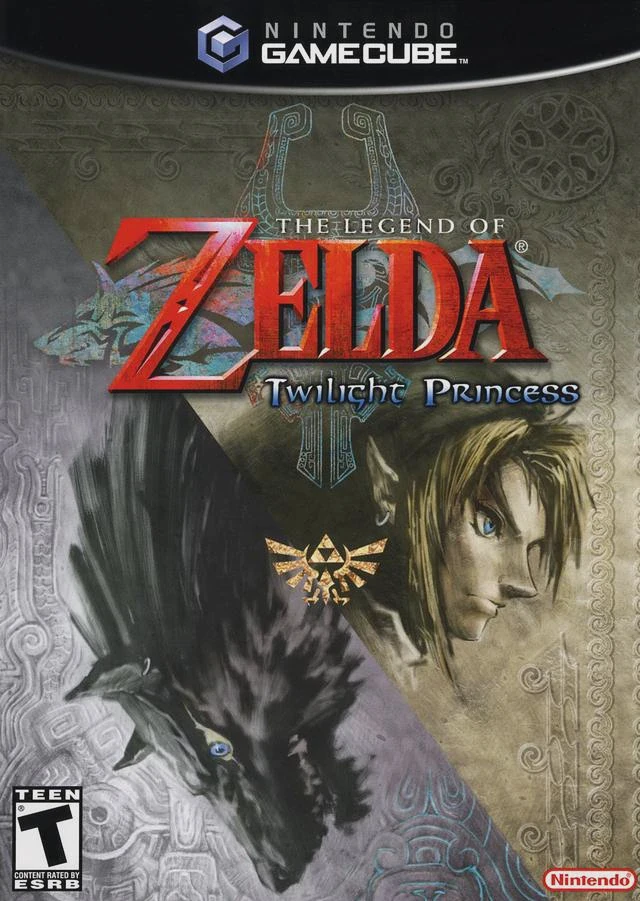
The Legend of Zelda: Twilight Princess is a legendary act...
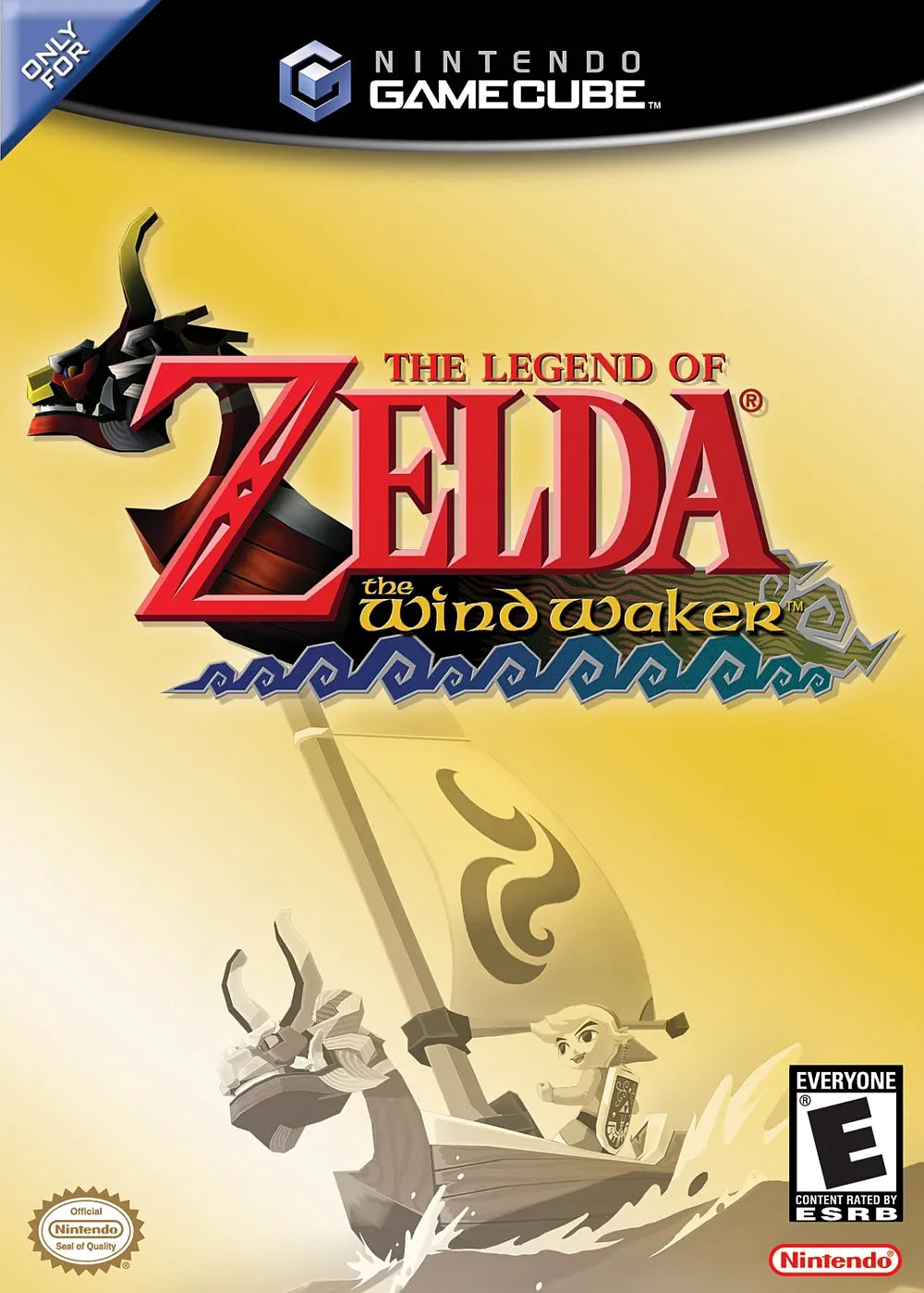
The Legend of Zelda: The Wind Waker is an acclaimed actio...
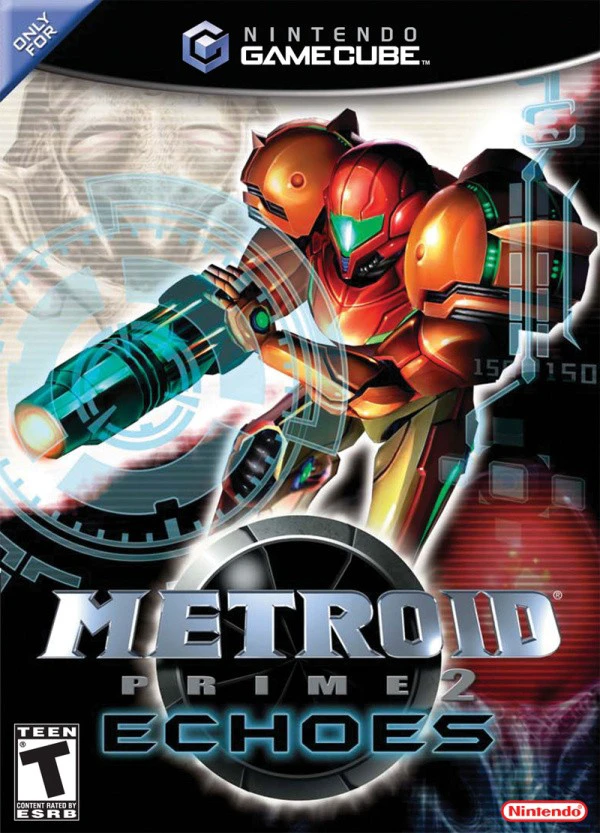
Metroid Prime 2: Echoes is an acclaimed first-person acti...