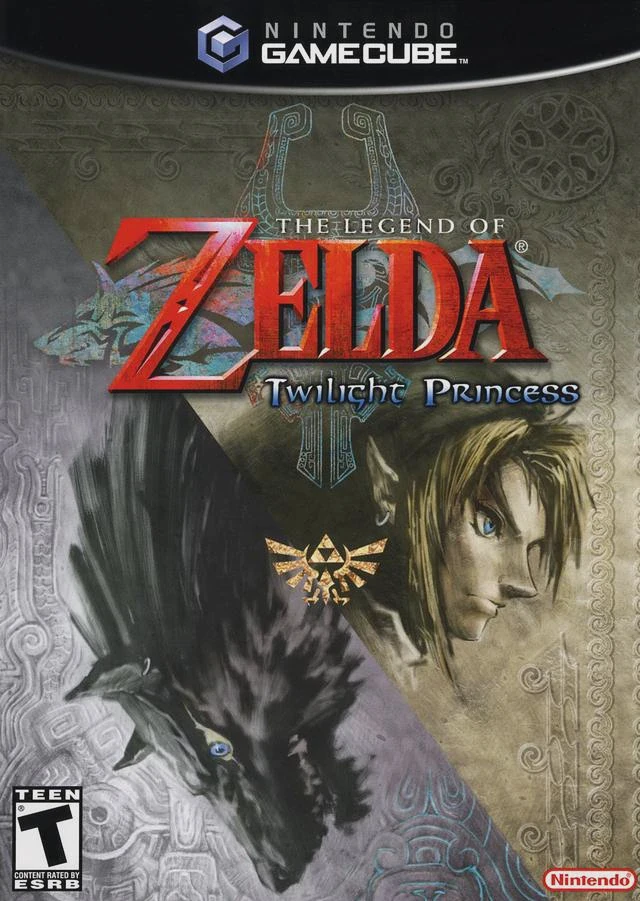
The Legend of Zelda: Twil...
The Legend of Zelda: Twilight Princess is a legendary act...

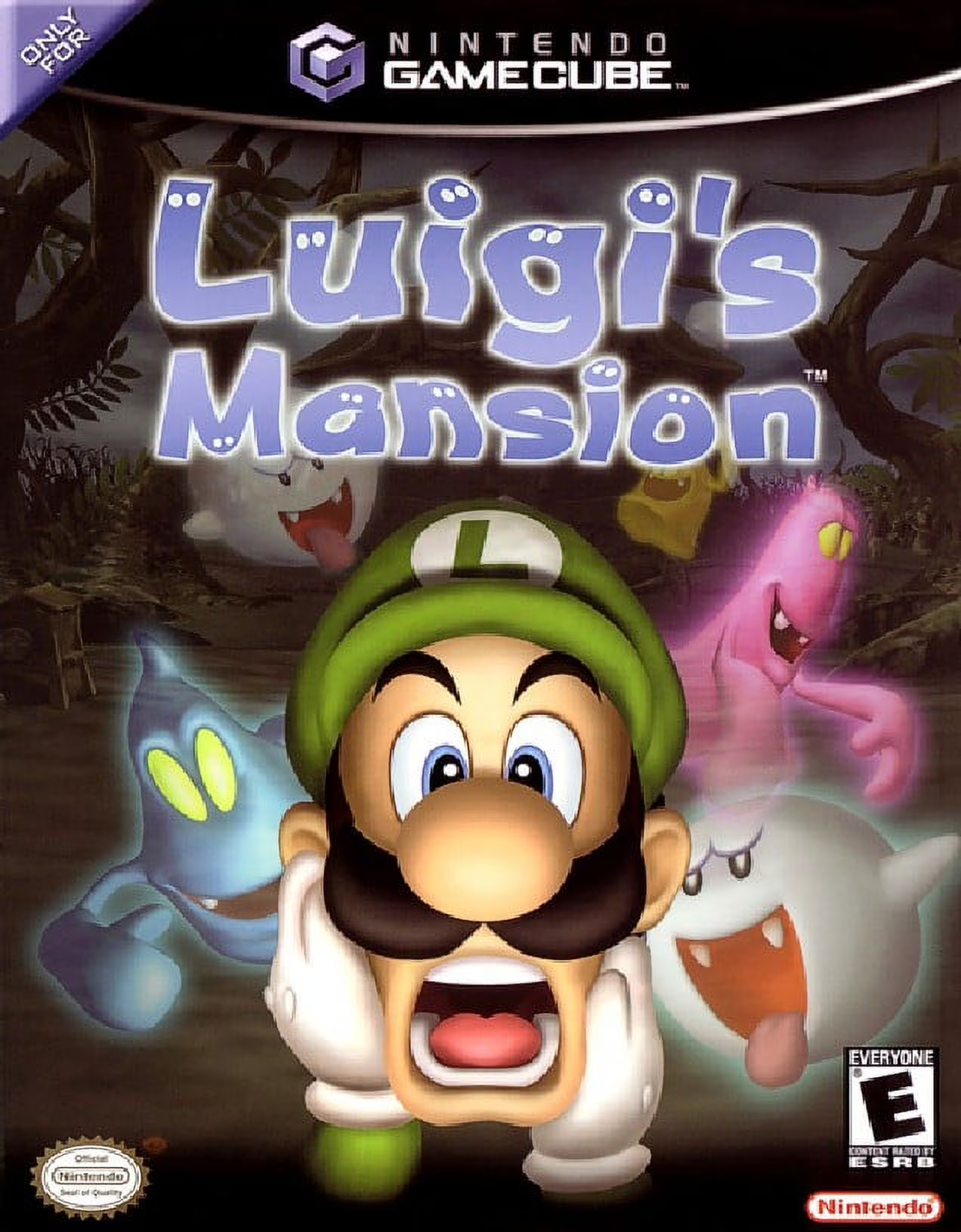
Luigi's Mansion served as the flagship launch title for the Nintendo GameCube, showcasing the console's advanced real-time lighting, particle effects, and cloth physics. The story begins when Luigi unexpectedly wins a grand mansion in a contest he never entered. Upon arriving, he discovers the mansion is haunted and that Mario has been captured and trapped inside a picture frame by King Boo.
Gameplay revolves around ghost-hunting mechanics that blend action with puzzle-solving. Players use Luigi's flashlight to surprise ghosts, exposing their glowing hearts. Once exposed, Luigi must latch onto them with the Poltergust 3000 vacuum cleaner, pulling the analog stick in the opposite direction to drain their health meters while avoiding traps and environmental hazards.
Throughout the mansion's four main areas, Luigi captures unique "Portrait Ghosts," solves room puzzles to unlock key doors, and uncovers hidden caches of treasure, coins, and gems. The game’s spooky yet humorous atmosphere, interactive mansion elements, and detailed character animations make Luigi's Mansion a unique and foundational title in the GameCube lineup.
Title: Luigi's Mansion
Platform: Nintendo GameCube
Developer: Nintendo EAD
Publisher: Nintendo
Release Date: September 14, 2001 (JP) / November 18, 2001 (NA) / May 3, 2002 (EU)
Genre: Action-Adventure
Mode: Single-player
Media / Format: GameCube Optical Disc (ISO / GCM)
Region Code: NTSC-J, NTSC-U/C, PAL
Poltergust 3000 Mechanics: Master the unique vacuum controls to capture ghosts, suction up objects, pull tapestry curtains, and spray elemental forces like fire, water, and ice.
Portrait Ghost Hunts: Track down 23 distinct portrait ghosts by analyzing their personalities, rooms, and hidden habits to uncover their weaknesses.
Spooky Mansion Exploration: Unlock dark corridors, hidden passages, secret attic rooms, and dusty basements filled with interactive furniture and treasures.
Game Boy Horror Gadget: Use Professor E. Gadd's specialized handheld device to view the mansion map, inspect inventory items, scan ghost hearts, and check collected treasures.
Hidden Mansion Mode: Complete the main campaign to unlock a mirror-image "Hidden Mansion" playthrough with increased ghost difficulty and stronger vacuum power.
A: A standard, uncompressed Nintendo GameCube disc image (ISO/GCM format) for Luigi's Mansion is approximately 1.35 GB.
A: The Dolphin Emulator is recommended for playing Luigi's Mansion. It runs the game smoothly with support for 4K resolutions, widescreen hacks, custom texture packs, and flexible controller configurations on Windows, macOS, Linux, and Android.
A: A standard playthrough of Luigi's Mansion takes approximately 6 to 8 hours. Players aiming for 100% completion (capturing all portrait ghosts and achieving an 'S Rank' mansion score) usually take around 8 to 10 hours.
A: Yes. You can play the GameCube ISO directly on a modded Wii or Wii U (via vWii mode) using homebrew game loaders such as Nintendont, with full support for original GameCube controllers, Wii Classic Controllers, or modern gamepads.
Click the links below to go to the cloud drive download page
⚠️ Download Tips:
The Legend of Zelda: Twilight Princess is a legendary act...
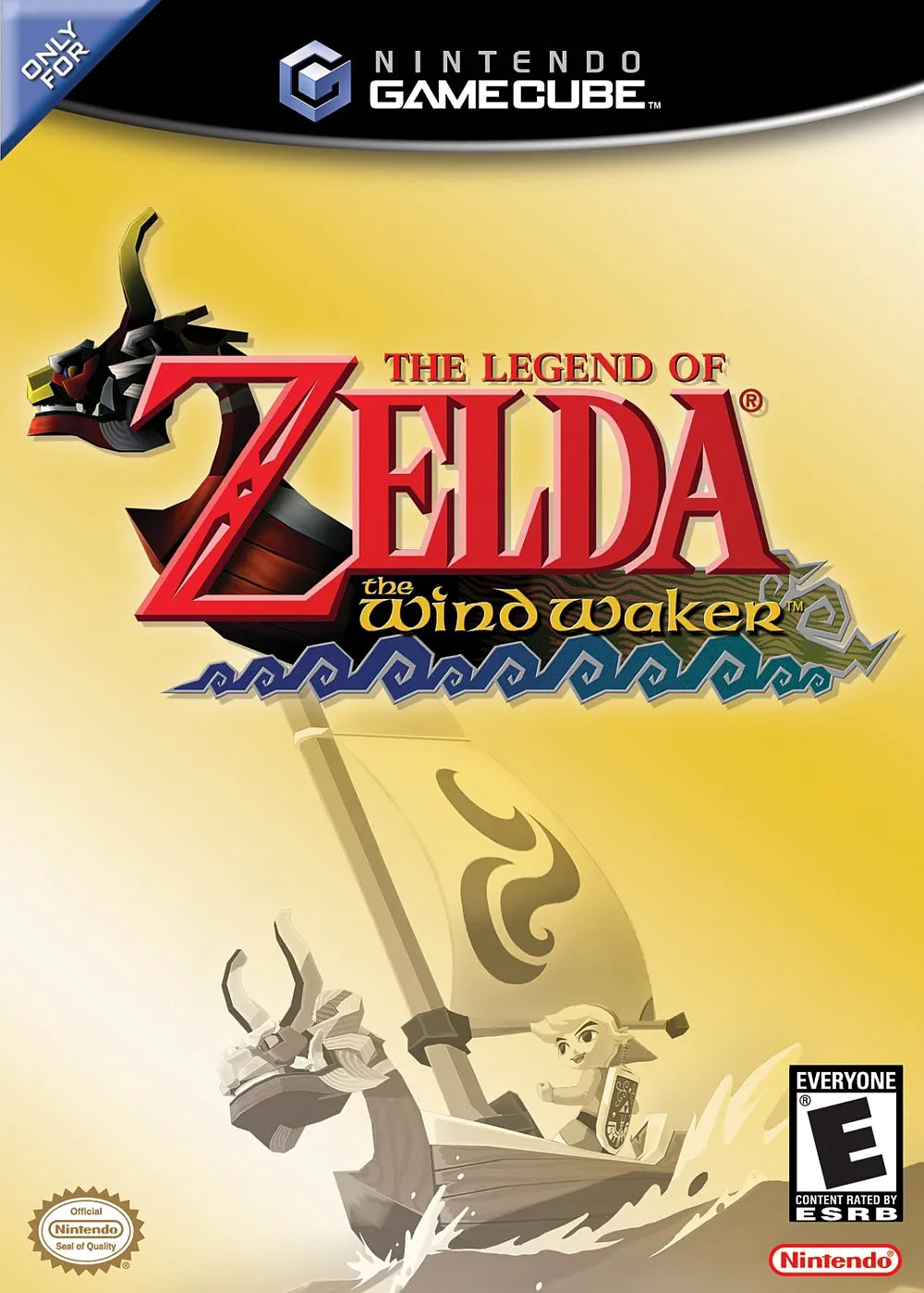
The Legend of Zelda: The Wind Waker is an acclaimed actio...
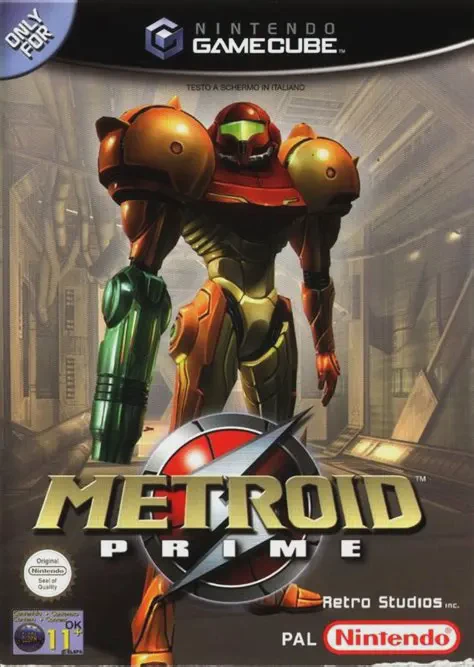
Metroid Prime is a masterpiece first-person action-advent...
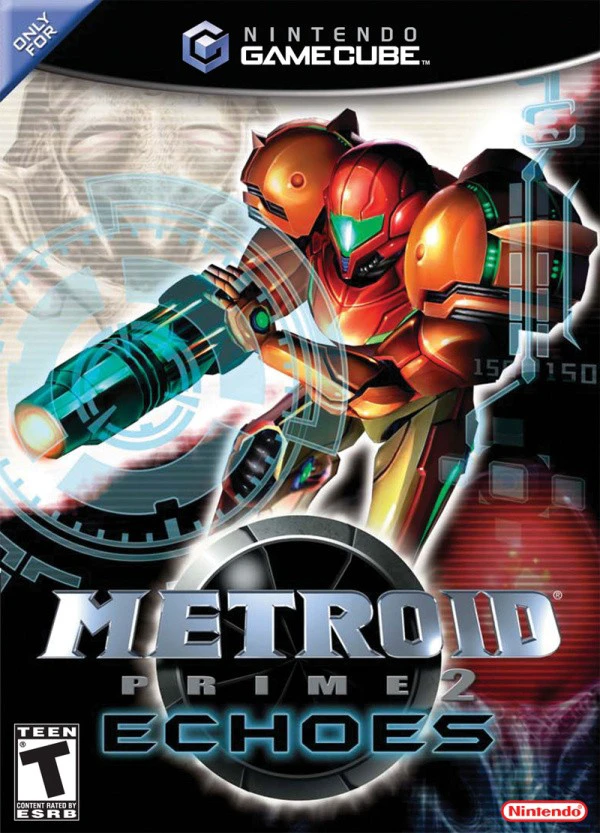
Metroid Prime 2: Echoes is an acclaimed first-person acti...