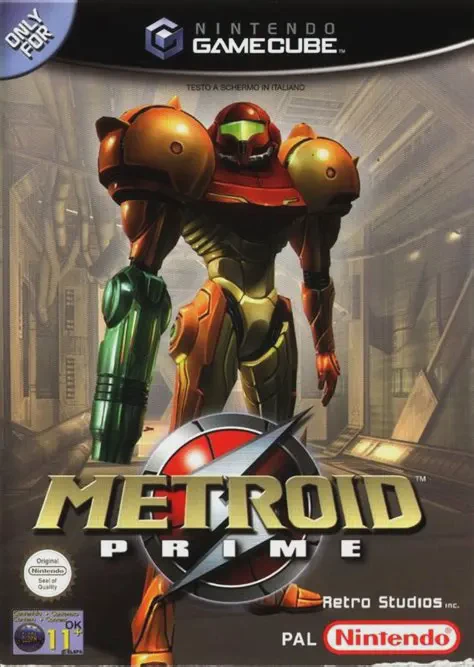
Metroid Prime
Metroid Prime is a masterpiece first-person action-advent...

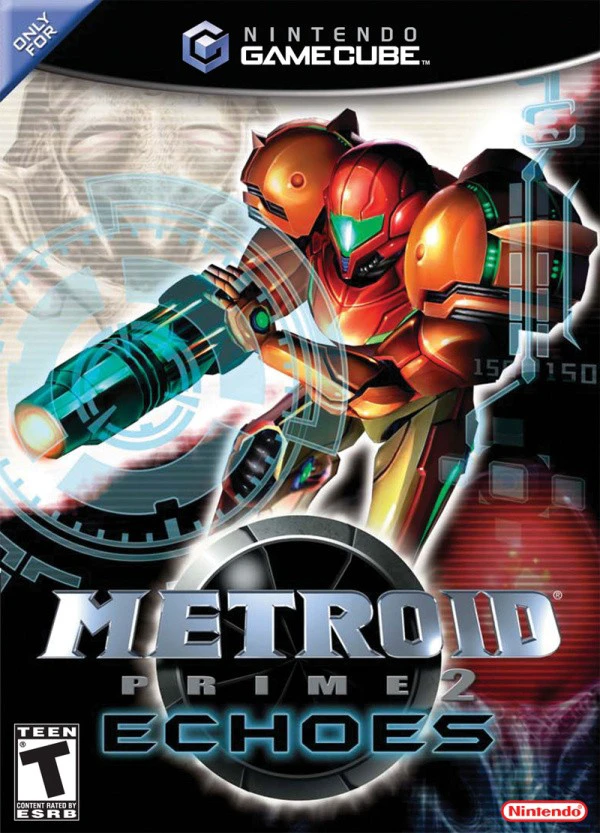
Metroid Prime 2: Echoes delivers a darker, more challenging experience that introduces dual-world exploration mechanics to the 3D Metroid formula. Sent to investigate the sudden disappearance of a Galactic Federation squad on planet Aether, Samus uncovers a planetary war between the native Luminoth and the dark Ing invaders from Dark Aether.
Gameplay revolves around transitioning between Light Aether and its twisted alternate dimension, Dark Aether. Dark Aether’s toxic atmosphere slowly drains Samus’s health, forcing players to seek temporary safety within localized light zones while solving dimensional puzzles to restore planetary energy to the Luminoth temples.
To survive and progress, Samus acquires new specialized gear, including the Light Beam, Dark Beam, and Annihilator Beam, alongside the Light Suit and Dark Suit. Advanced Morph Ball upgrades like the Spider Ball and Screw Attack make a triumphant return, allowing for complex traversal across intricate ruins and high-tech research centers. Featuring expanded visor mechanics, rewarding exploration, and memorable boss encounters, Metroid Prime 2: Echoes stands as one of the most rewarding action-adventure games on the GameCube.
Title: Metroid Prime 2: Echoes
Platform: Nintendo GameCube
Developer: Retro Studios / Nintendo
Publisher: Nintendo
Release Date: November 15, 2004 (NA) / November 26, 2004 (EU) / May 26, 2005 (JP)
Genre: First-Person Action-Adventure
Mode: Single-player, Local Multiplayer (1–4 players)
Media / Format: GameCube Optical Disc (ISO / GCM)
Region Code: NTSC-J, NTSC-U/C, PAL
Dual-Dimension Exploration: Seamlessly travel between Light Aether and Dark Aether to alter environments, solve spatial puzzles, and unlock new pathways.
Light and Dark Ammo Mechanics: Utilize complementary Light and Dark Beams with limited ammo pools to capitalize on elemental enemy vulnerabilities.
Environmental Survival: Navigate Dark Aether’s corrosive atmosphere by strategically jumping between protective Light Crystals and Light Beacons.
Dark Samus Rivalry: Confront Samus's powerful Phazon-corrupted doppelgänger in thrilling, story-driven boss showdowns.
Local Multiplayer Mode: Engage in split-screen battle arenas with up to four players, featuring custom rule sets, power-ups, and specialized Morph Ball traps.
A: A standard, uncompressed Nintendo GameCube disc image (ISO/GCM format) for Metroid Prime 2: Echoes is approximately 1.35 GB.
A: The Dolphin Emulator is recommended for playing Echoes. It provides full compatibility, 4K resolution support, performance enhancements, and custom controller mapping on Windows, macOS, Linux, and Android.
A: Yes. By using the PrimeHack fork of Dolphin (or configuring custom controller profiles in standard Dolphin), you can enable modern dual-analog camera movement or mouse-and-keyboard controls.
A: Yes. You can run the GameCube ISO directly on a modded Wii or Wii U (via vWii mode) using homebrew game loaders such as Nintendont, with support for original GameCube controllers, Wii Classic Controllers, or modern gamepads.
Click the links below to go to the cloud drive download page
⚠️ Download Tips:
Metroid Prime is a masterpiece first-person action-advent...
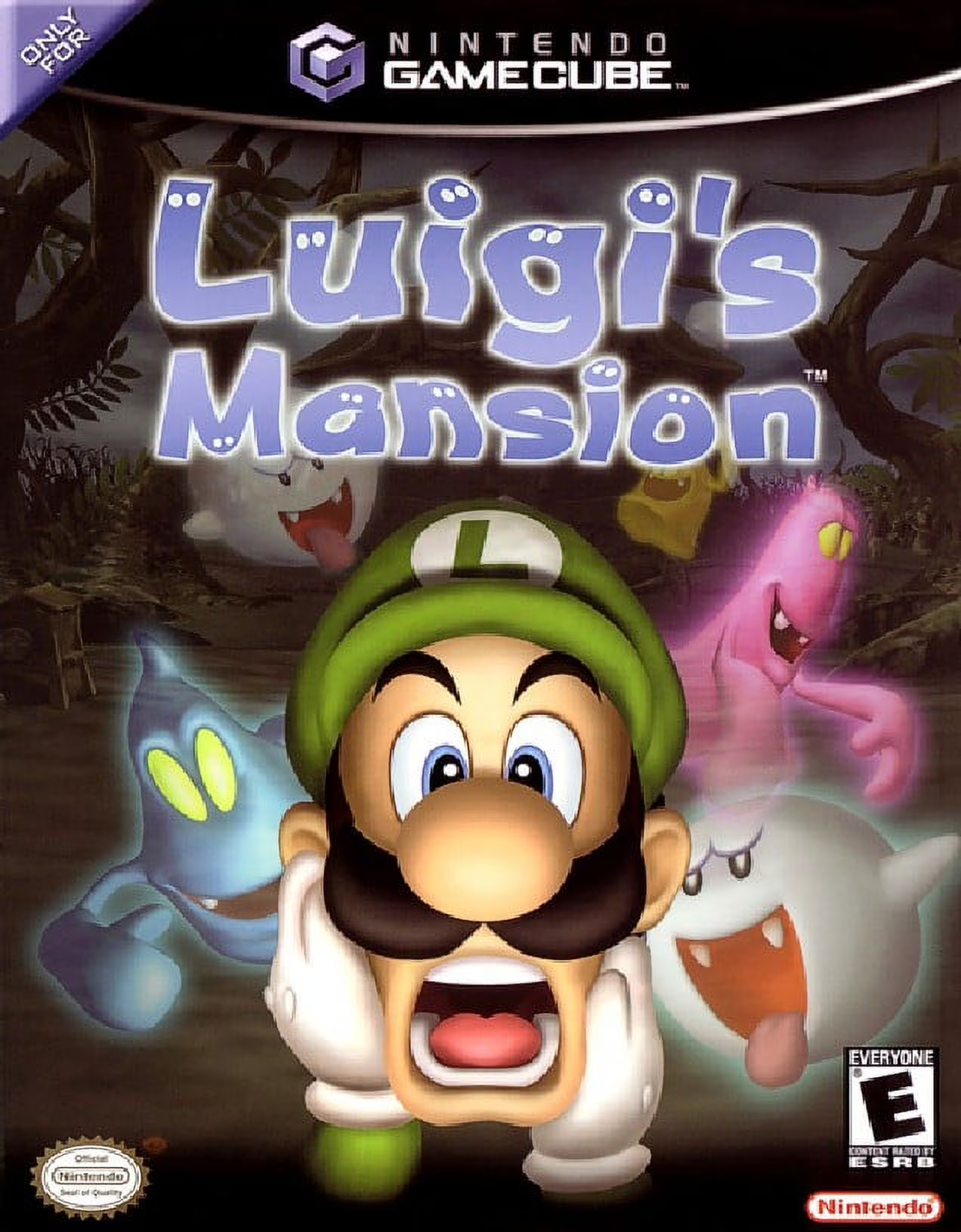
Luigi's Mansion is an iconic action-adventure launch titl...
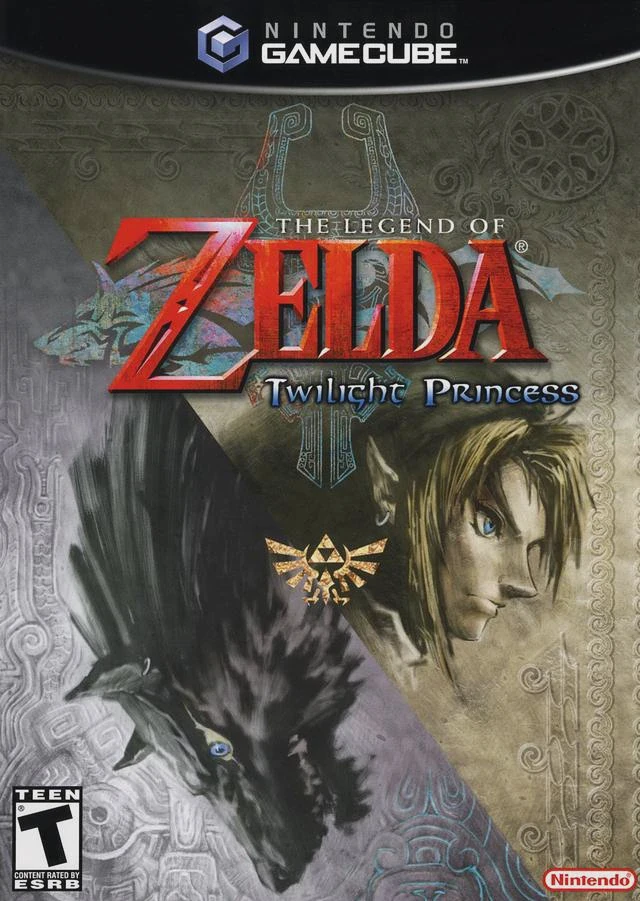
The Legend of Zelda: Twilight Princess is a legendary act...
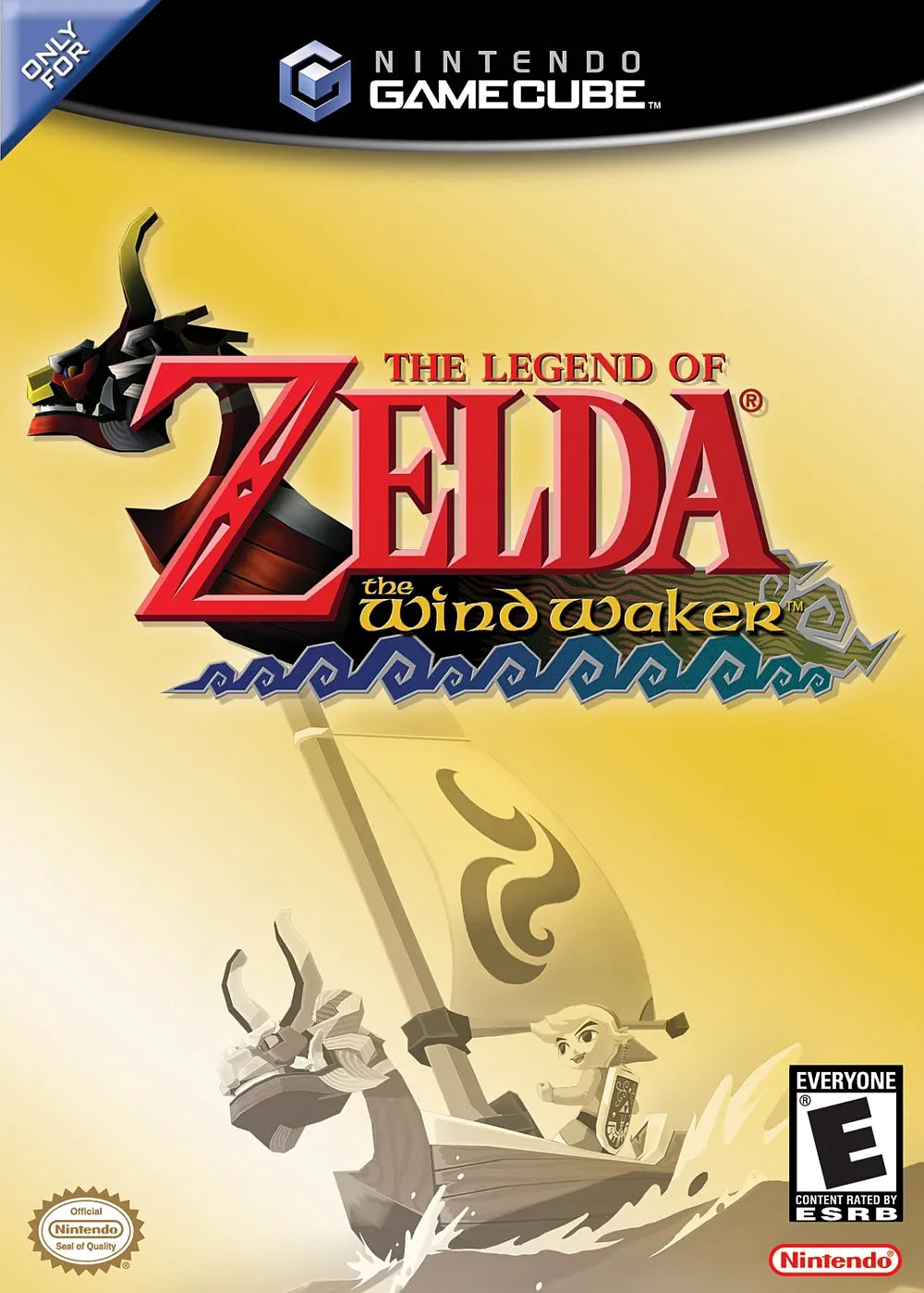
The Legend of Zelda: The Wind Waker is an acclaimed actio...