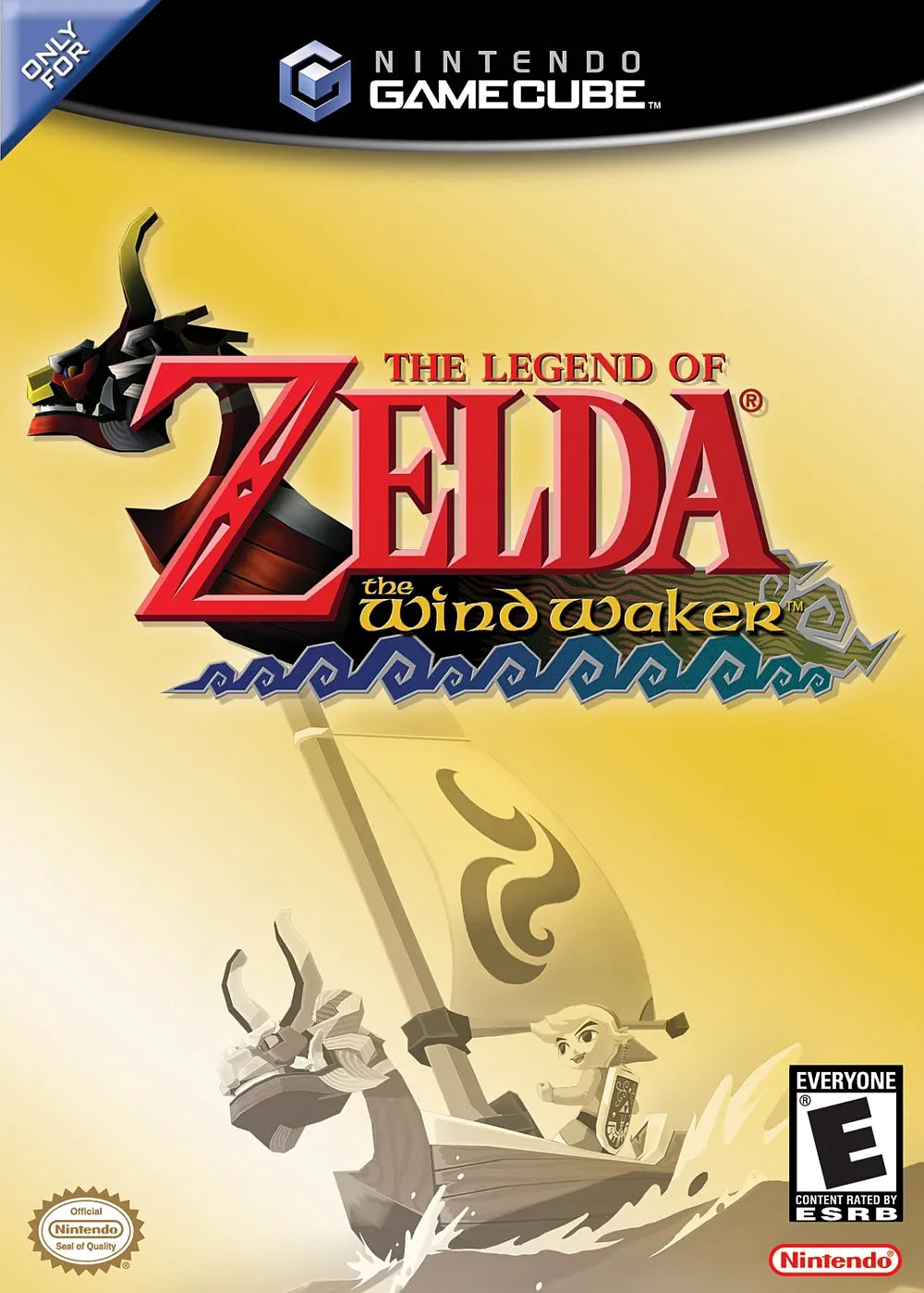
The Legend of Zelda: The ...
The Legend of Zelda: The Wind Waker is an acclaimed actio...

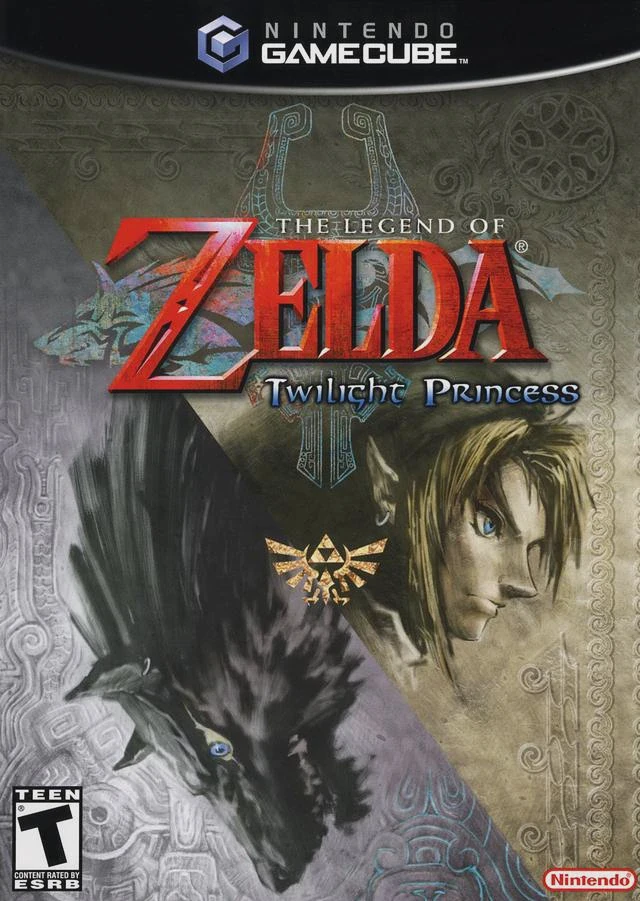
The Legend of Zelda: Twilight Princess stands as one of the most sprawling and atmospheric entries in the franchise, returning to a realistic, grounded art direction that pushes the hardware capabilities of the GameCube to its absolute limits. When a corrupted shadowy twilight swallows Hyrule, Link is drawn into a dark quest that spans ancient forests, scorched volcanoes, frozen peaks, and forgotten ruins.
Gameplay seamlessly transitions between Link's human form and his wolf transformation. As a human, players engage in classic swordplay, mounted combat atop Epona, and complex dungeon navigation using an extensive arsenal of gear—such as the Clawshot, Spinner, and Ball and Chain. In wolf form, Link gains enhanced sensing abilities to track scents, dig through obstacles, communicate with animals, and perform lethal dark energy attacks alongside Midna.
The game is praised for its intricate dungeon architecture, memorable boss encounters, and deep emotional narrative centered around the complex dynamic between Link and Midna. Representing the peak of traditional 3D Zelda formula on the GameCube, Twilight Princess remains an absolute must-play classic for retrogaming enthusiasts.
Title: The Legend of Zelda: Twilight Princess
Platform: Nintendo GameCube
Developer: Nintendo EAD
Publisher: Nintendo
Release Date: November 19, 2006 (NA) / December 2, 2006 (JP) / December 15, 2006 (EU)
Genre: Action-Adventure
Mode: Single-player
Media / Format: GameCube Optical Disc (ISO / GCM)
Region Code: NTSC-J, NTSC-U/C, PAL
Dual-Form Mechanics: Master the unique abilities of both Human Link and Wolf Link to solve puzzles, uncover secrets, and defeat dark entities.
Dual-World Exploration: Travel between the luminous land of Hyrule and the eerie, shadowy Twilight Realm to restore balance to the kingdom.
Mounted Combat on Epona: Engage in dynamic horseback sword-fighting and archery battles across expansive fields and bridge showdowns.
Masterful Dungeon Design: Conquer some of the most creative and challenging dungeons in Zelda history using innovative items like the Spinner and Gale Boomerang.
Dark & Cinematic Narrative: Experience a mature storyline featuring rich character arcs, unforgettable companion dynamics with Midna, and stunning cinematic cutscenes.
A: A full, uncompressed GameCube disc image (ISO/GCM format) for Twilight Princess is approximately 1.35 GB.
A: The Dolphin Emulator is recommended for optimal performance, offering full compatibility, support for HD textures, widescreen support, and controller customization across Windows, macOS, Linux, and Android.
A: The GameCube version features the original world layout (with Hyrule Castle to the north and Death Mountain to the east) and traditional controller button inputs. The Wii version mirrored the entire game map horizontally to accommodate right-handed motion controls.
A: Yes. You can load and play the GameCube ISO directly on a modded Wii or Wii U (via vWii mode) using homebrew game loaders such as Nintendont, with support for original GameCube controllers or modern Bluetooth pads.
Click the links below to go to the cloud drive download page
⚠️ Download Tips:
The Legend of Zelda: The Wind Waker is an acclaimed actio...
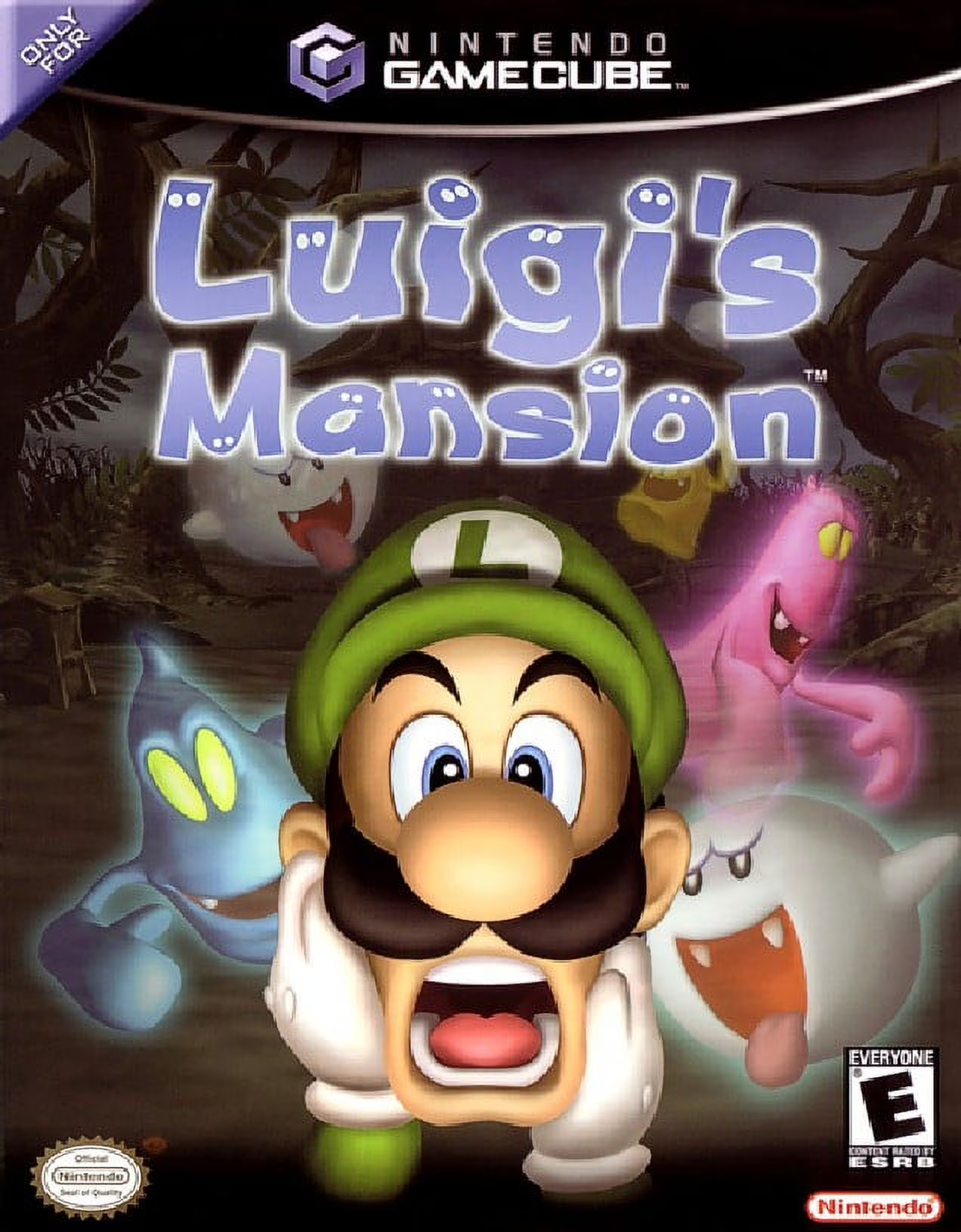
Luigi's Mansion is an iconic action-adventure launch titl...
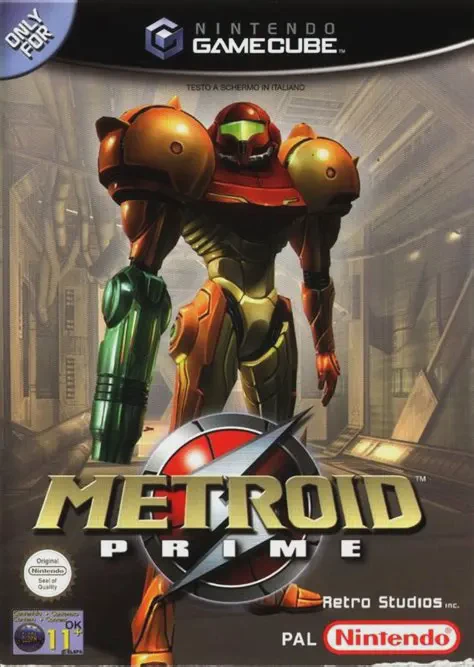
Metroid Prime is a masterpiece first-person action-advent...
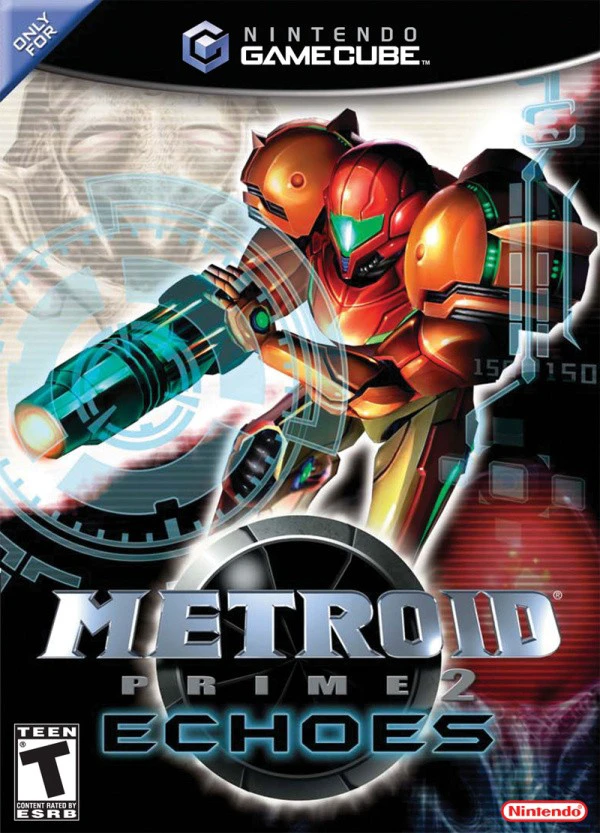
Metroid Prime 2: Echoes is an acclaimed first-person acti...