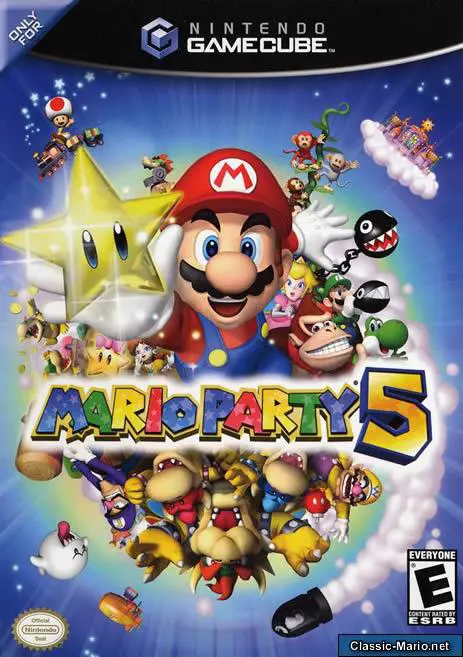
Mario Party 5
Enter the magical realm of Dream Depot in Mario Party 5, ...

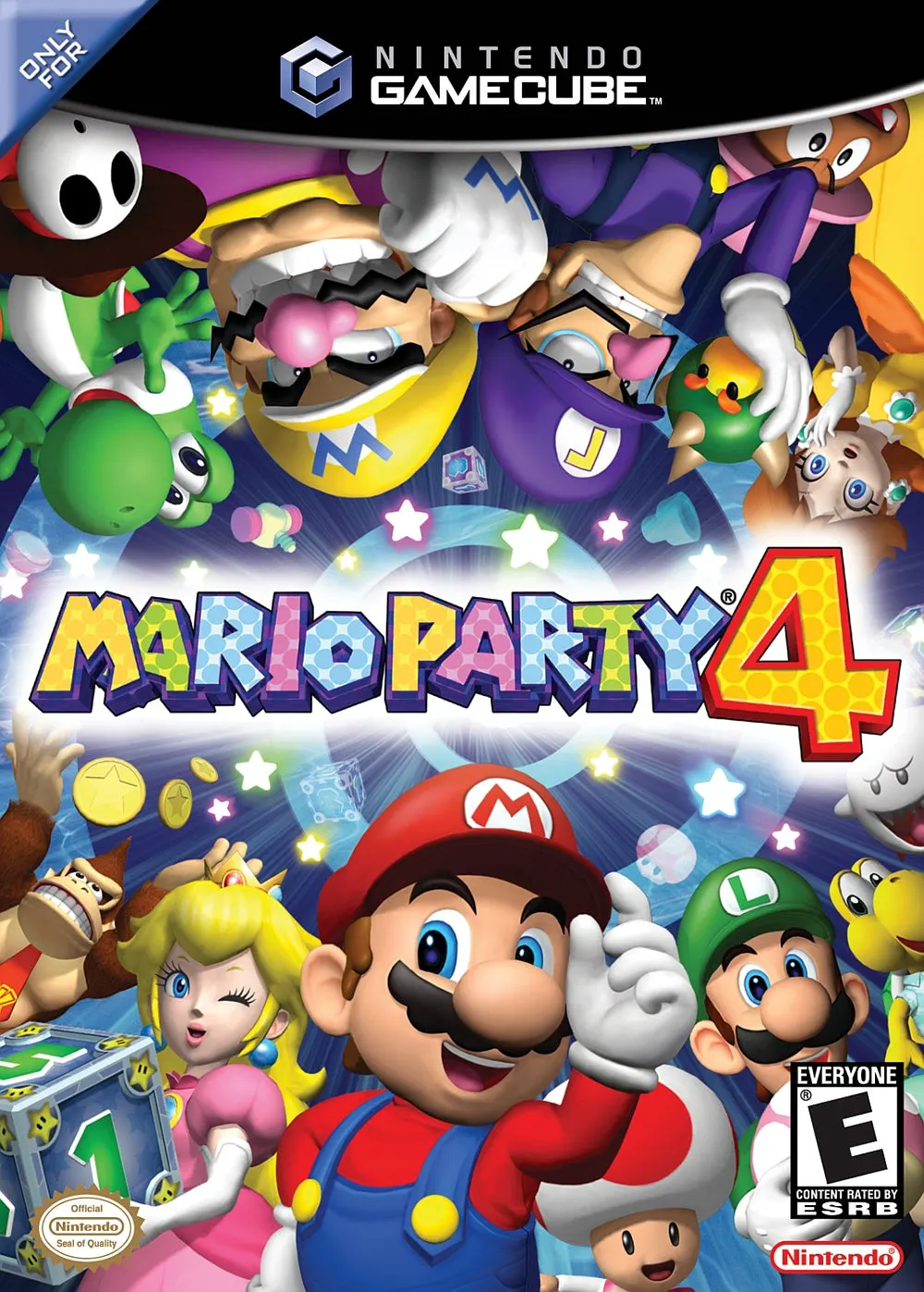
Mario Party 4 was developed by Hudson Soft and published by Nintendo. As the foundational entry of the series on the Nintendo GameCube hardware, it established the graphical and mechanical standard that defined party gaming throughout the sixth console generation.
The story centers on Toad, Koopa Troopa, Shy Guy, Boo, and Goomba building the ultimate birthday playground—the Party Cube—to celebrate with Mario and his friends. Players select from eight iconic characters and traverse five host-themed game boards alongside the unlockable Bowser's Gnarly Party board.
Gameplay centers around the Mega and Mini Mushroom System. Using Mega Mushrooms causes characters to grow massive, stomping over opponents on the board to steal coins, while Mini Mushrooms shrink characters down, enabling them to pass through miniature doorways and access hidden shortcuts or special event spaces. Each turn ends with dynamic 4-player, 1v3, 2v2, or Battle minigames.
On the Nintendo GameCube, Mario Party 4 showcases full 3D board geometry, smooth 60fps performance, dynamic lighting effects, versatile Memory Card 59/251 saving for custom player records, and seamless 4-player local multiplayer competition.
Field | Detail |
Full Title | Mario Party 4 |
Platform | Nintendo GameCube (NGC) |
Genre | Party / Digital Board Game / Minigames |
Developer | Hudson Soft |
Publisher | Nintendo |
Release Date | October 21, 2002 (North America) / November 8, 2002 (Japan) / November 29, 2002 (Europe) |
Region Formats | NTSC-U / NTSC-J / PAL |
Game Modes | Single-Player, Local Multiplayer (1–4 Players) |
Display Options | 480i / 480p Progressive Scan Support / PAL60 |
Media Type | Nintendo GameCube Game Disc (1 Disc) |
Mega & Mini Mushroom Mechanics: Use size-altering Mushroom items to shrink through tight board shortcuts or grow massive to crush rivals and steal their coins.
60 All-New Minigames: Battle across a wide variety of 4-Player, 1v3, 2v2, Battle, Story, and Bowser minigames.
Host-Themed Party Boards: Explore 6 detailed 3D boards, including Toad's Midway Madness, Shy Guy's Jungle Hike, Boo's Haunted Bash, Goomba's Greedy Gala, Koopa's Seaside Soiree, and Bowser's Gnarly Party.
Extra Room Side Modes: Unlock dedicated bonus games such as Beach Volley Folley (a 4-player volleyball minigame) and Panula's Cave puzzle challenges.
8 Playable Party Characters: Choose from Mario, Luigi, Peach, Daisy, Wario, Waluigi, Yoshi, and Donkey Kong.
Drinking a Mega Mushroom grants you two dice blocks and lets you squish opponents to steal 10 coins, but skips board events. Drinking a Mini Mushroom restricts your dice block to numbers 1–5, but lets you enter small pipes and pass through gate shortcuts.
Yes! Mario Party 4 is notable for being the last mainline installment in which Donkey Kong is a standard playable board game character before transitioning into a special board space event host in later sequels.
The Extra Room mode features standalone games separate from the main board experience, including Beach Volley Folley (a full volleyball tournament), Goomba Stomp, and Thwomp's Backroom Tower.
Yes, Mario Party 4 supports 480p progressive scan output on the Nintendo GameCube for clean and sharp visual output on compatible displays.
Click the links below to go to the cloud drive download page
⚠️ Download Tips:
Enter the magical realm of Dream Depot in Mario Party 5, ...
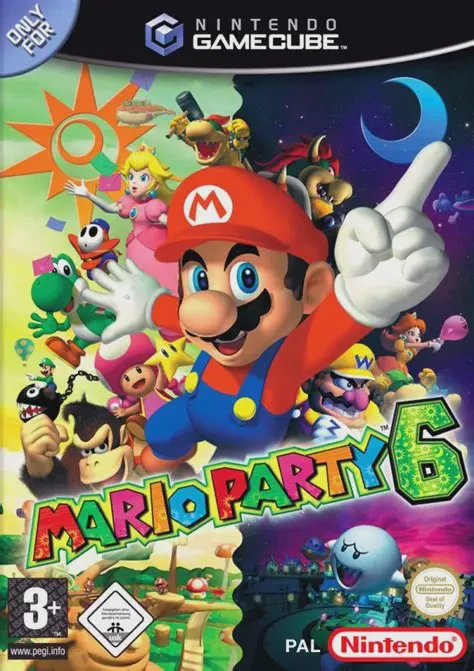
Let the night and day cycle spin in Mario Party 6, Hudson...
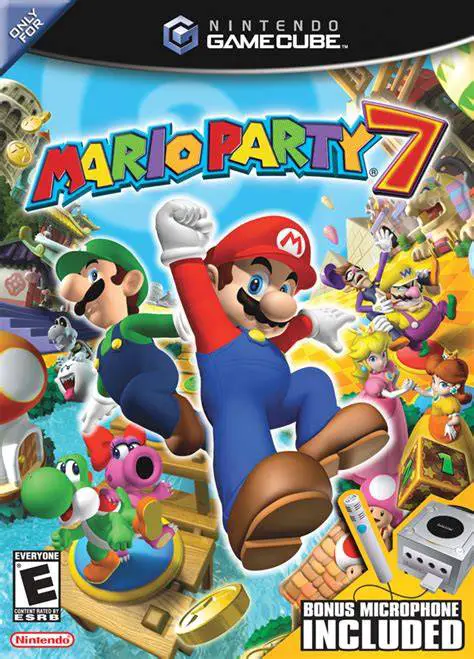
Gather your friends for the ultimate globe-trotting vacat...
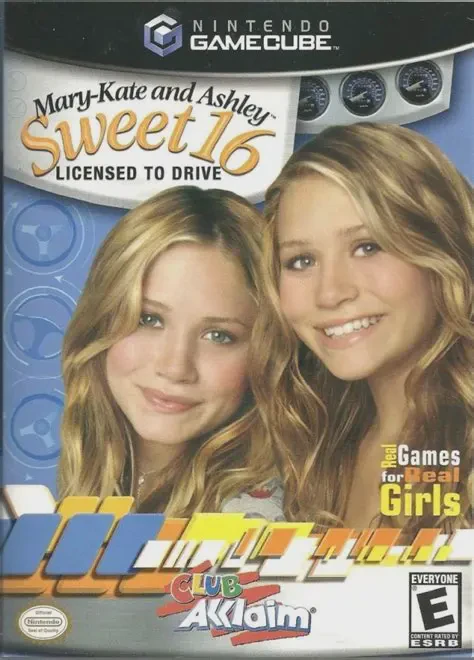
Hit the road with teen icons Mary-Kate and Ashley Olsen i...
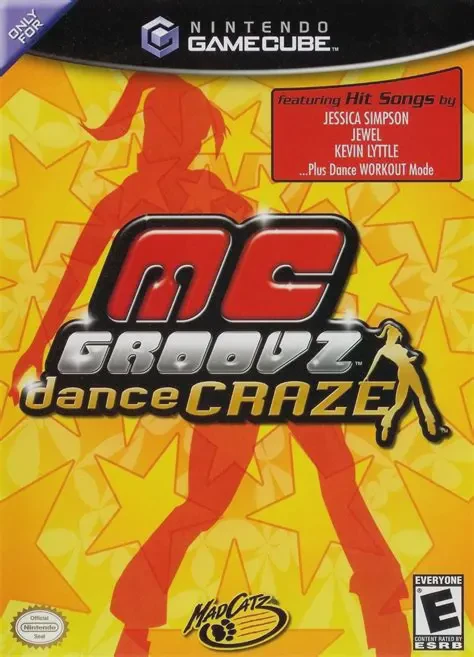
Get into the rhythm and hit the dance floor in MC Groovz ...