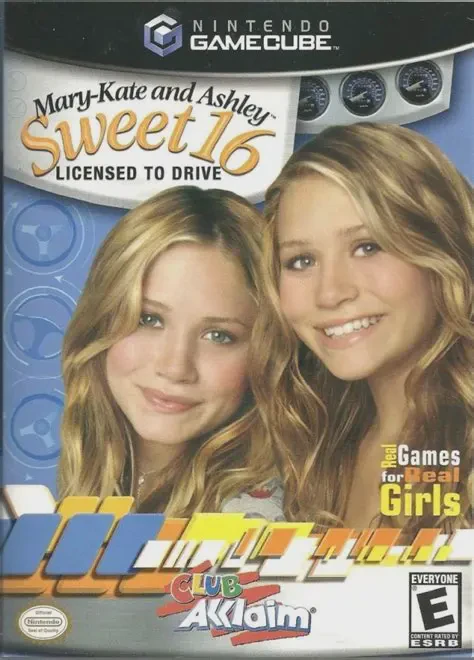
Mary-Kate and Ashley: Swe...
Hit the road with teen icons Mary-Kate and Ashley Olsen i...

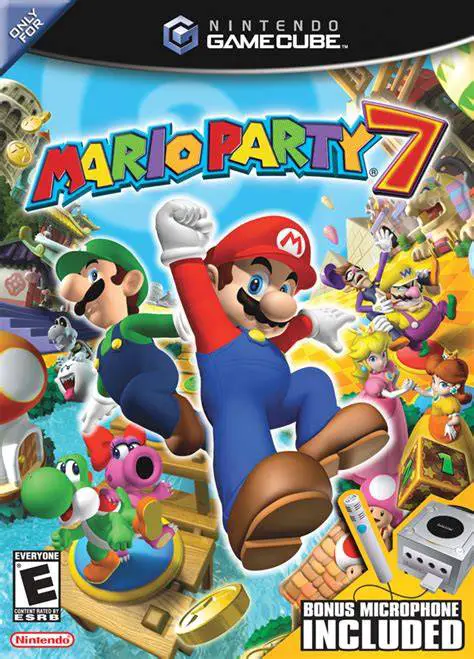
Mario Party 7 was developed by Hudson Soft and published by Nintendo. Serving as the fourth and final installment of the franchise released on the Nintendo GameCube, the game expands upon the party mechanics introduced in earlier entries while making full use of peripheral hardware accessories.
The overarching premise centers around Toadsworth inviting Mario and twelve playable mushroom kingdom characters on a luxury cruise. Upon arrival, a jealous Bowser crashes the vacation, setting up competitive game boards across themed global stops, including Grand Canal, Pagoda Peak, Neon Heights, Windmillville, Pyramid Park, and Bowser's Enchanted Inferno. Gameplay retains the classic turn-based board format where players roll dice blocks to acquire Coins and Stars, with each turn concluding in dynamic minigames.
Mario Party 7 introduces major franchise milestones, including the expanded 8-Player Mode, where two players share a single GameCube controller (one on the Control Stick and L Button, the other on the C-Stick and R Button). Additionally, the game packages support for the Nintendo GameCube Mic peripheral, featuring voice-controlled minigames and interactive board landing spots.
On the Nintendo GameCube, Mario Party 7 boasts crisp, colorful 3D visuals, smooth 60fps performance, custom controller configurations for up to eight simultaneous players, and full support for 480p progressive scan mode.
Field | Detail |
Full Title | Mario Party 7 |
Platform | Nintendo GameCube (NGC) |
Genre | Party / Digital Board Game / Minigames |
Developer | Hudson Soft |
Publisher | Nintendo |
Release Date | November 7, 2005 (North America) / November 10, 2005 (Japan) / February 10, 2006 (Europe) |
Region Formats | NTSC-U / NTSC-J / PAL |
Game Modes | Single-Player, Local Multiplayer (1–8 Players) |
Display Options | 480i / 480p Progressive Scan Support / PAL60 |
Media Type | Nintendo GameCube Game Disc (1 Disc) |
Expanded 8-Player Local Multiplayer: Compete in dedicated 8-player team minigames and board layouts by sharing four GameCube controllers.
88 New Minigames: Participate in a diverse roster of single-player, 4-player, 1v3, 2v2, 8-player, and Mic-supported minigames.
Nintendo GameCube Mic Peripheral: Use spoken commands during dedicated Mic minigames and board spaces using the packed-in GameCube Mic controller peripheral.
6 Exotic Board Environments: Travel across themed destination boards including Grand Canal, Pagoda Peak, Neon Heights, Windmillville, Pyramid Park, and Bowser's Enchanted Inferno.
Playable Roster Expansion: Choose from 12 classic playable characters—including the debuts of Dry Bones and Birdo as unlockable party members.
8-Player Mode utilizes shared control schemes. Two players share a single standard GameCube controller: Player A uses the Control Stick and Left Trigger, while Player B uses the C-Stick and Right Trigger.
No, the GameCube Mic is optional. Players can disable Mic minigames in the options menu, allowing spoken prompts to be inputted via standard controller button combinations instead.
Mario Party 7 introduces Birdo and Dry Bones as unlockable playable characters, alongside returning roster members Mario, Luigi, Peach, Daisy, Wario, Waluigi, Yoshi, Toad, Boo, and Toadette.
Yes, Mario Party 7 supports 480p progressive scan output on the Nintendo GameCube for clean, sharp, and vibrant graphics on compatible displays.
Click the links below to go to the cloud drive download page
⚠️ Download Tips:
Hit the road with teen icons Mary-Kate and Ashley Olsen i...
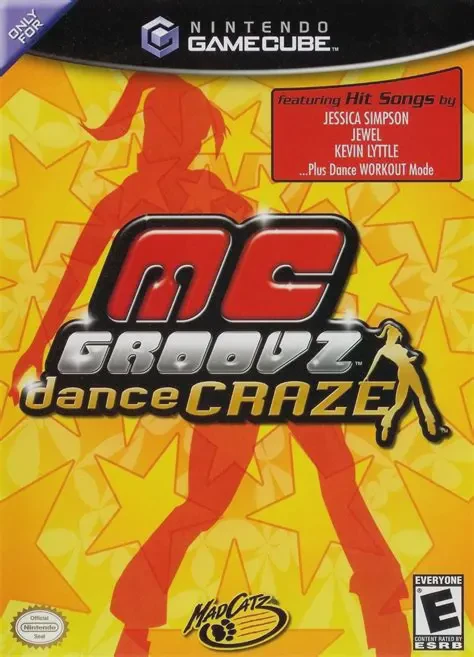
Get into the rhythm and hit the dance floor in MC Groovz ...
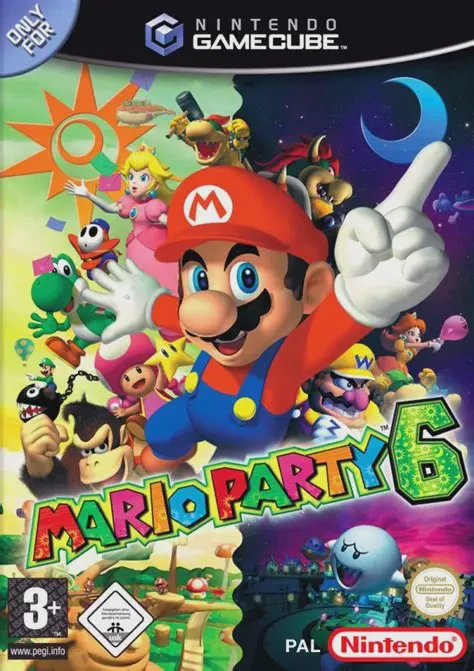
Let the night and day cycle spin in Mario Party 6, Hudson...
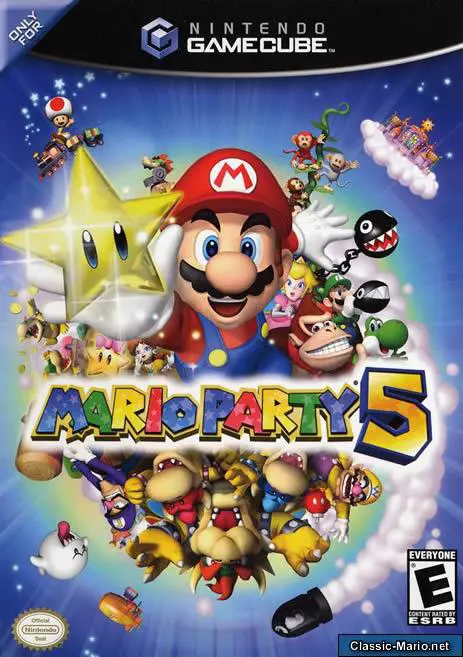
Enter the magical realm of Dream Depot in Mario Party 5, ...
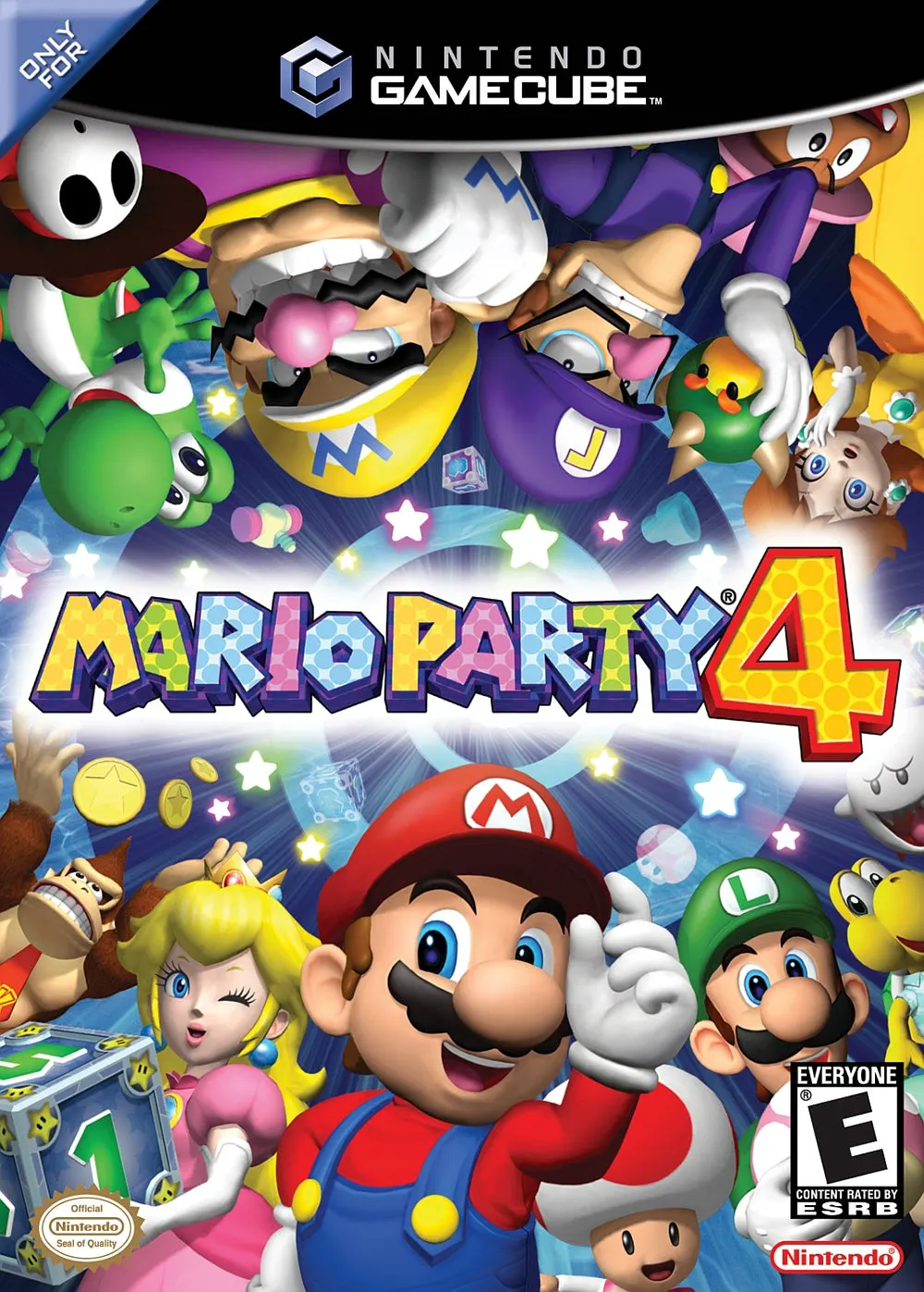
Roll into the 128-bit era with Mario Party 4, Hudson Soft...