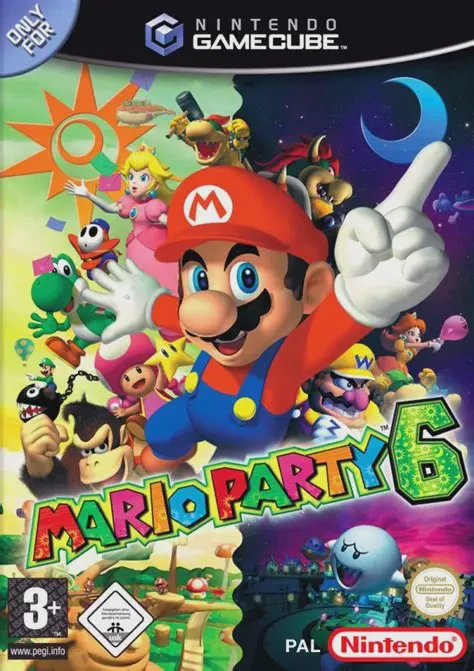
Mario Party 6
Let the night and day cycle spin in Mario Party 6, Hudson...

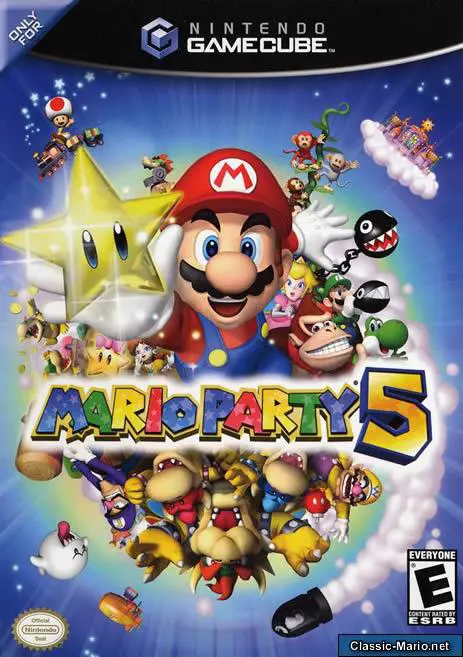
Mario Party 5 was developed by Hudson Soft and published by Nintendo. Following the success of Mario Party 4, this fifth mainline entry reworked core board mechanics by replacing traditional item shops with the Capsule System. Players can throw Capsules onto spaces to craft custom traps or use them directly for temporary movement and tactical boosts.
The story centers on protecting Dream Depot and its caretakers, the Star Spirits from Paper Mario, after Bowser invades to turn everyone's dreams into nightmares. Players navigate seven dreamscape boards—including Toy Dream, Rainbow Dream, Pirate Dream, Future Dream, Undersea Dream, Sweet Dream, and Bowser's Nightmare—rolling dice blocks, collecting Coins, and purchasing Stars.
In addition to traditional Party Mode, Mario Party 5 introduced the Super Duel Mode, an expansive sub-game where players build and customize 3D combat vehicles using unlocked chassis, engines, wheels, and weapons to fight in arena battles.
On the Nintendo GameCube, Mario Party 5 features vibrant 3D environments, smooth 60fps presentation, fast loading times, rich sound design, and non-stop local 4-player party action.
Field | Detail |
Full Title | Mario Party 5 |
Platform | Nintendo GameCube (NGC) |
Genre | Party / Digital Board Game / Minigames |
Developer | Hudson Soft |
Publisher | Nintendo |
Release Date | November 10, 2003 (North America) / November 28, 2003 (Japan) / December 5, 2003 (Europe) |
Region Formats | NTSC-U / NTSC-J / PAL |
Game Modes | Single-Player, Local Multiplayer (1–4 Players) |
Display Options | 480i / 480p Progressive Scan Support / PAL60 |
Media Type | Nintendo GameCube Game Disc (1 Disc) |
Tactical Capsule System: Throw or use Capsules on board spaces to create custom traps, modify dice rolls, swap positions, or steal coins from opponents.
75 Original Minigames: Battle in a wide variety of 4-Player, 1v3, 2v2, Battle, Duel, and DK minigames.
Super Duel Vehicle Mode: Build, customize, and battle custom 3D combat machines using unlocked body frames, tires, engines, and heavy weaponry in vehicle combat arenas.
7 Dream-Themed Boards: Traverse unique board layouts inspired by dreams, including Toy Dream, Pirate Dream, Future Dream, and Sweet Dream.
Expanded Playable Character Roster: Play as 10 Mushroom Kingdom characters—including the playable debuts of Toad, Boo, and Koopa Kid.
Instead of buying items at Mushroom Shops, players obtain Capsules from Capsule Machines on the board. Capsules can be used on yourself for a coin fee, or thrown onto spaces ahead to create traps and board hazards for rivals.
Super Duel Mode is a dedicated vehicle-combat side game in Mario Party 5. Players spend earned points to buy custom vehicle parts (wheels, bodies, weapons, and engines) and battle friends or CPU opponents in 3D arena deathmatches.
Mario Party 5 marks the first time Toad, Boo, and Koopa Kid are fully playable characters in the Mario Party series, joining Mario, Luigi, Peach, Daisy, Wario, Waluigi, and Yoshi.
Yes, Mario Party 5 supports 480p progressive scan output on the Nintendo GameCube for clean, sharp, and colorful visuals on compatible displays.
Click the links below to go to the cloud drive download page
⚠️ Download Tips:
Let the night and day cycle spin in Mario Party 6, Hudson...
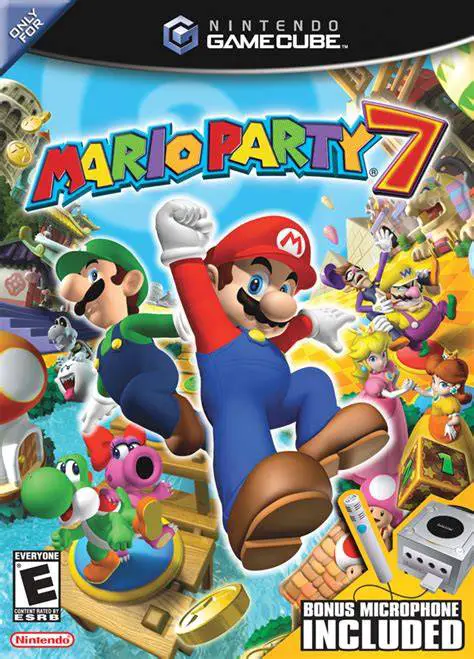
Gather your friends for the ultimate globe-trotting vacat...
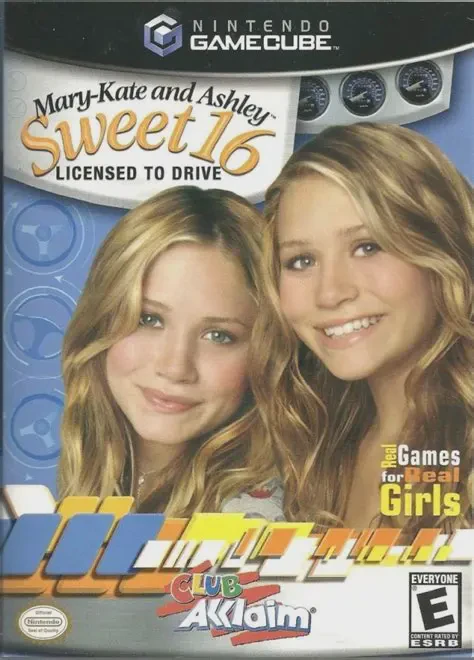
Hit the road with teen icons Mary-Kate and Ashley Olsen i...
Get into the rhythm and hit the dance floor in MC Groovz ...
Roll into the 128-bit era with Mario Party 4, Hudson Soft...