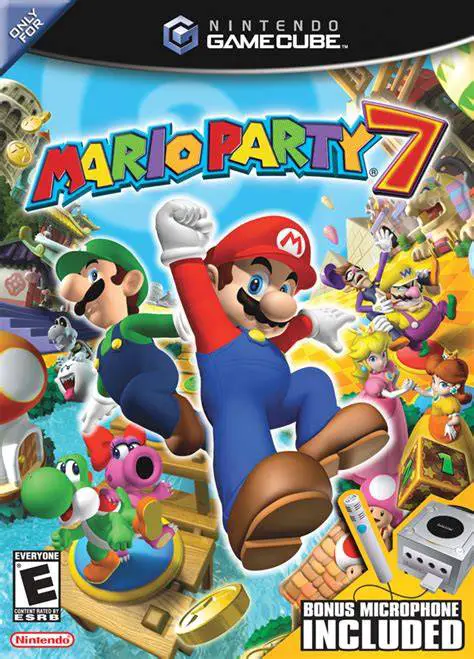
Mario Party 7
Gather your friends for the ultimate globe-trotting vacat...

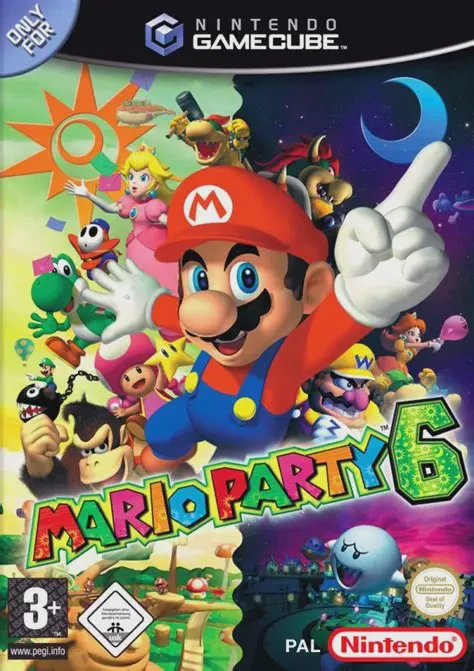
Mario Party 6 was developed by Hudson Soft and published by Nintendo. Celebrated as one of the standout installments on the Nintendo GameCube, the game revolves around resolving a quarrel between Brighton (the sun) and Twila (the moon) over who is more impressive, prompting Mario and his friends to collect Power Stars across various party boards.
The core innovation of Mario Party 6 is the Day and Night System. Every three turns, the board transitions between daytime and nighttime. This shift alters board routes, character interactions, event spaces, and minigame mechanics—creating strategic depth as players time their movements to land on favorable spaces.
Furthermore, Mario Party 6 was the first title on the system to ship bundled with the Nintendo GameCube Mic accessory. Players use voice commands to control actions in special Mic minigames and interact with specific board spaces (such as the Speak Up and Star Sprint modes).
On the Nintendo GameCube, Mario Party 6 offers fluid 60fps performance, vibrant 3D board rendering, custom controller configurations, full 480p progressive scan output, and non-stop 4-player local multiplayer action.
Field | Detail |
Full Title | Mario Party 6 |
Platform | Nintendo GameCube (NGC) |
Genre | Party / Digital Board Game / Minigames |
Developer | Hudson Soft |
Publisher | Nintendo |
Release Date | December 6, 2004 (North America) / November 18, 2004 (Japan) / March 18, 2005 (Europe) |
Region Formats | NTSC-U / NTSC-J / PAL |
Game Modes | Single-Player, Local Multiplayer (1–4 Players) |
Display Options | 480i / 480p Progressive Scan Support / PAL60 |
Media Type | Nintendo GameCube Game Disc (1 Disc) |
Dynamic Day & Night Cycle: Boards and minigames transform every 3 turns, altering pathways, opening secret shops, and changing minigame objectives.
Over 80 Unique Minigames: Compete in diverse 4-player, 1v3, 2v2, Battle, Donkey Kong, Bowser, and Voice-Controlled Mic minigames.
Nintendo GameCube Mic Support: Utilize voice controls to give commands in dedicated Mic minigames and interactive quiz modes.
6 Unique Themed Boards: Traverse diverse environments including Towering Treetop, E. Gadd's Garage, Faire Square, Snowflake Lake, Castaway Bay, and Clockwork Castle.
Expanded Character Roster: Play as 11 iconic characters—including the franchise debut of Toadette alongside Mario, Luigi, Peach, Daisy, Wario, Waluigi, Yoshi, Toad, Boo, and Koopa Kid.
Every three turns, the game shifts between Day and Night. This alters board mechanics—for example, bridges may raise or lower, star spaces may relocate, item shops may stock different Character Orbs, and specific minigames change their rules or background environments.
No, the GameCube Mic is optional. Players can toggle Mic minigames off in the game options menu or assign voice prompts to standard GameCube controller button inputs.
Mario Party 6 marks the playable debut of Toadette in the Mario Party series (unlocked in the Star Bank), alongside returning playable favorites and Koopa Kid.
Yes, Mario Party 6 supports 480p progressive scan output on the Nintendo GameCube for crisp, bright, and vibrant visual rendering on compatible displays.
Click the links below to go to the cloud drive download page
⚠️ Download Tips:
Gather your friends for the ultimate globe-trotting vacat...
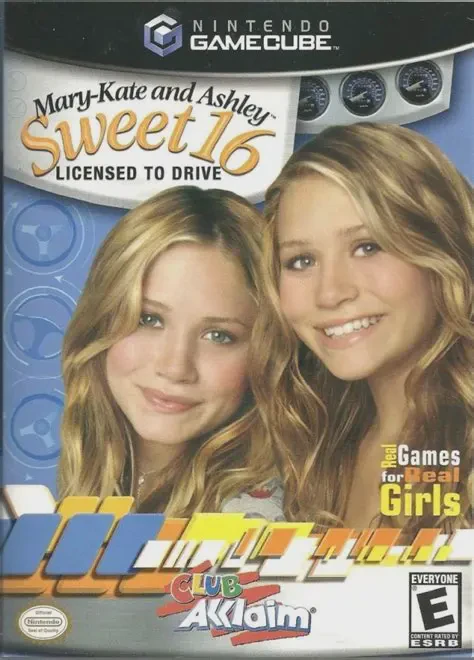
Hit the road with teen icons Mary-Kate and Ashley Olsen i...
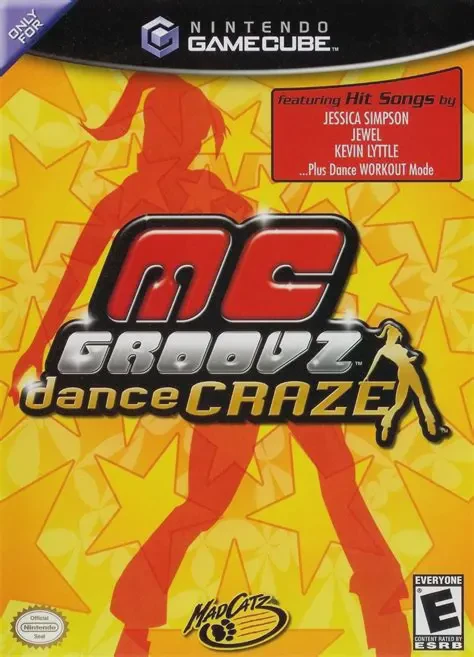
Get into the rhythm and hit the dance floor in MC Groovz ...
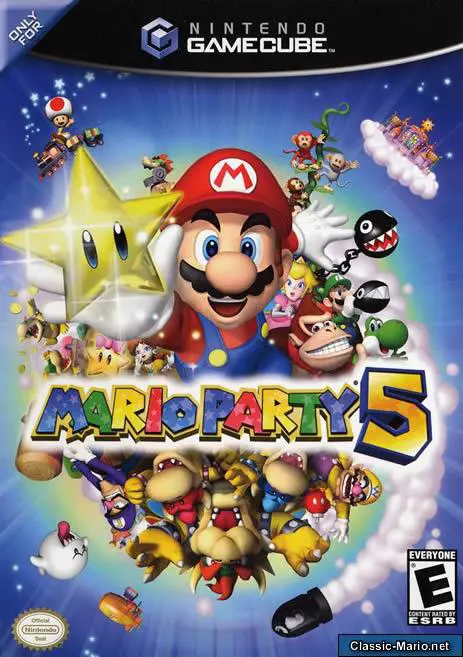
Enter the magical realm of Dream Depot in Mario Party 5, ...
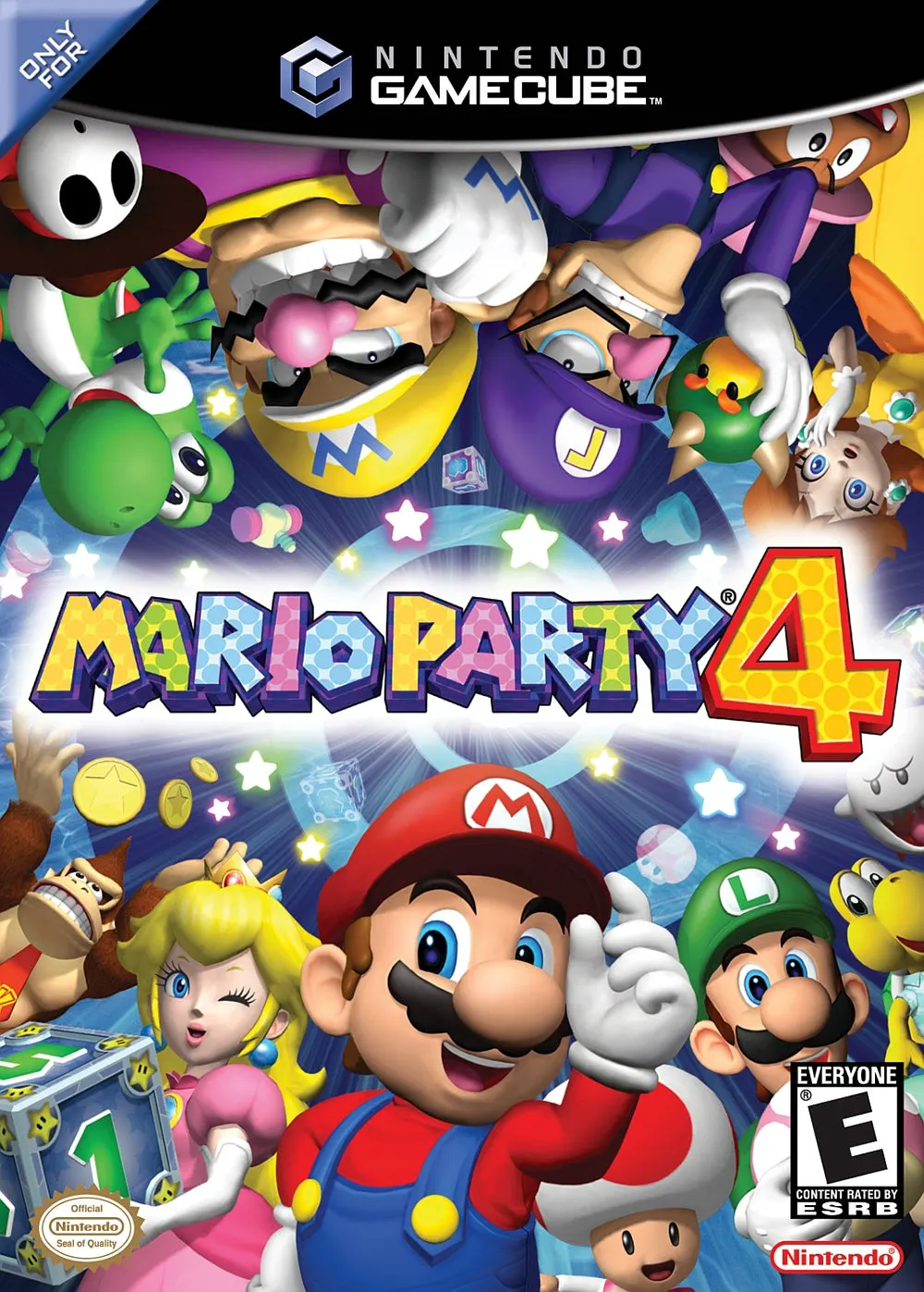
Roll into the 128-bit era with Mario Party 4, Hudson Soft...