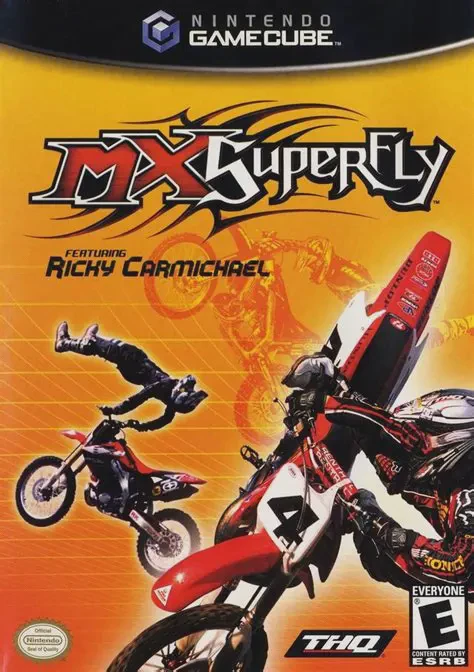
MX SuperFly
Catch massive air, execute bone-crushing stunts, and tear...

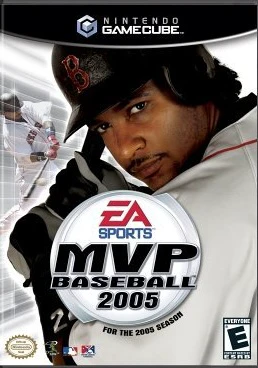
MVP Baseball 2005 is a professional baseball simulation game developed by EA Canada and published under the EA Sports label. Serving as the final major League-licensed baseball release from EA Sports for its era, the game stands as a high-water mark for mechanical depth, presentation, and strategic gameplay.
The hallmark innovation of MVP Baseball 2005 is the Hitter’s Eye system, which subtly tints the ball as it leaves the pitcher's hand (red for breaking balls, green for off-speed, white for fastballs) to allow attentive batters to read pitch types in real time. Defensively, the game features precision meter pitching, dynamic throw-meter accuracy, sliding controls, and manager mound visits featuring arguments with umpires.
On the Nintendo GameCube, MVP Baseball 2005 delivers silky-smooth 60fps performance, authentic stadium dimensions, organ acoustics, deep multi-level Dynasty Mode management (including Single-A, Double-A, and Triple-A minor league affiliates), and a rock-heavy EA Trax soundtrack featuring artists like Dropkick Murphys, The Bravery, and My Chemical Romance.
Field | Detail |
Full Title | MVP Baseball 2005 |
Platform | Nintendo GameCube (NGC) |
Genre | Sports Simulation / Baseball |
Developer | EA Canada |
Publisher | EA Sports |
Release Date | February 22, 2005 (North America) |
Region Formats | NTSC-U |
Game Modes | Single-Player, Local Multiplayer (1–2 Players) |
Display Options | 480i / 480p Progressive Scan Support |
Media Type | Nintendo GameCube Game Disc (1 Disc) |
Hitter’s Eye System: Identify pitch types visually out of the pitcher's release point via subtle color highlights, rewarding split-second pitch recognition.
Precision Pitching & Throw Meters: Master pitch velocity and location using dynamic power-and-accuracy meters for every pitch and throw across the field.
Full Minor League System: Manage complete 120-game Dynasty Mode schedules spanning MLB, Triple-A, Double-A, and Single-A farm system teams.
Owner Mode: Build your own stadium from scratch, set ticket and concession prices, hire promotional staff, and manage franchise revenue across 30 years.
Manager Arguments & Ejections: Step onto the field to argue close umpire calls with dynamic argument intensity meters, risking ejection to spark your team.
As the pitcher begins their delivery, the baseball flashes a subtle color tint for a fraction of a second. White indicates a fastball, red indicates a breaking ball (curveball or slider), green indicates an off-speed pitch (changeup), and blue indicates a knuckleball—giving hitters a visual clue to adjust their timing.
Yes! MVP Baseball 2005 fully licensed real Minor League Baseball teams and stadium layouts across Single-A, Double-A, and Triple-A divisions, allowing realistic prospect development in Dynasty and Owner modes.
The game supports up to 2 players simultaneously in local head-to-head Exhibition, HR Derby, and Mini-Game modes using standard Nintendo GameCube controllers.
Yes, MVP Baseball 2005 supports 480p progressive scan output on the Nintendo GameCube for clean, sharp display rendering on compatible setups.
Click the links below to go to the cloud drive download page
⚠️ Download Tips:
Catch massive air, execute bone-crushing stunts, and tear...
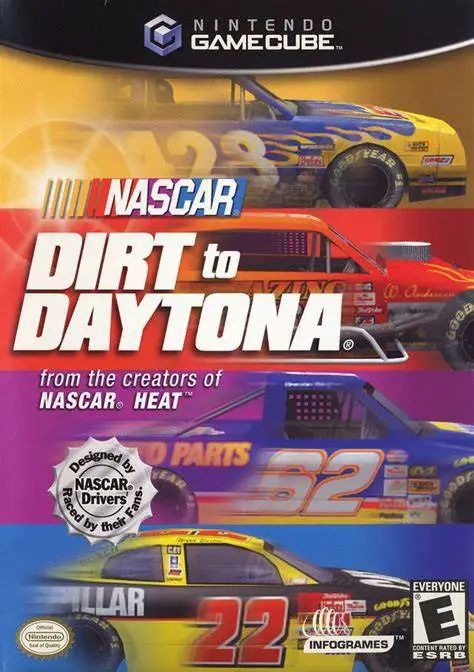
Experience the grassroots progression of American stock c...
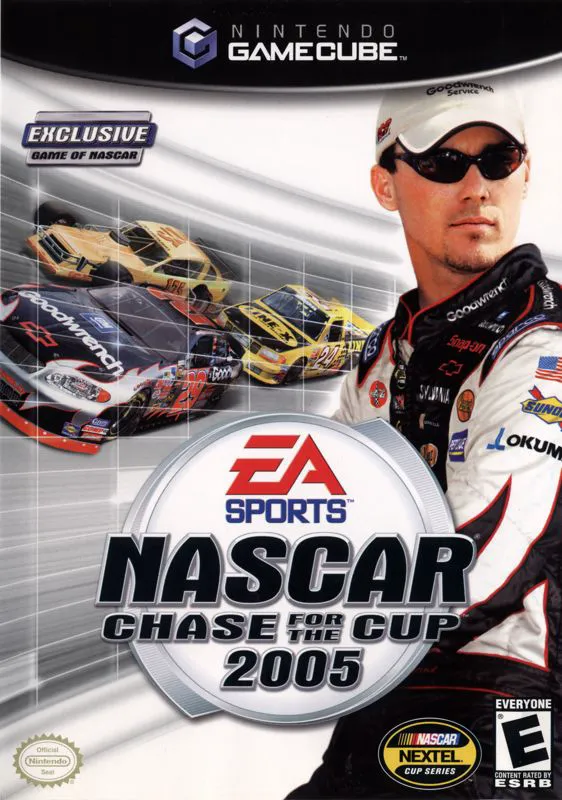
Experience the intensity, high-speed drama, and multi-ser...
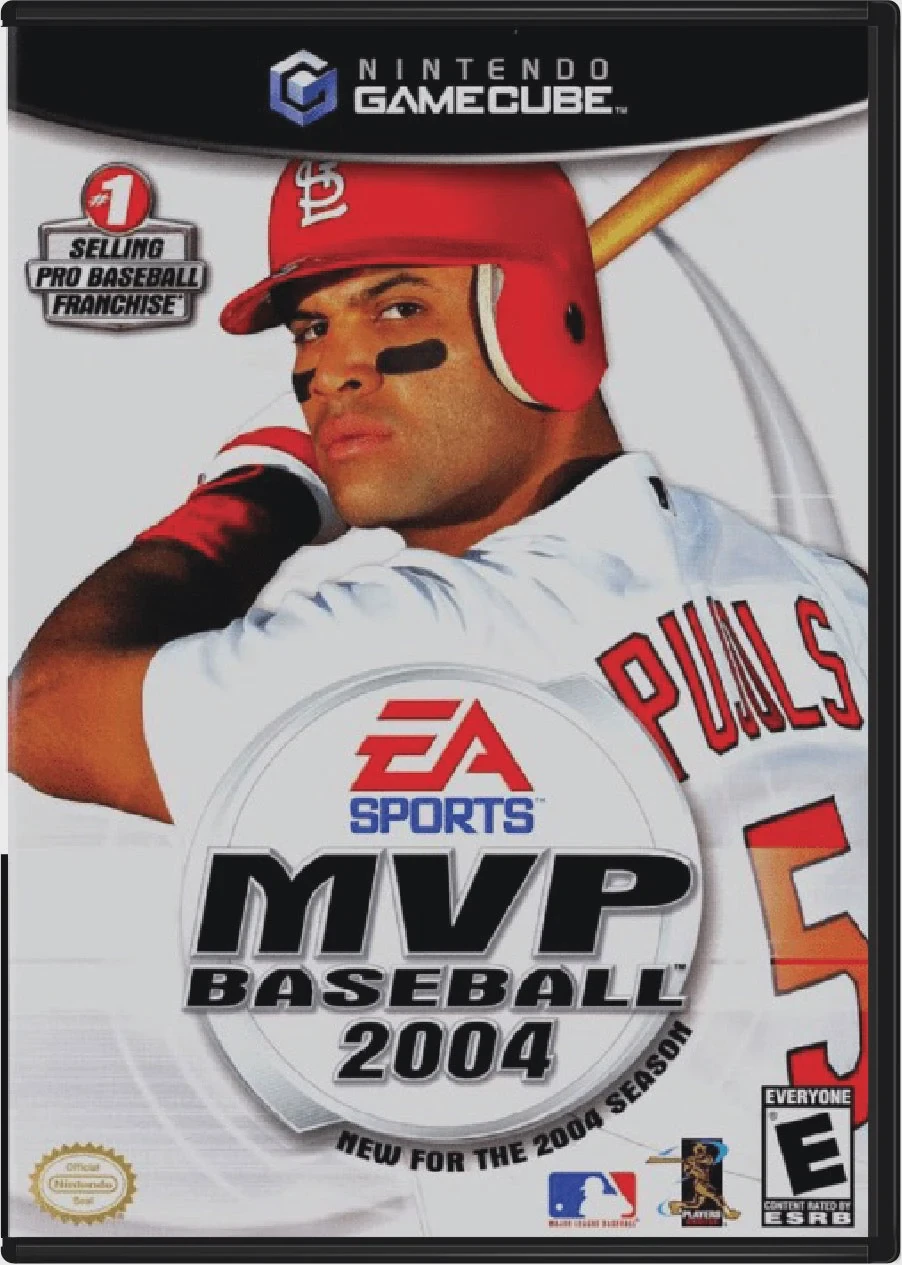
Step up to the plate and experience the thrilling evoluti...
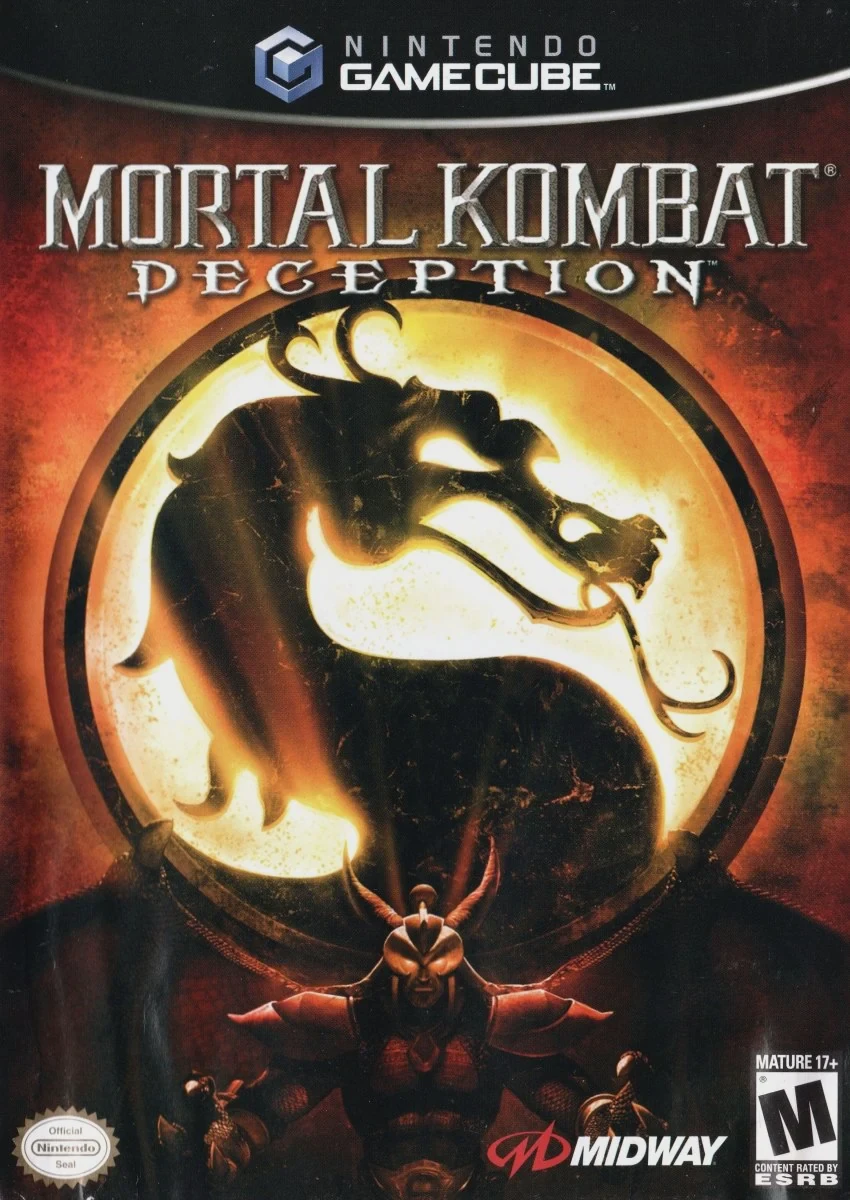
Step back into the dark realms of the Kombat universe in ...