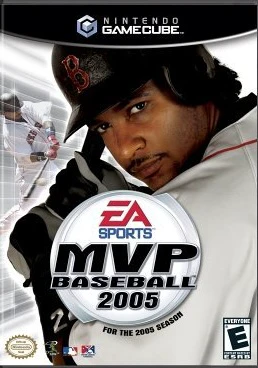
MVP Baseball 2005
Experience the pinnacle of simulation baseball in MVP Bas...

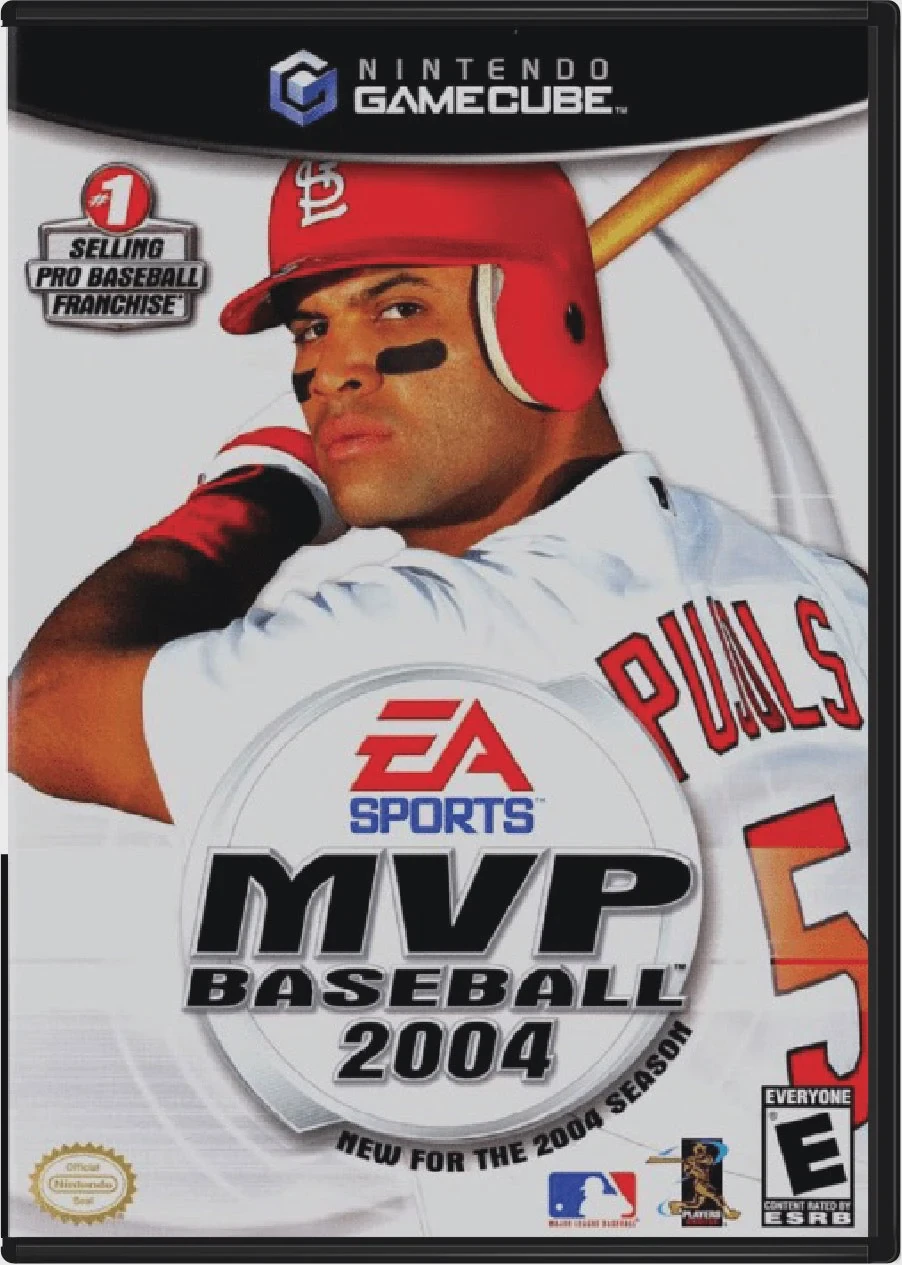
MVP Baseball 2004 is a professional baseball simulation game developed by EA Canada and published under the EA Sports label. Following the franchise's successful debut, this 2004 installment established the foundational gameplay mechanics that made the MVP Baseball series legendary among sports gaming enthusiasts.
The standout feature of MVP Baseball 2004 was the introduction of Right Analog Batting and Throwing, giving players unprecedented control over swing direction, fly-ball/ground-ball trajectory, and fielding throw strength. Pitching utilized a dynamic meter system where release timing dictated pitch speed and movement. Off the field, Dynasty Mode received a major overhaul with the inclusion of Official Minor League Baseball (MiLB) licensing, allowing players to manage AAA and AA affiliate rosters, develop top prospects, and make strategic mid-season call-ups.
On the Nintendo GameCube, MVP Baseball 2004 delivers smooth 60fps performance, authentic stadium acoustics, detailed player animations, and a rock-infused EA Trax soundtrack featuring bands like Steriogram, The Von Bondies, and Radio 4.
Field | Detail |
Full Title | MVP Baseball 2004 |
Platform | Nintendo GameCube (NGC) |
Genre | Sports Simulation / Baseball |
Developer | EA Canada |
Publisher | EA Sports |
Release Date | March 9, 2004 (North America) |
Region Formats | NTSC-U |
Game Modes | Single-Player, Local Multiplayer (1–2 Players) |
Display Options | 480i / 480p Progressive Scan Support |
Media Type | Nintendo GameCube Game Disc (1 Disc) |
Right Analog Control Scheme: Use the right analog stick to control swing paths (pulling, pushing, or driving for fly balls) and execute precision defensive throws.
Official Minor League Baseball (MiLB): Deep Dynasty Mode featuring real Triple-A and Double-A minor league teams, official logos, and prospect player development.
Dynamic Pitching Meter: Precision pitching mechanic where green zones govern accuracy and power, rewarding well-timed releases with sharp break and high velocity.
Mound Visits & Arguments: Manage pitcher fatigue with strategic mound visits or argue close umpire calls at first base and home plate.
Authentic MLB Licensing: Features all 30 Major League Baseball teams, real stadiums, official uniforms, and active rosters from the 2004 MLB season (with cover star Albert Pujols).
Yes! MVP Baseball 2004 was the first game in the series to include officially licensed Triple-A and Double-A Minor League Baseball (MiLB) teams and logos within its deep Dynasty Mode.
When pitching, holding down a pitch button fills a power meter. Releasing it sets maximum effort, while a second timed button press inside the green accuracy zone determines how precisely the pitch lands on target.
The game supports up to 2 players simultaneously in local head-to-head Exhibition and HR Derby matches using standard Nintendo GameCube controllers.
Yes, MVP Baseball 2004 supports 480p progressive scan output on the Nintendo GameCube for crisp and clear visual performance on compatible displays.
Click the links below to go to the cloud drive download page
⚠️ Download Tips:
Experience the pinnacle of simulation baseball in MVP Bas...
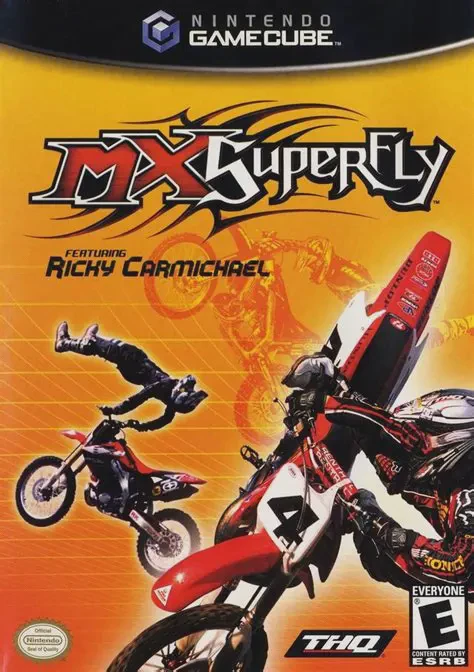
Catch massive air, execute bone-crushing stunts, and tear...

Experience the grassroots progression of American stock c...
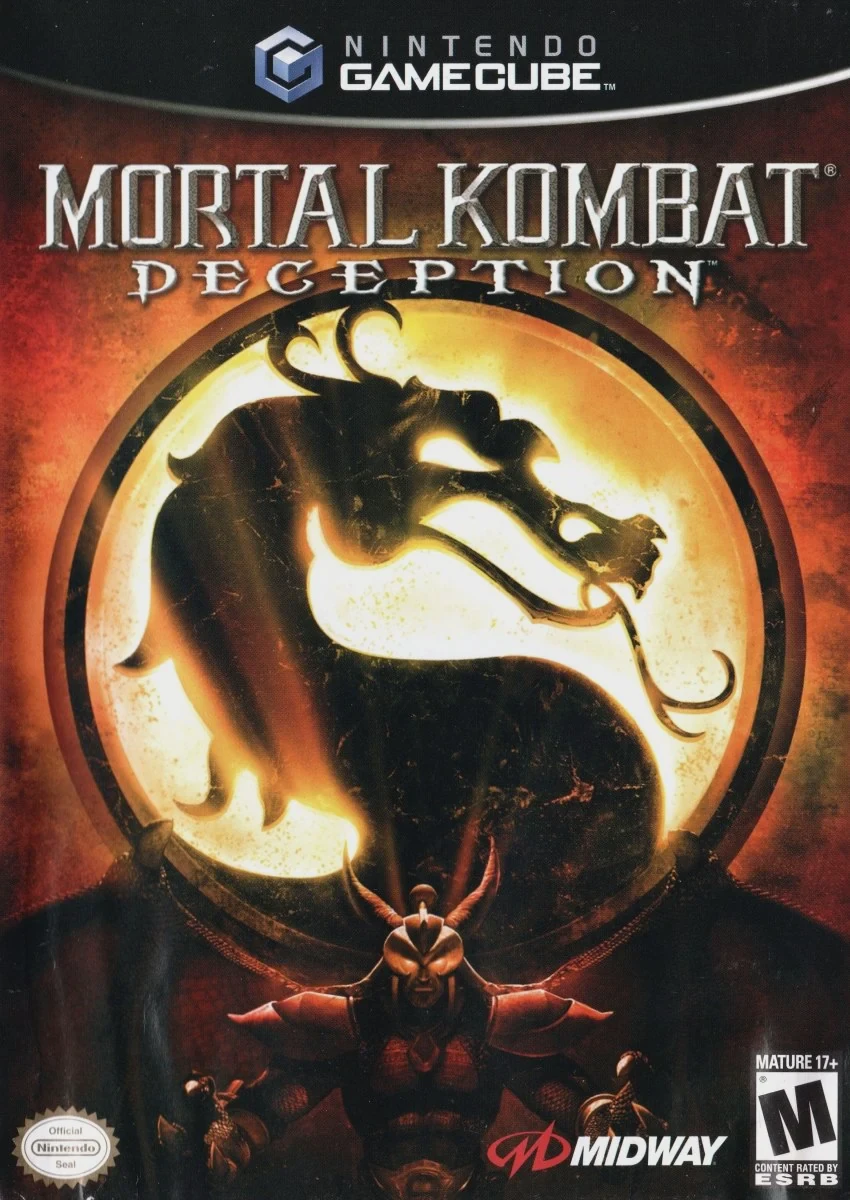
Step back into the dark realms of the Kombat universe in ...
Reinventing the premiere gory fighting franchise for the ...