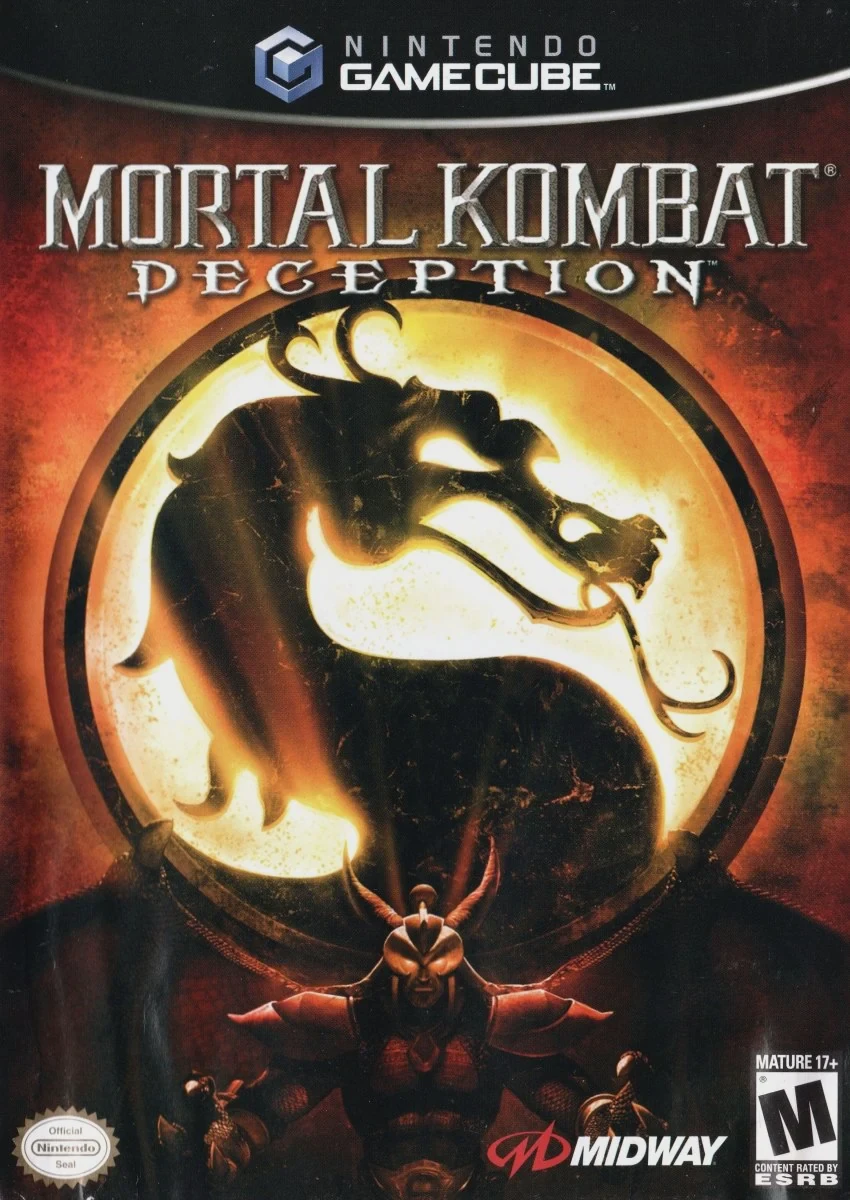
Mortal Kombat: Deception
Step back into the dark realms of the Kombat universe in ...

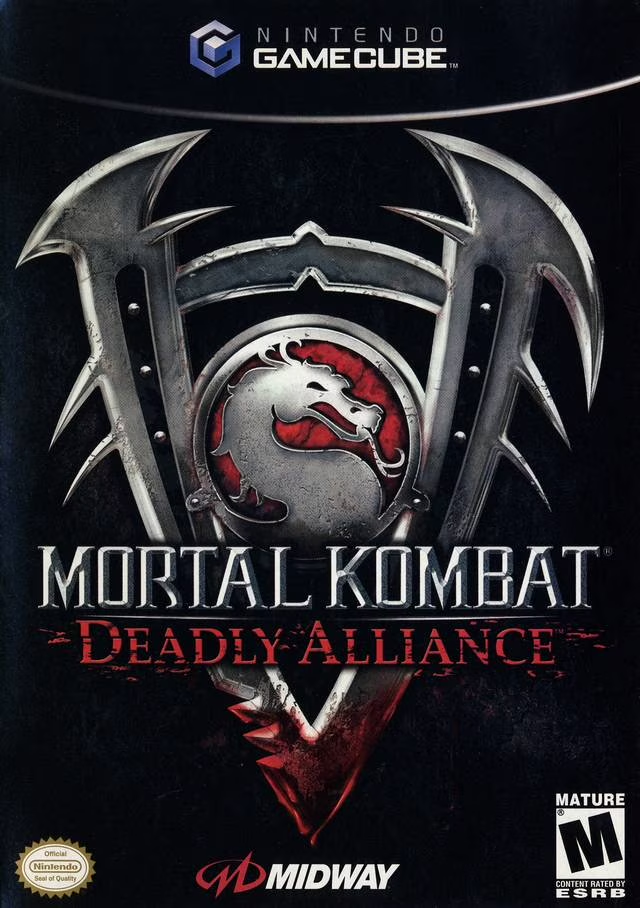
Mortal Kombat: Deadly Alliance is a 3D fighting game developed and published by Midway Games. Serving as a total mechanical reboot following Mortal Kombat 4, the game abandoned the classic 2D plane in favor of complete 3D directional arena movement, realistic physics, and deep style-based combat systems.
The core gameplay centers around each character possessing three distinct fighting styles—typically two hand-to-hand martial arts disciplines (such as Shaolin Quan, Karate, or Tai Chi) and one dedicated weapon style (such as Broadswords, Katana, or Kama). Players can fluidly switch between styles mid-combo to extend juggles or perform high-damage branch attacks. The game also introduced The Krypt, a massive vault of 676 unlockable tombs containing extra characters, alternate costumes, concept art, and behind-the-scenes media purchased with earned Kurrency koins.
On the Nintendo GameCube, Mortal Kombat: Deadly Alliance features smooth 60fps performance, detailed character models showing real-time blood splatters and physical bruising, dynamic arena lighting, and tight control mapping on the GameCube controller.
Field | Detail |
Full Title | Mortal Kombat: Deadly Alliance |
Platform | Nintendo GameCube (NGC) |
Genre | Fighting / 3D Versus Fighter |
Developer | Midway Games |
Publisher | Midway Games |
Release Date | November 20, 2002 (North America) / February 14, 2003 (Europe) |
Region Formats | NTSC-U / PAL |
Game Modes | Single-Player, Local Multiplayer (1–2 Players) |
Display Options | 480i / 480p Progressive Scan Support |
Media Type | Nintendo GameCube Game Disc (1 Disc) |
3-Style Combat Mechanics: Switch seamlessly between two hand-to-hand martial arts styles and one weapon style per fighter during combos.
The Krypt Unlock System: Spend koins earned in Konquest, Arcade, and minigames to open hundreds of coffins containing hidden characters, arenas, costumes, and media.
Weapon Impalement Attacks: Strike with your character's weapon style to impale opponents, causing continuous damage over time at the cost of losing weapon usage for the rest of the round.
Konquest Training Mode: Learn the backstory and complete intricate multi-step combo tutorials for every character on the roster while earning massive koin rewards.
Classic Minigames: Test your speed and precision in updated 3D renditions of Test Your Might and Test Your Sight.
Every fighter possesses three distinct fighting styles: two hand-to-hand martial arts styles and one armed weapon style. Players can switch between these styles instantly using the L/R trigger buttons.
The Krypt is an extensive unlockable menu containing 676 individual coffins labeled from AA to ZZ. Players use six types of earned "Kurrency" koins (Onyx, Sapphire, Jade, Ruby, Gold, Platinum) to open coffins and unlock secret characters (like Reptile, Raiden, and Cyrax), arenas, hidden costumes, and concept art.
The game supports up to 2 players simultaneously in local 1-on-1 Versus matches using standard Nintendo GameCube controllers.
Yes, Mortal Kombat: Deadly Alliance supports 480p progressive scan output on the Nintendo GameCube for clean and sharp visual fidelity on compatible displays.
Click the links below to go to the cloud drive download page
⚠️ Download Tips:
Step back into the dark realms of the Kombat universe in ...
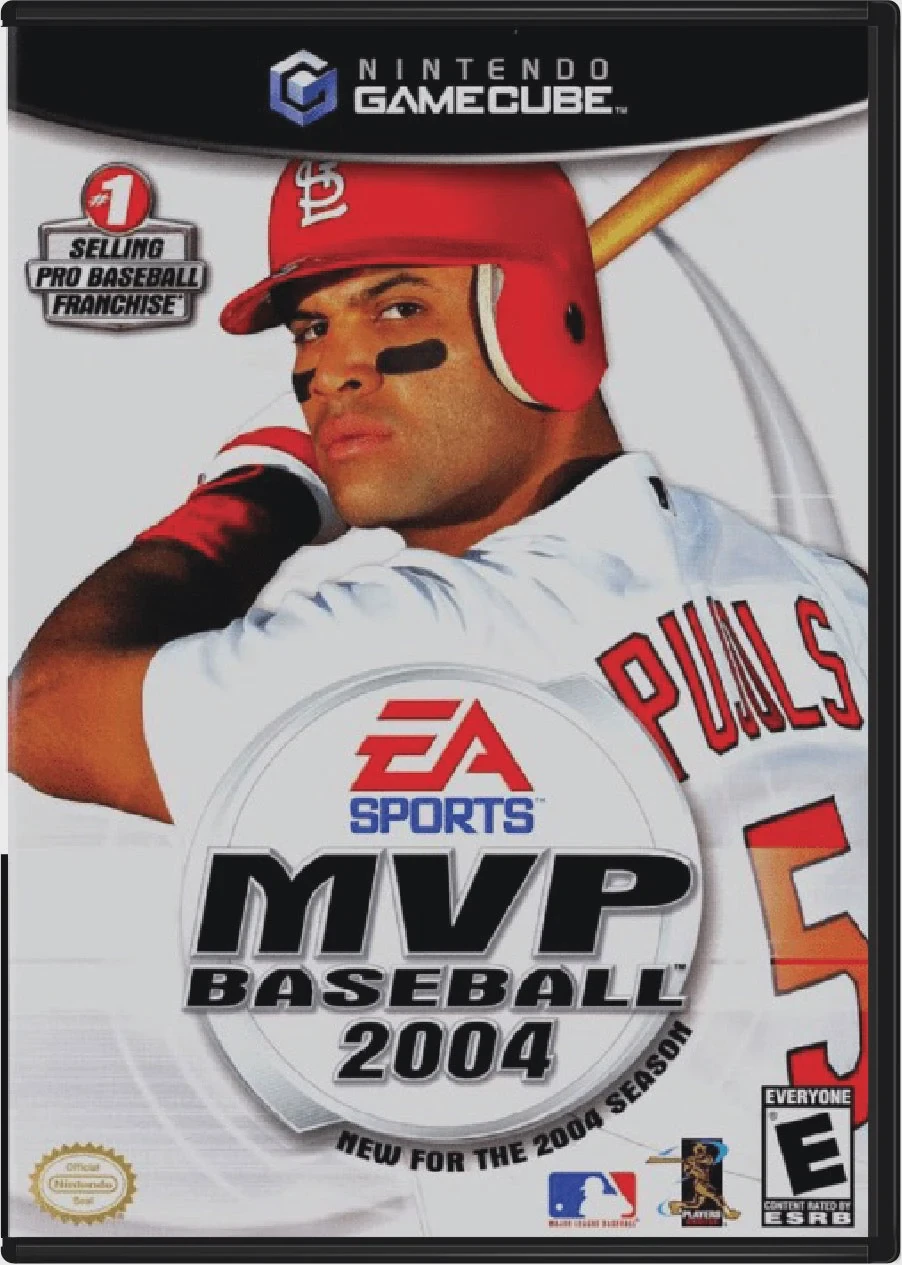
Step up to the plate and experience the thrilling evoluti...
Experience the pinnacle of simulation baseball in MVP Bas...
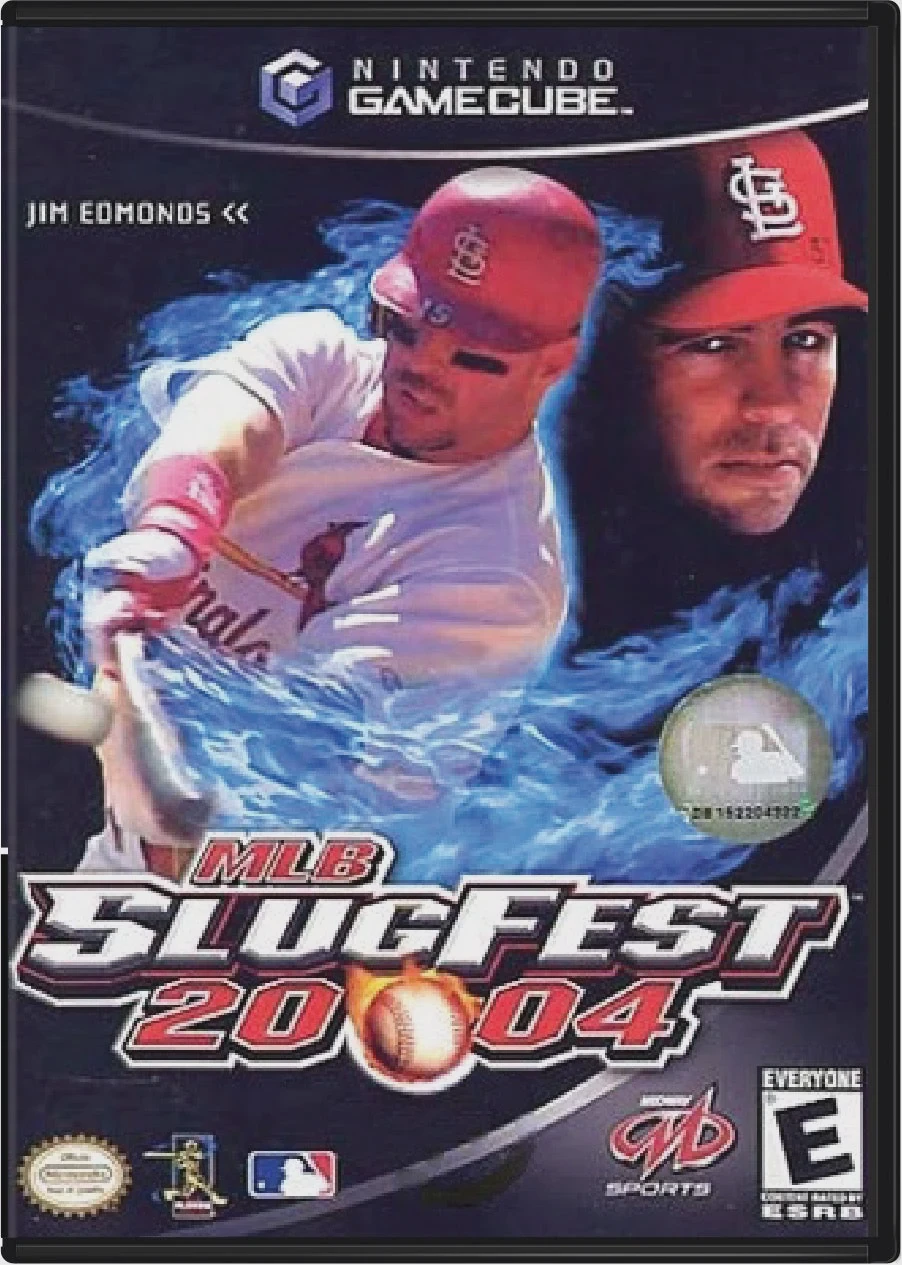
Step up to the plate and drop your gloves in MLB SlugFest...
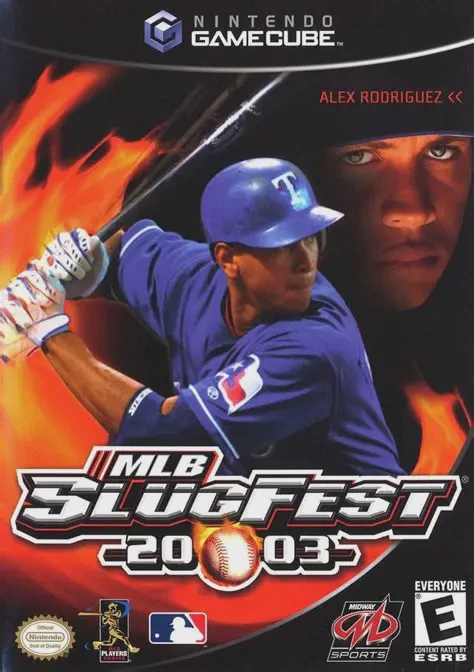
Tear up the rulebook and unleash extreme arcade mayhem on...